Tags:team collaboration

19 articles

Team-Wide Design Consistency: Zendeck's Shared Templates That Work

Courseware Design 2026-08-21 2805

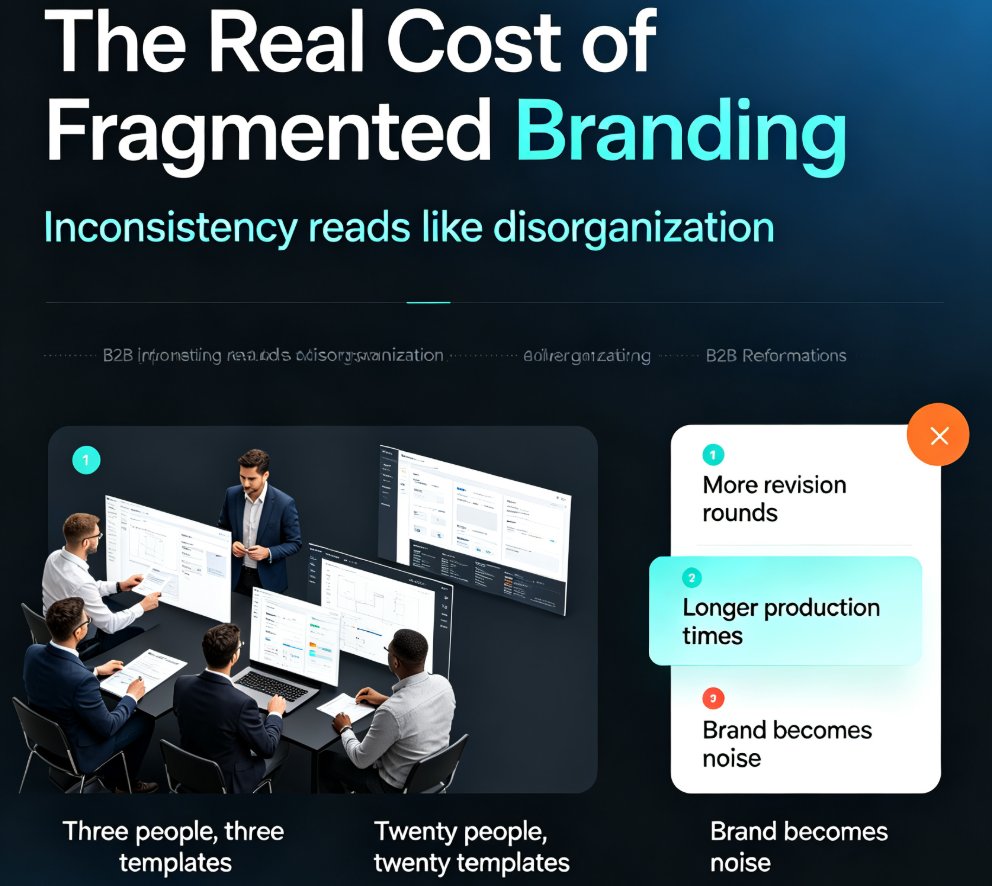
Fragmented branding quietly costs teams hours of rework every week. Zendeck's shared template library and style guides ensure every team member produces visually consistent decks — without a design team or a single extra meeting. This guide breaks down how shared templates lock fonts, colors, and layouts across your whole team, why individual template choice is the root cause of off-brand slides, and the exact setup steps to get your library running in under an hour. You'll also see real numbers on time saved per deck, a side-by-side comparison of individual versus shared templates, and best practices borrowed from professional design systems. If your team's decks look like they were made by five different people, this is the fix you've been looking for.

5 Ways Teams Collaborate on AI Decks with Zendeck Shared Projects

Office Efficiency 2026-08-18 3821

Most AI presentation tools are single-player, but real decks are built by teams. Zendeck shared projects let subject-matter experts, reviewers, and presenters build, review, and approve one deck together in real time. This guide covers five practical ways to collaborate on AI decks — from inline comments and version approval to role-based permissions for external clients — so the version you present is the version everyone approved. Stop emailing PPT files and start shipping decks your whole team actually owns.

How to Create Custom Icons for Your Team in Zendeck's Asset Library

AI Courseware 2026-08-12 3069

Learn how to create custom icons for your team in Zendeck's asset library. Upload, organize, and reuse brand icons across every presentation to keep decks consistent, on-brand, and professional without repeating design work. This tutorial covers file formats, folder organization, team access, and best practices for building an icon system your whole team will actually use.

How to Import a Google Doc into Zendeck and Generate a Presentation

PPT Tutorial 2026-08-12 3745

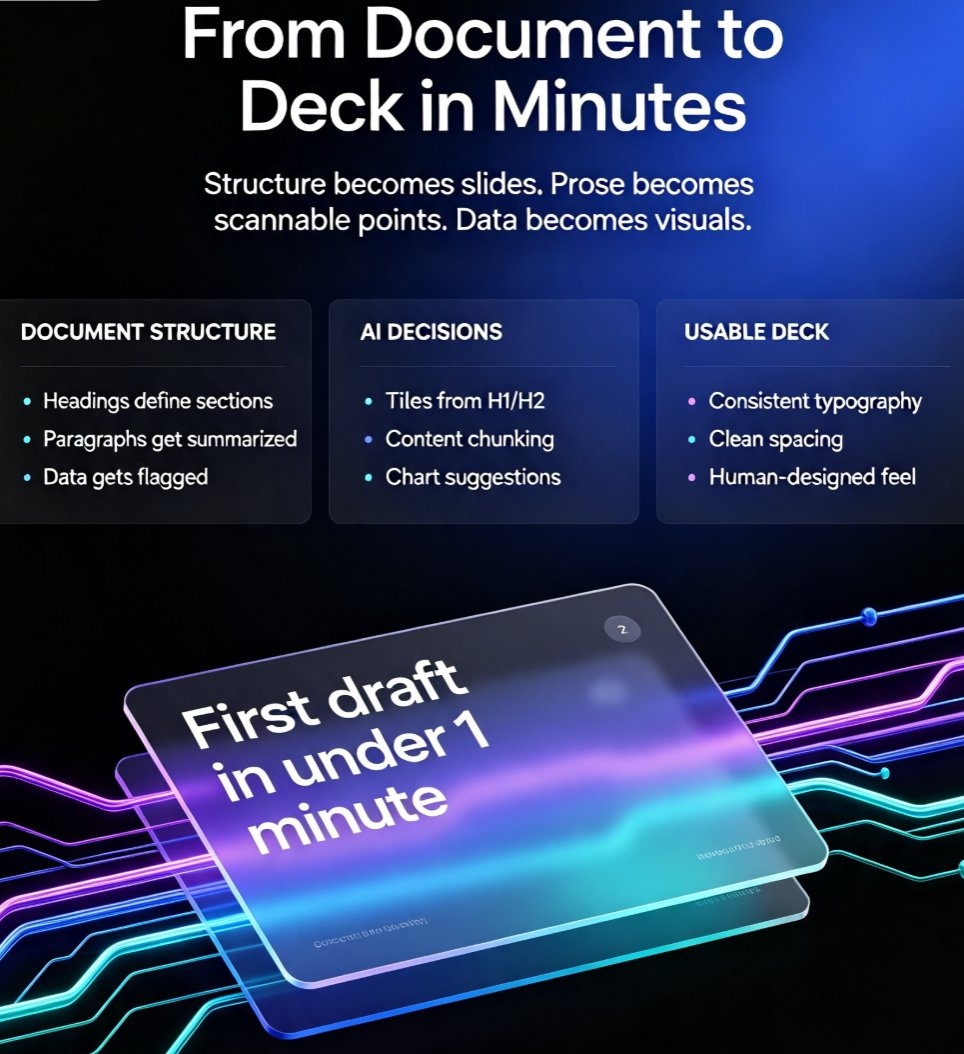
Learn how to import a Google Doc into Zendeck and generate a polished presentation in minutes. If your team lives in Google Docs but presents in slides, you know the pain of copy-pasting content into PowerPoint or Google Slides. Zendeck bridges that gap: paste a Google Doc outline or export it as text, and the AI structures your content into clean, on-brand slides with smart layouts, charts, and speaker notes. This guide walks through the exact workflow — from formatting your doc for best results to exporting the final deck as PPTX, PDF, or Google Slides. Whether you're turning a strategy doc into a board deck or a training outline into courseware, this document-to-deck workflow cuts hours of manual work. Stop rebuilding slides from scratch. Here's how to make Google Docs and Zendeck work together.

5 Hidden Features of AI Presentation Tools That Boost Team Productivity

Office Efficiency 2026-08-06 1323

Discover five hidden features of AI presentation tools that go beyond basic slide generation. From brand kits and smart layouts to real-time collaboration and version control, Zendeck helps teams create consistent, on-brand presentations faster. Learn how to eliminate formatting chaos, reduce back-and-forth emails, and boost productivity across your organization.

Get More Value for Your Money: Why Zendeck Is the Smart Choice for AI Decks

AI Courseware 2026-08-06 2927

Zendeck delivers premium AI generation, a vast template library, and real-time collaboration at a fraction of the cost of competitors like Gamma and Beautiful.ai. This article breaks down the real pricing of popular AI presentation tools and shows how Zendeck gives you more features for your budget, making it the smart choice for educators, small teams, and budget-conscious professionals.

▲