
Tags:document to deck workflow

2 articles

How to Turn a Word Outline into a Polished Slide Deck with Zendeck

Office Efficiency 2026-09-18 3916

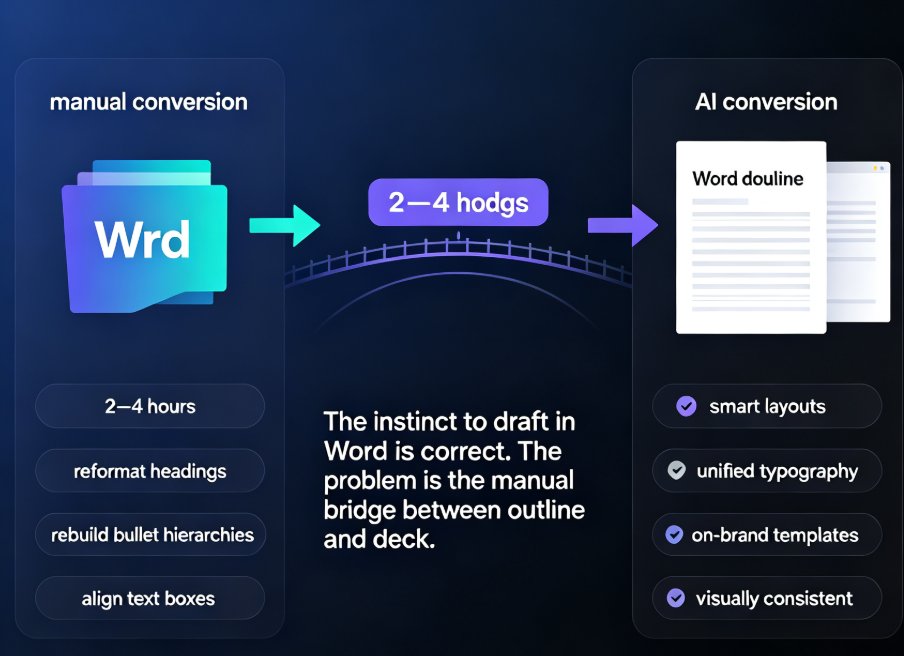
Drafting in Word is comfortable, but turning that outline into a slide deck by hand is a formatting bottleneck no one enjoys. Zendeck converts your Word outline into a polished, visually consistent presentation in minutes — applying smart layouts, unified typography, and on-brand templates automatically. This guide walks you through the exact workflow: structuring your outline correctly, importing it into Zendeck, letting the AI generate slides, and applying one-click reskinning for a professional finish. Whether you're an educator preparing courseware or a trainer building corporate workshops, you'll learn how to reclaim hours of manual layout work while producing decks that look like a designer made them.

How to Import a Google Doc into Zendeck and Generate a Presentation

PPT Tutorial 2026-08-12 3745

Learn how to import a Google Doc into Zendeck and generate a polished presentation in minutes. If your team lives in Google Docs but presents in slides, you know the pain of copy-pasting content into PowerPoint or Google Slides. Zendeck bridges that gap: paste a Google Doc outline or export it as text, and the AI structures your content into clean, on-brand slides with smart layouts, charts, and speaker notes. This guide walks through the exact workflow — from formatting your doc for best results to exporting the final deck as PPTX, PDF, or Google Slides. Whether you're turning a strategy doc into a board deck or a training outline into courseware, this document-to-deck workflow cuts hours of manual work. Stop rebuilding slides from scratch. Here's how to make Google Docs and Zendeck work together.