Interactive Quizzes in AI Presentations: The Future of Engaging Decks
You've seen it happen a hundred times: a room full of people, eyes glazed over, phones out, and the presenter droning on slide after slide. That's "Death by PowerPoint" — and it's the enemy of every trainer, educator, and team lead. The fix? Interactive quizzes in AI presentations. They turn passive listeners into active participants, and that shift is the single biggest lever you have for improving retention.
Let's be real: nobody remembers a wall of bullet points. But ask them a question, and suddenly they're engaged. With AI tools now generating quizzes from your existing slides in seconds, there's no excuse for boring decks anymore. In this guide, I'll show you how to create interactive quizzes that actually work, compare the top tools, and explain why this is the future of presentations.
01 Why Interactive Quizzes Are the Antidote to Death by PowerPoint
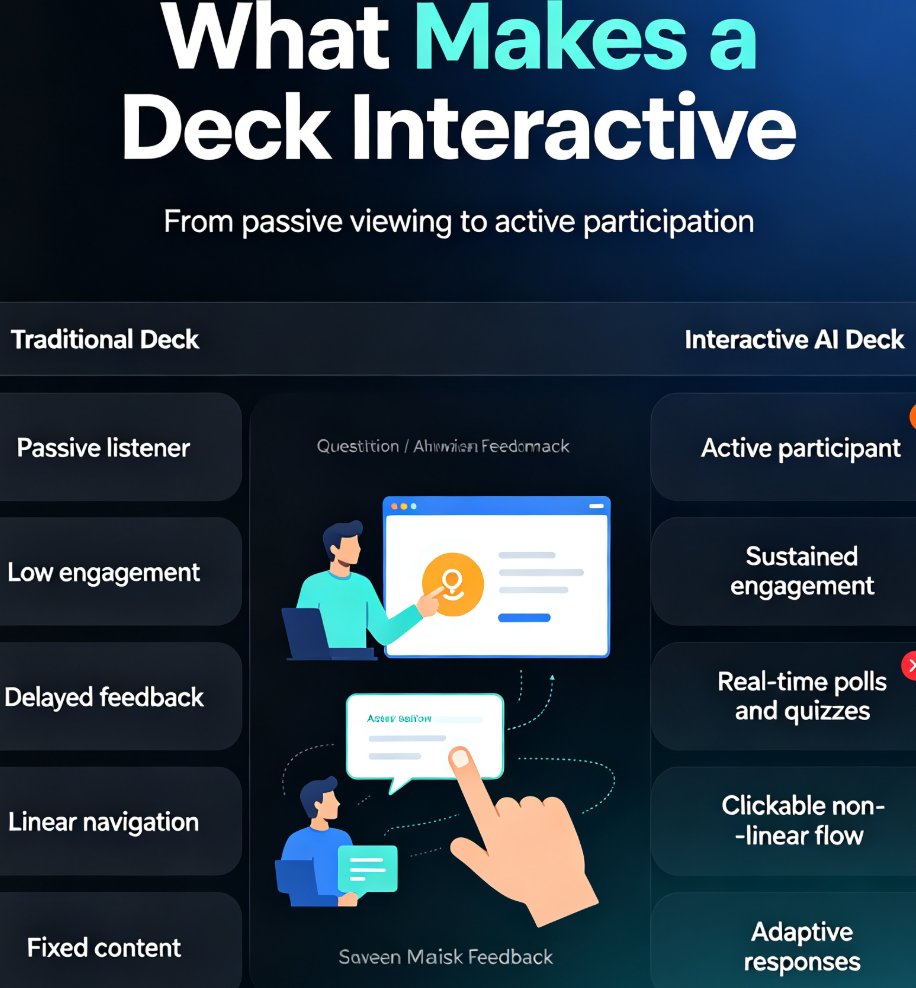
The problem is universal: audiences check out when they're not involved. A static deck is a one-way street — you talk, they listen (or pretend to). Interactive quizzes force participation, which is proven to boost knowledge retention by up to 50% compared to passive viewing.
Here's the pain point: you spend hours building a deck, only to watch your audience's eyes glaze over by slide five. The solution is to embed questions at key moments — a quick poll, a multiple-choice check, a true/false. The outcome? People stay awake, they think critically, and they actually remember what you said.
For trainers and educators, this is a game-changer. Instead of lecturing for an hour, you can break the session into chunks, each followed by a quiz. It's the difference between talking at people and talking with them.
02 How AI Is Making Quiz Creation Effortless
A few years ago, building an interactive quiz meant manually writing questions, designing buttons, and coding feedback loops. Today, AI does the heavy lifting. Tools like Presenti and SlideSpeak have made quiz creation a one-click affair. SlideSpeak, for instance, reports that 10,000 people use its AI quiz generator daily — a clear sign that this is no niche feature.
The workflow is simple: upload your PowerPoint or paste your content, and the AI generates relevant questions based on the material. You can then customize the questions, choose formats (multiple choice, true/false, fill-in-the-blank), and embed them directly into your slides.
Zendeck takes this a step further. Beyond generating quizzes, Zendeck's AI ensures your deck stays on-brand with smart templates and a unified design system. You can also convert your quiz deck into a narrated micro-course using the PPT-to-video feature — perfect for self-paced training. If you're already using Zendeck, you're one click away from interactive content.
03 Step-by-Step: Turn Your Existing Deck into an Interactive Quiz
Let's walk through the process using the approach outlined by tools like Presenti and SlideSpeak. The steps are universal, and Zendeck follows a similar flow.
Step 1: Upload Your Source Material
Start with your existing PowerPoint, PDF, or even a raw text outline. The AI needs content to work with. If you're using Zendeck, you can import a Word document or paste Markdown directly.
Step 2: Let the AI Generate Questions
The AI reads your content and identifies key concepts, then generates a set of questions. You'll see a mix of formats — multiple choice, true/false, and short answer. Review them and tweak any that feel off.
Step 3: Customize and Embed
Once you're happy with the questions, embed them into your slides. Most tools let you choose where to place them — at the end of a section, mid-slide, or as a pop-up. Zendeck's drag-and-drop interface makes this painless.
Step 4: Share and Engage
Share the deck with your audience. They can answer questions in real time via their devices, and you can display results instantly. This is where the magic happens — you get live feedback, and your audience feels heard.
04 Best Practices for Designing Quizzes That Actually Engage
Creating a quiz is easy; creating one that works takes a little thought. Here are five rules I've learned from years of building training decks:
- Keep it short. Three to five questions per deck is plenty. Too many, and you'll lose momentum.
- Mix question types. Use multiple choice for quick checks, true/false for myths, and open-ended for discussion.
- Provide instant feedback. Show the correct answer and a brief explanation. This reinforces learning.
- Place quizzes strategically. Insert them after a major concept, not in the middle of a complex explanation.
- Make it low-stakes. No one wants to be graded in a meeting. Frame quizzes as "check your understanding" rather than tests.
A quick tip from a friend: don't over-engineer the scoring. The goal is engagement, not assessment. If you want to track results, keep it anonymous — people are more honest that way.
05 Comparing AI Quiz Tools: Presenti vs. SlideSpeak vs. Zendeck
Not all AI presentation tools are created equal. Here's a quick comparison to help you choose:
| Tool | Key Features | Best For | Pricing |
|---|---|---|---|
| Presenti | Interactive quizzes, real-time audience response, template library | Educators and trainers who want a dedicated interactive platform | Free tier, Pro at $8/month (60% off) |
| SlideSpeak | AI quiz generator from PPT, 152 free tools, daily active users | Quick quiz creation from existing PowerPoints | Free tools, paid plans for advanced features |
| Zendeck | AI-generated decks, smart templates, PPT-to-video, brand kits, collaboration | Teams and educators who need end-to-end presentation creation and repurposing | Subscription-based, free trial available |
Zendeck stands out because it's not just about quizzes — it's a full presentation suite. You can create the deck, add quizzes, convert it to video, and share it with your team, all in one place. If you're already using Zendeck for your slides, adding interactive elements is a natural extension.
06 The Future of Interactive Presentations
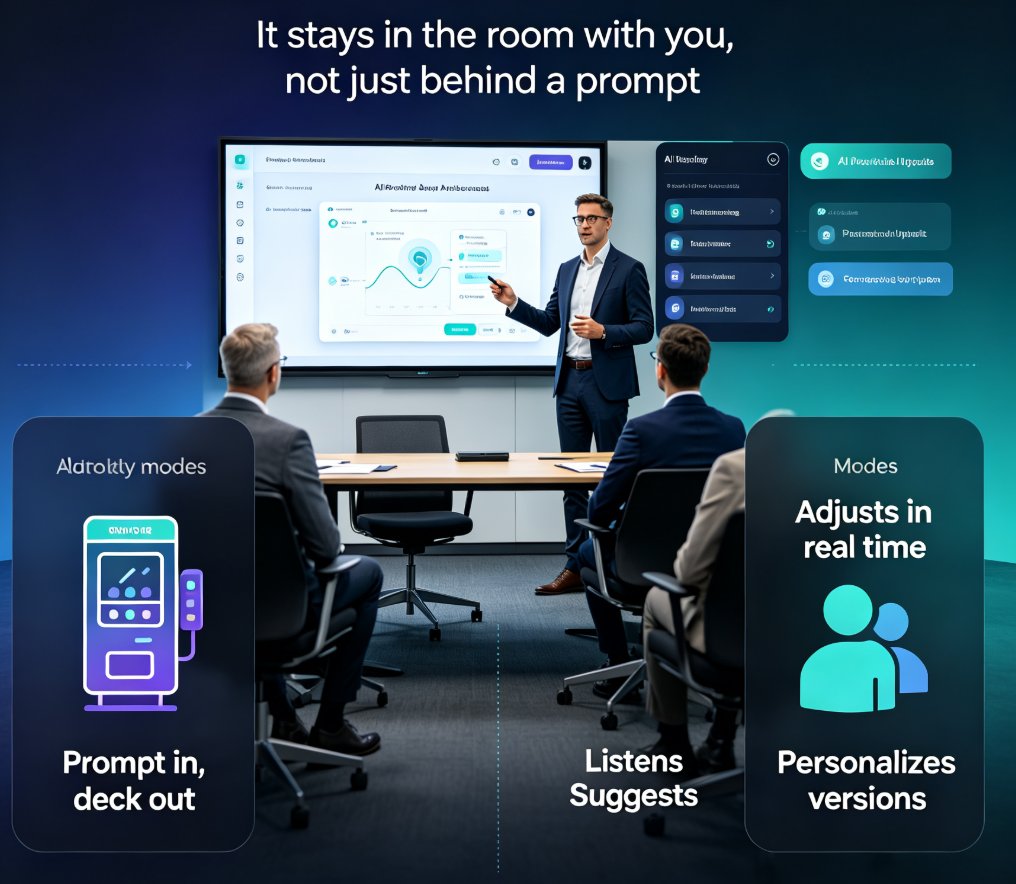
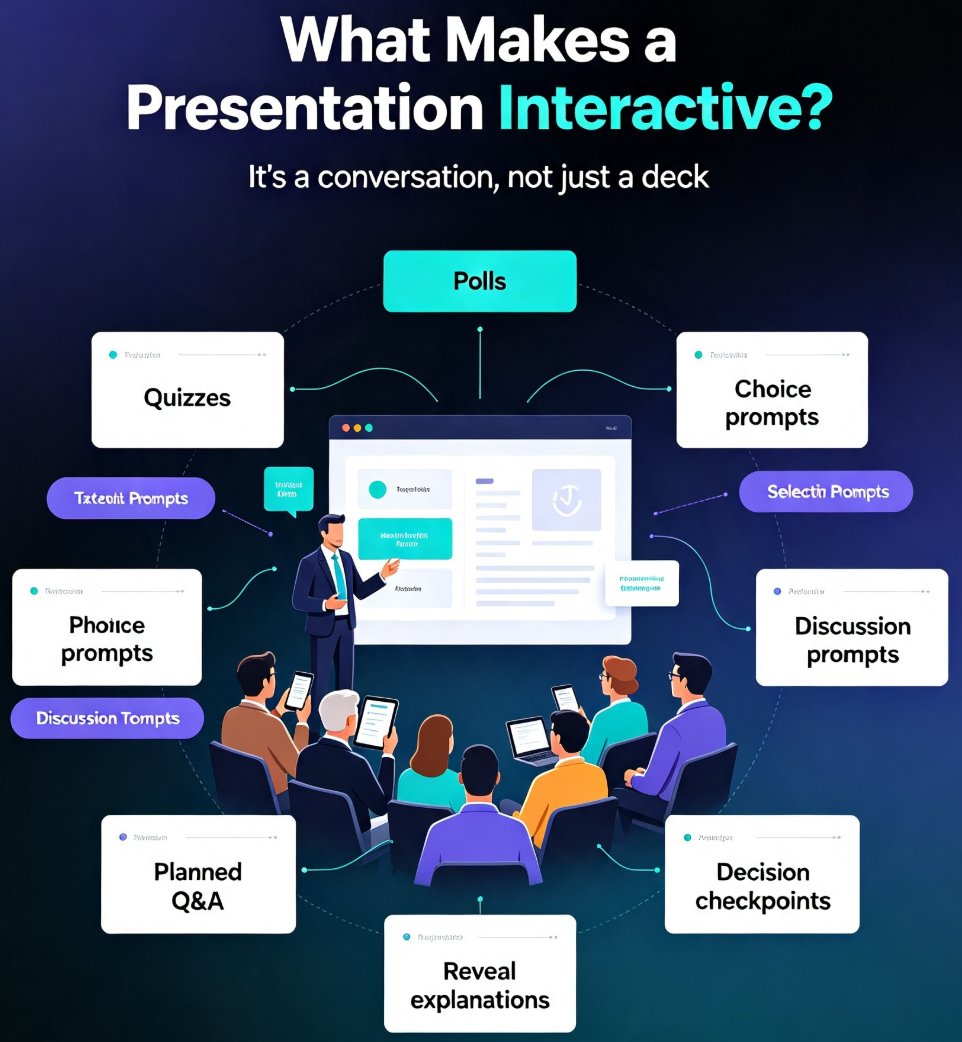
We're moving toward a world where presentations are conversations, not monologues. AI agents will soon adapt quizzes in real time based on audience responses — if everyone gets a question wrong, the deck will slow down and explain; if they nail it, it moves on. This is already happening with adaptive learning platforms, and it's coming to corporate training.
Zendeck is at the forefront of this shift. With features like AI-generated speaker notes, brand consistency, and PPT-to-video, it's built for the next generation of content creators. The days of static, one-size-fits-all decks are numbered. Interactive quizzes are just the beginning.
If you're ready to ditch the boredom and start engaging your audience, give Zendeck a try. Your listeners will thank you.
FAQ
What are interactive quizzes in AI presentations?
Interactive quizzes are embedded questions within a presentation that the audience can answer in real time. AI presentation tools generate these quizzes automatically from your content, turning static slides into engaging, two-way conversations.
How do I create a quiz from an existing PowerPoint with AI?
Most AI tools, including Zendeck, let you upload a PPT or PPTX file. The AI analyzes the content and generates relevant quiz questions. You can then customize the questions, embed them into your slides, and share the deck with your audience.
What are the benefits of using quizzes in presentations?
Quizzes boost audience engagement, improve information retention, and provide instant feedback. They also make training sessions more interactive and help presenters gauge understanding in real time.
Can Zendeck create interactive quizzes?
Yes, Zendeck supports interactive elements, including quizzes, within its AI-generated presentations. You can also convert a quiz deck into a narrated micro-course using Zendeck's PPT-to-video feature, making it perfect for self-paced training.
Ready to make your next presentation unforgettable? Explore how Zendeck's AI can help you build interactive decks in minutes — no design skills required.