Interactive AI Decks: The Future of Engaging Presentations
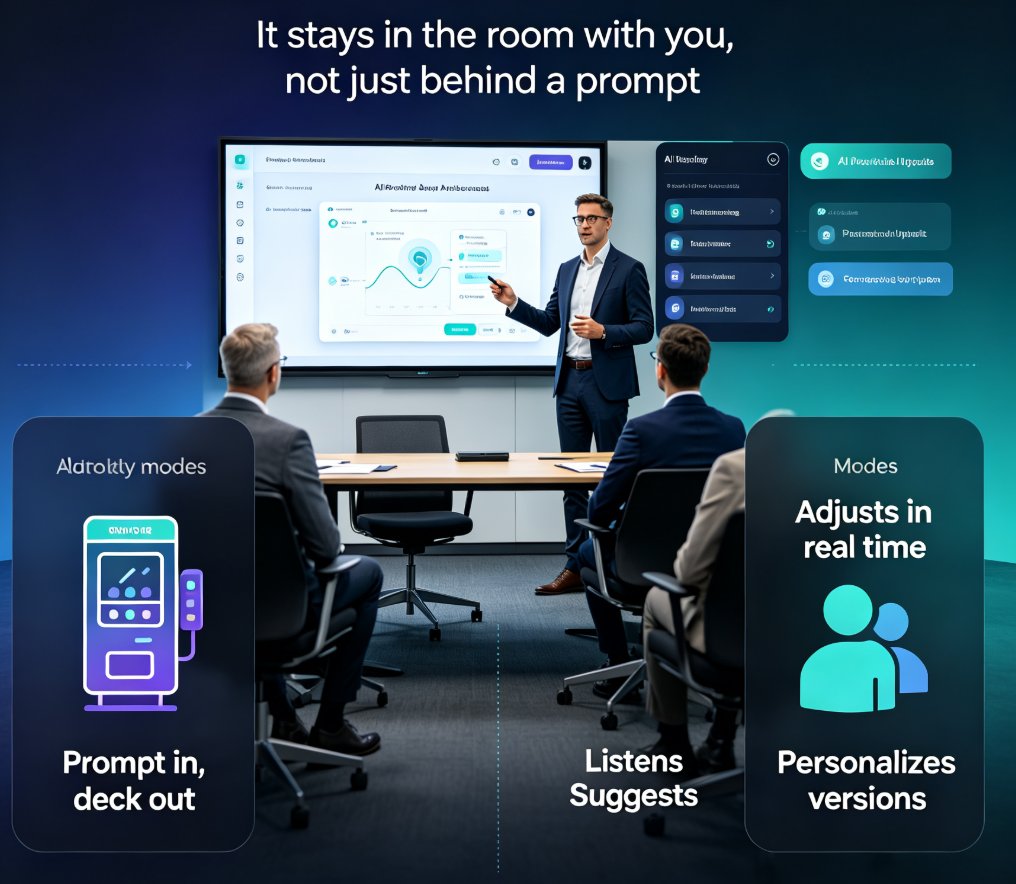
You've sat through a 40-slide deck where the presenter never paused for a question. By slide 10, half the room is checking email. That's the old way. Interactive AI decks are changing that. They turn a monologue into a conversation, and the shift is happening faster than most people realize.
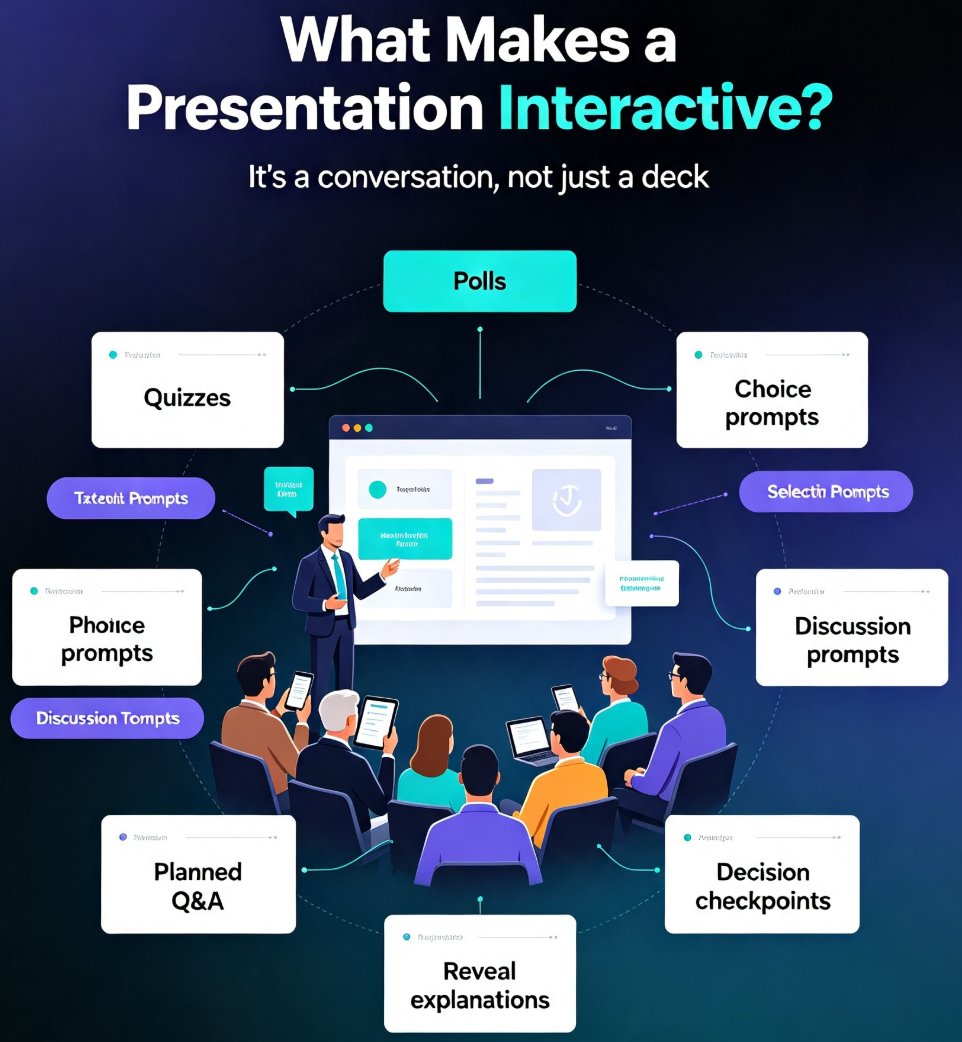
Let's be real: static slides are a one-way street. You talk, they listen, and by the time you finish, most of what you said has evaporated. Interactive elements—quizzes, polls, clickable navigation, branching scenarios—force the audience to engage. And when they engage, they remember. That's not just a nice-to-have; it's the new baseline for effective communication.
01 | Why Interactivity Is the New Baseline
The pain point is obvious: passive audiences tune out. Whether you're a trainer walking through compliance modules or a sales rep pitching to a room of executives, you're competing with phones, laptops, and wandering minds. The solution is to make your deck a two-way experience. Interactive AI decks do exactly that.
Interactive elements don't just add flair—they change how your audience processes information. When someone clicks a button, answers a poll, or chooses a path, they're actively constructing knowledge. That active engagement is what makes the difference between a forgettable presentation and one that sticks.
The outcome? Higher retention, better feedback, and a more memorable experience. In fact, studies consistently show that active learning outperforms passive listening. While I can't cite a specific number without a source, the principle is well-established: people learn by doing, not just by watching.
02 | What Makes a Deck Interactive
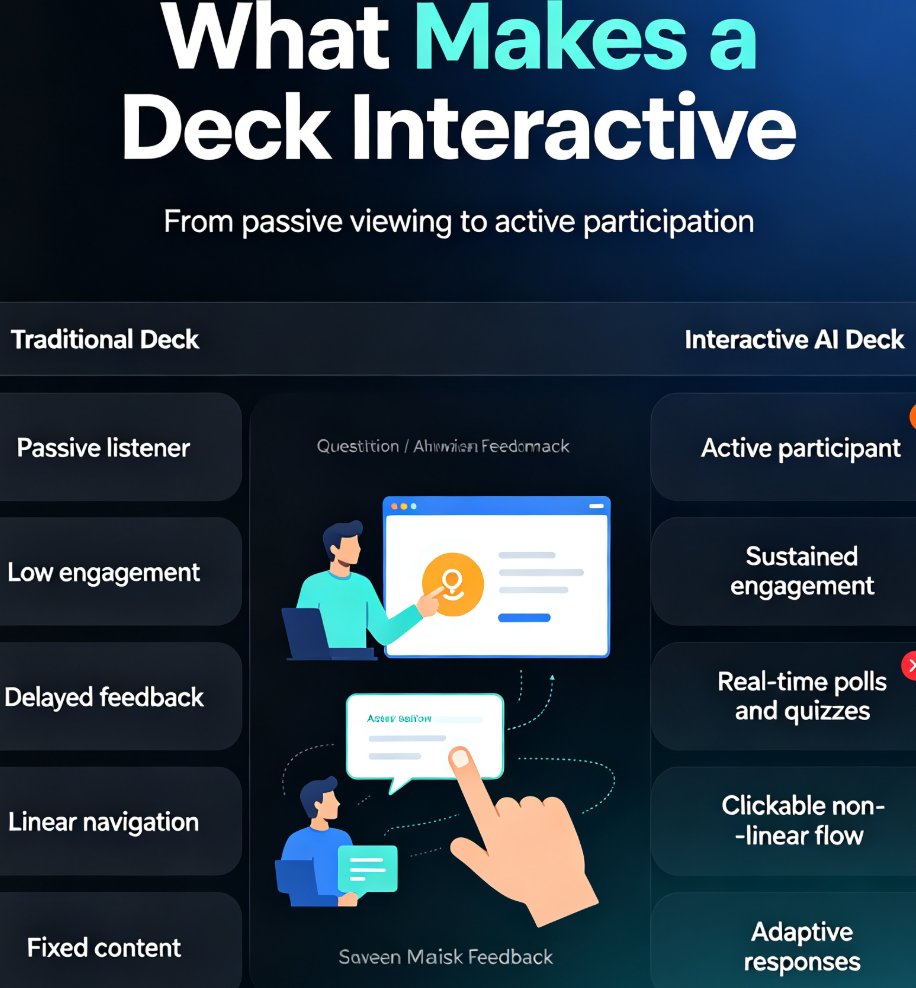
Before diving into tools, let's define the elements that turn a static deck into an interactive one. Here's a quick comparison:
| Aspect | Traditional Deck | Interactive AI Deck |
|---|---|---|
| Audience role | Passive listener | Active participant |
| Engagement | Low after first few slides | Sustained throughout |
| Feedback | Delayed or none | Real-time polls and quizzes |
| Retention | Fades quickly | Improved via active recall |
| Navigation | Linear | Clickable, non-linear |
| Adaptability | Fixed | Can adjust to audience responses |
As you can see, the shift isn't just about adding a quiz at the end. It's about rethinking the entire flow. Clickable navigation lets you jump between sections based on audience interest. Branching scenarios let learners explore consequences of their choices. Live polls give you instant data to steer the conversation.
03 | How AI Changes the Game
Here's where AI comes in. Creating interactive elements manually is time-consuming. You have to design the quiz, figure out where to place it, and then manually link everything. AI automates that process. It can analyze your content and suggest where a poll would be most effective, generate quiz questions from your key points, or even create branching paths based on common audience questions.
The best interactive decks feel like a conversation, not a lecture. AI makes that possible by handling the heavy lifting. Instead of spending hours on mechanics, you focus on the message. And with tools like Zendeck, you don't need design skills to make it look polished.
For example, Zendeck's asset library includes interactive charts that you can drop into any slide. You can also add narration and subtitles to make your deck more accessible. But the real power is in the AI's ability to adapt—more on that in a moment.
04 | Zendeck's Interactive Features in Action
Let's get specific. Zendeck isn't just another presentation tool; it's built with interactivity in mind. Here are a few features that stand out:
- Interactive Charts: Use Zendeck's asset library to embed charts that respond to user clicks, letting audiences explore data on their own. Learn how to add interactive charts.
- Branching Scenarios: Perfect for training. Create choose-your-own-adventure style decks where learners see different outcomes based on their decisions. See how branching scenarios work.
- Narration and Subtitles: Add voiceover and captions to make your interactive deck accessible to everyone. Check out the narration guide.
- Adaptive Content: Zendeck's AI can adjust the deck in real time based on audience reactions, a trend that's gaining traction. Explore adaptive presentations.
These features aren't just gimmicks. They're practical tools that solve real problems. For instance, if you're a trainer, branching scenarios let you test decision-making skills without real-world consequences. If you're in sales, interactive charts let prospects explore your product's data themselves, building trust.
05 | Practical Tips for Building Interactive Decks
Ready to build your own? Here's a step-by-step approach that works, whether you're using Zendeck or any other tool:
- Start with a clear goal. What do you want the audience to do or feel? That determines which interactive elements to use.
- Use polls to check understanding. Place a poll after a key section to see if people are following along. Adjust your pace based on the results.
- Add clickable navigation for non-linear flow. Let audiences choose what to explore next. This works great for product demos or training modules.
- Incorporate branching scenarios for complex topics. Instead of a single path, give learners choices that lead to different outcomes. This is ideal for compliance training or leadership development.
- Keep it simple. Don't overload every slide with interactivity. A few well-placed elements are more effective than a deck that's all bells and whistles.
The goal is to make the audience feel like they're part of the story, not just observers. When you achieve that, retention and engagement naturally follow.
06 | The Future: Adaptive and Agentic Interactivity
We're only at the beginning. The next wave of interactive AI decks will be even smarter. AI co-pilots will suggest interactive elements in real time based on audience body language or chat responses. Agentic AI will automate the entire process from content creation to delivery. Read about AI co-pilots in live presentations and the rise of agentic AI in presentation tools.
Imagine a deck that changes its own flow based on how the audience is reacting. That's not science fiction—it's the direction the industry is heading. Zendeck is already laying the groundwork with features that adapt to audience input.
FAQ
Q: What are interactive AI decks?
Interactive AI decks are presentations that use AI to embed interactive elements like quizzes, polls, clickable navigation, and branching scenarios directly into the slides. Instead of a one-way lecture, the audience participates actively, which improves engagement and retention.
Q: How does Zendeck make presentations interactive?
Zendeck offers a range of interactive features, including an asset library with interactive charts, branching scenarios for training, and the ability to add narration and subtitles. You can also use AI to generate polls and quizzes based on your content, and even adapt the deck in real time to audience reactions.
Q: Why are interactive elements better for retention?
Interactive elements force the audience to actively process information rather than passively absorb it. This active recall strengthens memory pathways, so people remember more of what you present. Polls and quizzes also provide instant feedback, letting you adjust your message on the fly.
Q: Can I use interactive AI decks for corporate training?
Absolutely. Branching scenarios and clickable navigation are perfect for training because they let learners explore different outcomes based on their choices. Zendeck's AI can generate these scenarios from your content, making it easy to create engaging, hands-on training materials.
Q: Do interactive decks work for sales pitches?
Yes. Interactive elements like live polls and clickable product demos keep prospects engaged and give you real-time insights into their interests. You can adapt your pitch on the spot, addressing concerns as they arise, which often leads to higher conversion rates.
If you're ready to move beyond static slides, give interactive AI decks a try. Start with a single poll or a clickable section, and see how your audience responds. You might be surprised at how quickly they lean in. And if you want a tool that makes the process painless, Zendeck has your back. Explore more presentation tips to keep your skills sharp.