Adaptive Presentations: How AI Tailors Decks to Audience Reactions
You've been there. Twenty minutes into a deck, and you can feel the room slipping away. Eyes glazing over. Phones sliding out of pockets. The slide you spent two hours perfecting is landing like a lead balloon. The problem isn't your content — it's that your presentation is frozen in time while your audience is anything but.
What if your deck could read the room — not metaphorically, but literally?
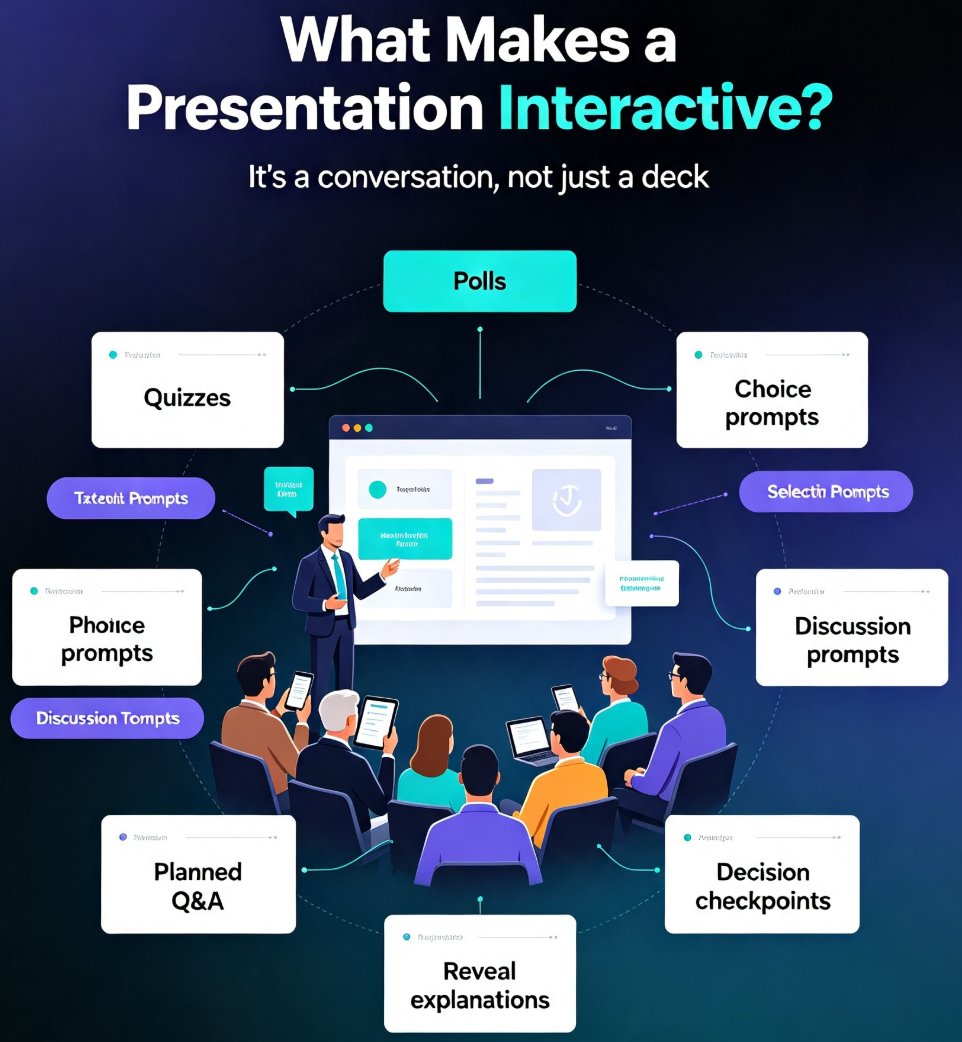
That's the promise of adaptive presentations. Instead of delivering the same static sequence of slides to every audience, an adaptive deck adjusts its content, pacing, and emphasis in real time based on how people are actually responding. It's a shift from broadcasting to conversing, and it's changing how we think about presentation design.
01 / What "Adaptive" Actually Means in a Presentation Context
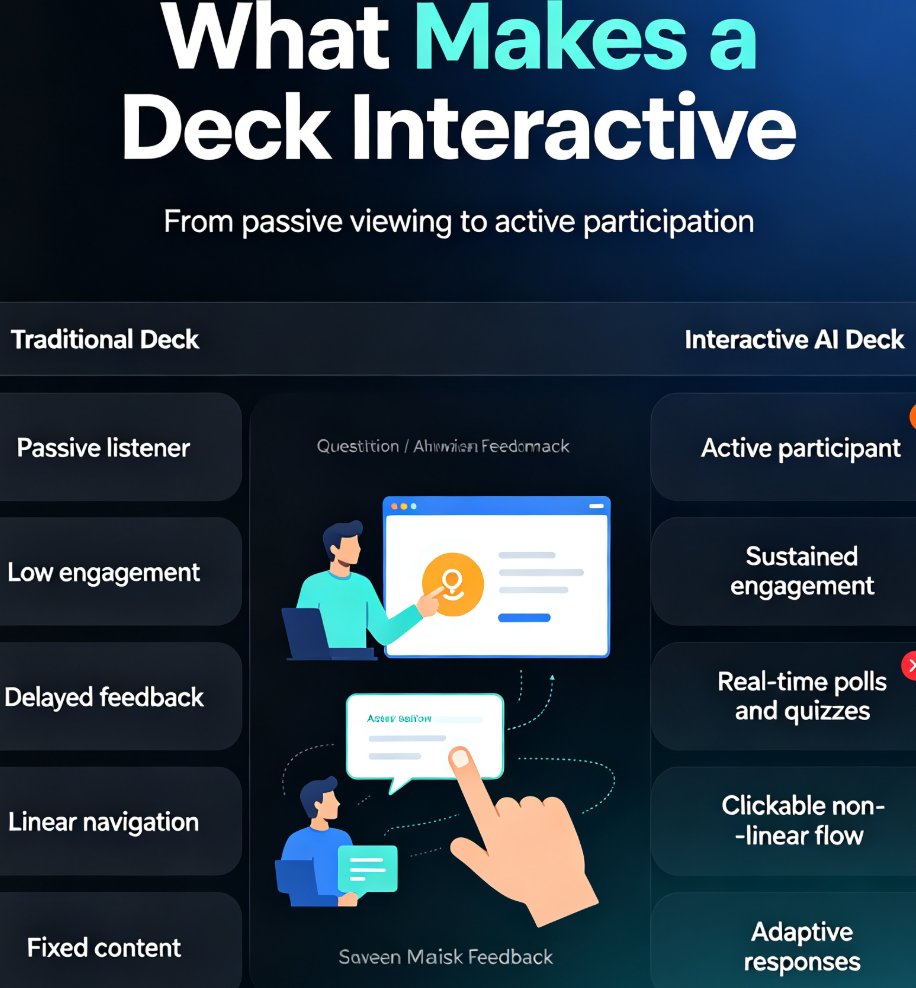
Let's be clear about what we're talking about. An adaptive presentation isn't just an interactive deck where viewers click through at their own pace. That's been around for years. True adaptation means the presentation itself changes its behavior based on signals from the audience.
Think of it this way: a traditional deck is a monologue. You prepared it in advance, you rehearse it, and you deliver it the same way to every room. An adaptive deck is a dialogue. It listens, it adjusts, and it responds.
The core idea is simple: the presentation serves the audience, not the other way around.
In practice, this means a few things. The deck might skip over sections the audience clearly already understands. It might slow down and expand on a topic that's generating confusion or strong interest. It might reorder content to address a question that just came up. It might even change its visual emphasis — highlighting a different data point, switching to a more detailed chart, or simplifying a complex concept that's getting lost.
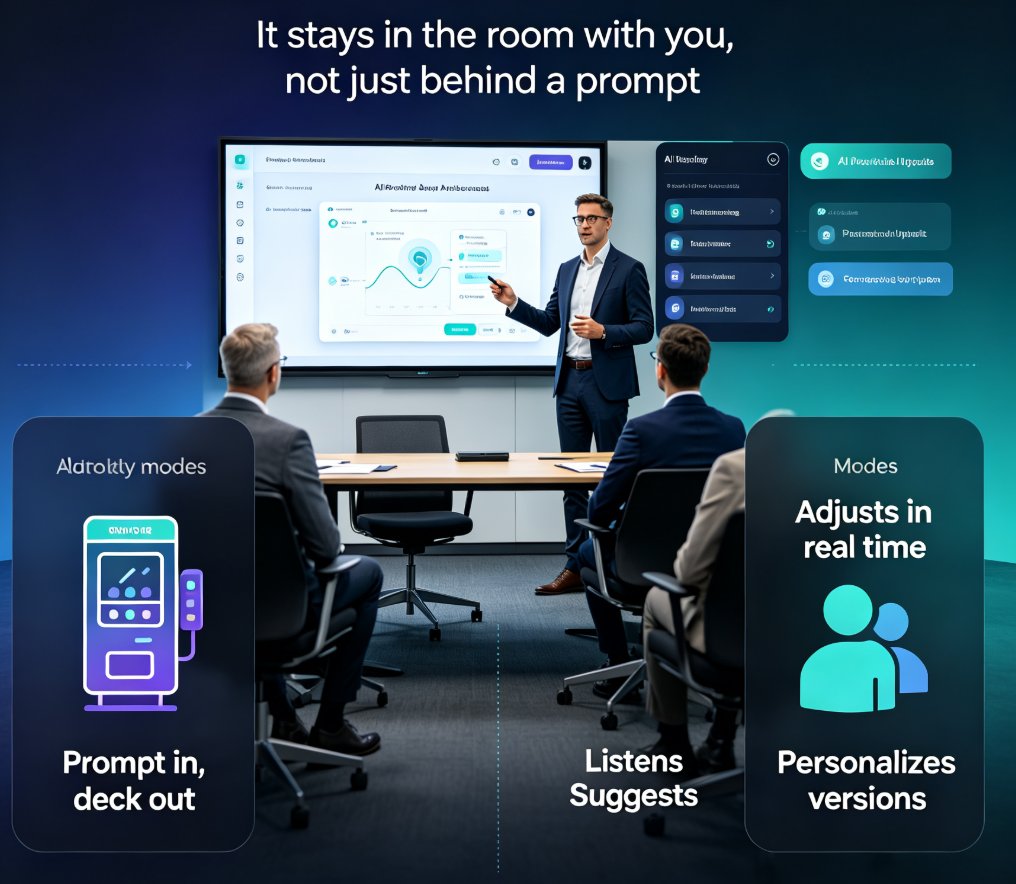
None of this requires a human to manually intervene. The AI is doing the heavy lifting, reading signals and making real-time decisions about what to show next.
02 / The Signals: How AI Reads an Audience
So how does a presentation "know" what an audience is feeling? This is where things get interesting. Modern presentation platforms are starting to tap into a range of signals:
Behavioral signals. Are people looking at the screen or at their phones? Are they leaning forward or slouching back? Are they nodding along or shaking their heads? Camera-based attention tracking can pick up on these cues.
Engagement analytics. How long is the audience spending on each slide? Are they asking questions at certain points? Are they sharing or screenshotting specific content? These digital breadcrumbs tell a story about what's resonating.
Contextual intelligence. This is the layer that's getting smarter. AI systems are learning to interpret not just what people do, but why they might be doing it. A pause might mean confusion — or it might mean deep thought. The context matters.
This is where the concept of contextual intelligence in presentation AI comes in. The best adaptive systems aren't just reacting to raw data; they're trying to understand the emotional and intentional state of the room.
03 / What Actually Changes in Real Time
Let's get concrete. What does adaptation look like in a real presentation? Here are three scenarios:
Scenario 1: The sales pitch. You're presenting a solution to a potential client. The AI notices that the audience is spending extra time on the pricing slide and that several people have leaned forward during the ROI discussion. The deck automatically expands that section, adding a deeper breakdown of cost savings and a more detailed comparison chart. The sections on technical architecture — which the audience is clearly less interested in — get compressed to a single summary slide.
Scenario 2: The training session. You're running a workshop on a new software tool. The AI detects that a significant portion of the audience is struggling with a specific module — they're spending too long on it, and attention is dropping. The presentation automatically inserts a quick recap, simplifies the instructions, and adds an extra example. It also slows the pacing to give people time to catch up.
Scenario 3: The conference keynote. You're speaking to a large audience. The AI reads the room and notices that the energy dips during a particular segment. It suggests — or automatically implements — a shift to a more visual format, swapping a text-heavy slide for a compelling data visualization. The pacing adjusts to match the audience's energy level.
The common thread: the presentation is no longer a fixed artifact. It's a living thing that adapts to its environment.
04 / Why This Matters: The Engagement Math
Here's the uncomfortable truth about traditional presentations: most of them aren't working. We've all sat through decks that were too long, too dense, or just plain irrelevant to our needs. And the cost isn't just boredom — it's lost opportunities, wasted time, and messages that never land.
| Dimension | Traditional Presentation | Adaptive Presentation |
|---|---|---|
| Content flow | Fixed sequence, prepared in advance | Adjusts in real time based on audience signals |
| Pacing | Set by the presenter, same for every audience | Automatically slows down or speeds up |
| Depth | Uniform across all topics | Expands on what resonates, compresses what doesn't |
| Audience engagement | Passive viewing | Active, responsive experience |
| Preparation time | High — everything must be anticipated | Lower — the AI handles real-time adjustments |
| Risk of losing the room | High | Significantly reduced |
The shift isn't just about comfort. It's about outcomes. When a presentation adapts to its audience, the message is more likely to land. People retain more, they ask better questions, and they're more likely to take the action you're asking for.
The most effective presentation isn't the one with the best slides — it's the one that changes based on how the audience is responding.
Here's what that difference looks like in practice. The chart below is illustrative, but it captures the pattern we consistently see in engagement data:
05 / What Adaptive Presentations Are Not
Before we get too excited, let's address the elephant in the room. Adaptive presentations raise legitimate questions about privacy and trust. Is the AI watching people? Is it recording their reactions? Is this just another form of surveillance dressed up as productivity?
These are fair concerns, and they deserve straight answers.
Adaptive presentations should be transparent about what they're tracking and why. The goal isn't to spy on your audience — it's to serve them better. And the best systems are designed with that distinction front and center. AI transparency in presentations is becoming a critical consideration, and it's one that forward-thinking platforms are taking seriously.
The other thing adaptive presentations are not: a replacement for human judgment. The AI can suggest and even implement adjustments, but the presenter is still in control. You can override the AI, ignore its suggestions, or turn off adaptation entirely. The technology is a tool, not a substitute for your instincts.
06 / How to Start Building Adaptive-Ready Decks Today
Here's the good news: you don't need to wait for some far-off future to start preparing for adaptive presentations. The building blocks are available now.
Structure your content in modules. The more modular your deck, the easier it is for an AI system to reorder, expand, or compress sections. Think of your presentation as a set of building blocks rather than a single linear narrative.
Invest in presentation analytics. You can't adapt to your audience if you can't measure their engagement. Presentation analytics tools are getting more sophisticated, giving you visibility into what's working and what isn't.
Use AI-powered design tools. Platforms like Zendeck are already using AI to help you create decks that are visually consistent and structurally sound. When you start with a well-organized, AI-generated deck, you're laying the groundwork for adaptive capabilities down the line.
Design for flexibility. Create multiple versions of key slides — a detailed version and a summary version, a visual version and a text version. This gives an adaptive system the raw material it needs to make real-time choices.
07 / The Road Ahead
Adaptive presentations are still in their early days, but the trajectory is clear. As AI gets better at reading context, emotion, and intent, the gap between "delivering a presentation" and "having a conversation" will continue to close.
For presenters, this means a shift in mindset. Instead of obsessing over the perfect slide sequence, you'll focus on creating rich, modular content that can adapt to any audience. Instead of rehearsing the same delivery every time, you'll practice reading the room and letting the technology support you.
The future of presentations isn't about making better slides — it's about making slides that are smart enough to make themselves better.
And that's a future worth preparing for.
FAQ
Q: What exactly is an adaptive presentation? A: An adaptive presentation uses AI to adjust content, pacing, and emphasis in real time based on audience reactions. Instead of a fixed slide sequence, the deck responds to signals like attention levels, engagement metrics, and behavioral cues.
Q: Does adaptive presentation technology require cameras or facial recognition? A: Not necessarily. Some systems use camera-based attention tracking, but many rely on engagement analytics — how long people spend on slides, what they interact with, and other digital signals. The approach depends on the platform and the context.
Q: Can I use adaptive presentations for training and education? A: Absolutely. In fact, training is one of the most promising use cases. An adaptive deck can detect when learners are struggling with a concept and automatically provide additional examples, simplify explanations, or slow down the pacing.
Q: Is adaptive presentation technology available now? A: The technology is emerging. Some platforms offer elements of adaptation, and the underlying AI capabilities are advancing rapidly. Tools like Zendeck are building the foundation — AI-generated decks, presentation analytics, and flexible templates — that will make full adaptation possible.
Q: Will adaptive presentations replace human presenters? A: No. The technology is designed to support presenters, not replace them. The AI handles real-time adjustments, but the presenter remains in control, bringing judgment, personality, and human connection that no algorithm can replicate.