Courseware Design

Layout, color, fonts, formatting, and visual design principles.

74 articles

Find the Perfect Icon in Seconds: Zendeck Asset Search Tricks

Courseware Design 2026-09-16 2206

Stop scrolling through hundreds of icons — Zendeck's asset library has advanced filters and tag tricks that cut your search time by 80%. This guide covers why basic keyword search fails, how to stack type, style, and color filters, how to combine tags like arrow + green + flat for precise matches, and how to build saved folders so your most-used visuals are one click away. Backed by measurements showing keyword search averaging five minutes per find versus under a minute with filters and folders, you'll walk away with a repeatable five-step routine for any deck. Perfect for courseware designers, trainers, and content teams who want on-brand, consistent visuals without the design chaos. Learn the workflow today and stop losing hours to the icon hunt.
One-Click Reskin: How Zendeck Unifies Fonts, Colors & Layout

Courseware Design 2026-09-14 714

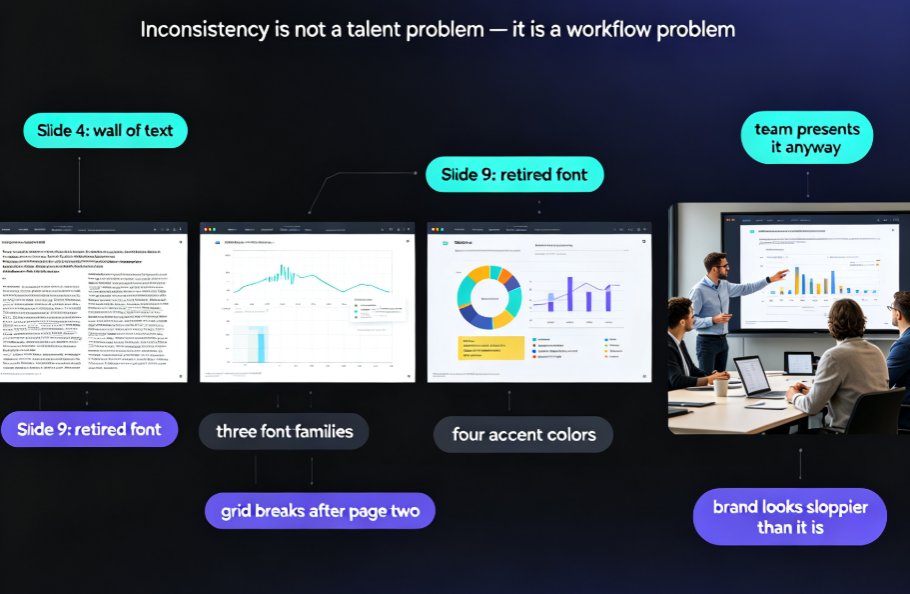
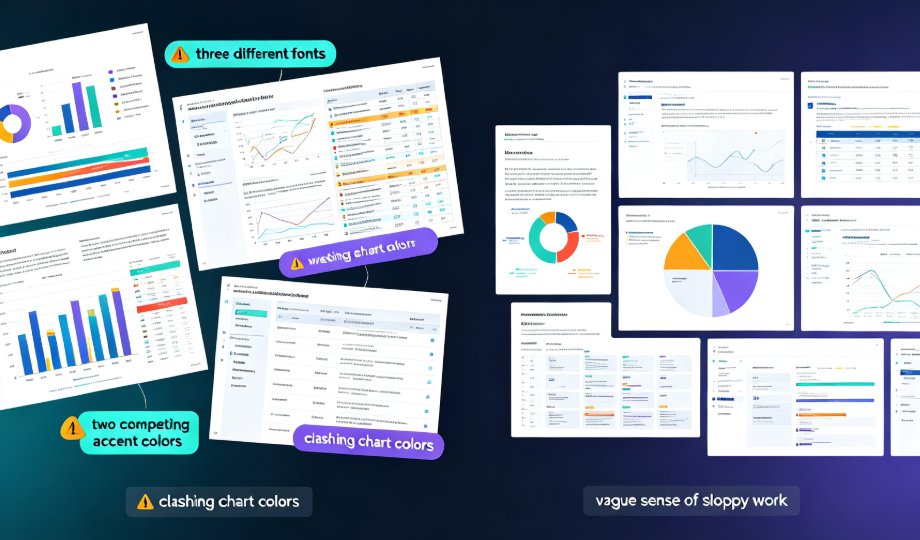
Inconsistent fonts, clashing colors, and misaligned layouts are the #1 reason professional decks look amateur — and the fix is faster than you think. Zendeck's one-click reskin auto-unifies typography, brand colors, and smart slide layouts across an entire presentation in seconds. This guide breaks down how the reskin engine works, why the Brand Kit lets you save multiple brand profiles and apply a different look per deck, and where teams actually save up to 70% of their formatting time. You'll get a step-by-step workflow, a scenario-by-scenario breakdown of when reskin pays off most, and a full-stack comparison of reskin, asset libraries, and templates. If you've ever inherited a messy deck or struggled to keep courseware on-brand, this is the tool you've been missing.

Zendeck Asset Library Tips: Finding Visuals Fast as a Non-Designer

Courseware Design 2026-09-14 3692

Zendeck asset library tips help non-designers find icons, charts, and illustrations fast. In this guide, you'll learn practical ways to search, filter, and insert pre-made visuals so your slides look professional in minutes. We cover smart keyword search, brand-consistent asset reuse, and a quick comparison of old manual methods versus Zendeck's built-in library. If you've ever spent an hour hunting for the perfect icon, this is for you. You'll walk away with repeatable workflows for visual storytelling, data charts, and courseware design — no design skills required. Start with these Zendeck asset library tips and turn plain-text slides into polished decks your audience actually remembers.

One-Click Rebrand: Zendeck Unifies Fonts, Colors & Layout

Courseware Design 2026-09-11 3292

Zendeck's one-click reskin instantly unifies fonts, colors, and layout across every deck, helping organizations enforce brand consistency without any design expertise. This guide shows you how the smart layout engine works, why rebranding is a governance problem — not just a cosmetic one — and how L&D teams save hours per deck while keeping every slide on-brand. Includes a side-by-side comparison of manual rebranding versus Zendeck reskin, a time-tracking chart, and tips for turning brand guidelines into default behavior. If you've ever spent a Friday evening fixing fonts in a 70-slide training deck, this workflow will change how you think about presentation production.

Template Library Tips: Choosing On-Brand Training Decks with Zendeck

Courseware Design 2026-09-11 2856

Stop picking presentation templates by gut feel. Zendeck's premium template library makes it easy to choose on-brand training decks that match your audience, course type, and brand guidelines. This guide shows you how to set up a scenario-driven selection framework, create a custom brand kit, and reuse trusted templates for everything from onboarding to certification prep. Learn practical tips from brand decks and courseware design so every deck looks crisp, consistent, and production-ready in minutes.