Courseware Design

Layout, color, fonts, formatting, and visual design principles.

74 articles

Rebrand All Your PPTs in Minutes with One-Click Reskin

Courseware Design 2026-09-01 1987

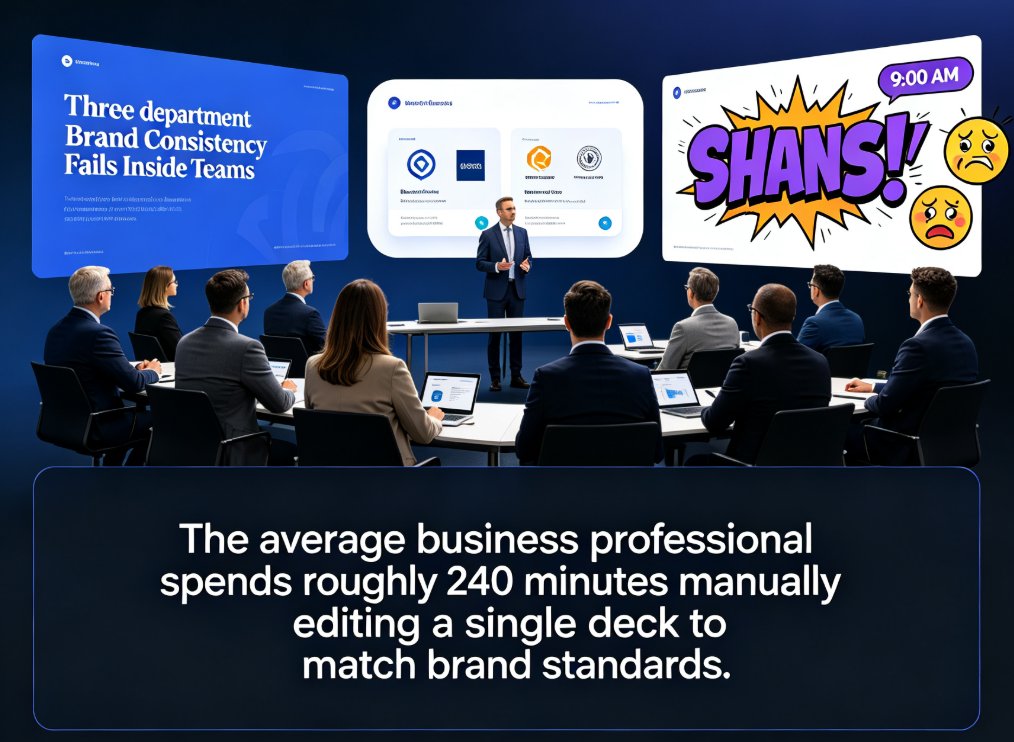
One-click reskin in Zendeck lets you rebrand all your PPTs in minutes by unifying fonts, colors, and layouts across every slide. Instead of manually editing slide masters, you apply a saved Brand Kit to transform your entire deck instantly. This guide shows the exact workflow, plus a real-world time comparison that proves why teams are switching to automated rebranding.
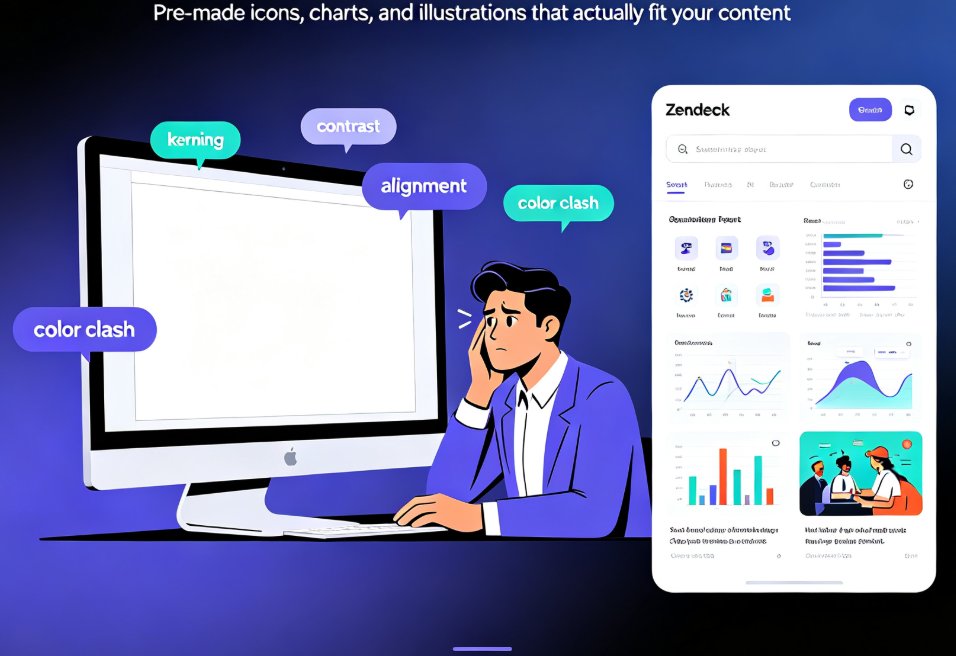

5 Ways Zendeck's Asset Library Improves Slides for Non-Designers

Courseware Design 2026-09-01 1398

The Zendeck asset library gives non-designers ready-made icons, charts, and illustrations that instantly upgrade slide quality. You no longer need design training to build polished, professional presentations. This guide breaks down five concrete ways the library saves time, enforces visual consistency, and turns blank slides into decks you're proud to share. From matching brand colors in one click to embedding data-driven charts without touching Excel, each tip walks through a real use case. Learn how educators, trainers, and HR teams are using Zendeck's asset library to produce courseware and pitch decks that look agency-made — even if your last design project was a kindergarten art class.

Data Privacy in AI Courseware: Protecting Student Information in 2026

Courseware Design 2026-08-28 1380

Data privacy in AI courseware is no longer optional — it's the defining trend of 2026. With 59% of privacy leaders prioritizing AI governance by 2026, educators and trainers must choose courseware that protects student information by default. This guide breaks down FERPA, GDPR, and CCPA requirements, the ISO and NIST frameworks that matter, and the specific features that separate secure-by-design tools from risky ones. Zendeck embeds enterprise-grade data privacy across its AI courseware platform — from outline-to-deck generation to PPT-to-video micro-courses — so you can leverage AI without exposing sensitive student data. Learn the six-point vendor vetting checklist, real red flags in everyday workflows, and how to build a privacy-first courseware stack in 2026.

Non-Designer Slides: How Zendeck Smart Layout Designs for You

Courseware Design 2026-08-28 1639

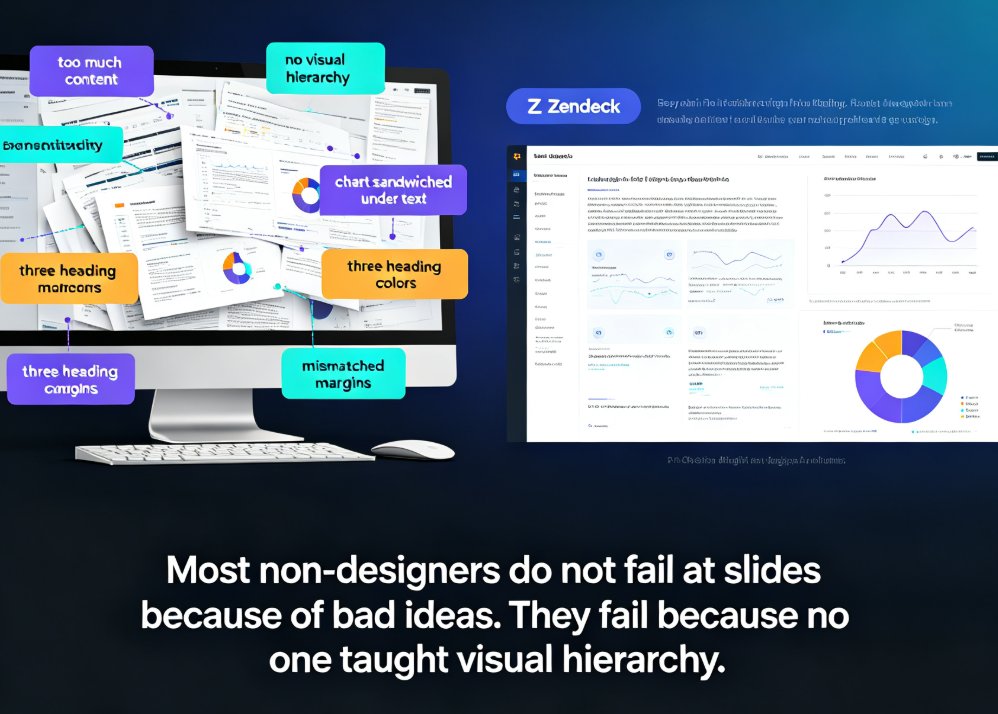
Non-designers can stop fighting with alignment, spacing, and color. Zendeck's smart layout engine and curated asset library automatically turn your outline or Word document into polished, professional slides. This guide shows why most non-designer decks fail, how AI-powered design decisions cut hours of manual tweaking, and a 5-step workflow for producing consistent decks with icons, charts, and illustrations that actually match. Whether you are an educator, trainer, HR lead, or founder, Zendeck handles hierarchy, theming, and spacing so you keep your energy on content.

Zendeck Asset Library: Advanced Tips for Finding Icons & Charts

Courseware Design 2026-08-28 3648

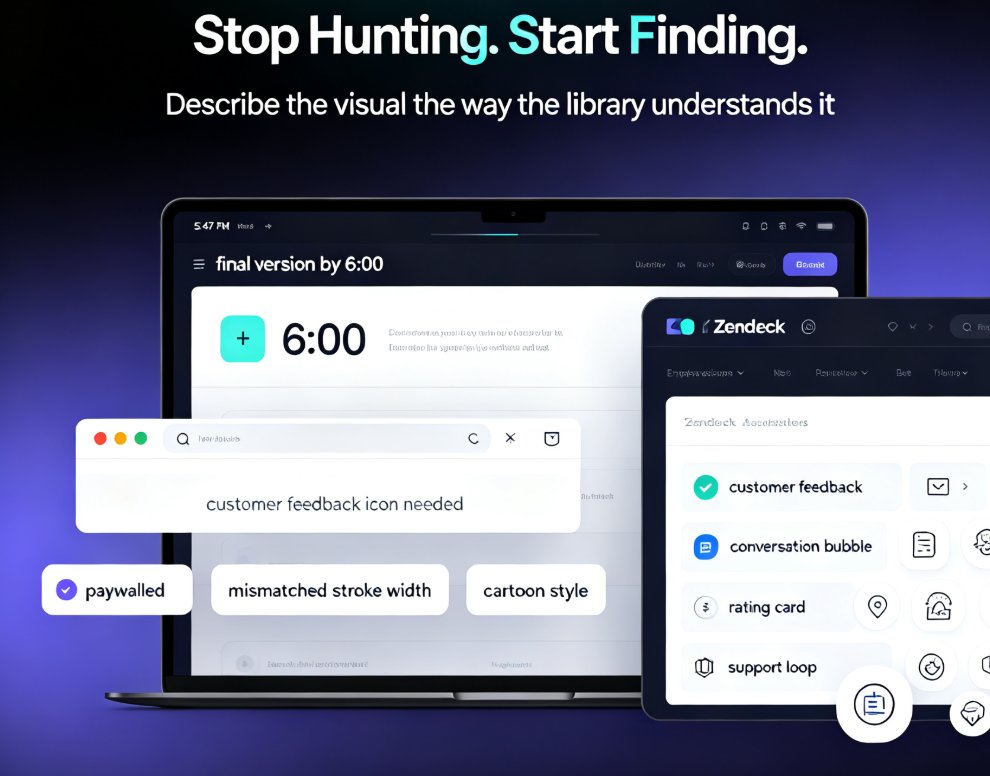
Stop wasting time hunting for visuals. Zendeck's asset library is the fastest way to find icons, illustrations, and charts that match your deck's style — if you know the right search tricks. This guide covers advanced filters, keyword strategy, style consistency, and organization habits that cut asset-hunting time from 15 minutes to under two. Whether you're building training courseware, corporate slides, or a one-off pitch, you'll learn to turn the library into a personal design system. If finding a single icon has ever derailed your flow, this tutorial is for you. Learn the search techniques, avoid the common mistakes, and get comfortable with charts that look custom without the extra effort. The result: faster decks, cleaner designs, and more energy for the actual content.

Icons That Teach: Zendeck's Visual Library for Clearer Courseware

Courseware Design 2026-08-27 1793

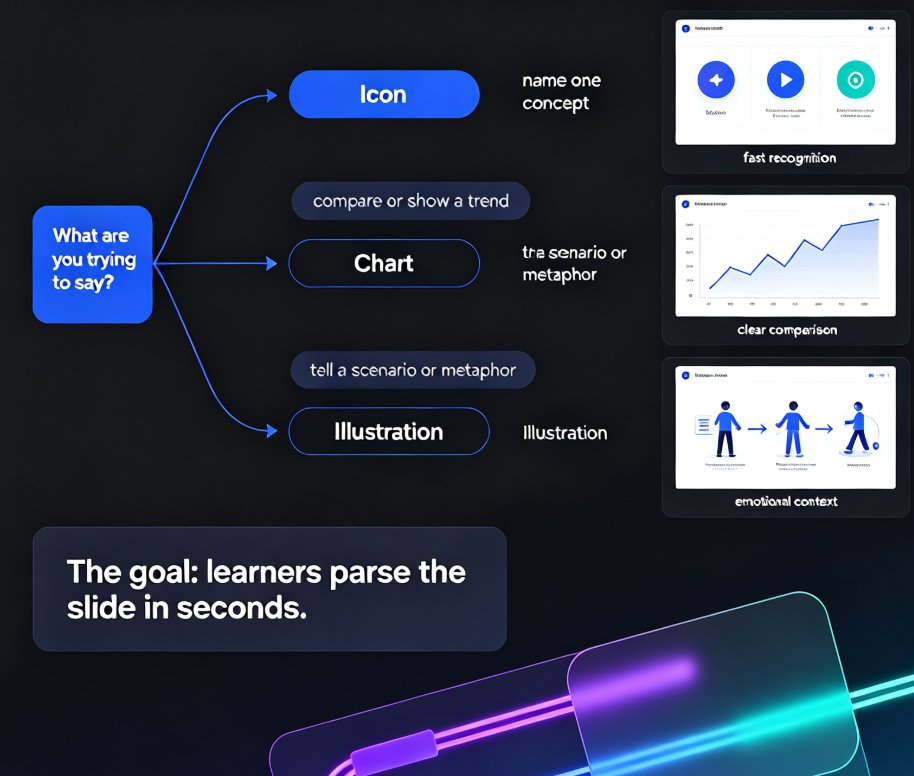
Clear courseware starts with visuals that teach, not decorate. This guide shows how Zendeck's asset library helps educators pick icons, charts, and illustrations that clarify concepts fast. Learn the one-concept-per-icon rule, when to use a chart over an icon, and how a five-minute workflow turns a messy outline into a deck learners actually remember. Zendeck's curated library keeps style consistent, adds alt text automatically, and removes the guesswork from visual selection. If your slides look polished but learners still struggle, the problem is likely visual communication, not design talent. Read on for the principles, the pitfalls, and the practical workflow that makes courseware easier to understand and easier to recall.