Courseware Design

Layout, color, fonts, formatting, and visual design principles.

74 articles

Can Zendeck Unify Fonts, Colors, and Layout Across Slides?

Courseware Design 2026-08-27 1282

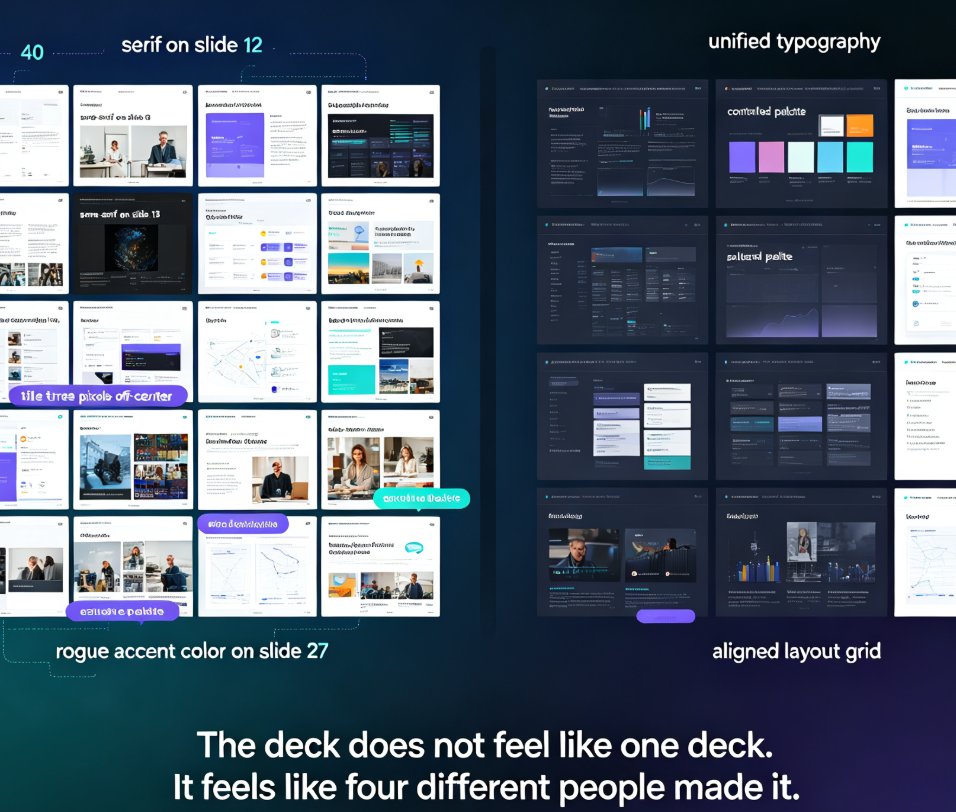
Zendeck's smart layout unifies fonts, colors, and layout across every slide in one click. Yes — Zendeck can unify fonts, colors, and layout across slides automatically. Its one-click reskin feature applies a consistent design system to your entire deck, so non-designers get brand-consistent courseware without manual tweaks. This guide breaks down how smart layout works, what it actually unifies, and where it saves you the most time. You'll see a before-and-after comparison, a step-by-step workflow, and honest notes on limitations. If you've ever spent an afternoon fixing misaligned titles and rogue fonts, this is the article for you. Learn how Zendeck turns a messy 40-slide deck into a polished, on-brand presentation in minutes — and why that matters for educators, trainers, and teams.
How to Find and Insert Icons, Charts, and Illustrations with Zendeck

Courseware Design 2026-08-26 3477

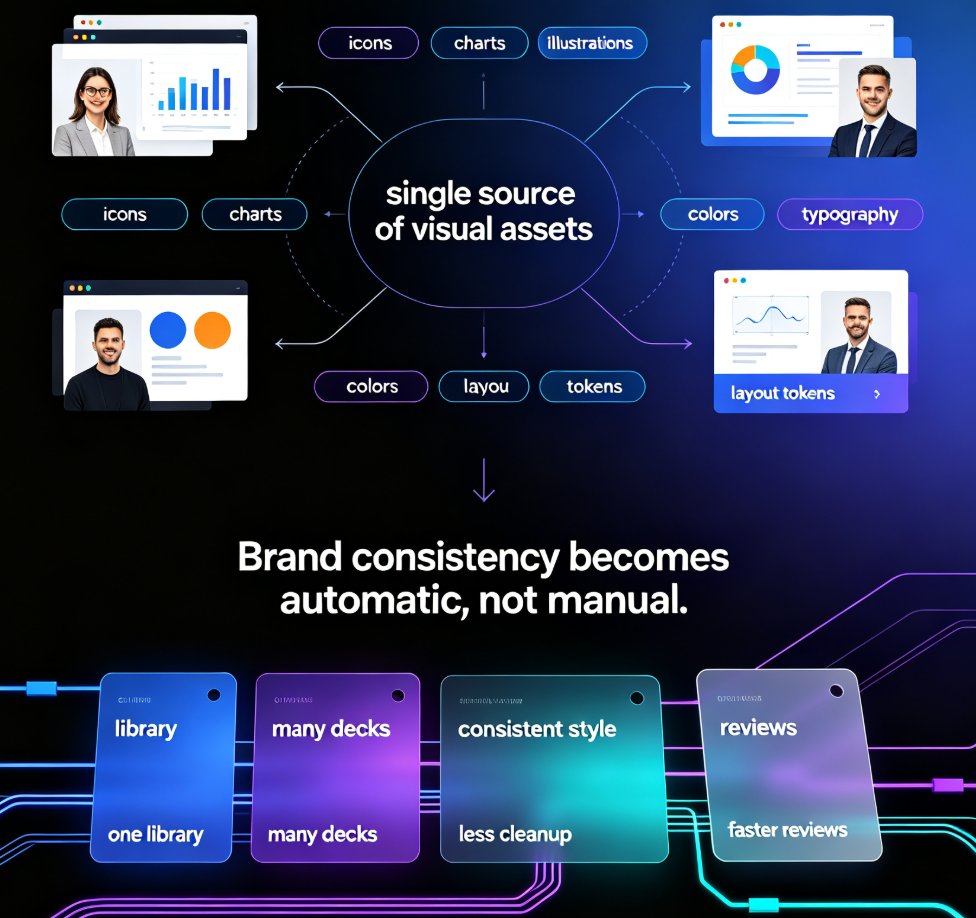
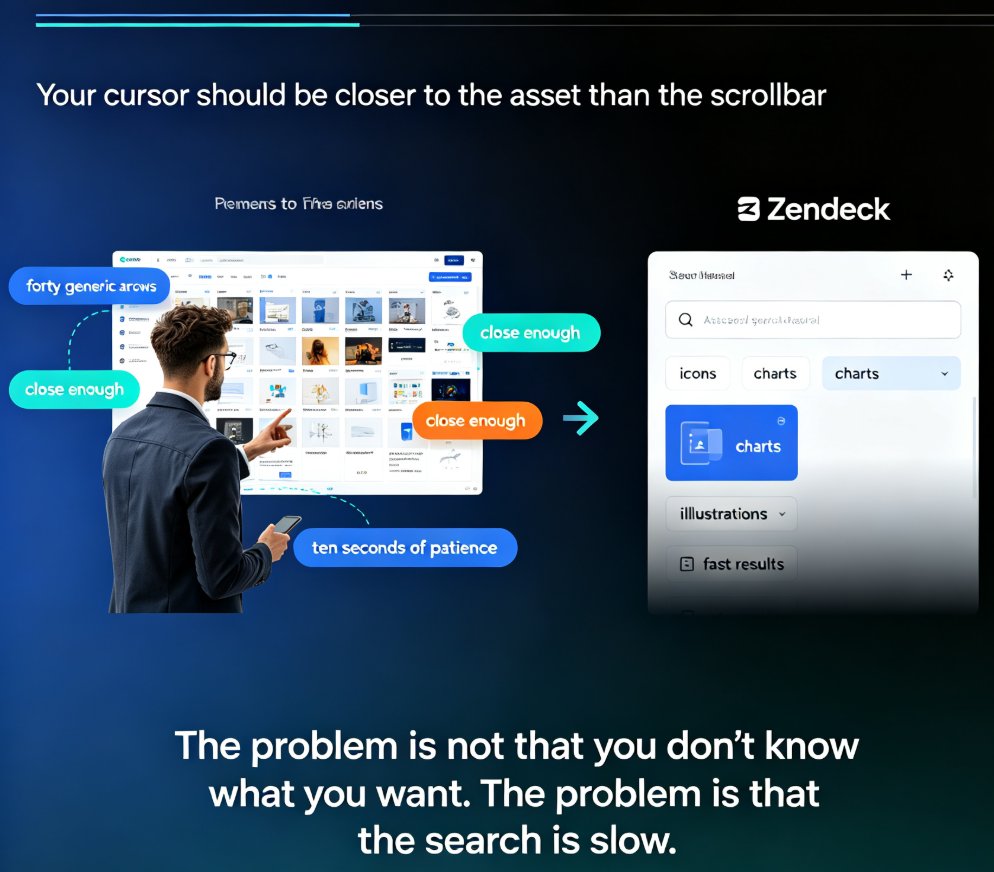
Stop scrolling through hundreds of assets to find one icon. Zendeck's asset library puts icons, charts, and illustrations within seconds of your cursor — if you search smart. This practical guide covers the fastest keyword techniques, type filters, and insertion workflows for finding the right visual on every slide. You'll learn when to use icons versus charts versus illustrations, how to search by theme for illustrations, how to insert and edit charts in place, and how to keep your deck visually consistent. Includes a quick-reference asset type table, a three-step search workflow, and the common mistakes that slow people down. Built for educators, trainers, HR teams, and content operators who build decks daily and want to spend seconds, not minutes, on visuals.

How to Choose a PPT Template Your Audience Will Actually Remember

Courseware Design 2026-08-26 1771

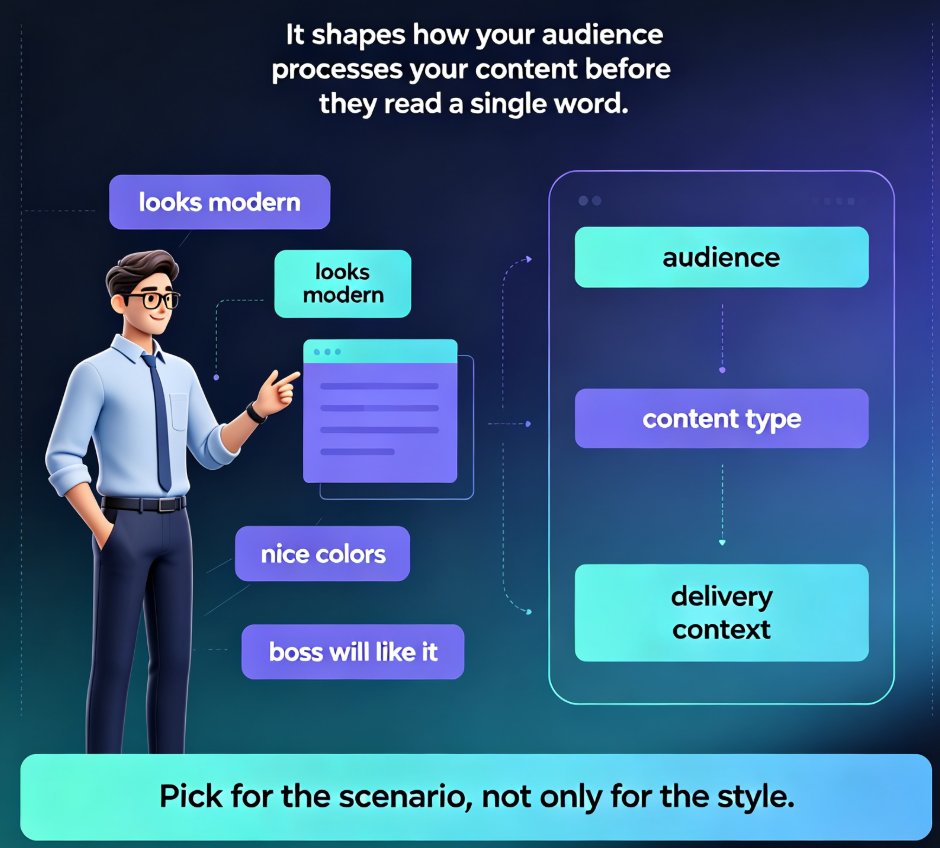
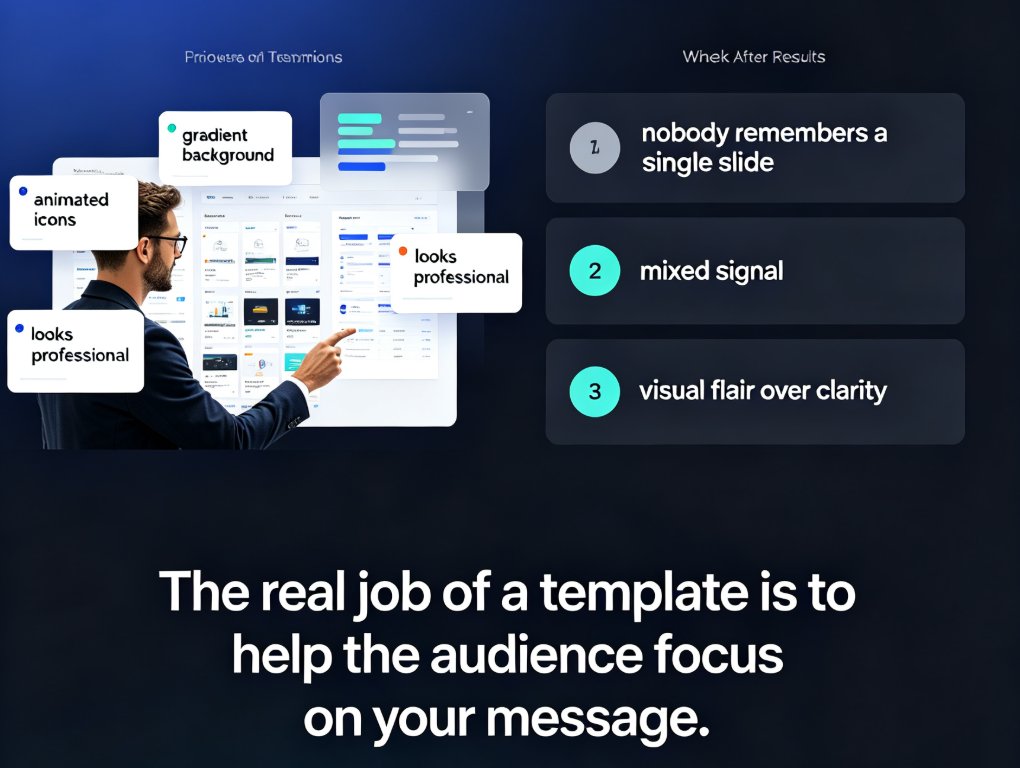
Choosing a PPT template isn't about aesthetics — it's about audience psychology and content fit. This guide gives you a three-question framework for selecting presentation templates that audiences actually remember, whether you're training new hires, updating executives, or pitching clients. Learn how content type drives template structure, why brand consistency matters, and how Zendeck's template library uses context-aware design to suggest the right look for your deck. Includes a practical content-to-template mapping table, habits that make any template work harder, and answers to common template selection questions. If you've ever finished a deck and wondered why it fell flat, this framework will change how you choose templates — and how your audience remembers your message.

How to Choose the Right Template from Zendeck's Library for Your Deck

Courseware Design 2026-08-26 1822

Choosing the right template from Zendeck's library is the difference between a deck that lands and one that gets skimmed. This guide gives you a scenario-based framework for matching templates to lectures, training, and boardroom pitches — so you stop picking by looks and start picking by fit. Learn how Zendeck's library organizes templates by use case, which design factors matter most for each audience, and a five-point checklist to validate any template before you commit. You'll also see how Zendeck's AI shortlists templates based on your content structure, and when it's smart to break the rules. If you've ever wasted an afternoon reworking a template that felt wrong, this is the fix.

Find the Right Icon or Chart in Seconds: Visual Asset Search Guide

Courseware Design 2026-08-26 3775

Stop wasting minutes hunting for the perfect visual. Zendeck's asset library lets you find the right icon, chart, or illustration in seconds with smart search, category filters, and context-aware suggestions. This guide covers practical search strategies, a repeatable visual workflow, and the time savings you can expect. Whether you're building business decks, training materials, or courseware, these tips help you locate on-brand visuals faster and keep your presentations consistent. Learn how to search by concept instead of object, use category filters to narrow results, save favorite assets for reuse, and let Zendeck suggest relevant visuals as you build. If you're tired of mismatched icons, endless scrolling, and decks that look assembled rather than designed, this visual asset search guide is exactly what you need to speed up your workflow and produce professional presentations without design expertise.

How to Unify Fonts, Colors, and Layout in One Click with Zendeck

Courseware Design 2026-08-26 3513

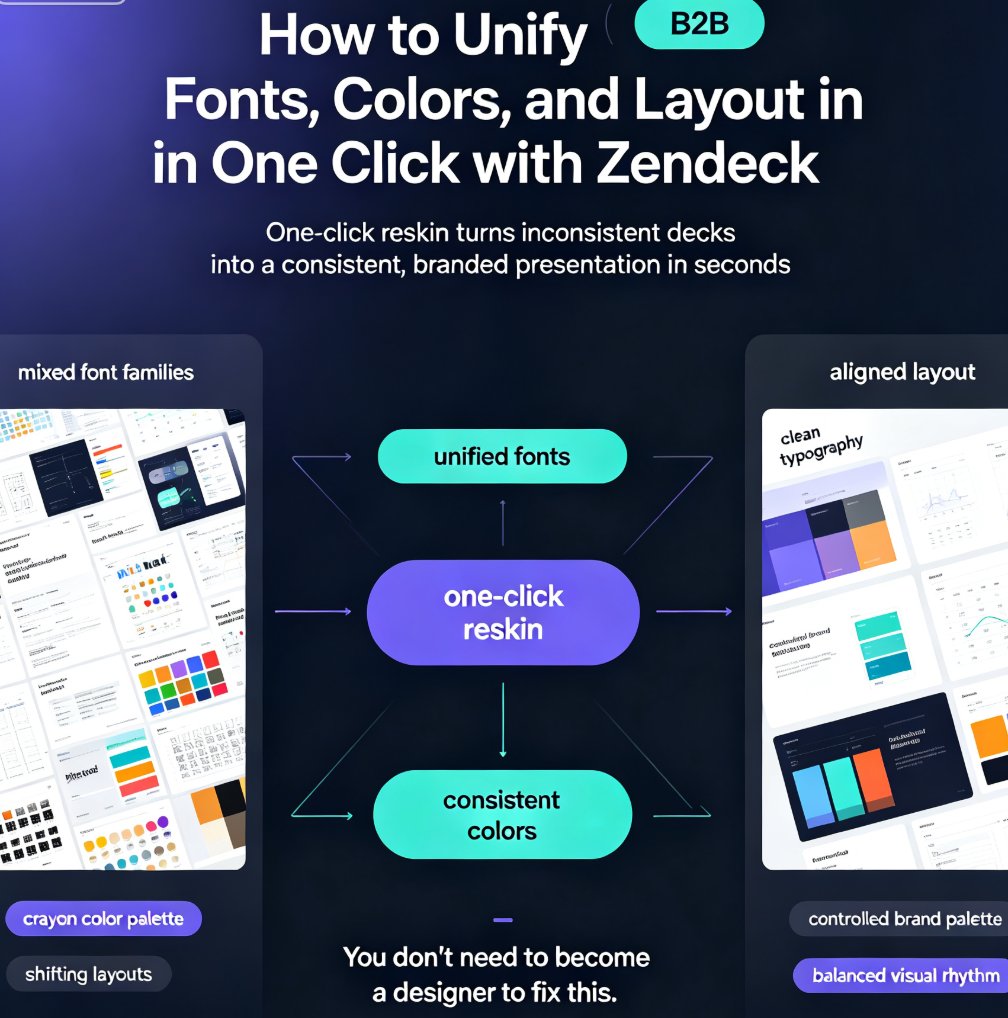
Zendeck's one-click reskin unifies fonts, colors, and layout across your entire deck in seconds, so anyone can produce a designer-quality presentation without opening a design tool. If you've ever stared at a deck where every slide looks like it was made by a different person — mixed font families, clashing colors, layouts that shift unpredictably — this walkthrough is for you. We'll show you exactly how Zendeck's smart layout engine harmonizes every slide, when to use reskin for courseware, client pitches, and internal brand decks, and the pro tips that separate a good reskin from a flawless one. Whether you're a trainer building a five-module course or a marketer prepping a quarterly review, this guide gives you the exact steps — plus the mistakes to skip. By the end, you'll have a repeatable workflow for consistent, professional decks every time.