Courseware Design

Layout, color, fonts, formatting, and visual design principles.

74 articles

Brand-Consistent Training Decks: Zendeck Template Library Guide

Courseware Design 2026-08-24 2492

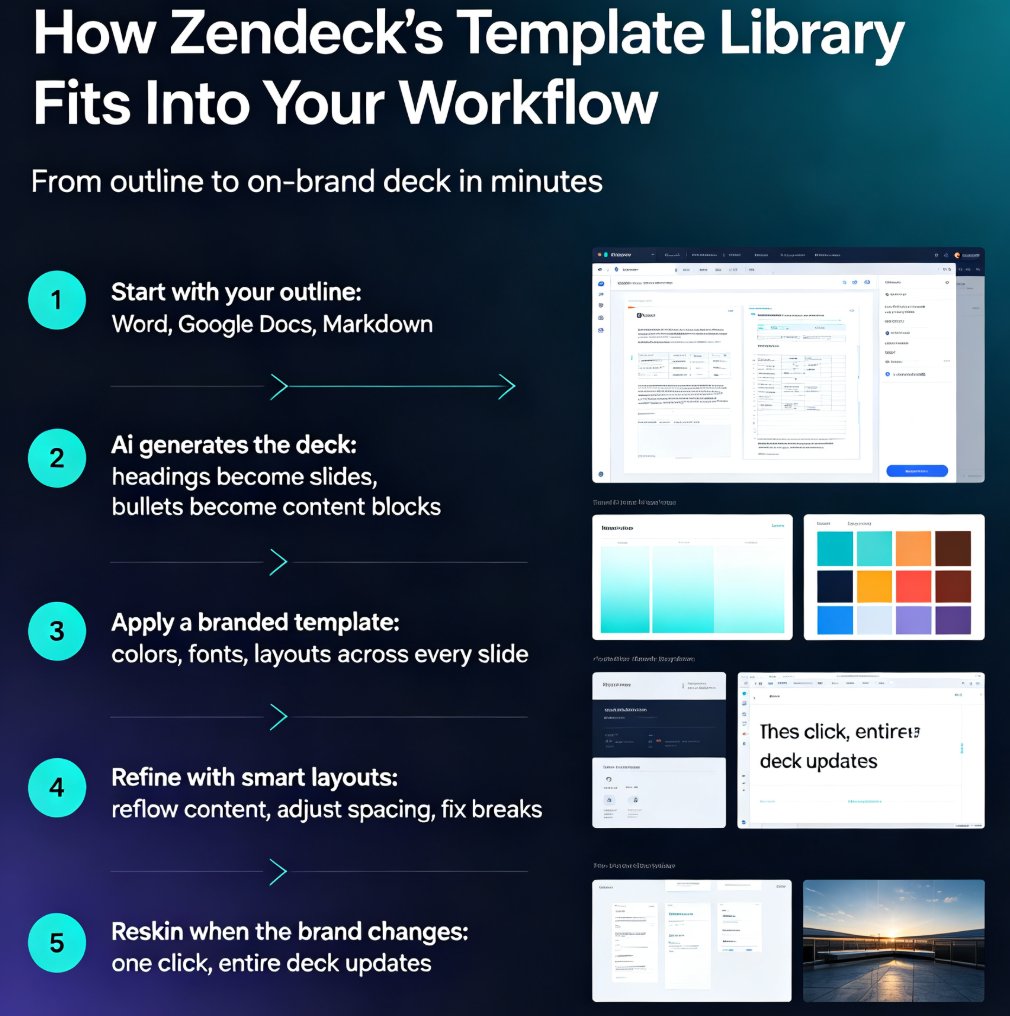
Zendeck's premium template library lets L&D and HR teams build brand-consistent training decks in minutes, no designer required. This guide walks through how to pick branded templates, apply smart layouts, and build a reusable training system that keeps every course on-brand. Stop fighting font sizes and color codes — learn how a template library turns scattered slide decks into a consistent, professional training catalog. Perfect for corporate trainers, L&D managers, and team leaders who need speed without sacrificing polish. We'll cover the real workflow: importing outlines, one-click reskinning, brand kit setup, and scaling consistency across an entire training program. Whether you're building onboarding, compliance, or product training, the same system applies. If your team has ever shipped an off-brand deck, this guide is the fix you've been looking for.
Smart Layout: How One-Click Design Systems Kill Manual Formatting

Courseware Design 2026-08-24 1150

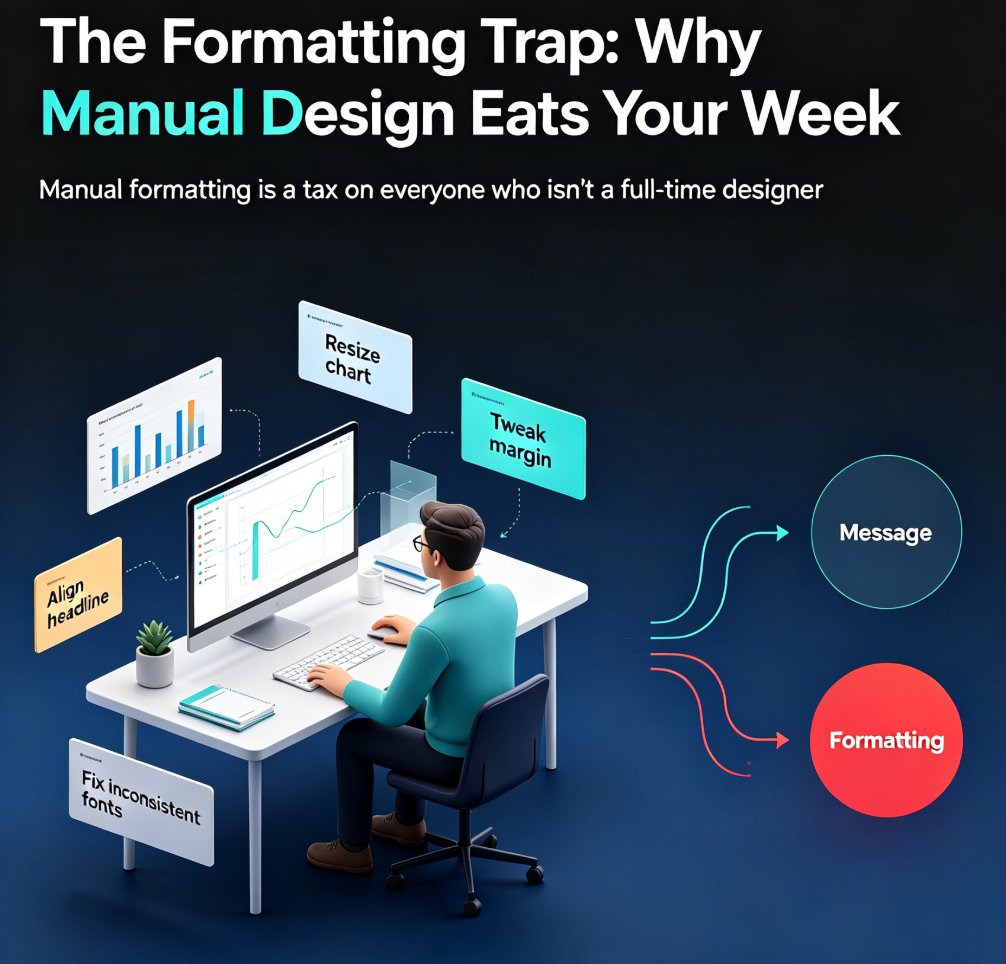
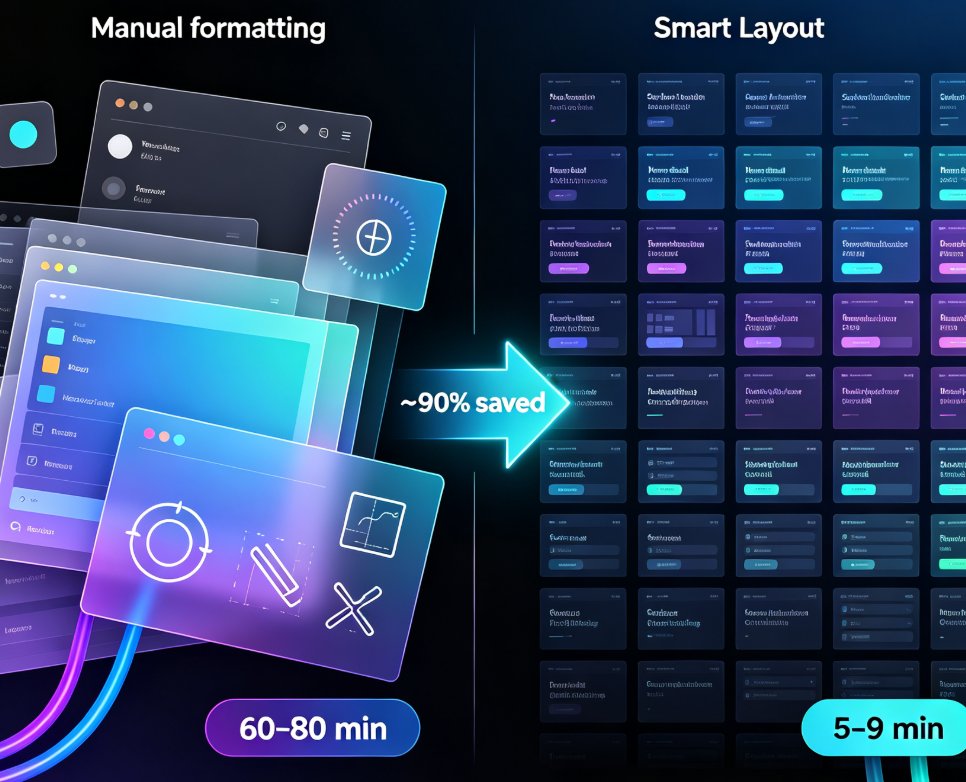
Smart layout is replacing manual formatting as the industry standard for presentations. One-click design systems automatically unify fonts, colors, and spacing, cutting formatting time by roughly 90% and letting non-designers produce polished decks without touching a font menu. Zendeck's one-click reskin is a concrete example of this trend: paste in an outline, and the system generates a structured, visually consistent deck in minutes. This article explains how smart layout works under the hood, why manual formatting is dying, and what it means for educators, trainers, and teams who want brand-consistent courseware without a design department. If you're still formatting slides by hand, you're paying a tax you don't need to pay.

AI-Powered Asset Libraries: Smarter Visuals for Your Decks

Courseware Design 2026-08-21 2324

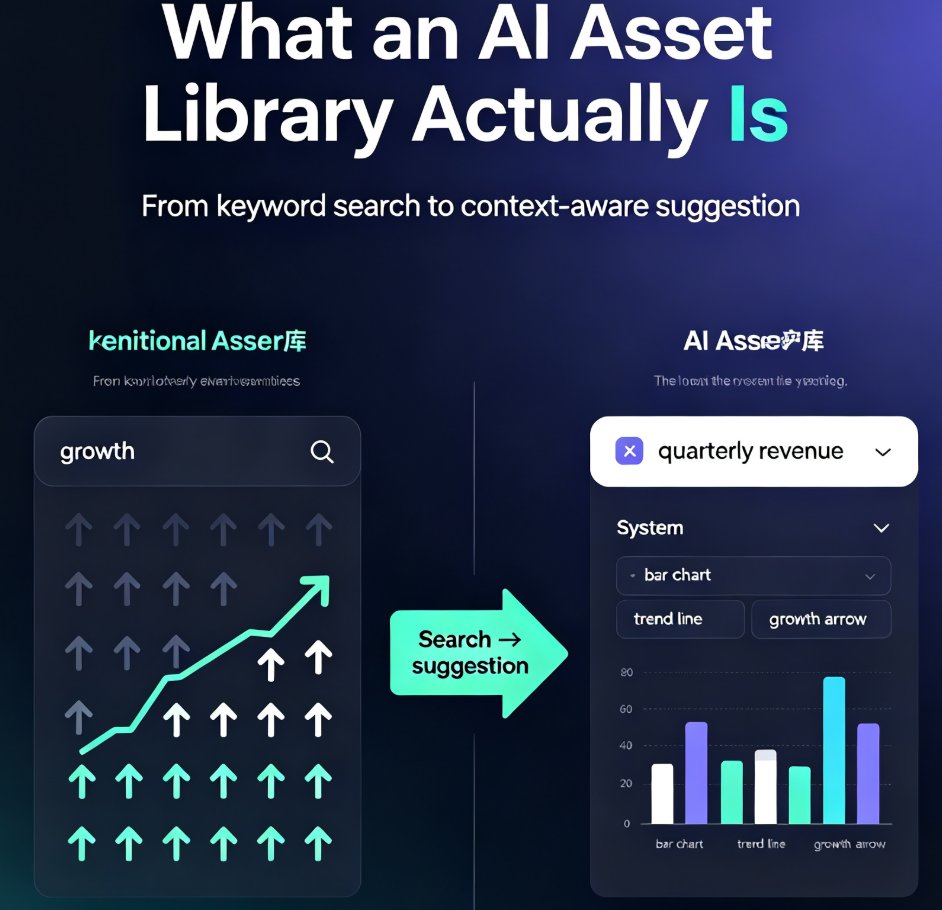
AI-powered asset libraries are changing how we build presentations. Instead of hunting through thousands of icons, tools like Zendeck read your slide content and recommend the perfect visuals — icons, charts, and illustrations that match your topic, tone, and brand. This guide explains how context-aware suggestions beat keyword search, why visual consistency matters more than individual icon quality, and how Zendeck's asset library turns a multi-hour design task into a few minutes. You'll see a side-by-side comparison of traditional and AI libraries, a real workflow walkthrough, and a look at what's next for generative assets. If you're tired of decks that look thrown together, this is the shift you've been waiting for. Whether you're an educator, trainer, or marketer, understanding this shift will change how you approach every deck you build.

Brand Compliance Made Easy: Enterprise Asset Library Guide

Courseware Design 2026-08-21 3819

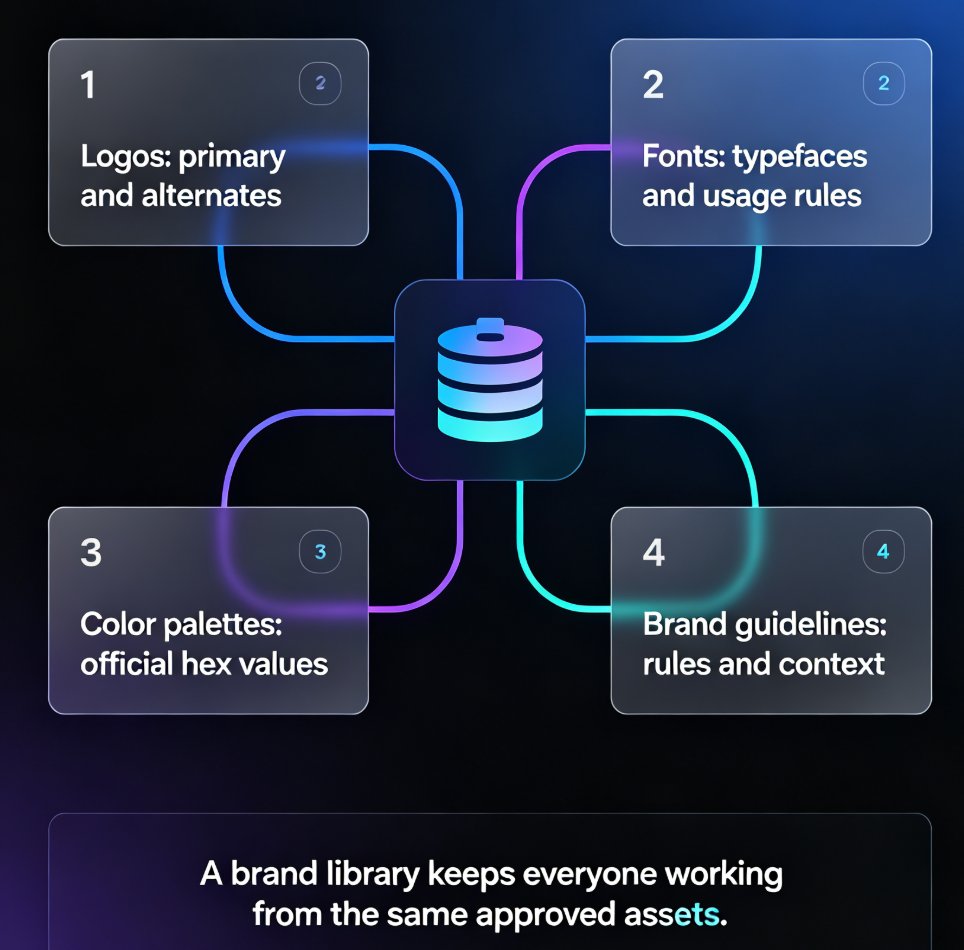
Brand compliance in presentations is broken when you rely on manual policing. An enterprise asset library locks in your fonts, colors, and logos so every deck stays on-brand automatically. Zendeck's asset library enforces brand standards at the system level: set your hex values, typography, and logo once, and one-click reskin applies them to any new or existing deck. This guide covers what brand compliance really means, why manual review doesn't scale, and how Zendeck's enterprise asset library keeps hundreds of slides consistent without the nagging. You'll also get a practical workflow, a comparison of manual policing versus system-level enforcement, and answers to the most common questions about brand governance in AI presentation tools.

Team-Wide Design Consistency: Zendeck's Shared Templates That Work

Courseware Design 2026-08-21 2805

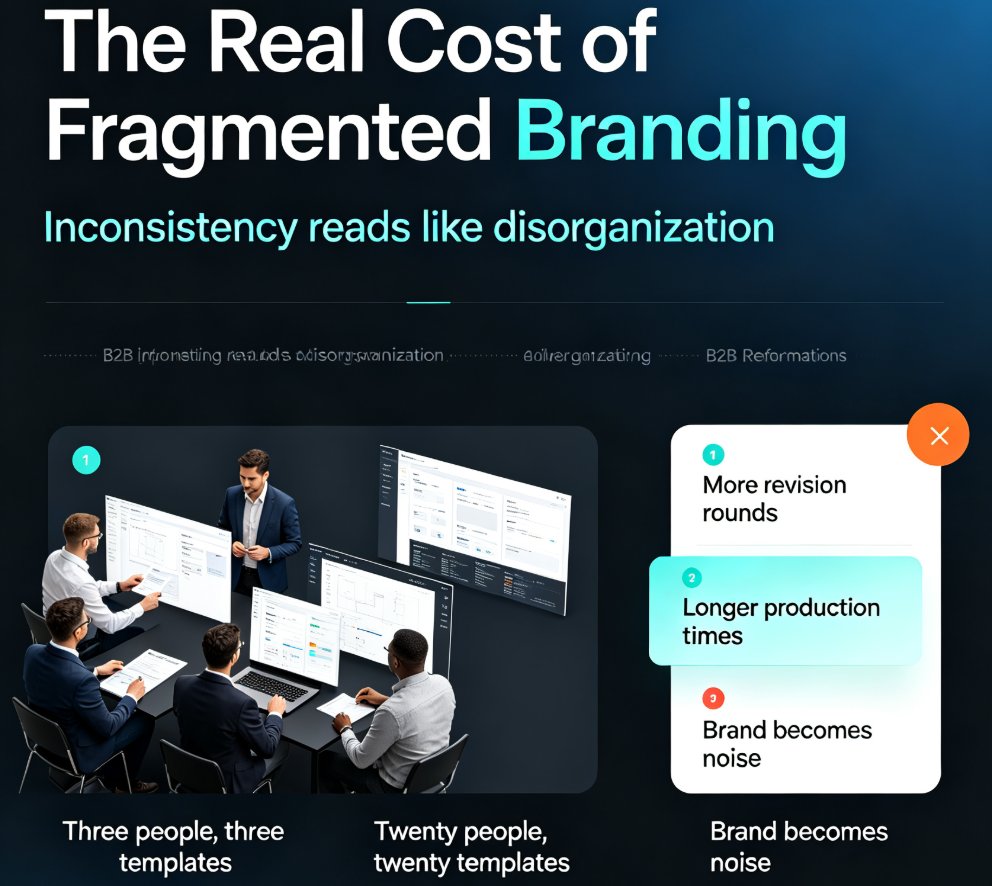
Fragmented branding quietly costs teams hours of rework every week. Zendeck's shared template library and style guides ensure every team member produces visually consistent decks — without a design team or a single extra meeting. This guide breaks down how shared templates lock fonts, colors, and layouts across your whole team, why individual template choice is the root cause of off-brand slides, and the exact setup steps to get your library running in under an hour. You'll also see real numbers on time saved per deck, a side-by-side comparison of individual versus shared templates, and best practices borrowed from professional design systems. If your team's decks look like they were made by five different people, this is the fix you've been looking for.
AI-Driven Design Automation: The 2026 Shift to Smart Layouts

Courseware Design 2026-08-20 2781

AI-driven design automation is the defining 2026 shift in presentation work: smart layouts replace manual formatting, letting non-designers produce professional decks in minutes. This guide explains how adaptive layouts, intent interpretation, and conversational editing remove the design bottleneck — and how Zendeck's smart layout engine automates layout, brand consistency, and one-click reskin. Backed by data showing teams reclaim up to 70% of time lost to manual slide design, we break down where the hours go, what smart layouts do differently from rigid templates, and a practical five-step path to get started. Whether you're an educator, trainer, or content operator, this is your playbook for making professional design a default setting, not a skill barrier.