Courseware Design

Layout, color, fonts, formatting, and visual design principles.

74 articles

AI-Generated Icons and Charts: How Asset Libraries Are Evolving

Courseware Design 2026-08-20 2005

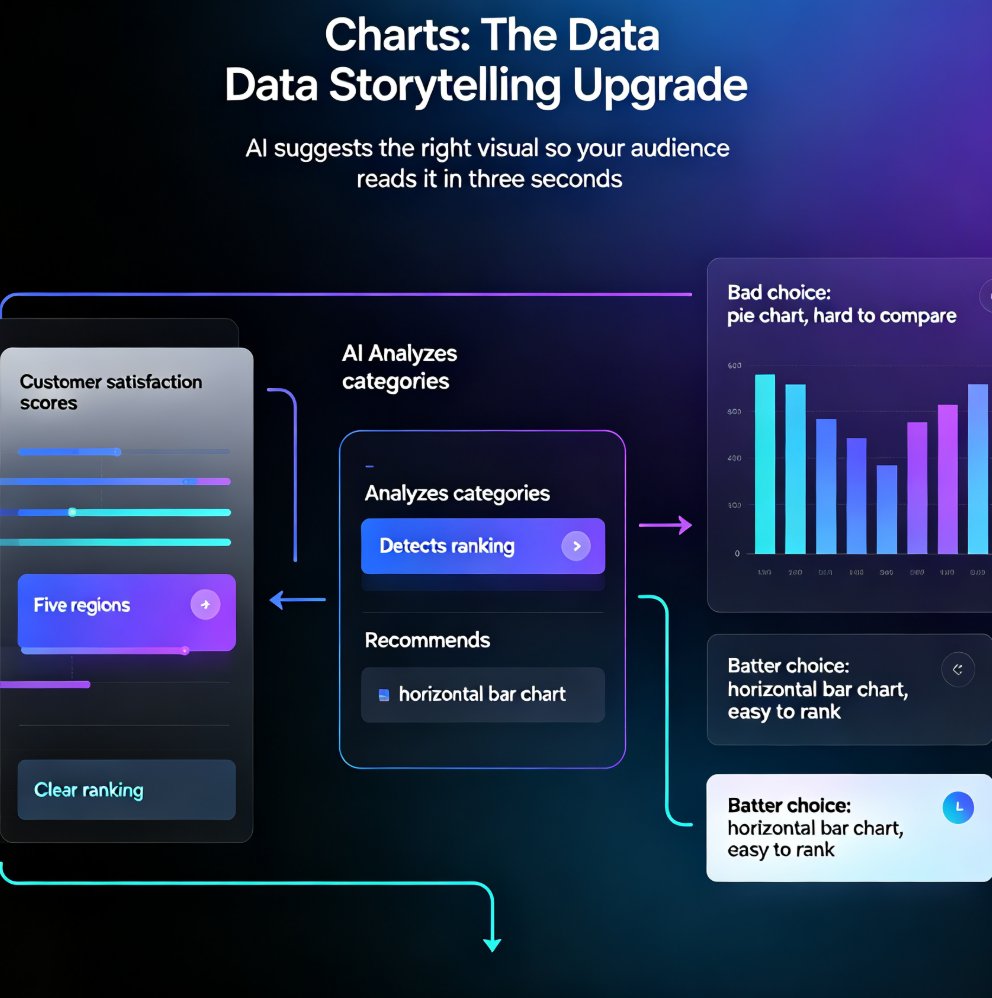
AI-generated icons and charts are transforming presentation asset libraries, and Zendeck's asset library puts this power in your hands. Learn how AI suggests and generates relevant visuals — no design skills required. From context-aware icon recommendations to intelligent chart selection, discover how modern AI presentation tools turn the tedious asset hunt into a one-click workflow. This guide covers the shift from static libraries to dynamic, AI-powered asset generation, practical tips for data storytelling, and how to keep every slide on-brand. Whether you're a trainer, educator, or team lead, you'll walk away with a repeatable workflow for building richer decks faster — and a clear picture of why AI asset libraries are becoming the new baseline for professional presentation design.
Memory-Rich AI for Brand Consistency: Smart Templates That Remember

Courseware Design 2026-08-20 2405

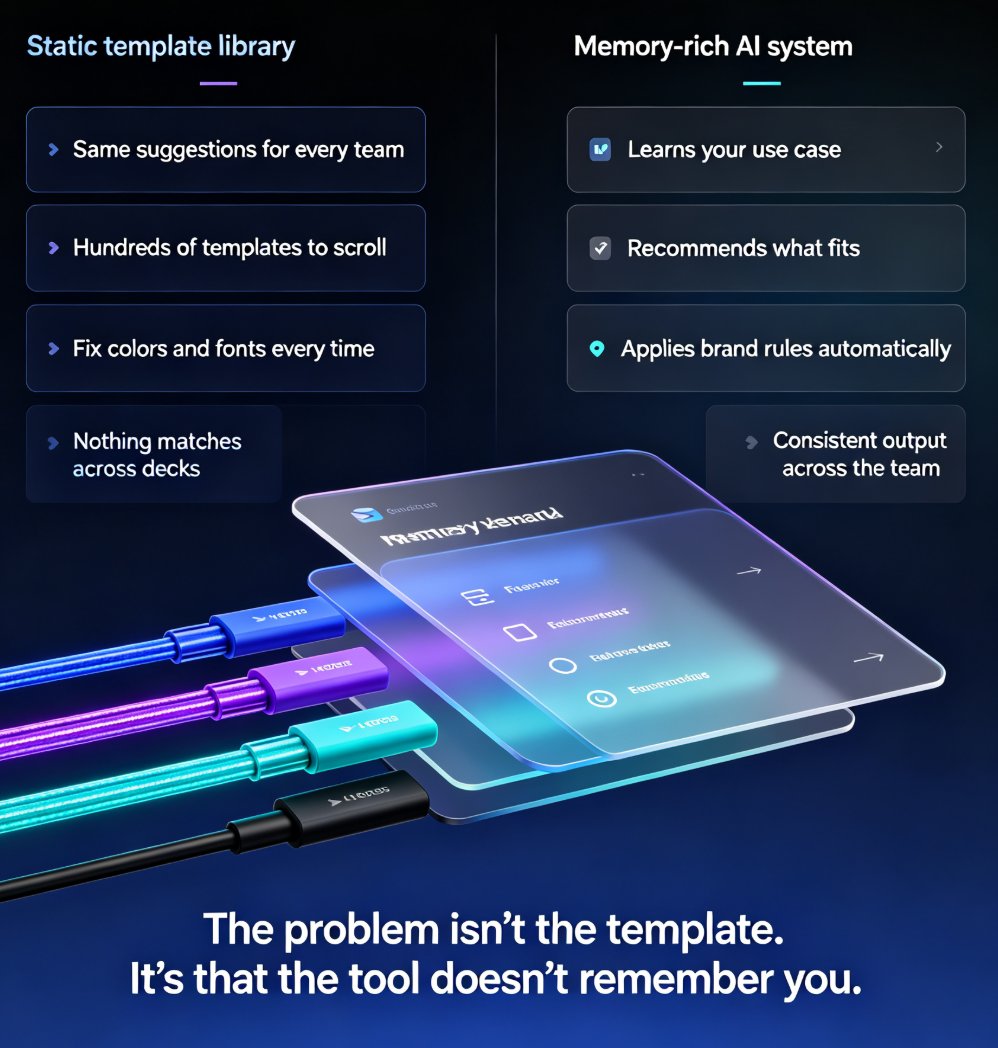
Memory-rich AI is changing how presentation tools handle brand consistency. Instead of treating every deck as a fresh task, smart template systems remember your brand colors, fonts, layout preferences, and past edits — so every new presentation starts closer to finished. This guide explains what memory-rich AI means, why static template libraries fail, and how Zendeck's smart template library adapts to your brand and audience. You'll learn how to reduce manual fixing time, maintain consistent layouts across hundreds of slides, and help your team stay on-brand without constant oversight. If your decks still look off-brand after hours of editing, the problem isn't your design skills — it's that your tools don't remember you. Memory-rich AI changes that. Read on to see how template personalization, brand memory, and AI-driven layout consistency are reshaping courseware design and corporate presentations in 2026.

Zendeck Asset Library: Create Stunning Slides Without Design Skills

Courseware Design 2026-08-19 609

Learn how Zendeck's asset library — icons, charts, and illustrations — combined with smart layout helps you create stunning slides without design skills. This practical guide covers a 10-minute workflow, common mistakes to avoid, and pro tips for educators, trainers, and teams who want professional-looking decks. Discover how to replace bullet lists with icons, turn data into clean charts, and let Zendeck's layout engine handle alignment and spacing automatically. Whether you're preparing a training course, a client pitch, or a conference keynote, this guide shows you how to elevate your slides from plain to polished — no Photoshop required. We'll also cover the three most common mistakes that make decks look amateur and how to fix them, plus answers to frequently asked questions about using assets, charts, and brand kits in Zendeck.

How to Build a Custom Branded Template in 5 Steps with Zendeck

Courseware Design 2026-08-18 929

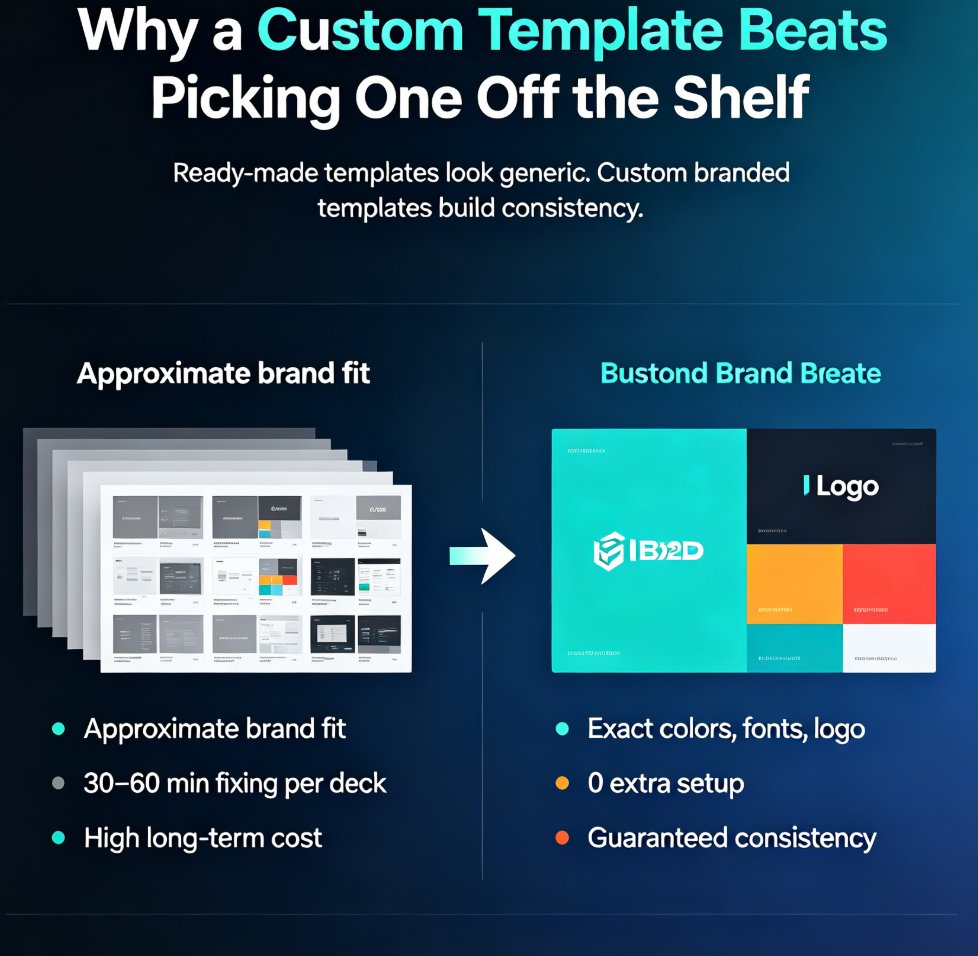
Building a custom branded template in Zendeck takes five steps and zero design skills. This tutorial shows you how to define your brand foundation, set up master layouts, build reusable components, wire everything into a brand kit, and save a reusable template that keeps every deck on-brand automatically. Stop fixing colors and fonts in every presentation — build a template once and let it do the work forever. Perfect for educators, trainers, HR teams, and content operators who need consistent, professional decks without the formatting grind. Includes a ready-made vs. custom template comparison, the five-step workflow, common mistakes to avoid, and answers to the most frequent questions about branded templates in Zendeck. By the end, you'll have a reusable system that cuts deck creation time dramatically.

How to Create a Training Deck from Scratch: 6 Steps with Zendeck's AI

Courseware Design 2026-08-18 2151

Learn how to create a professional training deck from scratch with Zendeck's AI in six simple steps. This beginner-friendly tutorial walks non-designers through the entire workflow — from defining training goals and brain-dumping content to generating slides, picking templates, refining visuals, and exporting or converting to video. Zendeck's AI deck generator turns a rough outline into polished, on-brand courseware in about 10-20 minutes, eliminating the need for PowerPoint design skills. Perfect for trainers, L&D managers, and subject-matter experts who want professional results without the design headache. Includes a comparison table of traditional vs. AI-assisted workflows, practical tips for every step, and answers to common questions about editing, importing, and video conversion.

Generic Templates Hurt Your Pitch: Zendeck's Industry Library Wins

Courseware Design 2026-08-18 2155

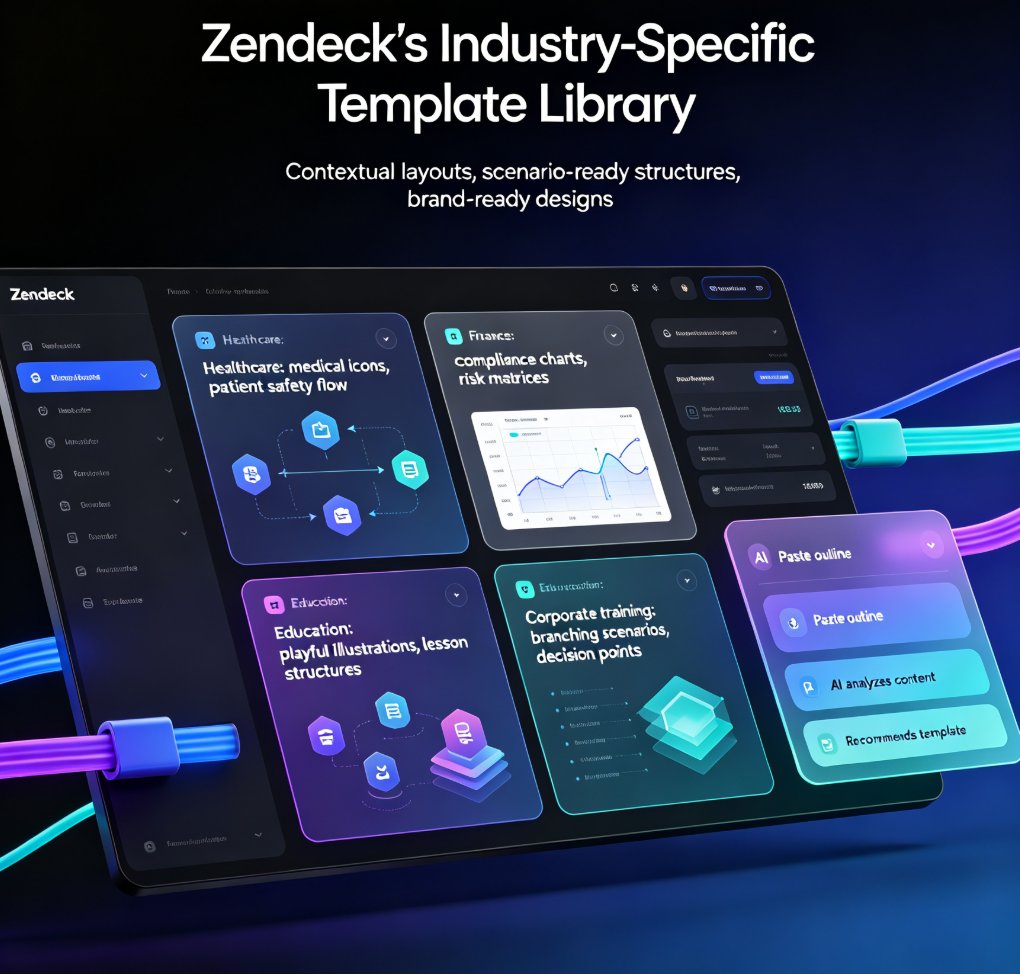
Generic templates fail to resonate with specific audiences. Zendeck's scenario-based template library offers tailored designs for education, corporate training, and HR, ensuring relevance and impact. In this article, we explore why generic templates hurt your pitch, how scenario-based learning transforms training, and how Zendeck's industry-specific templates solve the engagement problem. You'll learn practical tips for choosing the right template, customizing it with brand kits, and adding interactive elements like branching scenarios. Whether you're a trainer, educator, or HR professional, this guide shows you how to create presentations that not only look professional but also drive real learning outcomes. Stop settling for generic—discover how Zendeck's curated library helps you craft decks that truly connect with your audience and deliver measurable results.