Courseware Design

Layout, color, fonts, formatting, and visual design principles.

74 articles

How to Create a Compliance Training Deck with Zendeck's Templates and AI

Courseware Design 2026-08-12 2651

Creating a compliance training deck doesn't have to mean dense slides and endless revisions. Zendeck's templates and AI help HR and L&D teams build accurate, on-brand, and engaging compliance training presentations in hours, not weeks. This guide walks you through the full workflow — from importing your regulatory outline to generating consistent layouts, adding interactive quizzes, and even turning the final deck into a narrated micro-course. You'll learn how to keep content compliant, maintain brand consistency across hundreds of slides, and update decks quickly when regulations change. We'll also cover practical tips for making dense regulatory content digestible, with visual checklists and structured layouts that improve retention. If you're tired of compliance training that puts people to sleep, this is the playbook you need.

Why Does Zendeck's Smart Layout Produce Consistent Slides? FAQ

Courseware Design 2026-08-12 1050

Zendeck's Smart Layout automatically unifies fonts, colors, and spacing across every slide, so your deck stays visually consistent without manual design work. This FAQ explains how the auto-formatting engine works, when Smart Layout shines versus manual design, and how to keep every slide on-brand — even when multiple people build the deck. Learn the three rules behind consistent slides, see a practical comparison of Smart Layout vs. manual design scenarios, and get answers to the most common questions about automatic formatting. If your AI-generated slides still look messy, this guide shows you exactly where the inconsistency comes from and how to fix it in one click. Whether you're a teacher, trainer, or team lead, you'll walk away with a clear playbook for producing decks that look intentional, polished, and professional every single time.

How a University Cut Courseware Creation Time by 80% with Zendeck

Courseware Design 2026-08-11 2223

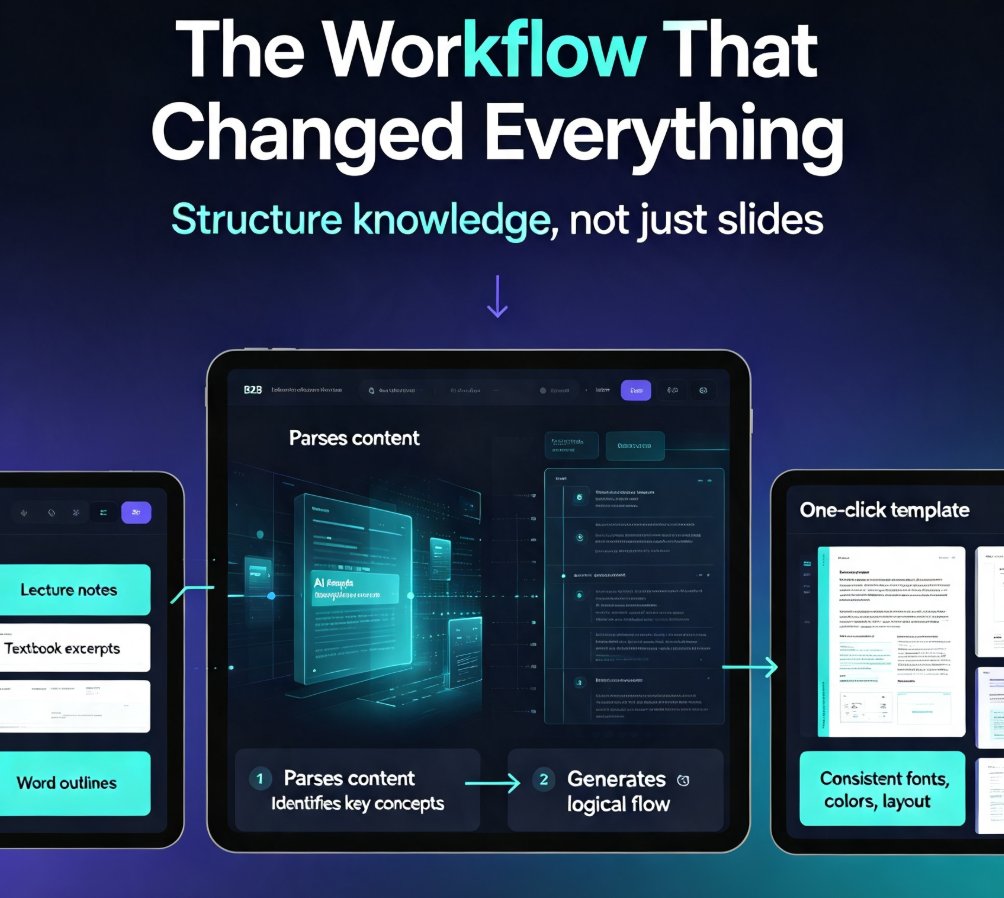
A university professor used Zendeck to cut courseware creation time by 80% — converting lecture notes and textbooks into structured, consistently designed decks. This real-world case study walks through the exact workflow, from importing raw material to generating polished slides, and the measurable boost in student engagement that followed. If you teach, train, or build learning content, this example shows how AI courseware creation can free up your week without sacrificing quality. Learn the step-by-step process, see the time-saving data, and get practical tips you can apply to your own courseware today. Whether you're a professor, corporate trainer, or instructional designer, this is the playbook for reclaiming your time and delivering better learning experiences with less effort.

Designing Conference Keynote Decks with AI Templates That Engage

Courseware Design 2026-08-10 2024

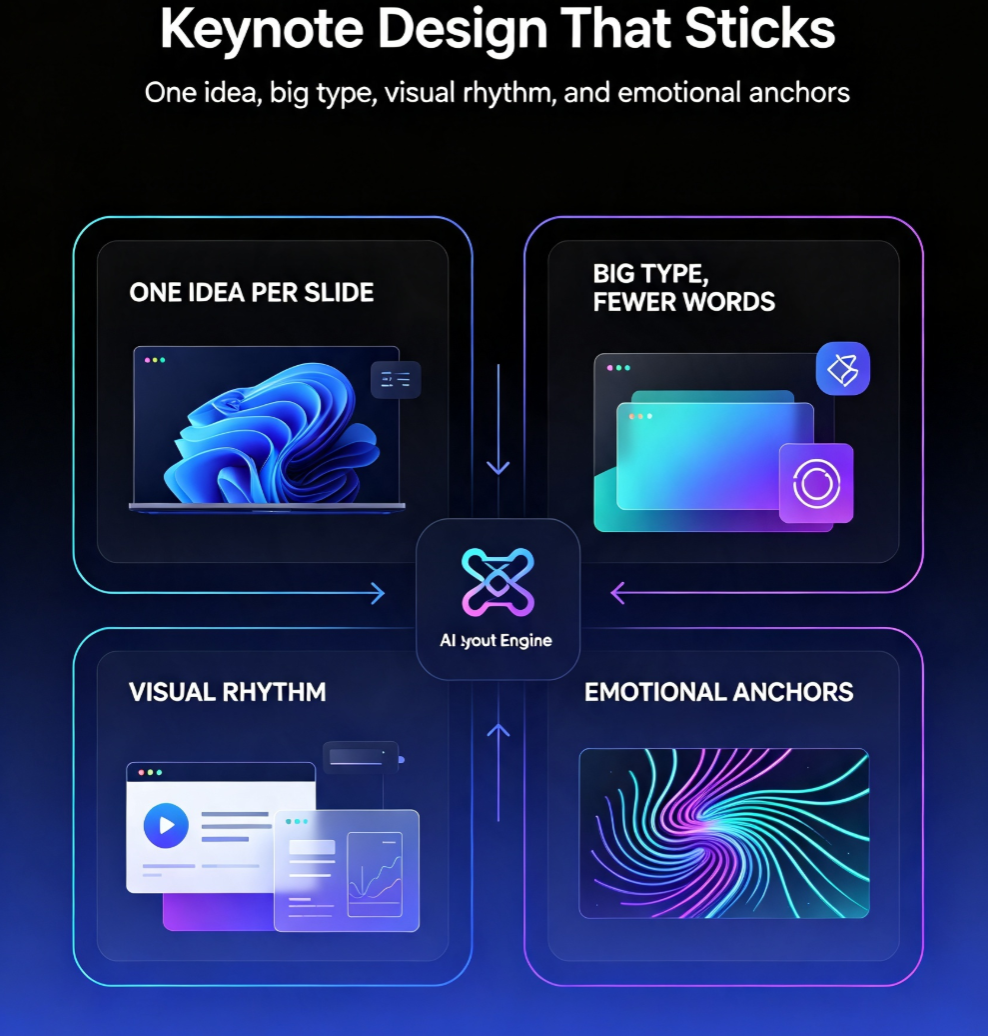
Conference keynotes fail when slides look like reports. Learn how AI templates, smart layout, and curated visual assets in Zendeck help you design visually striking keynote decks that hold audience attention — without design skills. This guide covers why keynotes need a different design language than regular decks, how to structure your narrative before touching a template, how smart layout creates visual rhythm and hierarchy, and why curated icons, charts, and illustrations beat generic stock. You'll also get a comparison of manual vs. AI-assisted workflows and a practical five-step process for building a stage-ready presentation in under an hour. If you're a speaker, trainer, or educator who wants decks that feel custom and polished, this is your playbook for your next talk.