AI Transparency in Courseware: Why Teachers Need Explainable Decks
AI Transparency in Courseware: Why Teachers Need Explainable Decks
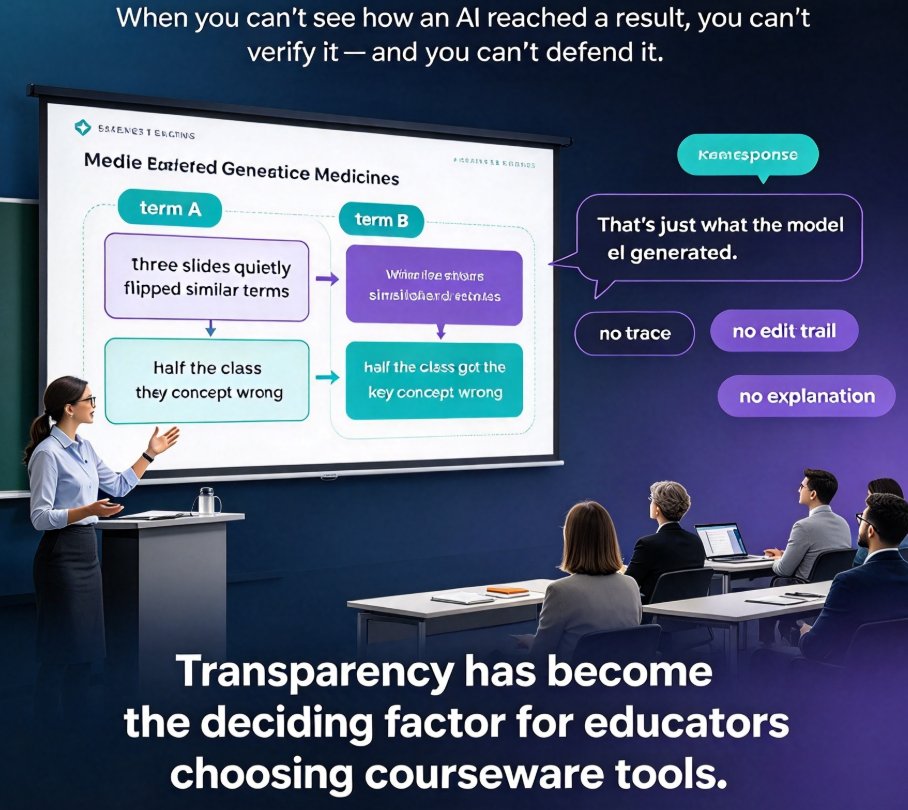
Last semester, a colleague of mine handed back a deck that an AI tool generated in about 40 seconds. Half the class got a key concept wrong — not because the students were unprepared, but because three slides had quietly flipped two similar medical terms. When I asked the vendor why the model made that swap, the only answer was a shrug: 'That's just what the model generated.' No trace. No edit trail. No explanation.
That moment is why AI transparency has become the deciding factor for educators choosing courseware tools. When you can't see how an AI reached a result, you can't verify it. And when you can't verify it, you can't defend it in front of a classroom. This article breaks down what explainable deck generation means, why teachers are starting to demand it, and how an outline-first workflow puts control back where it belongs.
01. AI Transparency Has Stopped Being a Nice-to-Have
Walk into any edtech conference and you'll hear the same word everywhere: transparency. The reason is simple. Explainable AI means a system can show, in simple human terms, how and why a decision was made — instead of leaving teachers guessing at the logic behind a score, a recommendation, or a generated slide deck. That definition comes from recent education research, and it's quietly reshaping how schools evaluate the tools they buy (Ascend Education, 'AI Transparency in Classrooms').
The shift is already showing up in policy. Around the world, educators, developers, and policymakers are pushing for AI systems that make decisions visible and understandable to everyone they affect. For students, that means visible disclaimers and labels on AI-supported tools — anything from an online quiz generator to a personalized learning assistant may soon need to say, plainly, 'This result was generated with AI.'
For teachers building courseware, the same logic applies to the deck generator. If a tool creates slides from a prompt, you should be able to see where the structure came from, why a visual was chosen, and whether the content matches your intent. That's the new baseline — and it ties directly into the larger conversation about protecting student data and privacy in AI courseware, which we covered in our guide to data privacy in AI courseware.
02. When the AI Is a Black Box, Teachers Pay the Price
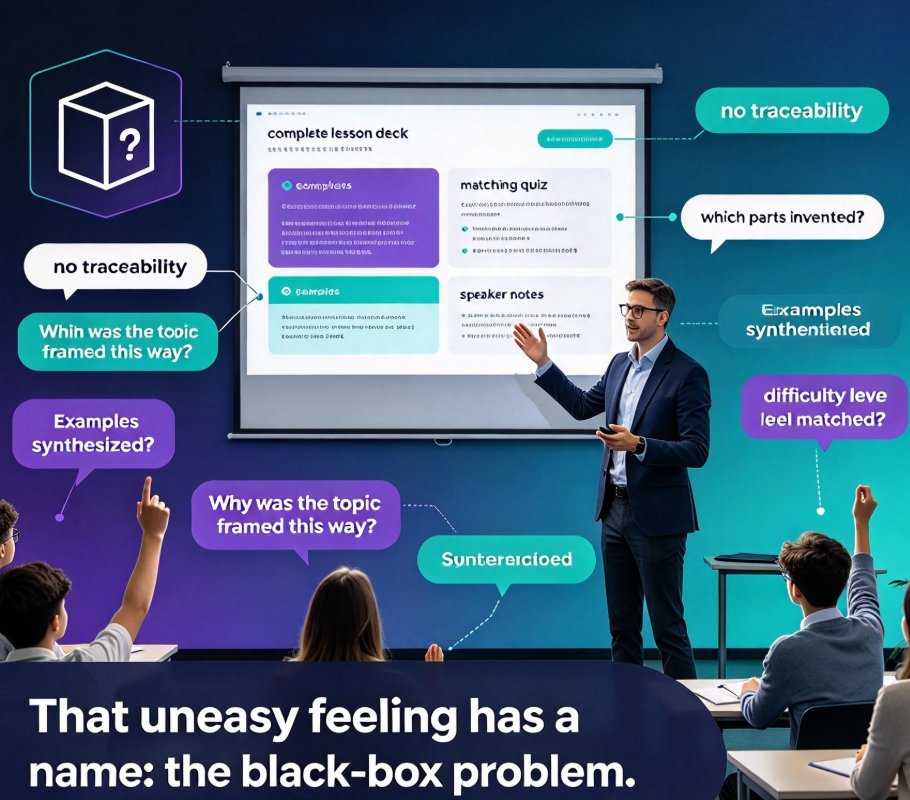
Let's be real: the problem with black-box tools isn't that they make mistakes. Every tool does — including human assistants. The problem is that you can't find the mistake, or explain it after the fact.
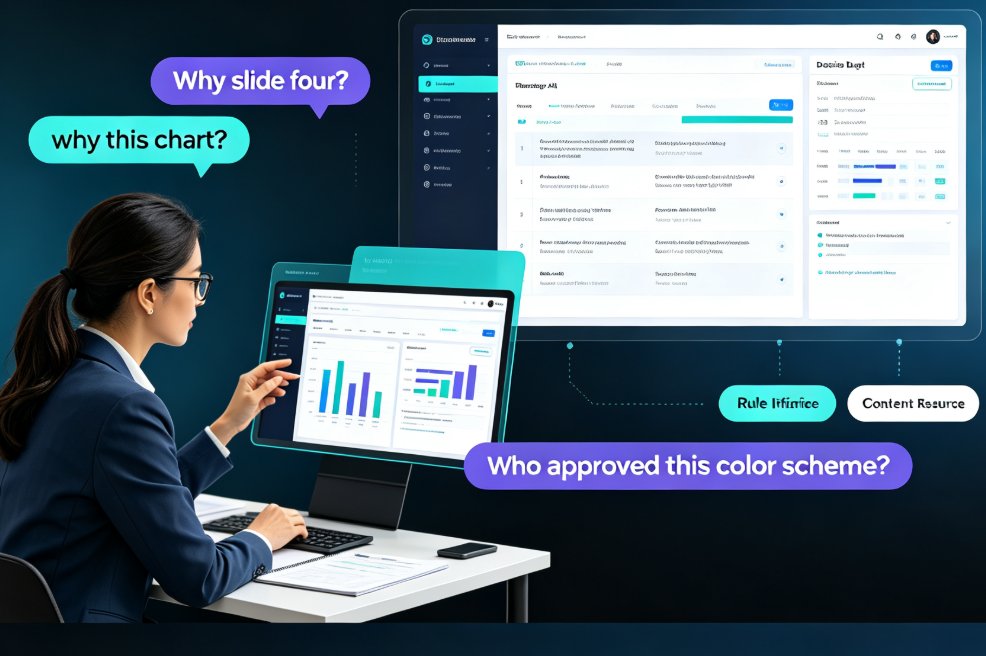
Here's what that looks like in practice. You upload your outline, the tool generates a full deck, and you discover slide 12 is off-topic. You don't know which prompt caused it, which template influenced the tone, or whether the AI pulled a fact from a source you'd never approve. You're left with two options: start over from scratch, or comb through every slide hoping the next error is visible.
Then there's the bias question. Research on human-centric explainable AI in education makes the point bluntly: when systems prioritize transparency and accountability, stakeholders can catch and correct biases that arise from underlying data and algorithms. When they don't, those biases stay invisible — and they land on your students (Human-Centric eXplainable AI in Education, arXiv 2410.19822).
Trust isn't a bonus feature in education technology — it's the foundation for adoption, and trust requires visibility. Students and teachers engage with AI systems when they get clear, understandable explanations for decisions and recommendations. If your deck tool can't provide those explanations, the trust gap doesn't show up in a user survey. It shows up in a classroom where you can't answer a simple question: 'Why does this slide say that?'
This is also why the rush toward fully autonomous, agentic workflows needs guardrails. It's exciting to imagine an AI that builds a whole micro-course without intervention — and we've written about that trend in agentic AI in course creation — but autonomy without visibility is a gamble that teachers, not vendors, end up paying for.
03. What Explainable Deck Generation Actually Looks Like
So what does transparency look like in a concrete tool, not just in a mission statement? It comes down to four checkpoints that should be visible at every step of generation:
- Source visibility — you can see exactly what input drove the output (your outline, your notes, your brief).
- Structure visibility — the AI's organization of topics and sections is inspectable and editable before slides are rendered.
- Design decisions — template and layout choices are traceable, and you can switch them without losing content.
- Post-generation edit trail — everything the AI produced can be revised at the slide level, with formatting that stays consistent.
The cleanest way to deliver all four is an outline-first workflow. You write the narrative in plain text; the AI transforms it, but it never silently replaces your structure with its own. Compare that with a black-box approach and the difference is stark:
| Checkpoint | Black-box AI generator | Outline-first explainable AI (Zendeck) |
|---|---|---|
| Content origin | Hidden inside the model's prompt logic | Visible in your imported Word/Markdown outline |
| Structure control | AI decides the flow; edits are hard | You own the hierarchy; AI preserves it |
| Design logic | 'Because the model chose it' | Template + layout choices you can see and change |
| Bias & error checks | Difficult to trace after generation | Easy to spot because each slide maps to your source |
| Teacher confidence | Low — you can't defend what you can't see | High — you can verify every step |
| Student explanations | 'I don't know how it made that' | 'Here's the source and the logic' |
Put those ratings on a chart and the pattern is obvious:
The takeaway is simple: when every design and content decision can be traced back to an input you provided, the AI stops being a mysterious black box and becomes an assistant you can actually supervise.
04. Zendeck: Your Outline Is the Contract
Here's where Zendeck's approach stands out. Instead of asking you to type a prompt and hope for the best, Zendeck starts with the thing you already know best: your outline. You paste Markdown or upload a Word document, and the platform generates your presentation from that structure. Nothing about the narrative is invented behind your back — the deck is a visual expression of something you wrote and can see.
That single design choice solves the transparency problem at the root. Since every slide traces back to a line in your outline, you can review the logic before a single template is applied. When you see the generated deck, you're not auditing a stranger's work — you're checking whether a well-structured summary did its job. And if a slide doesn't work, you can adjust the outline and regenerate, or fine-tune individual slides right in the editor.
The same principle extends to the design layer. Instead of a black box that picks a theme and calls it a day, Zendeck lets you choose templates with context in mind, then uses smart layout to keep fonts, colors, and spacing consistent across the deck. You'll find a deeper look at that workflow in our article on how Zendeck's smart layout cuts presentation design time and in our breakdown of AI deck template selection.
For the courseware you build for students, the benefit is bigger than convenience. It's professional trust. You can honestly tell a student where content came from, show them the structure you wrote, and demonstrate that you checked the AI's work before it reached the classroom. That's the kind of transparency that earns credibility — and it's why we place Zendeck's courseware features under the umbrella of courseware design that prioritizes explainability alongside quality.
05. Practical Habits for Transparent AI Courseware
Trends matter less than habits. If you want to build transparency into your own workflow, start with these five practices:
1. Write the outline before you touch the tool. The most transparent AI deck is the one you already designed in your head. Your outline is the contract between you and the generator — the more specific it is, the easier it is to audit the output.
2. Review structure before visuals. When Zendeck generates a deck, check the slide order and headings against your outline before obsessing over colors. Content errors are cheaper to fix before design is applied.
3. Document when AI was used. Align with the emerging classroom norms by being upfront with students. Put a small note in your courseware when AI assisted with generation or visuals — it models good digital citizenship and preempts the trust question.
4. Make visuals accessible, not just pretty. Transparent tools also make their design choices visible — including accessibility ones. Auto-generated alt text for images isn't just a compliance win; it's another layer of explainability about what each visual shows. Our guide on accessible courseware and auto alt text walks through the specifics.
5. Keep a living edit trail. After you regenerate a deck, keep the original outline and note what you changed. It's a lightweight version of explainability that you control, and it makes future revisions dramatically faster.
These habits won't turn you into an AI ethicist overnight. But combined, they move you from 'I hope the model got this right' to 'I can show exactly how we built this.'
The bottom line: explainable deck generation isn't a competitive feature — it's a teacher's professional safeguard. AI courseware will keep getting smarter, but it only earns a place in your classroom when you can see how it works, correct what it gets wrong, and explain both to the people who matter most — your students.
FAQ
Q: How does Zendeck make AI generation transparent?
A: Zendeck starts from your own outline — either pasted as Markdown or imported from a Word document — and builds the deck from that structure. Because every slide traces back to a line you wrote, you can inspect the organization, review the content, and change the design without losing control of the narrative.
Q: Can teachers edit AI-generated courseware after it's created?
A: Yes. You can adjust the outline and regenerate the deck, or fine-tune individual slides directly in the editor. Smart layout automatically keeps fonts, colors, and spacing consistent as you edit, so your deck stays polished without manual design work.
Q: What makes Zendeck different from black-box AI presentation tools?
A: Black-box tools generate from a prompt and leave you guessing at the logic behind the output. Zendeck makes the workflow visible: the outline is your source of truth, template and layout choices are yours to review, and every design decision can be changed. That visibility is what builds trust.
Q: Do educators need design skills to use Zendeck's outline-first workflow?
A: No. The outline-first approach means your design skills are never the bottleneck. Zendeck handles layout, templates, and visual consistency, while you focus on content. The transparency comes from the fact that the tool shows its work, not from requiring you to match a designer's eye.
Q: How can teachers explain AI-generated courseware to students?
A: Start with an honest note that AI assisted in creating the materials. Then point to the outline you wrote as the source of truth and explain that you reviewed and edited the output before class. This turns AI transparency into a teaching moment about verifying technology instead of just trusting it.