
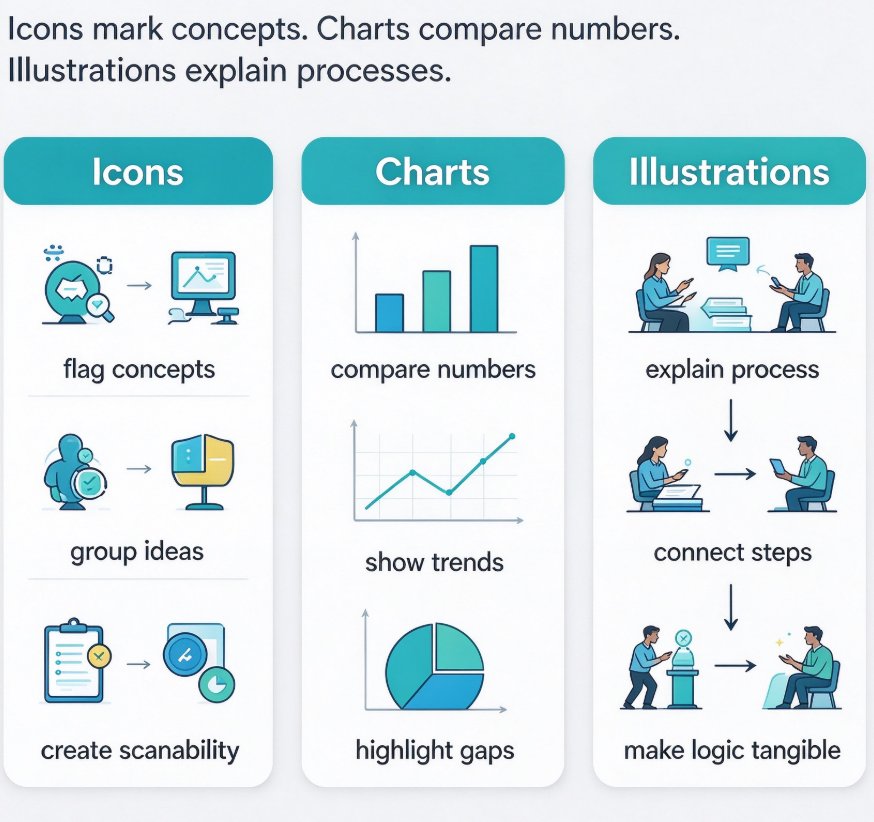
Tags:Zendeck Asset Library

3 articles

Data Visualization on Slides: Master Zendeck's Asset Library

Courseware Design 2026-11-06 3968

Data visualization on slides doesn't have to be painful. Learn how Zendeck's asset library—icons, charts, illustrations—turns data-heavy decks into clear, professional visuals. This guide covers chart selection, icon pairing, and practical workflow tips to make your data stand out. Whether you're an educator, trainer, or operator, Zendeck helps you pick the right visual, enforce brand consistency, and even convert decks into narrated micro-courses. From Word outline to polished slide, you'll cut design time from hours to minutes.

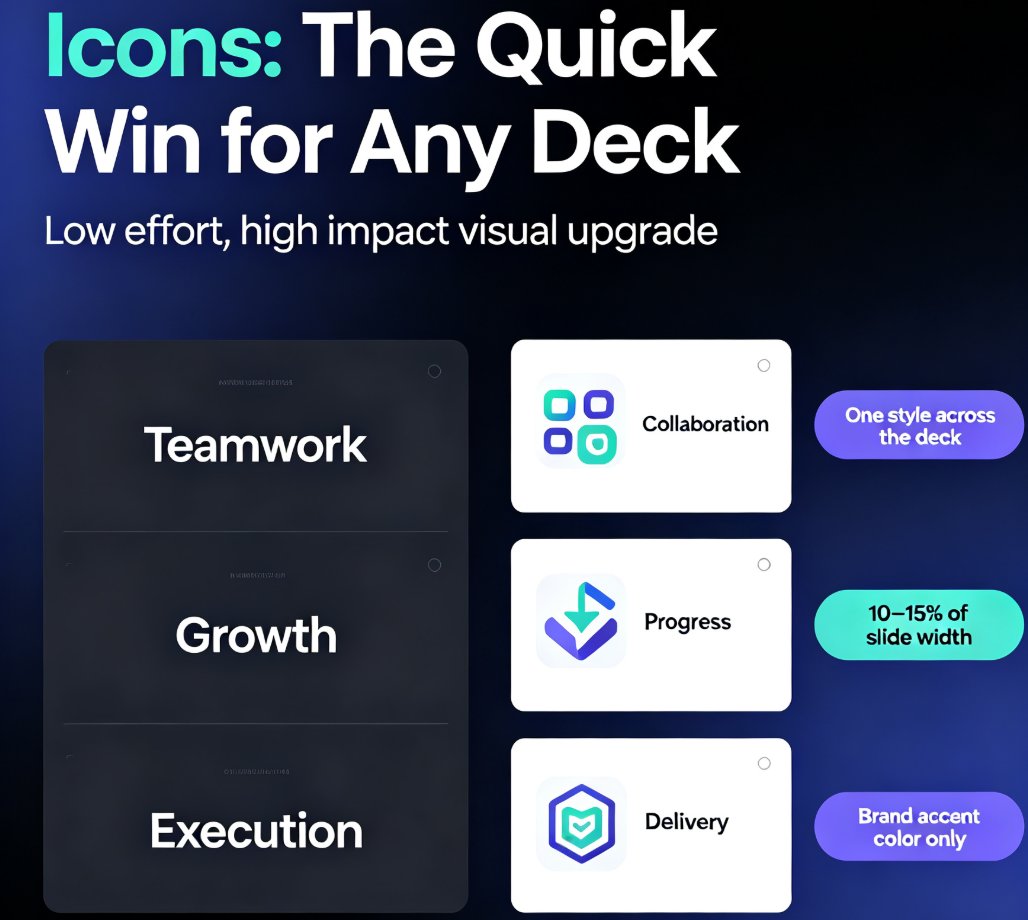
Zendeck Asset Library: 3 Ways to Find the Perfect Visual in Seconds

Courseware Design 2026-09-08 1593

Learn how to use the Zendeck Asset Library to locate icons, charts, and illustrations in seconds. This practical tutorial reveals three proven search techniques that beat generic stock photo searches. If you build courseware or corporate decks, Zendeck's smart filters and curated collections will cut your design time dramatically. Discover how to insert professional visuals without leaving your editor, and see why smart asset search is the 2026 standard for course creators.

Zendeck Asset Library: Find Icons, Charts, and Illustrations Quickly

Office Efficiency 2026-08-21 1443

Stop digging through folders for the right visual. Zendeck's asset library puts icons, charts, and illustrations one search away. Learn natural-language search tricks, filter shortcuts, and best practices that cut your design time from minutes to seconds. Whether you're building a training deck or a client pitch, this guide shows you how to find the perfect asset fast, keep everything on-brand, and make your slides look professionally designed without touching a design tool. Search smarter, insert faster, and present better with Zendeck.

▲