Office Efficiency

Office automation, productivity tools, and workplace efficiency methods.

74 articles

Zendeck Brand Kits: How to Keep Every Team Presentation On-Brand

Office Efficiency 2026-09-20 2824

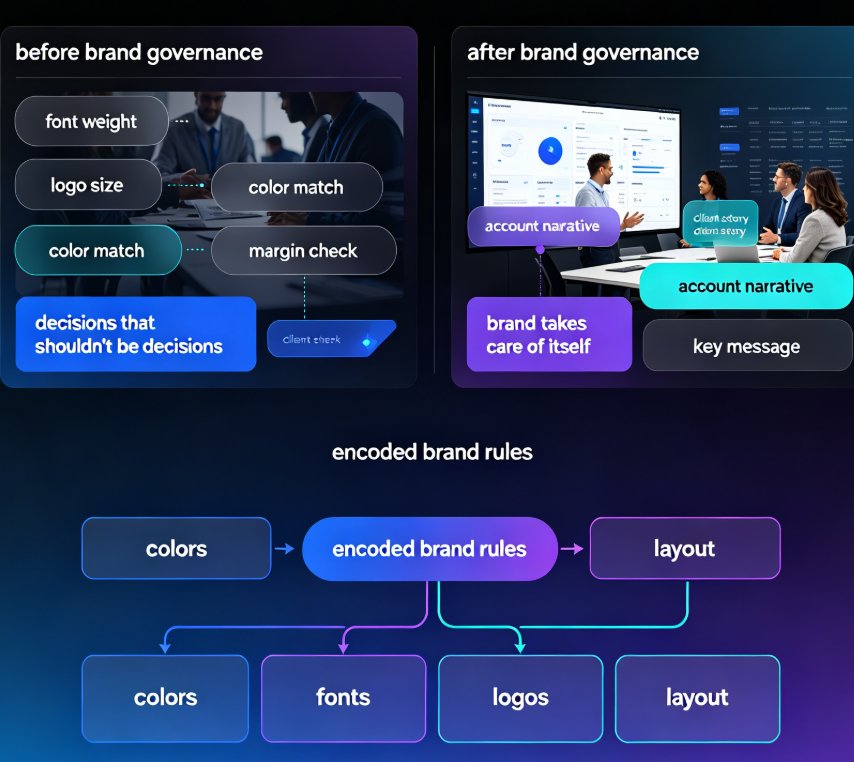
Zendeck brand kits let organizations lock colors, fonts, logos, and layout rules across every team presentation. This guide explains how brand governance fixes the ransom-note deck problem: off-brand slides, drifted fonts, and inconsistent logos that plague marketing, sales, and training teams. Instead of relying on discipline or manual review, Zendeck enforces your brand automatically on every slide, whether it is an agency shipping dozens of client decks a month or an enterprise sales team sharing one revenue deck across reps. Learn what a brand kit locks down, who needs it most, and the time math: most teams cut weekly brand-fix hours from five to eight down to one or less. For the full setup walkthrough, see Zendeck's brand kit guide on our blog.
How to Turn a Word Outline into a Polished Slide Deck with Zendeck

Office Efficiency 2026-09-18 3916

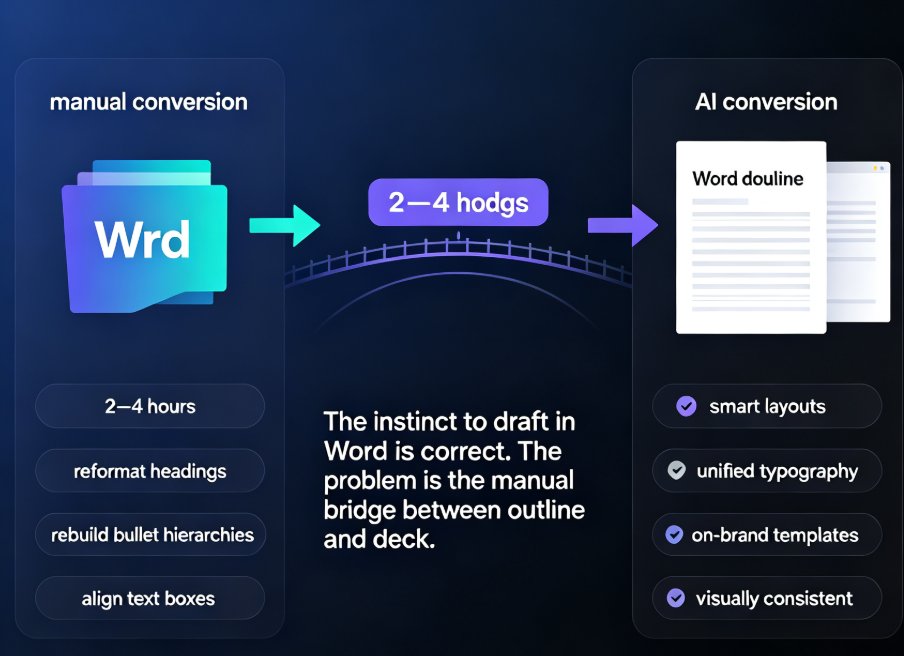
Drafting in Word is comfortable, but turning that outline into a slide deck by hand is a formatting bottleneck no one enjoys. Zendeck converts your Word outline into a polished, visually consistent presentation in minutes — applying smart layouts, unified typography, and on-brand templates automatically. This guide walks you through the exact workflow: structuring your outline correctly, importing it into Zendeck, letting the AI generate slides, and applying one-click reskinning for a professional finish. Whether you're an educator preparing courseware or a trainer building corporate workshops, you'll learn how to reclaim hours of manual layout work while producing decks that look like a designer made them.

Real-Time Co-Editing: How Remote Teams Finalize Decks Faster

Office Efficiency 2026-09-17 1230

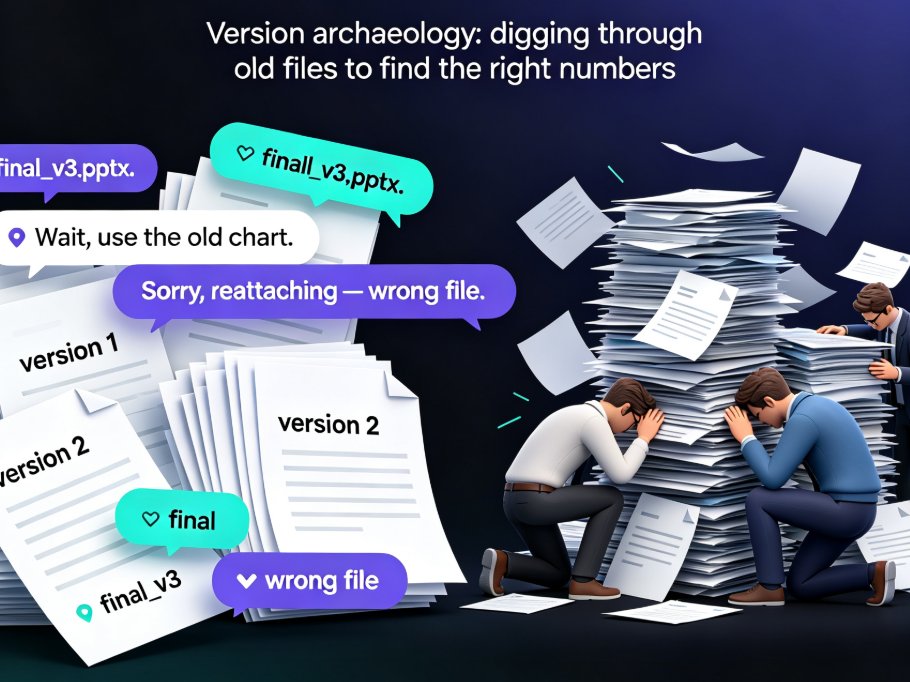
Real-time co-editing cuts deck review cycles from days to hours for remote teams. Instead of emailing PPT files back and forth, Zendeck gives you one live version your whole team can edit, comment on, and share — with threaded feedback tied to specific slides and role-based link sharing for stakeholders. This guide breaks down why version history alone isn't enough, how co-editing collapses the review loop, and a practical review workflow you can adopt today. If you're tired of "final_v3" emails and conflicting feedback scattered across threads, here's how Zendeck's collaboration features help distributed teams finalize presentations faster and with far less coordination overhead.

Team Edited the Same Slide? Recover It Now with Version Control

Office Efficiency 2026-09-16 3937

A teammate overwrote your slide and your work is gone — but in Zendeck, you can recover every edited slide with version history and restore points. This guide walks you through the exact recovery workflow: how to open revision history, preview the version before the overwrite, and restore one slide without rolling back your team's other progress. Learn why version chaos happens in team decks, how Zendeck's revision comparison and conflict-resolution features turn a Friday-afternoon panic into a two-minute fix, and which collaboration habits keep your deck workflow from ever needing a rescue. If your team builds AI presentations together in real time, this is the safety net that makes overwrites a non-event and lost work a thing of the past.

Real-Time Co-Editing: Zendeck Ends Version Control Nightmares

Office Efficiency 2026-09-10 687

Real-time co-editing and version control are the cure for team presentation chaos. Zendeck lets multiple teammates edit slides simultaneously, auto-saves every change, and keeps a full history so you never lose track of the latest version. Say goodbye to emailing 'final_v3_FINAL(2).pptx' and hello to a single source of truth. This guide explains how Zendeck's collaboration features kill version confusion, why version history is your safety net, and how to adopt best practices for smooth team workflows. If your team struggles with outdated decks or conflicting edits, Zendeck's real-time co-editing is the solution you've been missing.

Real-Time Team Co-Editing: Build Training Decks with Your Team

Office Efficiency 2026-09-09 1220

Real-time team co-editing lets HR, L&D, and training teams build a training deck together without the version chaos of emailed attachments. This guide walks through a live co-editing workflow in Zendeck — one shared link, role-based permissions, and threaded feedback — so authors, reviewers, and stakeholders all work from a single source of truth. Backed by the IDC finding that 38% of employees struggle with internal collaboration, we break down the three roles in a live deck, show a step-by-step co-editing session, compare traditional review with real-time editing, and share the habits that keep a shared deck coherent. If your training rollouts keep dying in email threads, this is the workflow you've been missing.