Office Efficiency

Office automation, productivity tools, and workplace efficiency methods.

98 articles

5 Easy Ways to Add Interactive Elements to Your PPT with Zendeck

Office Efficiency 2026-10-23 2961

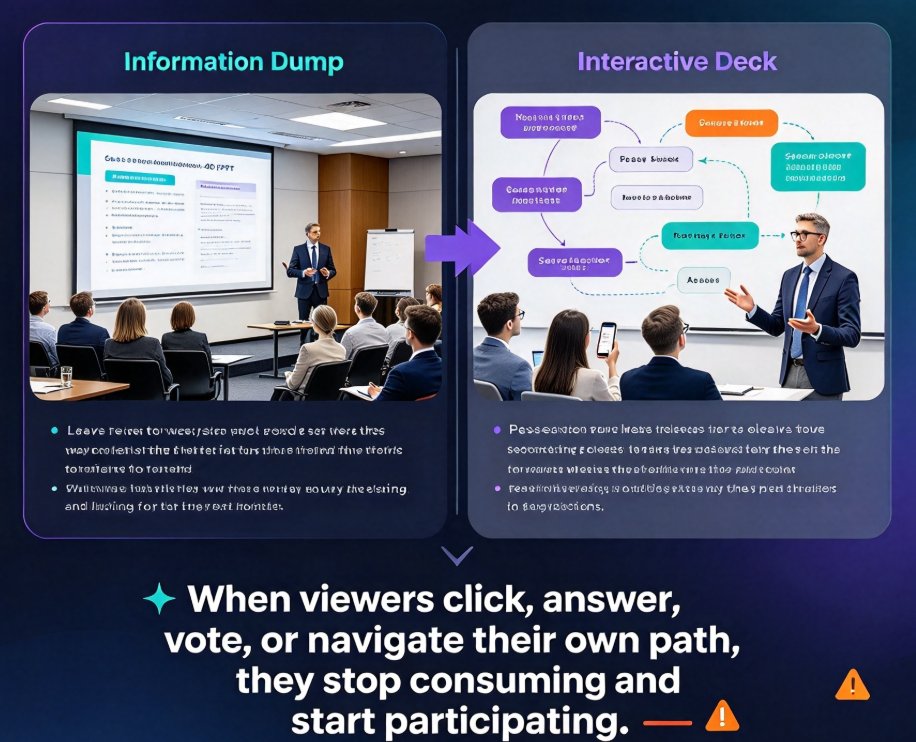
Turn passive slides into engaging experiences with these 5 easy ways to add interactive elements to your PPT with Zendeck. Learn how to embed quizzes, run live polls, create clickable navigation, convert decks into narrated micro-courses, and unlock async collaboration — all without design skills. Zendeck's AI handles the layout, so you focus on connection. Perfect for educators, trainers, HR teams, and content operators who want higher retention and more participation. This practical guide walks through each method step by step, with real scenarios and quick-setup tips. Start with a five-minute live poll or go deep with a full interactive quiz flow. Every method works in live sessions and self-paced formats, helping you turn any deck into a resource audiences actually use.
Role Permissions: Stop Team Overwrites in Shared Presentation Decks

Office Efficiency 2026-10-23 2108

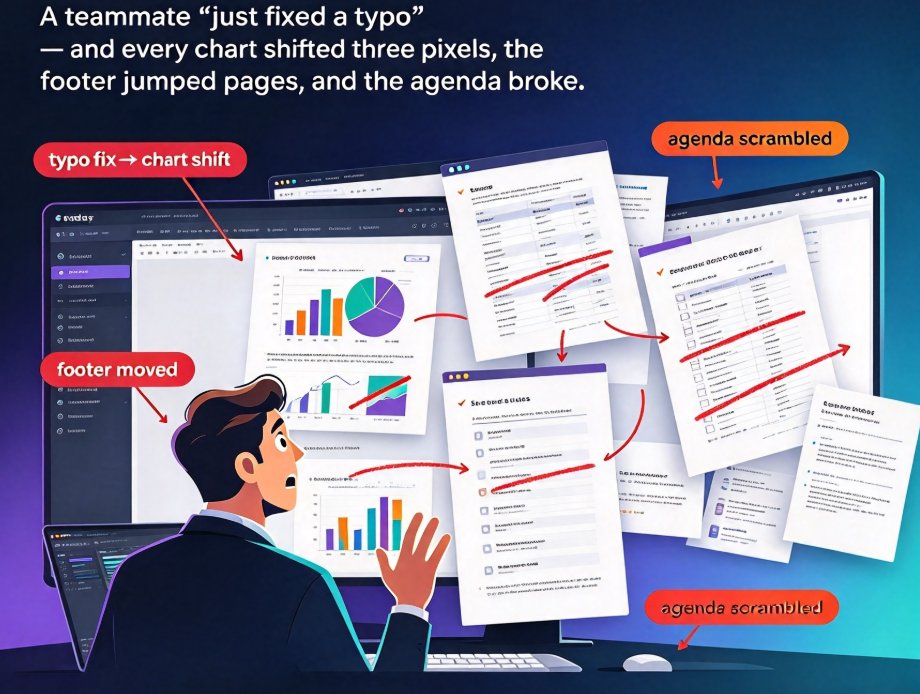
The fix isn't better versioning habits — it's stricter roles. Role-based permissions in Zendeck let you control who edits, comments, or views in real time, so accidental overwrites never reach stakeholders. This guide walks through the full permission ladder — Viewer, Commenter, Editor, Owner — with a step-by-step walkthrough for setting custom roles per teammate. You'll get least-privilege best practices that cut version chaos, keep version history clean, and surface accidental edits before your final review. Apply the same workflow across sales decks, courseware, and training materials. One permissions pass saves hours of redesign, keeps your brand consistent, and ensures everyone is aligned on the right version of the deck. No more hand-wringing over who moved that chart.

Team Slide Deck Chaos? How Zendeck's Version History Fixes Collaboration

Office Efficiency 2026-10-22 1737

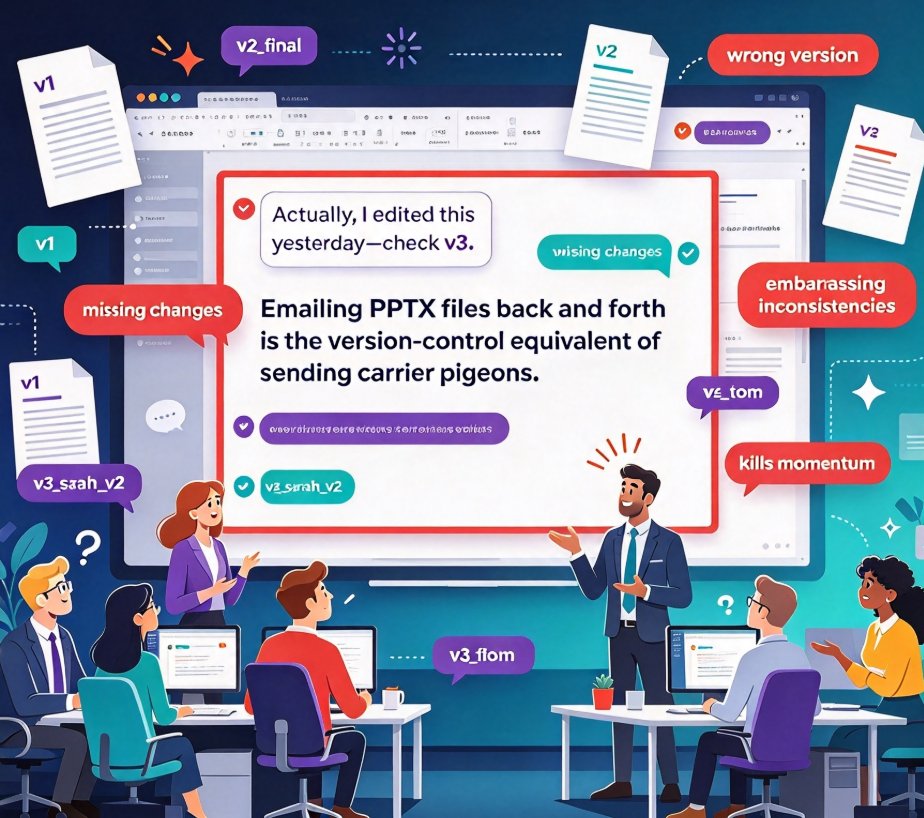
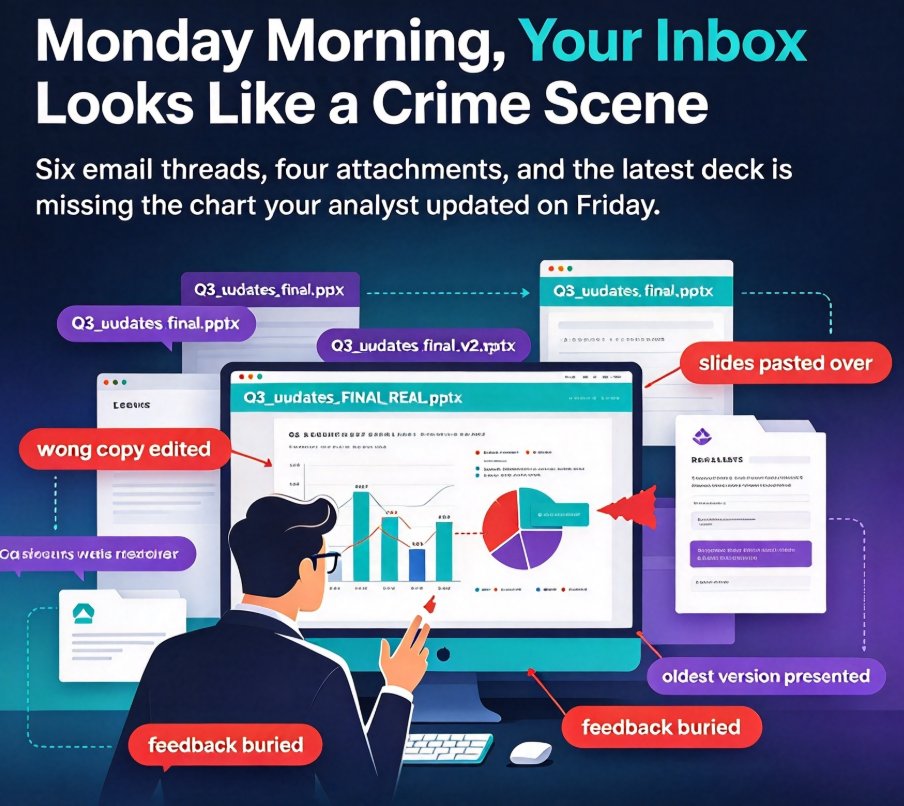
Emailing PPTs back and forth is the fastest way to lose feedback and create version chaos. Zendeck's collaboration features — version history, real-time editing, and secure link sharing — give your team one shared workspace where every change is tracked, every comment stays in context, and design consistency is automatic. If you've ever faced 'final_v3_final.pptx' confusion, this guide shows how a single live deck replaces the email mess. Learn how smart layouts and brand kits work as a side effect of collaborative creation, and get a practical three-step plan to fix your team's deck workflow today. With Zendeck, the deck becomes a genuine team product — not a graveyard of conflicting attachments.

AI Presentation Collaboration in 2026: Secure Sharing, Co-Editing Trends

Office Efficiency 2026-10-20 2959

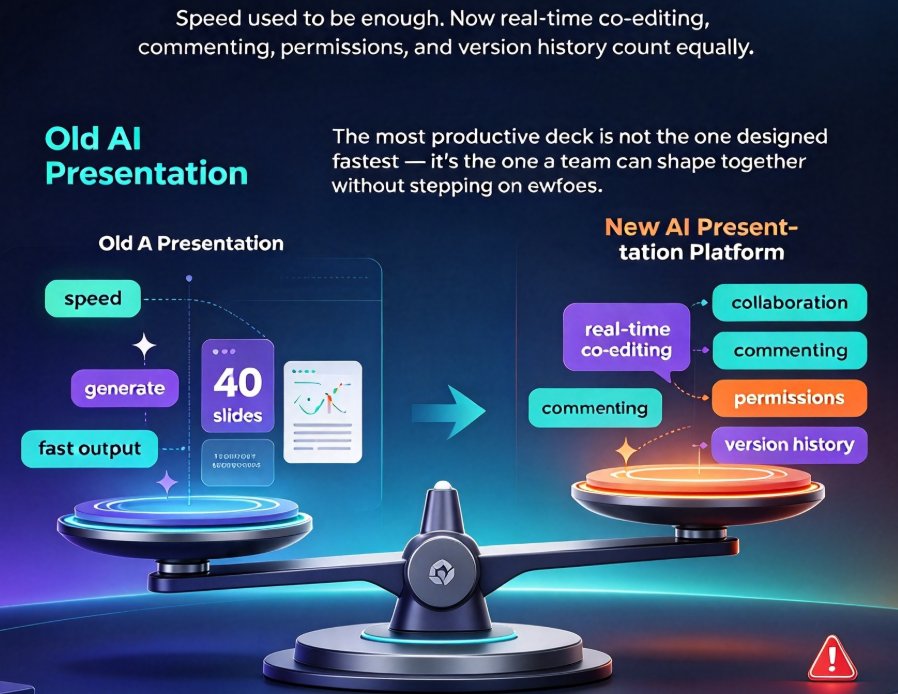
Collaboration is the new battleground for AI presentation tools in 2026. Remote work and online classrooms have made real-time co-editing, granular permissions, and secure link sharing essential—not optional. Zendeck combines AI deck generation with robust version control and password-protected sharing, giving corporate teams and educators a safer alternative to generic tools. This guide breaks down the features that matter and how Zendeck helps you collaborate without compromising control.

Team Deck Version Chaos? Real-Time Collaboration Fixes Conflicts

Office Efficiency 2026-10-19 2227

Stop emailing PPTX files back and forth—Zendeck's real-time collaboration, link sharing, and version history eliminate deck version chaos for distributed teams. If you've ever opened a 'final' deck only to find a teammate's half-edited version, you know the pain. Zendeck replaces version-control nightmares with seamless, browser-based teamwork. Comments, mentions, and one-click rollback keep every change traceable. Say goodbye to 'final_v2_approved' filenames and hello to a single, always-current deck. You'll save hours of manual reconciliation and keep your team's message consistent. Read on to see how Zendeck turns chaotic deck workflows into a smooth, collaborative experience.

Word to PPT Import Ruins Formatting? AI Keeps Outline Structure Intact

Office Efficiency 2026-10-19 1514

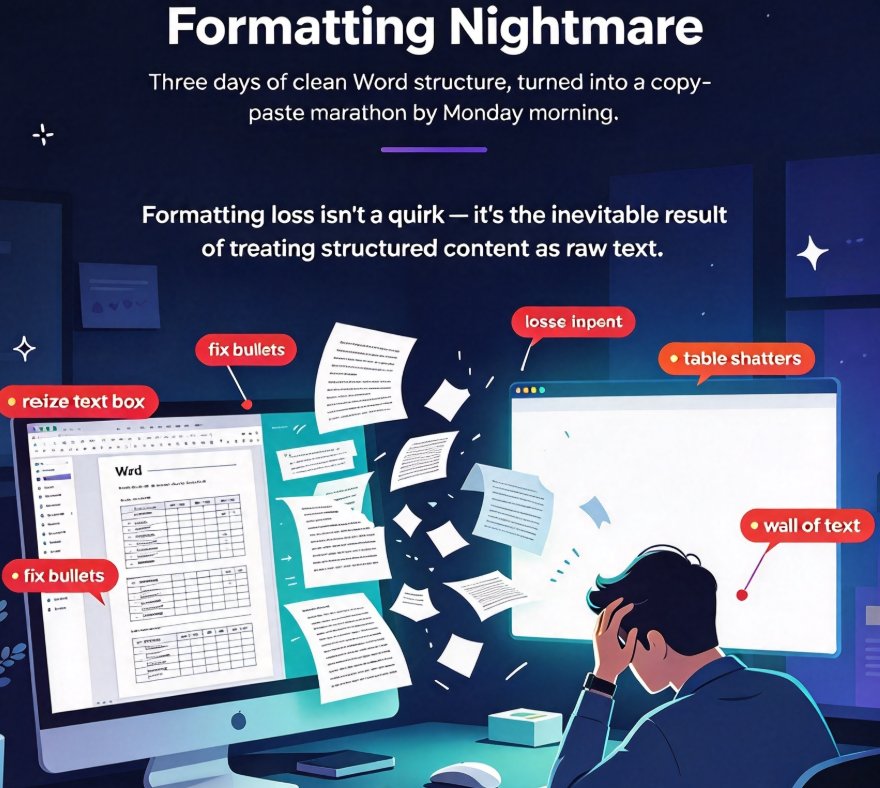
Formatting loss is the top pain point when importing Word documents into PowerPoint — most converters flatten your heading hierarchy into an unstructured wall of text that takes hours to repair. Zendeck's outline-aware AI Word-to-PPT import reads your document's heading structure and styles, so every Heading 1 becomes a slide title, tables stay tables, and bullet lists keep their nesting hierarchy. This guide breaks down exactly why formatting breaks in document-to-deck workflows, how outline-aware import fixes it at the root, and a practical 3-step workflow that turns a 40-page Word manual into a presentable deck in under 10 minutes — no manual reformatting. Written for educators, trainers, HR teams, and content operators who convert documents into decks on a regular basis, with a time comparison across manual, converter, and Zendeck workflows, plus an FAQ covering file formats, editability, and table preservation.

▲