Office Efficiency

Office automation, productivity tools, and workplace efficiency methods.

74 articles

Promptable Analytics for Educators: Courseware Data into Insights

Office Efficiency 2026-08-28 3973

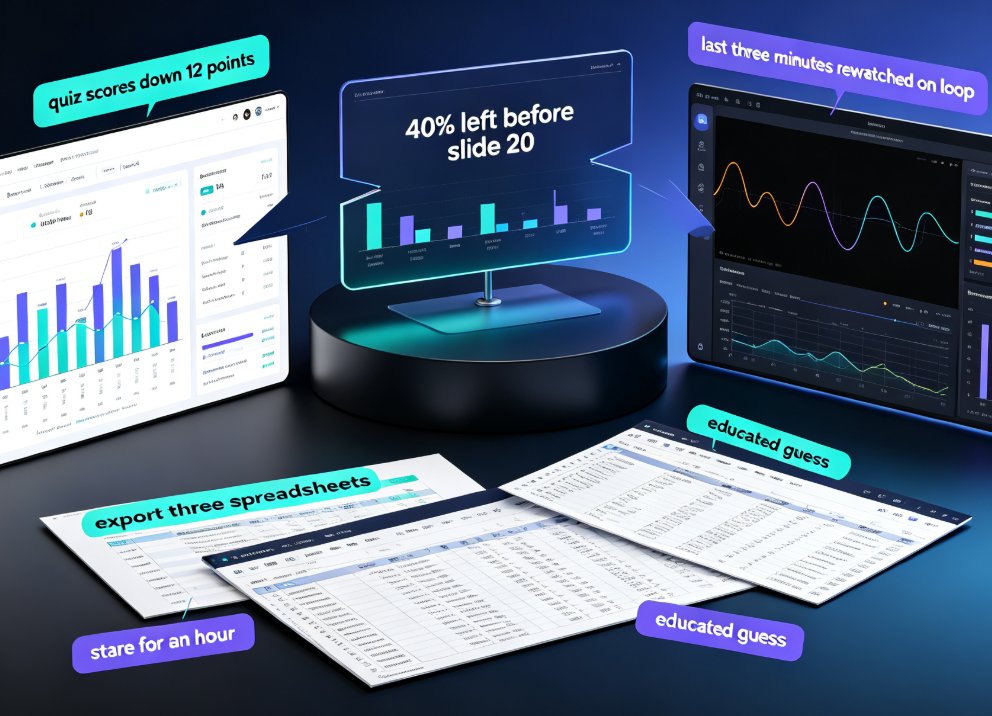
Promptable analytics lets educators ask plain-English questions about courseware performance and get instant, AI-driven insights — no data team required. This guide shows how natural-language queries turn quiz scores, engagement stats, and slide-level drop-off into actionable teaching decisions, with Zendeck leading the way. Backed by 2026 adoption data — 86% of organizations plan to run prompt-analytics hubs within two years — we map three real educator scenarios, compare traditional dashboards head-to-head with prompt-driven analysis, and give you a copy-paste list of questions to ask your courseware data today. Whether you teach, train, or build courses, this is the analytics shift you can't afford to miss. Stop exporting spreadsheets and start asking questions.
Team Deck Version Chaos? Zendeck's Shared Library & Comments Keep Everyone Aligned

Office Efficiency 2026-08-28 3894

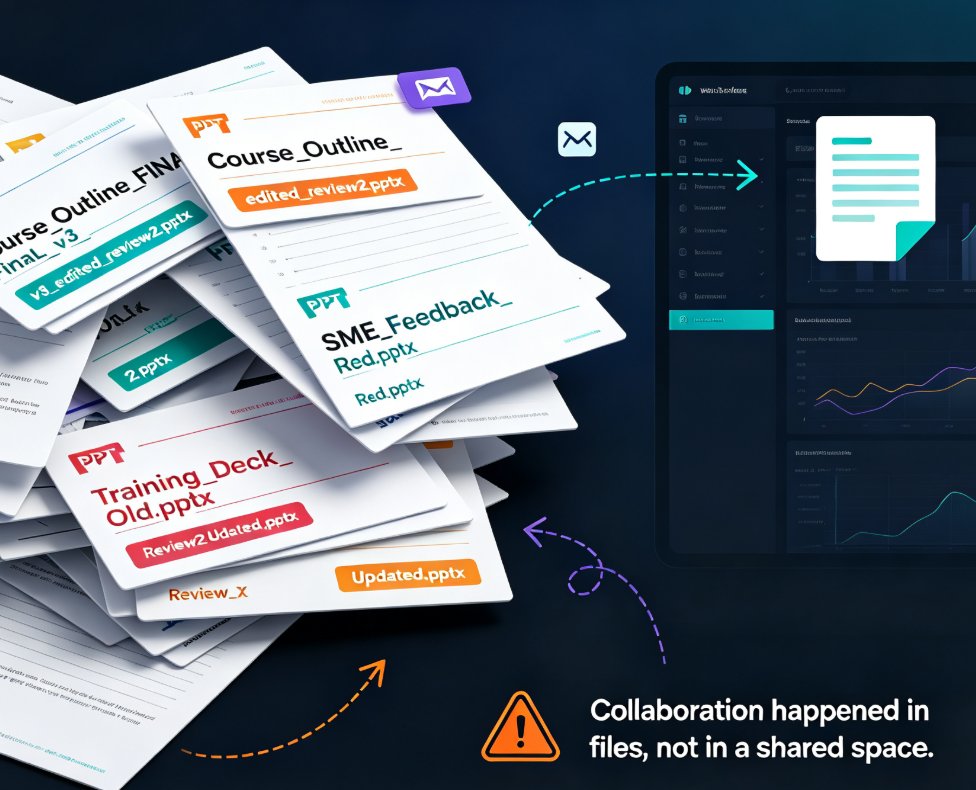
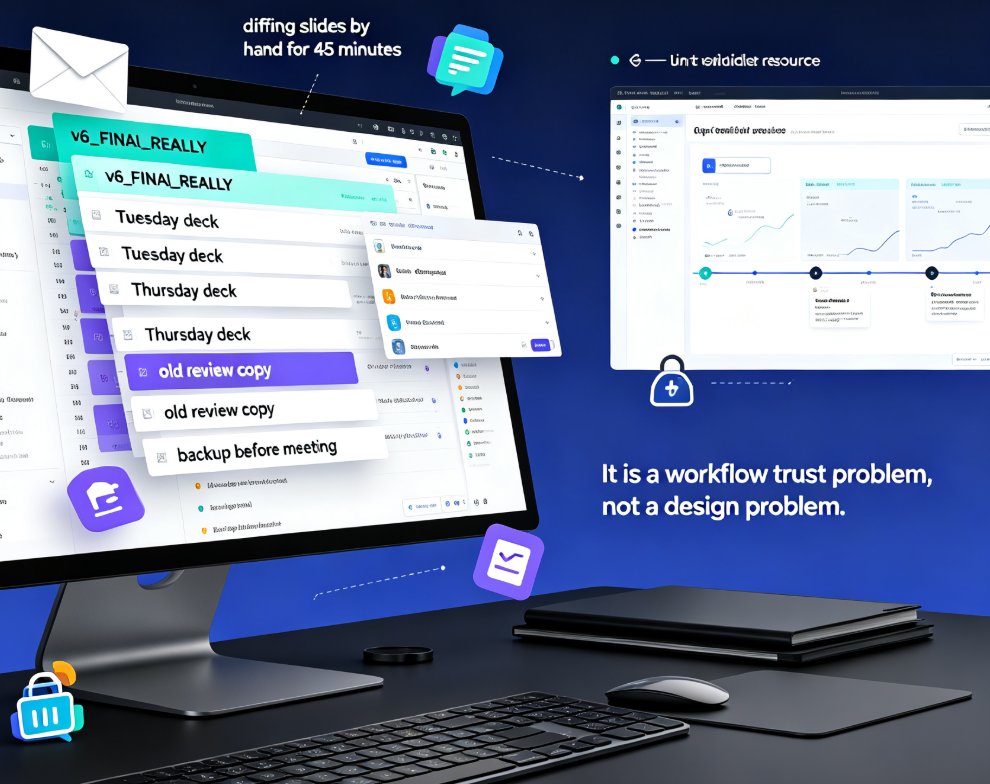
Dead files, duplicate decks, feedback lost in email threads — team presentation work is drowning in version chaos. Zendeck's shared library and comment-based revisions create a single source of truth so your team stops hunting for assets and redoing slides. Learn how to streamline your deck workflow and keep every stakeholder aligned, from training departments to agency teams.

From Word Outline to Polished Slides: Zendeck's AI Workflow

Office Efficiency 2026-08-28 1016

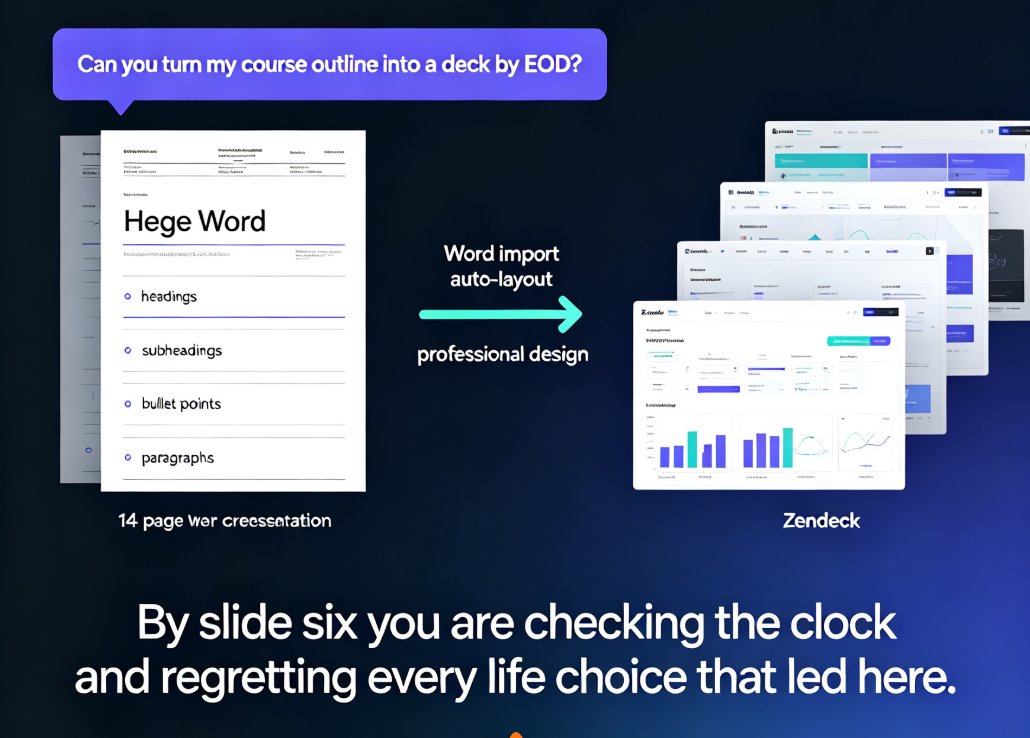
Turning a Word outline into a polished slide deck with Zendeck's AI workflow takes minutes, not hours. This guide walks through prep, import, smart layouts, and editing — and shows why Zendeck is the fastest outline-to-PPT path for educators, trainers, and business teams. No design skills needed, no copy-paste marathons. By the end you'll have a structured, on-brand presentation you can export to PowerPoint, reskin in one click, or even turn into a narrated video. If you regularly receive "please make a deck from this document" requests, this workflow is about to become your best friend.

Zendeck Team Collaboration: How to Co-Create Slides in Real Time

Office Efficiency 2026-08-28 1195

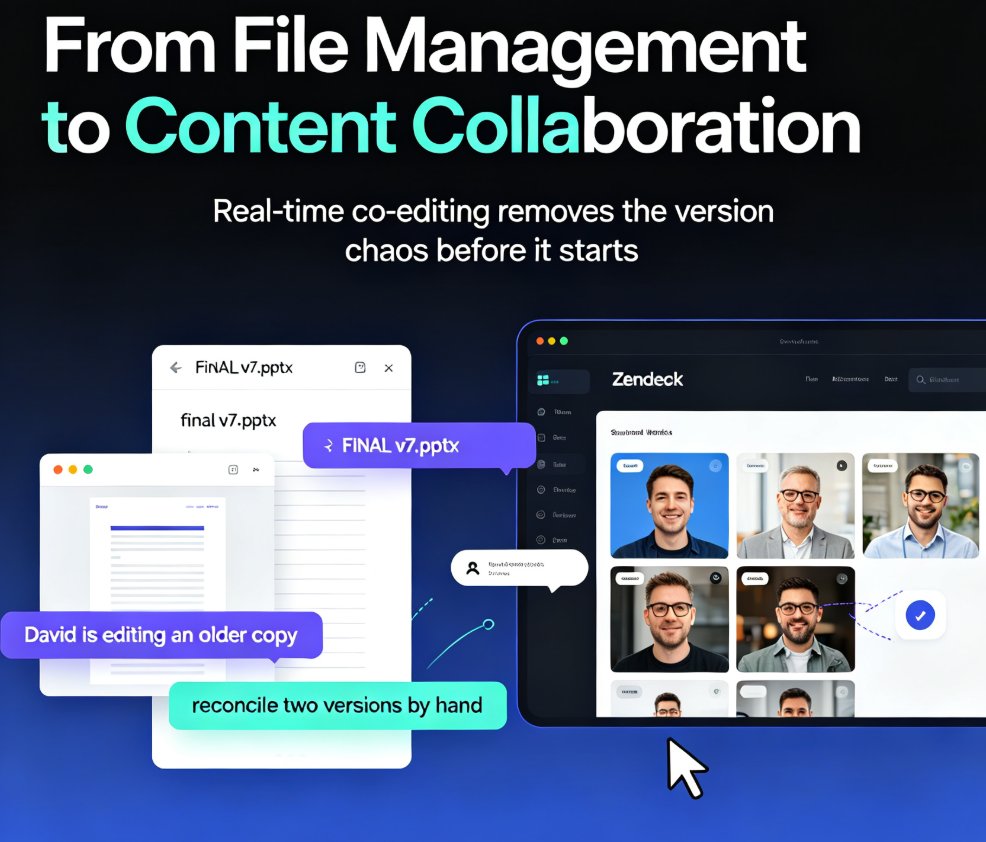
Zendeck's real-time collaboration lets your whole team co-create slides in one shared workspace—no more emailing .pptx files or reconciling conflicting versions. With version history, in-slide comments, and granular sharing permissions, remote teams and classrooms can build polished decks together without the chaos. This guide walks you through the core features, a practical workflow, and the exact ways Zendeck's version control keeps your project on track. You'll learn how to set up a shared workspace, assign sections in parallel, and use version history as a safety net. If you're tired of 'FINAL_v7' confusion and want a single source of truth for every presentation, here's how real-time collaboration changes the game.

Real-Time Deck Collaboration: Zendeck for Distributed Teaching Teams

Office Efficiency 2026-08-27 2599

Real-time deck collaboration with Zendeck removes version chaos for distributed teaching teams. Learn how live co-editing, link sharing, and automatic version history let remote curriculum teams build and refine decks together — without email threads, merge conflicts, or "which version is this" debates. This guide covers the workflow that actually works for teams spread across time zones, from starting with a shared outline to resolving async feedback on specific slides. If your team spends more time reconciling files than creating content, this is the fix. Includes a practical five-step workflow, a comparison of file-based vs. link-based collaboration, and answers to common questions about multi-editor decks, external reviewer access, and version restoration.

Team Slide Collaboration Chaos? Zendeck Real-Time Editing and History

Office Efficiency 2026-08-27 3260

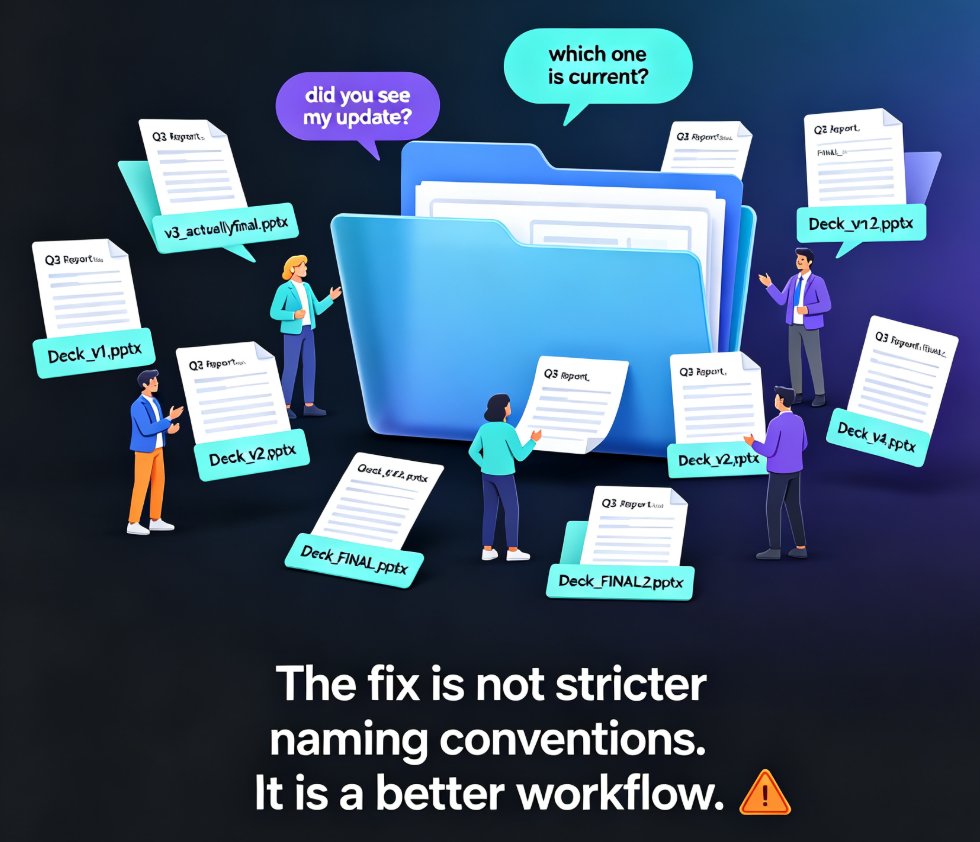
Team slide collaboration often turns into version chaos — duplicate files, lost edits, and endless email threads. Zendeck's real-time editing and history tracking give your team one source of truth, so everyone co-edits the same deck without stepping on each other's work. This guide breaks down why version conflicts happen, what real-time collaboration actually changes, and how version history gives your team the confidence to experiment. You'll get a practical workflow for educators, trainers, and HR teams, plus a side-by-side comparison of traditional vs. real-time collaboration, workflow tips that actually stick, and answers to the most common questions about co-editing and rollback. If you're tired of asking 'which file is the latest?' — this is the read for you.