Knowledge Graph for Presentations: The Next Frontier in AI Decks
Your best slide deck of the quarter is probably not the one you built last Tuesday. It's probably the one your former colleague built two years ago, buried in a Google Drive folder, with outdated branding and no clear owner. If your team is like most enterprises, you've spent more time hunting for existing content than creating new ideas.
This is exactly where knowledge graphs enter the picture — and why Zendeck's 2026 push toward knowledge connectors into Google Drive, Notion, and Confluence matters more than any new template release. Let's walk through what's happening and why it changes how you'll build AI presentations going forward.
01 — What Is a Knowledge Graph, Really?
Forget the buzzword for a second. A knowledge graph is a way of storing information that focuses on connections, not just files. Academics define it as a graph model that encodes descriptions of entities and the relationships between them (Roussey, 2023, citing Hogan et al.'s 2022 definition). 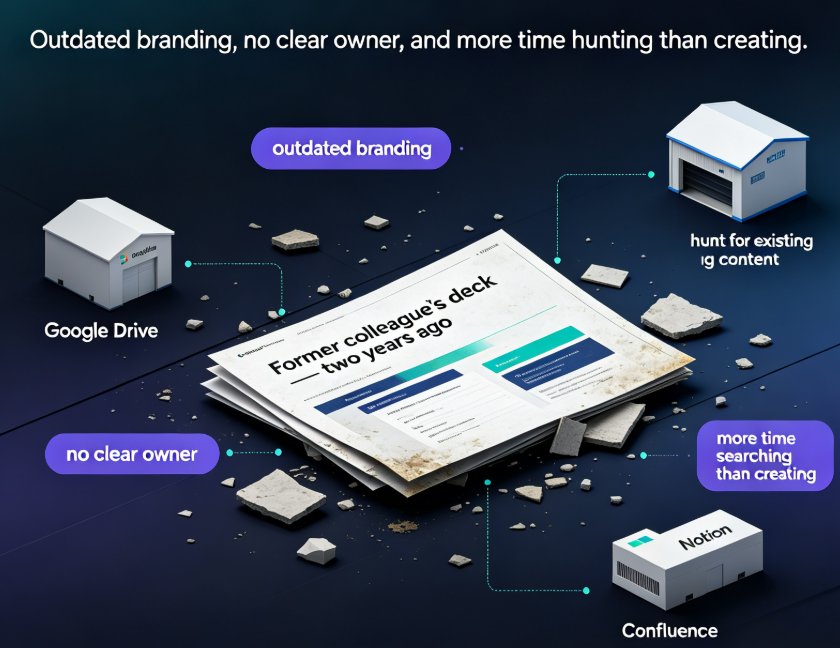
Practically speaking, that means your sales forecast, the training deck about it, and the person who owns the data aren't three unrelated things anymore. The graph knows they're connected.
A knowledge graph doesn't just store files; it stores the relationships between things — and that's what makes AI smarter at finding what you actually need.
Neo4j's team, which has spent years driving graph technology into the enterprise, puts it in simpler terms: take a data graph, apply machine learning to it, write the results back, and you've got a knowledge graph. Add natural language processing to capture topics and sentiment from unstructured text, and you can query the whole thing conversationally. Their veteran engineers believe graph tech is the most "transformative technology since SQL" and predict that within ten years, roughly 50% of SQL workloads will run on graphs.
That's a prediction, sure, but the direction is hard to ignore. Knowledge management software vendors like Bloomfire have already built their entire enterprise AI strategy on the premise that a knowledge graph is the backbone that organizes experts, topics, documents, and past projects into a single, connected view. Employees stop guessing which repository to check and start asking questions — and the graph returns authoritative answers with owners attached.
02 — The Content Sprawl Crisis: Your Best Slides Are Already Written
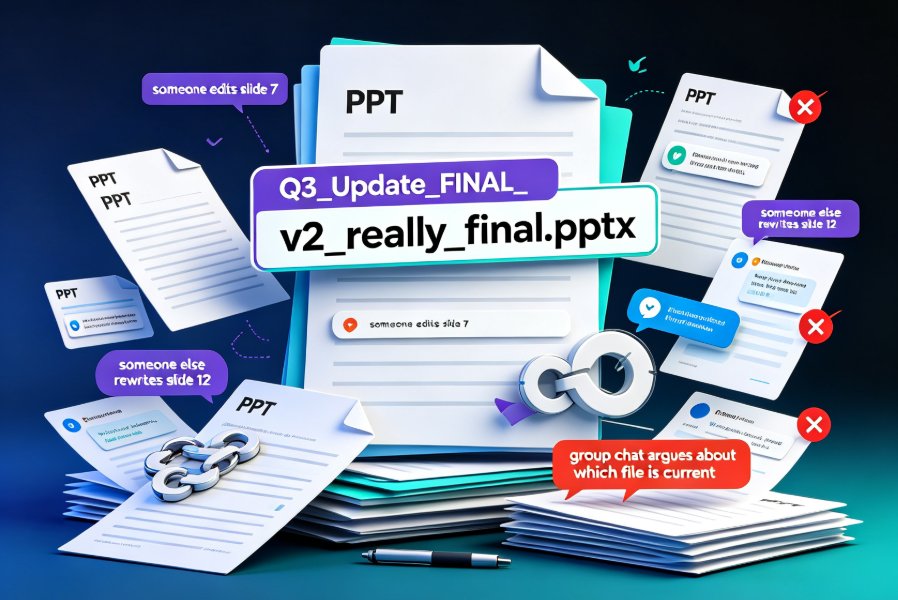
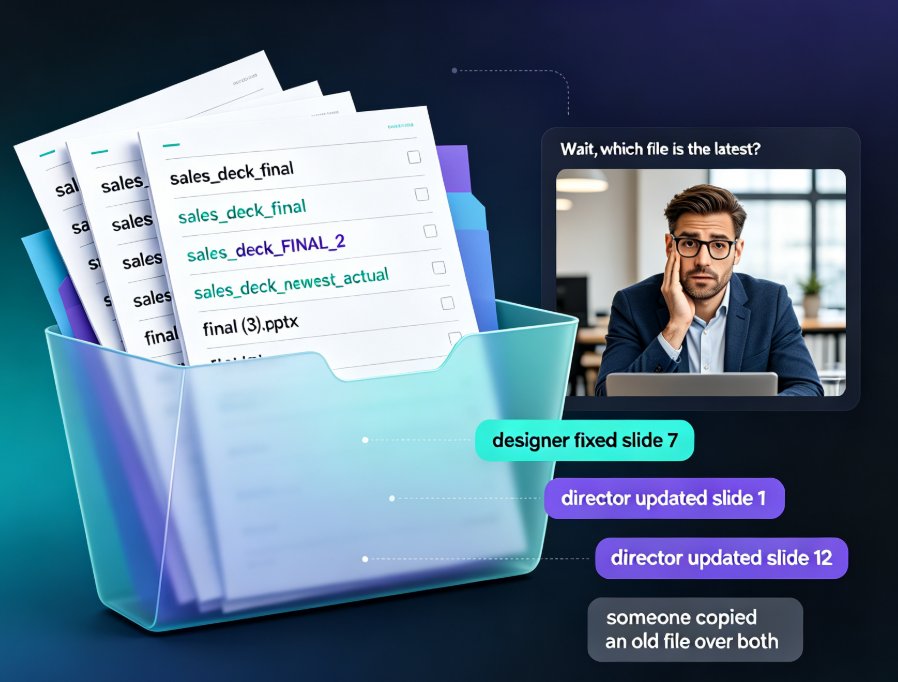
Let's be real about the current state of most enterprises: content is everywhere. It's in email threads, Google Drive, Confluence, Notion, SharePoint, and a dozen internal wikis — each with its own search that almost works. If you've ever rebuilt a chart because you couldn't find the source file, you already know the pain.
That's the hidden tax on your presentation quality. When you can't find the existing deck, you:
- Rebuild slides that took someone else a week to design
- Use outdated data because the new numbers live in a doc nobody opened
- Ship inconsistent branding because you didn't find the approved template
This is the scenario where AI presentation tools have mostly let you down. They generate fresh slides brilliantly, but they start from zero every time.
The irony is that most corporate decks don't need to be generated; they need to be found, recombined, and updated.
And that's what a knowledge graph makes possible. Instead of asking AI to invent from a blank prompt, you can ask it to pull from your existing knowledge base — the sales deck, the product spec, the customer research — and compose a new presentation from verified fragments. The outcome is faster, more accurate, and far more on-brand. This shift from generation to orchestration is the real 2026 trend. If you're curious how this connects to broader automation patterns, our deep-dive on agentic AI in presentation tools covers the lineage.
03 — From Zero-to-One to Find-and-Compose
Inside the presentation workflow, the change is easy to visualize. Today's tools follow a crisp logic: you give them an outline, and they build slides. Knowledge-graph-era tools flip the question: first, they figure out what you already have, then they fill the gaps.
Here's a quick comparison of the two approaches:
| Workflow stage | Traditional AI decks (prompt-to-slide) | Knowledge-graph-era decks (find-and-compose) |
|---|---|---|
| Starting point | Blank outline or brief | Existing knowledge base |
| Content sourcing | Generated from model memory | Pulled from your verified files |
| Data accuracy | Risk of hallucinated stats | Anchored to actual docs |
| Brand consistency | Manual template check | Inherited from source decks |
| Time to first draft | Fast, but rework-heavy | Slower start, far less rework |
So does this mean prompt-to-slide dies? Not at all. It becomes one step inside a smarter pipeline. The prompt is still a great way to structure thinking — that's why tools like Zendeck lean so heavily on structured outlines and Word imports — but the context feeding the AI should come from your own knowledge graph, not from thin air.
Knowledge graphs won't replace generation; they'll give generation something real to say.
Zendeck's platform has long handled Word imports and structured outlines for AI courseware, which quietly is the same mental model as a knowledge graph: your existing document is treated as a node of meaning, and the AI builds around it rather than starting from zero.
04 — Why Zendeck Fits the Knowledge-Graph Era
Here's where the theory lands in your workflow. Zendeck's strength has always been reducing design friction — smart layouts, one-click reskins, context-aware design — but the 2026 roadmap points at the harder problem: content discovery.
Think about what knowledge connectors into Google Drive, Notion, and Confluence actually mean for your deck quality. Instead of uploading the one file you remember, you'll be able to pull the entire context — related docs, past versions, approved charts — into the generation process. The AI won't guess what "the customer metrics" means; it will find them among your connected files.
Consider what Zendeck's Smart Layout cuts from your team's design time — hours of manual alignment, font fixing, and resizing. Add a knowledge layer on top of that, and you're saving a second kind of time: the time you used to spend hunting for content.
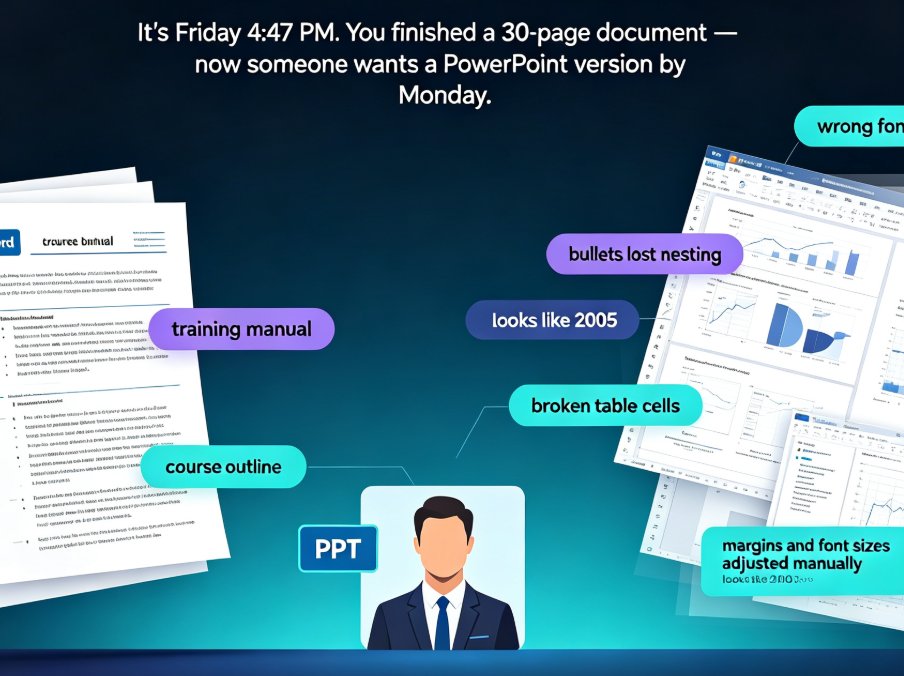
The capability is already there in embryo. Zendeck's Word-import flow teaches the engine to respect your document's structure — headings become sections, bullets become slide layouts, and key points become headlines. That's exactly the relationship-awareness that a knowledge graph formalizes. What's new is the wiring to your repositories, so the context stops being "one file you uploaded" and becomes "everything your team knows."
For teams that care about consistency across many decks, this compounds into what you might call zero-design governance: when the source material is already approved, the output can't drift far off-brand. We wrote a whole piece about AI-governed brand consistency if that's your pain point.
The chart below sketches where these content sources multiply for a typical team — and why connection beats collection.
Don't treat those bars as hard academic data — they're an illustrative sketch of what content audits in most enterprises look like. The point is the overlap. Your best slide fragments are scattered across all four, and the knowledge graph is the layer that connects them.
05 — The 2026 Outlook: Deck Building Becomes Composition
So what should you actually do with this information before 2026? Three moves, in order of effort:
- Audit your content before you generate. If you're building a quarterly review, find the source data, the last approved deck, and the brand template first. Feed them into whatever AI tool you use.
- Standardize on structured outlines. The more structured your input — headings, bullets, clear hierarchy — the better AI tools can map it to slides. This is the same language knowledge graphs speak.
- Watch for repository connectors. The moment your presentation tool can reach into Google Drive, Notion, and Confluence natively, your starting point shifts from prompt to knowledge.
If you're already heavy on Zendeck, keep an eye on its 2026 connectivity roadmap. The move from isolated generation to connected composition is the logical next step after the template-to-automation shift we covered. For now, the practical discipline — structured input, existing content, brand-first thinking — is available to anyone, with or without a knowledge graph in the backend.
The teams that win in 2026 won't be the ones with the flashiest generated decks; they'll be the ones that finally stop rebuilding what they already own.
If you want to make your team's workflow more efficient right now, a few practical reads are worth your coffee break: the five hidden features in AI presentation tools that boost team productivity and a broader look at why AI deck generation is replacing traditional PPT in 2026.
FAQ
Q: What is a knowledge graph in simple terms? A: A knowledge graph stores information with emphasis on relationships — it connects files, people, and concepts so the AI knows, for example, that a sales deck, its source data, and its owner are related. That makes finding and reusing content much smarter than traditional folder search.
Q: How is a knowledge graph different from a regular database or file system? A: A database or file system stores items in tables or folders. A knowledge graph stores both the items and the relationships between them, which lets you query meaningfully — "show me every deck that uses the Q3 customer metrics" — instead of just searching filenames.
Q: Why do knowledge graphs matter for AI presentation tools? A: Because the best presentations are usually composed from existing content, not created from scratch. Knowledge graphs let AI pull from your verified files across Google Drive, Notion, and Confluence, reducing hallucinations, keeping branding consistent, and cutting rework.
Q: Which Zendeck features fit the knowledge-graph approach? A: Zendeck's Word import and structured outline workflows treat your existing document as the core context for generation — the same relationship-awareness knowledge graphs formalize. Its 2026 roadmap points to deeper connectors into Google Drive, Notion, and Confluence.
Q: Will prompt-to-slide AI become obsolete? A: No. Generation stays a step in the pipeline; it just gets better context. The shift is from starting at zero to composing from your knowledge base, with prompts used to structure thinking rather than invent everything.