
Role Permissions: Stop Team Overwrites in Shared Presentation Decks
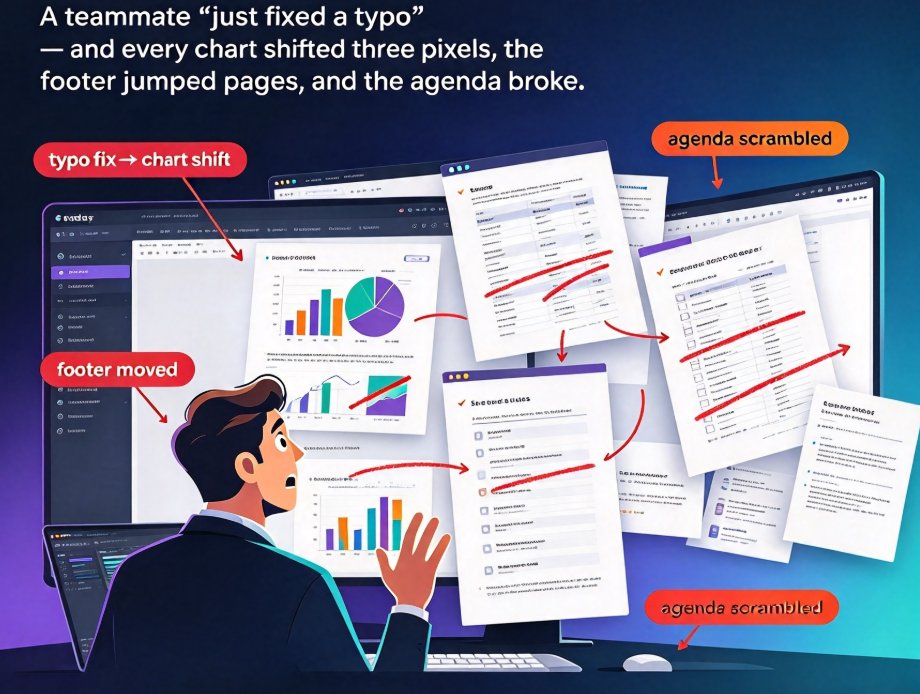
The fix isn't better versioning habits — it's stricter roles. Role-based permissions in Zendeck let you control who edits, comments, or views in real time, so accidental overwrites never reach stakeholders. This guide walks through the full permission ladder — Viewer, Commenter, Editor, Owner — with a step-by-step walkthrough for setting custom roles per teammate. You'll get least-privilege best practices that cut version chaos, keep version history clean, and surface accidental edits before your final review. Apply the same workflow across sales decks, courseware, and training materials. One permissions pass saves hours of redesign, keeps your brand consistent, and ensures everyone is aligned on the right version of the deck. No more hand-wringing over who moved that chart.