
Tags:smart layout

16 articles

Zendeck Asset Library: Create Stunning Slides Without Design Skills

Courseware Design 2026-08-19 609

Learn how Zendeck's asset library — icons, charts, and illustrations — combined with smart layout helps you create stunning slides without design skills. This practical guide covers a 10-minute workflow, common mistakes to avoid, and pro tips for educators, trainers, and teams who want professional-looking decks. Discover how to replace bullet lists with icons, turn data into clean charts, and let Zendeck's layout engine handle alignment and spacing automatically. Whether you're preparing a training course, a client pitch, or a conference keynote, this guide shows you how to elevate your slides from plain to polished — no Photoshop required. We'll also cover the three most common mistakes that make decks look amateur and how to fix them, plus answers to frequently asked questions about using assets, charts, and brand kits in Zendeck.
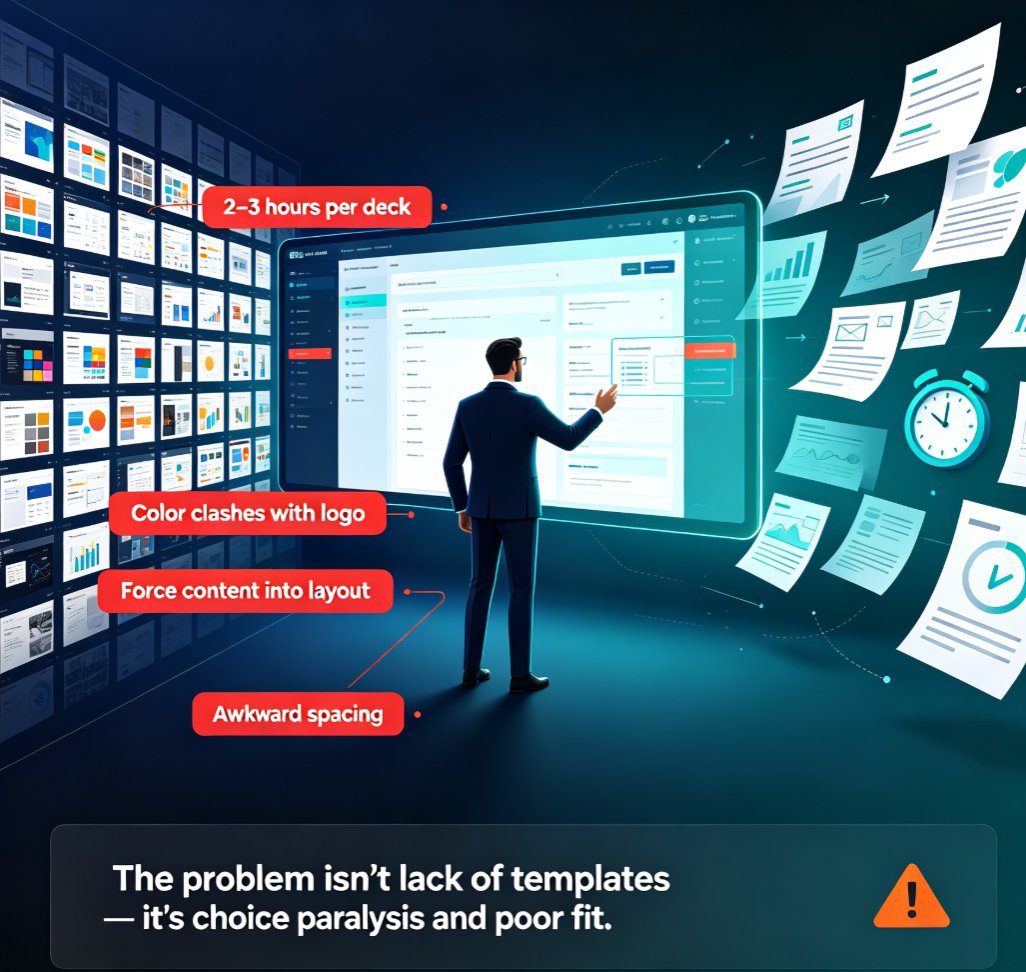
AI Deck Template Selection: How Zendeck Picks the Right Look for You

Presentation Skills 2026-08-18 3448

Struggling to pick the right slide template? Zendeck's AI analyzes your content, audience, and brand to automatically select the perfect layout—saving you hours and keeping your decks consistent. Learn how template selection works, why it matters, and how to get the best results from AI-driven design. This guide covers smart layout, brand kits, and real-world scenarios like pitch decks and training modules.

One-Click Reskin: How to Unify Fonts, Colors, and Layout with Zendeck

PPT Tutorial 2026-08-18 2610

Struggling to keep your presentations on-brand? Zendeck's one-click reskin instantly unifies fonts, colors, and layout across every slide, saving hours of manual formatting. In this tutorial, you'll learn how to use Zendeck's smart layout and reskin features to achieve consistent, professional decks in seconds. We'll cover step-by-step instructions, design tips from industry experts, and best practices for maintaining brand consistency across teams. Whether you're a corporate trainer, educator, or marketer, this guide will help you create polished presentations without design skills. Discover how Zendeck empowers anyone to produce brand-consistent slides effortlessly.

How to Use Zendeck's Smart Layout to Fix Misaligned Slides

PPT Tutorial 2026-08-12 3095

Misaligned slides make you look sloppy and waste hours of manual tweaking. Zendeck's Smart Layout automatically aligns every element on your slide—shapes, text, images—so you get a clean, professional deck in one click. Learn how this AI-powered feature works, when to use it, and why it beats PowerPoint's manual alignment tools. Perfect for busy professionals, educators, and teams who need polished presentations fast. Discover practical tips, real-world scenarios, and a side-by-side comparison to see the difference.

Why Your Imported Word Doc Looks Messy and How Zendeck Fixes It

PPT Tutorial 2026-08-11 3308

Struggling with messy Word imports in PowerPoint? Learn why your Word doc looks cluttered and how Zendeck's smart layout automatically fixes formatting issues like section breaks, inconsistent bullets, and spacing. Save hours and create polished, professional slides in minutes. Discover the fastest way to turn text-heavy documents into clean, visually balanced presentations with Zendeck.