Tags:Zendeck template library

14 articles

How HR Teams Create Engaging Onboarding Presentations with Zendeck

Presentation Skills 2026-08-25 2294

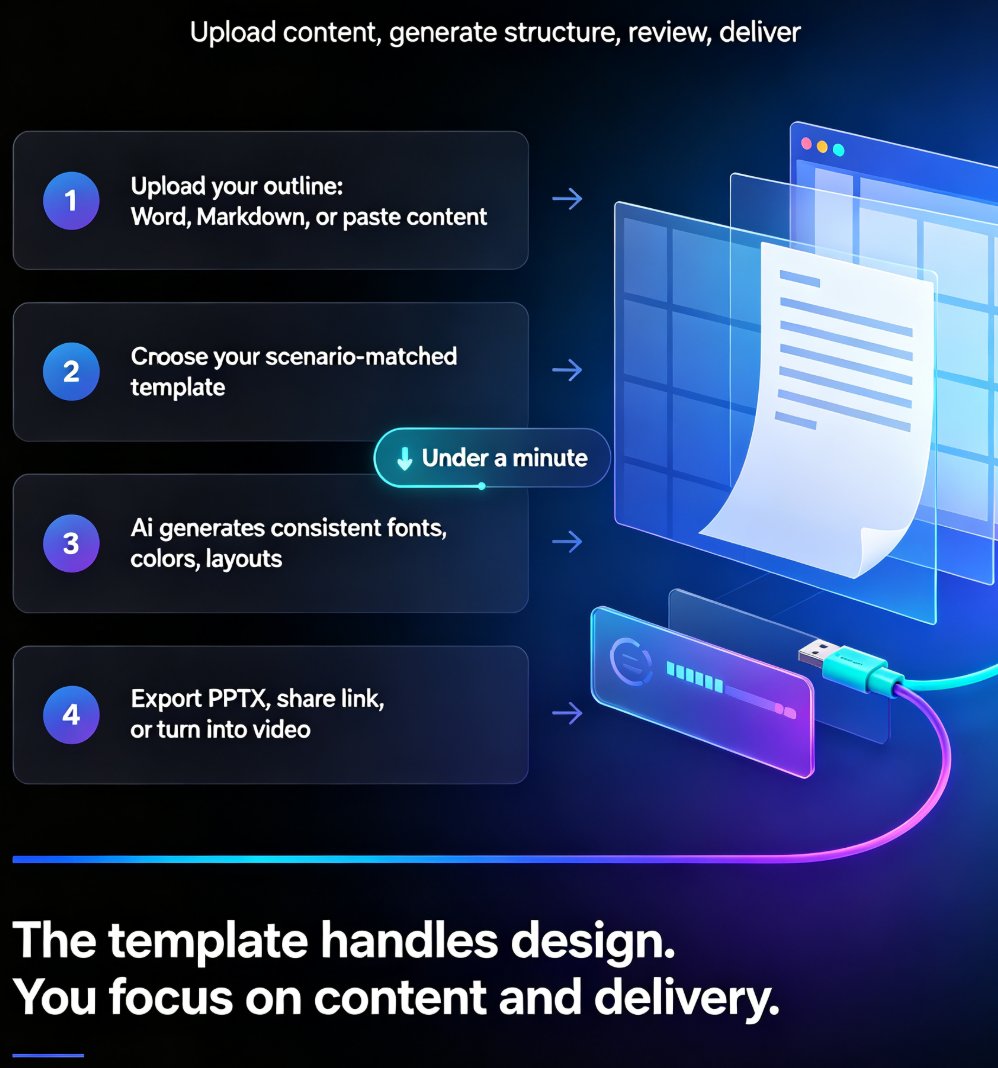
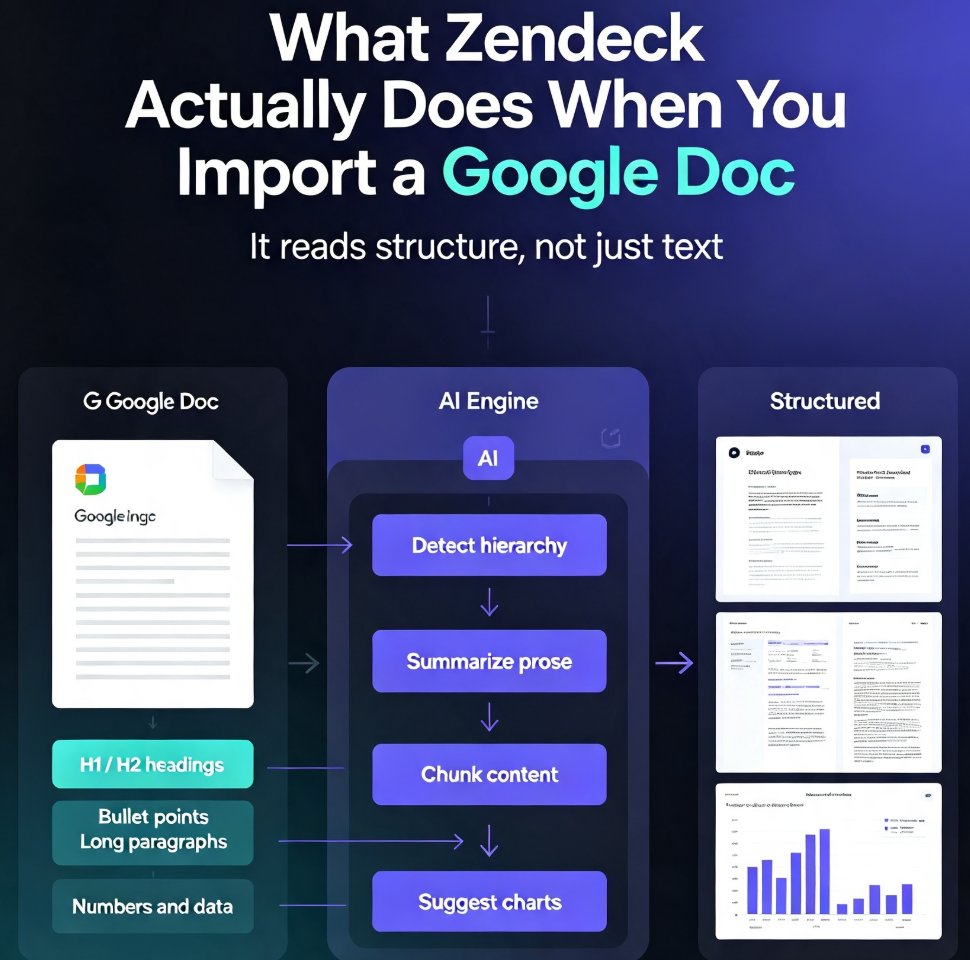
HR teams can create professional onboarding presentations in minutes with Zendeck's AI generation and template library — no design skills required. This practical guide walks through a proven workflow: write an outline, pick a template, generate a structured deck, and polish it with brand kits, speaker notes, and PPT-to-video for remote hires. Learn how Zendeck replaces the copy-paste marathon with a repeatable 30-minute process that covers new hire orientation, compliance training, and manager onboarding. We compare the traditional approach with AI-assisted deck building, highlight common mistakes HR teams make, and answer frequently asked questions about creating engaging onboarding presentations that new employees actually remember. If your team is still hand-building slides every quarter, this guide shows you a faster, more consistent path.
Zendeck Template Library: Faster, More Consistent Business Decks

PPT Tutorial 2026-08-25 1127

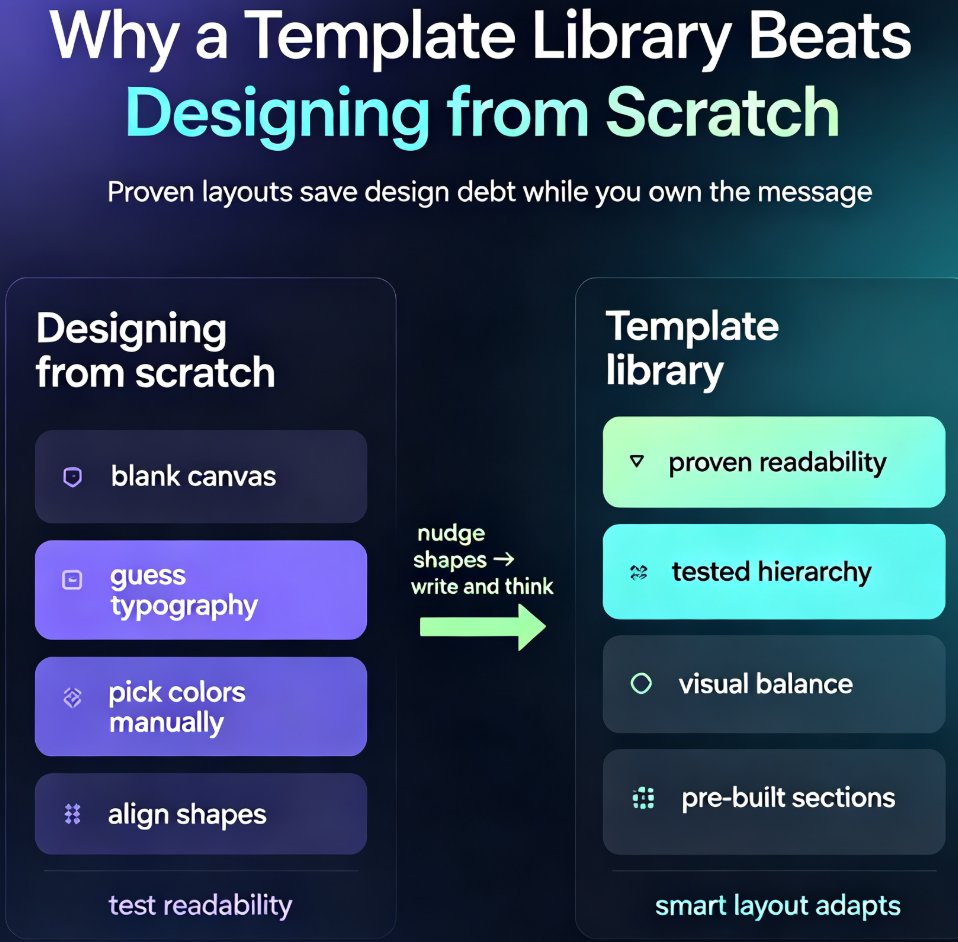
Zendeck's template library gives business teams a faster path to polished, on-brand decks. Instead of starting from a blank slide and making dozens of design decisions, you pick a proven template, drop in your content, and apply your brand kit in one click. This guide covers how to choose the right template for your audience, customize it without breaking the design, and build a repeatable workflow that cuts deck production from hours to minutes. You'll also see a side-by-side comparison of starting from scratch versus using a template, plus answers to common questions about brand consistency, team reuse, and industry fit. If you're tired of inconsistent, time-consuming presentations, Zendeck's template library is the starting point you've been missing.

Team-Wide Design Consistency: Zendeck's Shared Templates That Work

Courseware Design 2026-08-21 2805

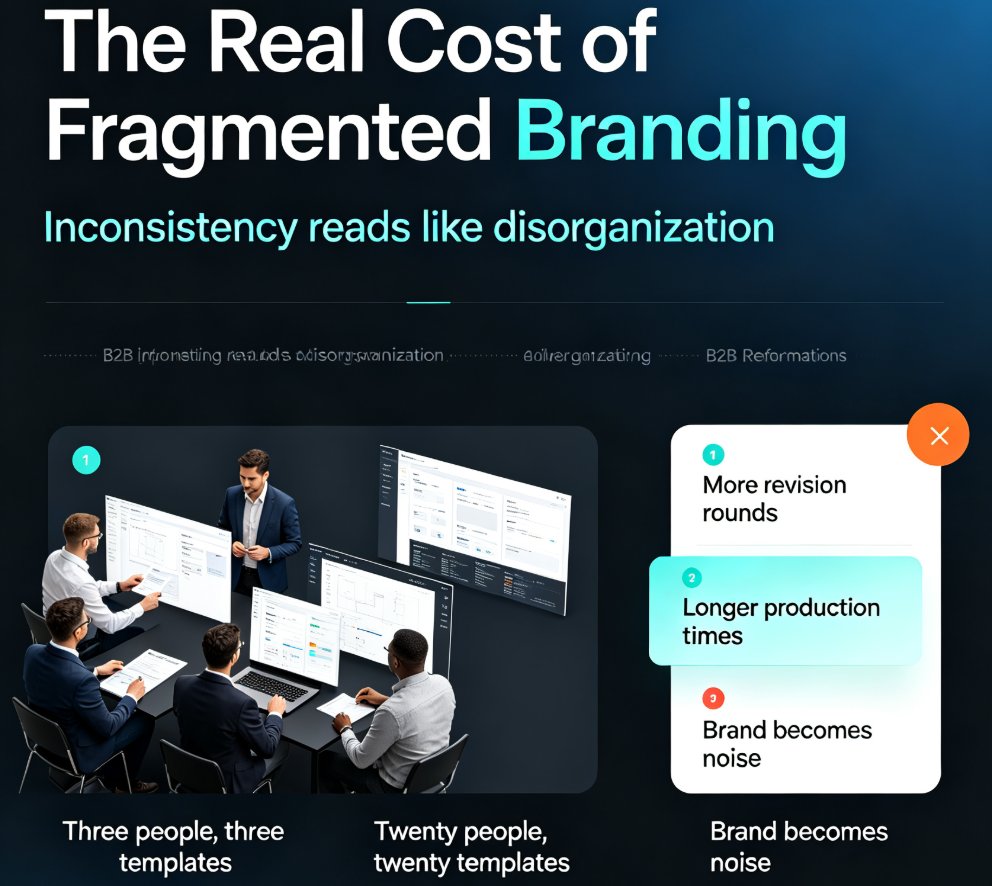
Fragmented branding quietly costs teams hours of rework every week. Zendeck's shared template library and style guides ensure every team member produces visually consistent decks — without a design team or a single extra meeting. This guide breaks down how shared templates lock fonts, colors, and layouts across your whole team, why individual template choice is the root cause of off-brand slides, and the exact setup steps to get your library running in under an hour. You'll also see real numbers on time saved per deck, a side-by-side comparison of individual versus shared templates, and best practices borrowed from professional design systems. If your team's decks look like they were made by five different people, this is the fix you've been looking for.

AI Presentation Templates for Trainers: Zendeck's Library Guide

AI Courseware 2026-08-20 3992

AI presentation templates for trainers go beyond pretty slides — they structure your training for real learning outcomes. This guide shows how Zendeck's premium template library helps trainers, HR professionals, and educators produce scenario-specific decks in minutes. Learn how to match templates to onboarding, compliance, skills workshops, and micro-learning scenarios; how to move from outline to finished deck in under 10 minutes; and how brand kits, PPT-to-video, and collaboration features extend the value of every template. Includes a scenario-based selection framework, common template mistakes to avoid, and practical workflow tips. If you're tired of starting from a blank canvas, Zendeck's library turns your content into a professional, consistent training deck — no design skills required.

Preview Before You Commit: Picking the Perfect Template with Zendeck

Courseware Design 2026-08-18 1646

Picking the wrong template is the #1 time-waster in AI deck creation. This guide shows you how to preview and filter Zendeck's template library by style, color, and industry before you generate — so you commit to the right look the first time. Learn what to look for when previewing templates, how to narrow hundreds of options to a shortlist in under a minute, and the three template-picking mistakes that cost trainers and educators hours of redesign time. With Zendeck's preview and filtering tools, you can go from 'hundreds of templates' to 'this one works' in minutes — and spend your time on content, not cleanup. Includes a practical decision framework for when to commit and when to keep browsing.

Keep Training Consistent Across 10 Locations with Zendeck Templates

Micro-Course Production 2026-08-14 3784

Standardizing training across 10 locations doesn't require a central design team. Zendeck's locked templates and brand kits keep every onboarding, compliance, and sales deck identical across stores, offices, and franchise sites. In this guide, you'll learn how L&D and operations teams build a repeatable workflow: set a master template, lock brand assets, assign training ownership, and scale with confidence. We'll cover real scenarios, practical steps, and the exact settings that prevent off-brand, off-message slides. If you've ever opened a regional trainer's deck and seen the wrong logo, outdated process, or a different font, this article is for you. By the end, you'll know how to turn a messy multi-site training program into a consistent, measurable system — without hiring designers or chasing down files. Zendeck makes consistency the default, not the exception.