PPT Tutorial

PPT creation tips, step-by-step guides, efficiency methods, and hands-on playbooks.

34 articles

One-Click Reskin: Unify Your Presentation Brand with Zendeck

PPT Tutorial 2026-09-03 3319

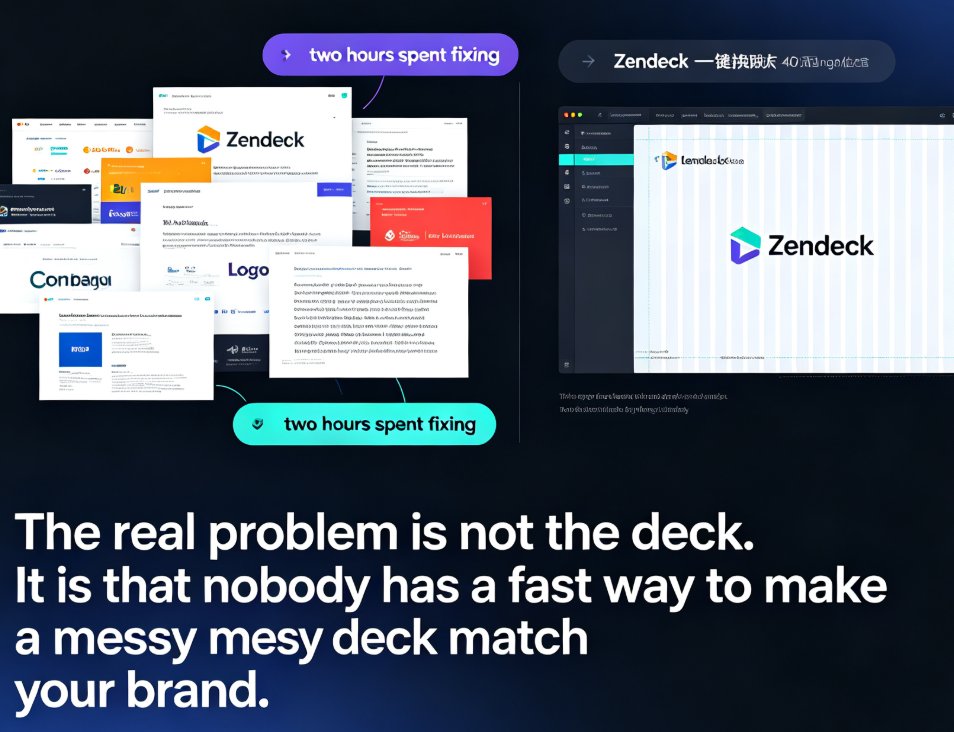
Zendeck's one-click reskin instantly unifies your entire presentation with your brand guidelines — fonts, colors, and layouts applied across every slide in seconds. Stop reformatting slide by slide when a teammate sends a deck that doesn't match your corporate style. This guide walks through the exact steps to reskin a messy PPT, shows what the smart layout engine fixes (and what it doesn't), and helps you decide when to reskin versus rebuild. You'll also get best practices for keeping every deck on-brand, plus a comparison of manual reformatting vs. one-click reskin time costs. If you've ever inherited a deck with five different fonts and three color schemes, this is for you.
From Word to Wow: One-Click Document Conversion into Presentations

PPT Tutorial 2026-09-02 1848

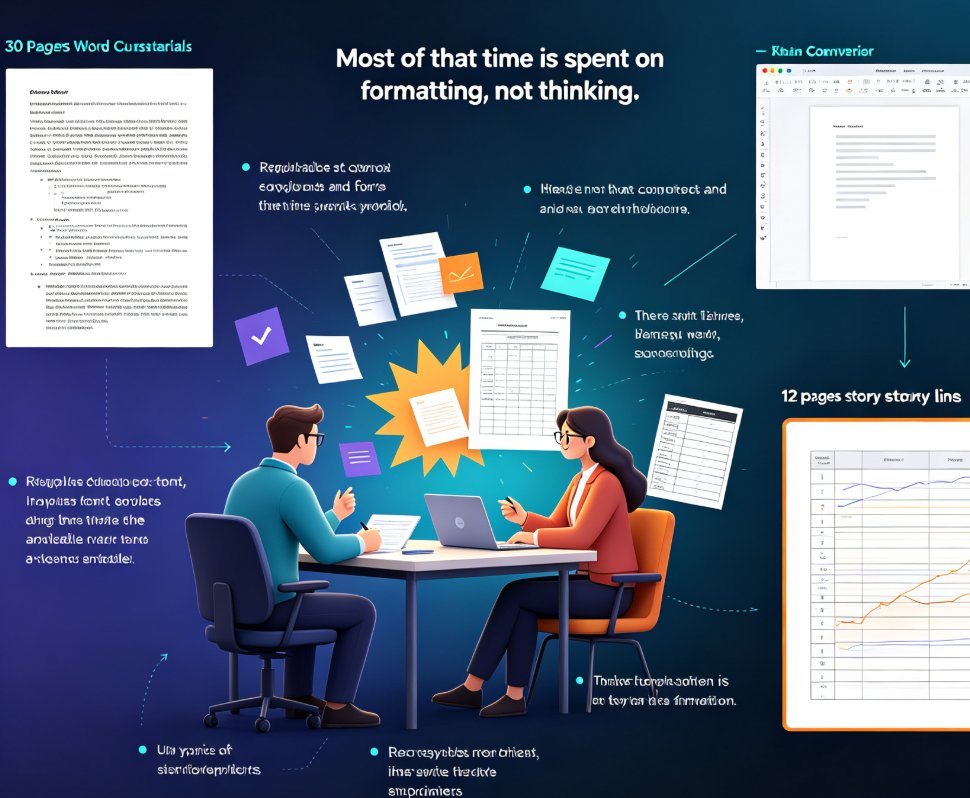
One-click document conversion turns your Word outline, Markdown notes, or rough draft into a fully designed presentation in minutes — not hours. Zendeck's outline-to-PPT workflow reads your existing content, structures it into clean slides, applies smart layouts, and enforces brand consistency without manual formatting. Whether you're repurposing a training manual, meeting notes, or a research brief, you skip the copy-paste grind entirely. This guide breaks down how the one-click import works, which input formats are supported, how brand consistency is enforced, and why the manual Word-to-PowerPoint path costs you four to seven hours per deck. If you build presentations from existing documents, this is the shortcut you've been looking for.

How to Search & Insert Icons, Charts & Illustrations in Zendeck’s Asset Library

PPT Tutorial 2026-08-28 2000

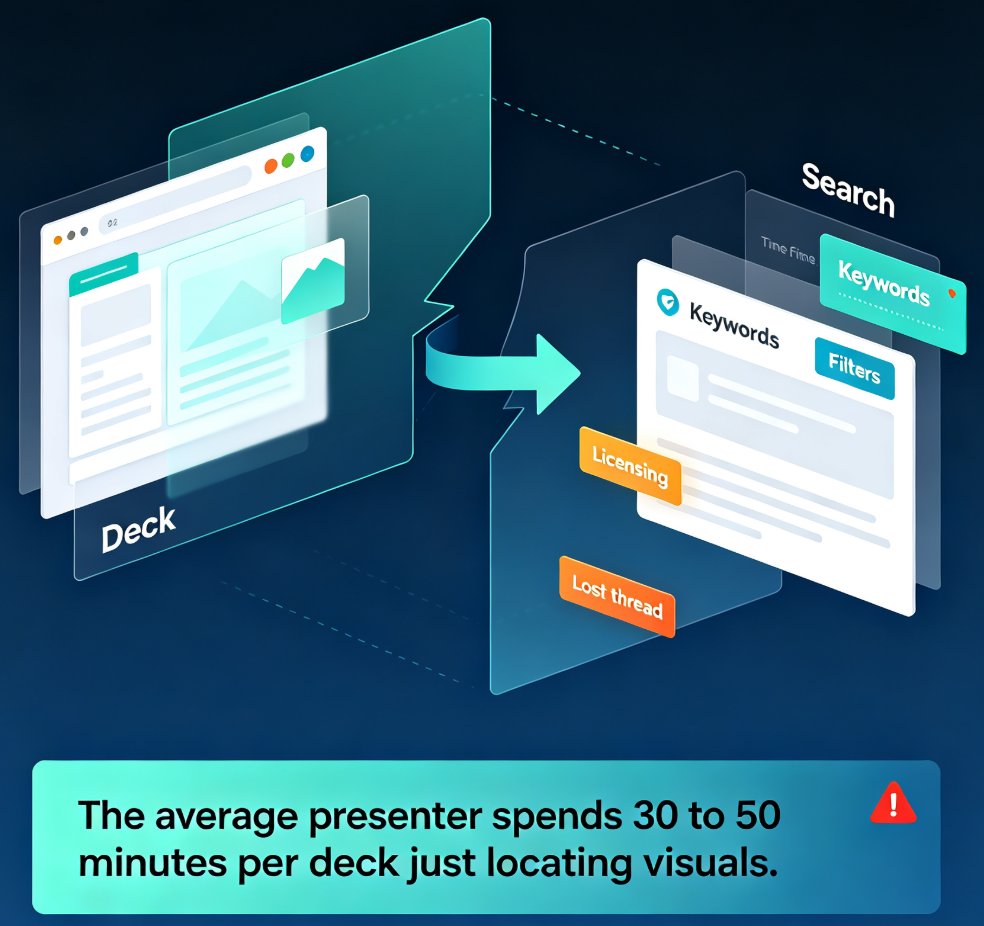
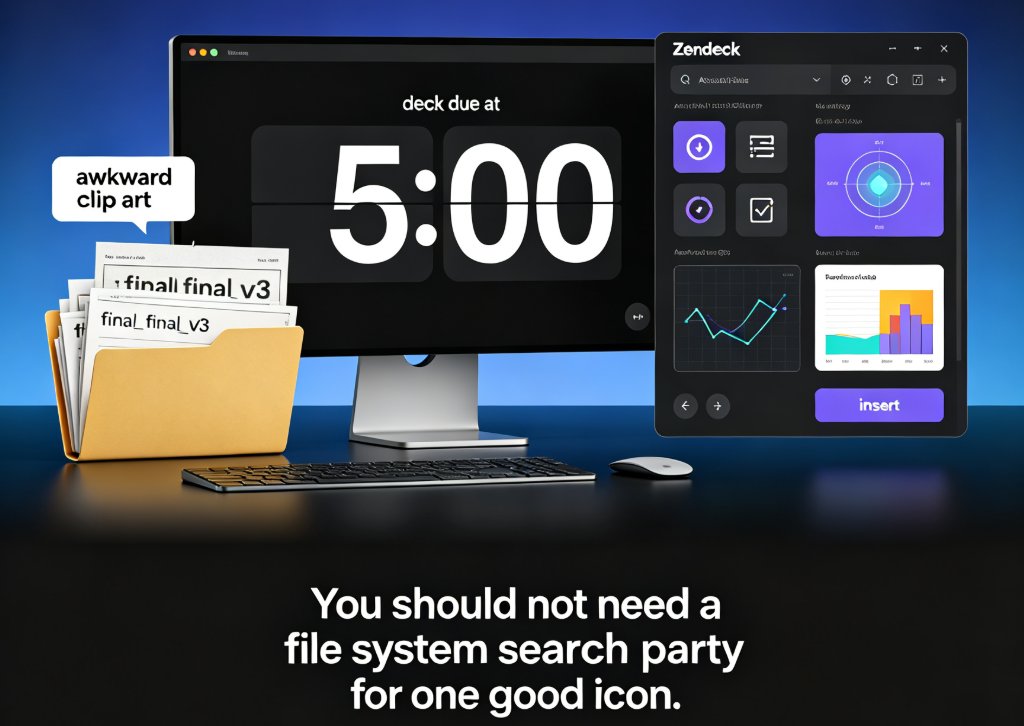
Searching for icons, charts, and illustrations across folders and downloads can cost you an hour before you even design one slide. Zendeck’s asset library solves that with a searchable collection and smart categorization. In this guide, you’ll learn how to locate the right visual element in seconds, insert it without breaking the layout, and apply a uniform visual style by reusing assets across the entire deck.

Zendeck Smart Layout: One-Click Uniform Fonts, Colors, and Alignment [2026 Guide]

PPT Tutorial 2026-08-28 3047

Zendeck's smart layout unifies fonts, colors, and alignment in one click — no design skills needed. This tutorial walks you through the reskin process, shows what the engine actually adjusts, and reveals when to trust the one-click button versus doing it manually. You'll learn to rescue messy, inconsistent decks in minutes and turn them into polished, on-brand presentations your team can share instantly. Includes a manual-versus-smart comparison table, pro tips for non-designers, and answers to the most common smart layout questions. If you want consistent corporate or academic slides without touching individual elements, this is your playbook.

Zendeck Template Library: Faster, More Consistent Business Decks

PPT Tutorial 2026-08-25 1127

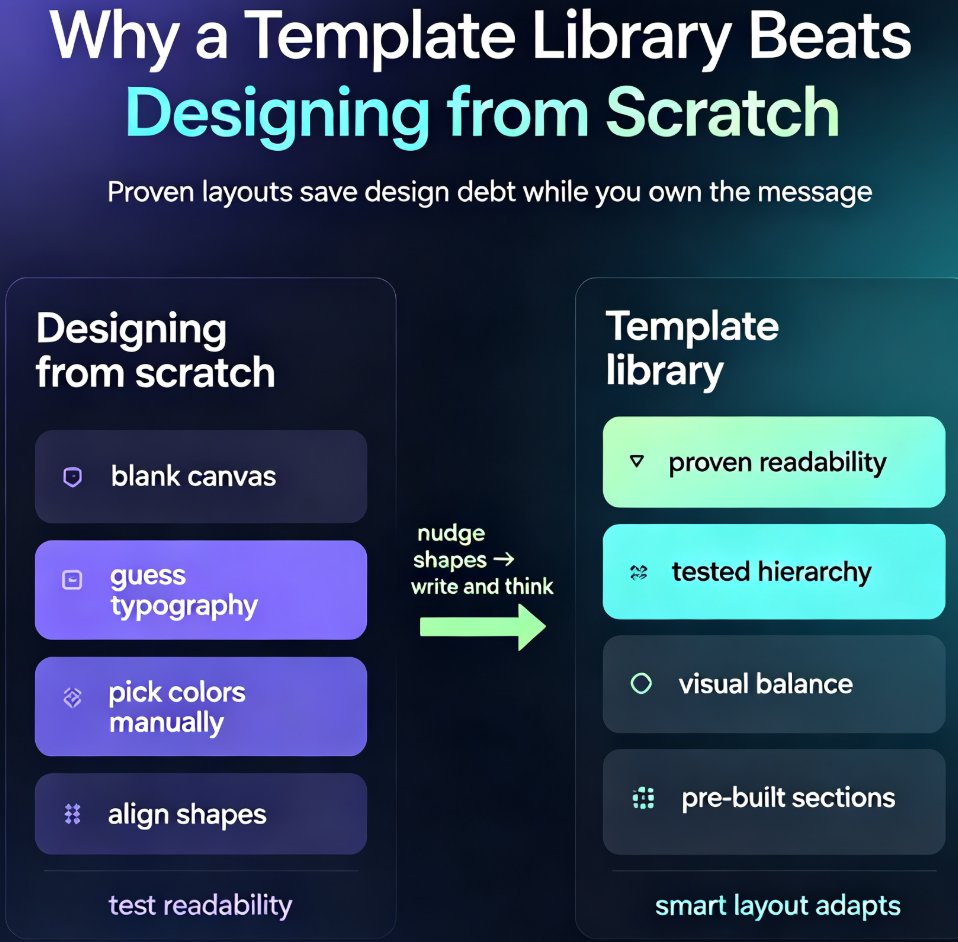
Zendeck's template library gives business teams a faster path to polished, on-brand decks. Instead of starting from a blank slide and making dozens of design decisions, you pick a proven template, drop in your content, and apply your brand kit in one click. This guide covers how to choose the right template for your audience, customize it without breaking the design, and build a repeatable workflow that cuts deck production from hours to minutes. You'll also see a side-by-side comparison of starting from scratch versus using a template, plus answers to common questions about brand consistency, team reuse, and industry fit. If you're tired of inconsistent, time-consuming presentations, Zendeck's template library is the starting point you've been missing.

Icons, Charts, Illustrations: Zendeck's Asset Library Speeds Up Decks

PPT Tutorial 2026-08-24 3582

Visual asset hunting is the silent time-killer in every deck build. If you've ever spent 30 minutes scrolling stock sites for the right icon, only to settle for something that almost works, this guide is for you. Zendeck's built-in asset library puts icons, charts, and illustrations a quick search away, cutting visual hunting from 30–50 minutes per deck down to single digits. In this tutorial, you'll learn the search shortcuts that actually work — concept-based searching, style filters, brand-language queries, and the visual parking lot trick — plus how the library connects to your brand kit and template system. Stop losing momentum to asset hunting and start building decks that look intentional. Here's how to make Zendeck's asset library the fastest part of your workflow.