
PPT Tutorial

PPT creation tips, step-by-step guides, efficiency methods, and hands-on playbooks.

34 articles

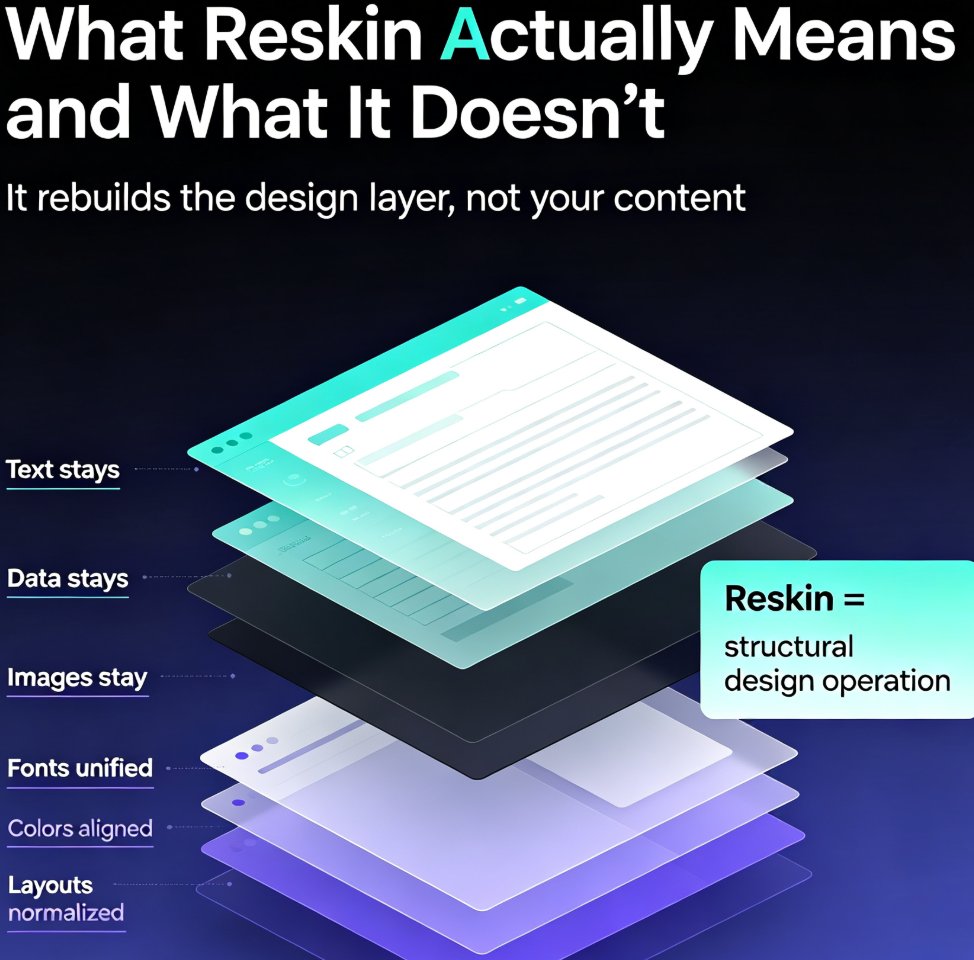
Smart Layout Reskin: Unify Fonts, Colors, and Layouts with Zendeck

PPT Tutorial 2026-08-21 2552

Struggling with inconsistent fonts, colors, and layouts across your presentations? Zendeck's smart layout reskin unifies your entire deck's design in one click. Learn how to apply consistent branding instantly, save hours of manual formatting, and ensure every slide looks professionally on-brand. This guide covers the step-by-step reskin process, real time-savings data, and best practices for teams that need brand consistency at scale. Whether you're preparing a 10-slide pitch or a 50-slide training deck, Zendeck's reskin feature eliminates the tedious work of per-slide formatting. Discover why teams using AI-powered reskin tools cut deck production time by over 50%, and how you can set up brand kits to make every future presentation automatically consistent. Stop fixing slides one by one — reskin the whole deck and get back to what matters: your message.
From Word Outline to Polished Deck: Zendeck's AI Conversion Workflow

PPT Tutorial 2026-08-19 1939

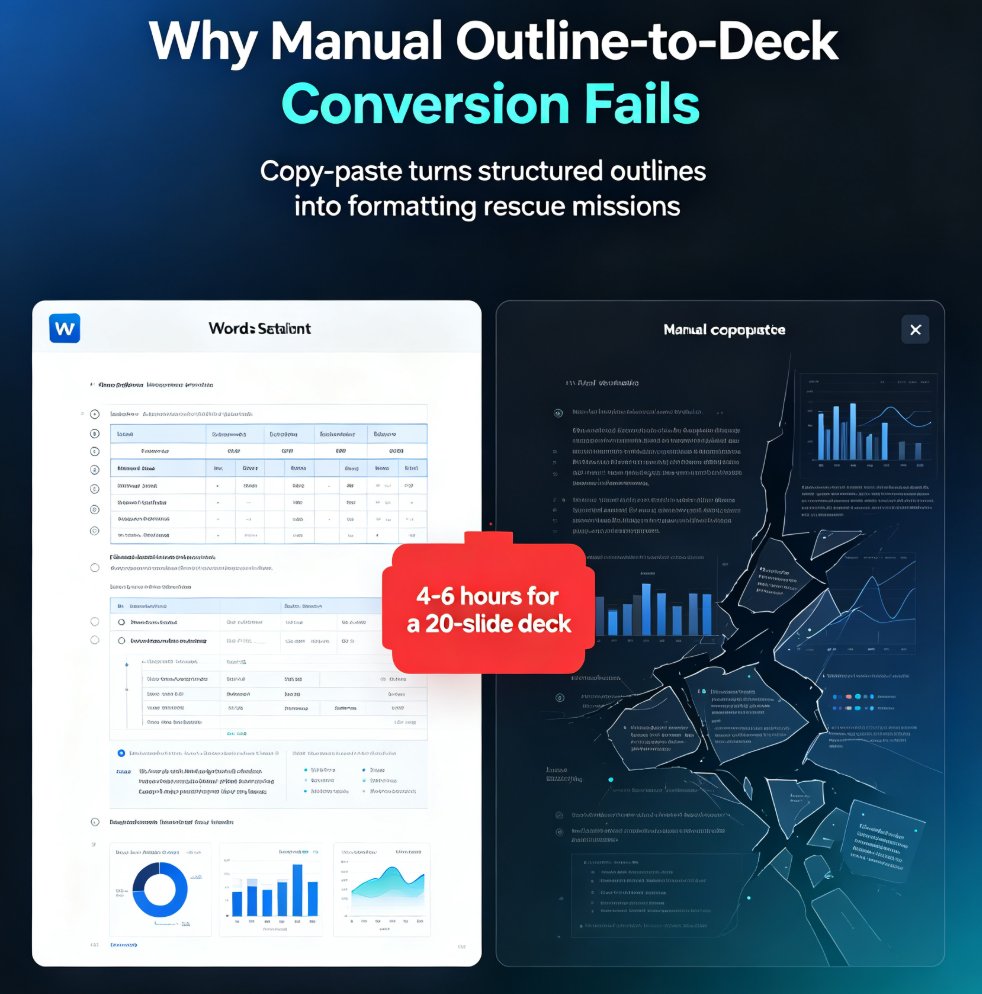
Turn a Word outline into a polished presentation with Zendeck's AI conversion workflow. Learn the five-step process, see how AI deck generation cuts production time by 90%, and get practical tips for better results. This guide covers everything from importing your outline to exporting a brand-consistent deck — perfect for educators, consultants, and teams who need decks fast. We break down the manual vs. AI comparison with real numbers, walk through each step of the Zendeck workflow, and share five tips that make the difference between a mediocre deck and a great one. If you've ever spent hours copying bullets into PowerPoint, this workflow will change how you build presentations. Stop formatting and start thinking — here's how.

5 AI Presentation Mistakes to Avoid in 2026 (And How Zendeck Fixes Them)

PPT Tutorial 2026-08-18 1663

AI presentation tools are fast, but speed doesn't guarantee quality. In 2026, the most common AI presentation mistakes — generic layouts, inconsistent branding, cluttered slides, clichéd stock imagery, and animation overload — still plague decks everywhere. The good news: every one is fixable. This guide breaks down the 5 AI presentation mistakes to avoid in 2026 and shows exactly how Zendeck's smart layout engine, brand kits, asset library, and PPT-to-video features prevent each one. Whether you're a marketer, educator, or team lead, you'll learn practical before-and-after fixes that turn AI-generated decks from amateur to professional. Stop settling for generic AI output — learn how to enforce brand consistency, clean layouts, and meaningful visuals in every deck you create.

Extract and Reuse Single Slides: Zendeck Export Tips for Trainers

PPT Tutorial 2026-08-18 1240

Learn how to extract and reuse single slides from Zendeck presentations to save time and keep your training materials consistent. Discover practical export tips, comparison of methods, and best practices for trainers. Zendeck's AI-powered features make slide reuse effortless, from asset libraries to template consistency. Master the workflow that top trainers use to build decks faster.

One-Click Reskin: How to Unify Fonts, Colors, and Layout with Zendeck

PPT Tutorial 2026-08-18 2610

Struggling to keep your presentations on-brand? Zendeck's one-click reskin instantly unifies fonts, colors, and layout across every slide, saving hours of manual formatting. In this tutorial, you'll learn how to use Zendeck's smart layout and reskin features to achieve consistent, professional decks in seconds. We'll cover step-by-step instructions, design tips from industry experts, and best practices for maintaining brand consistency across teams. Whether you're a corporate trainer, educator, or marketer, this guide will help you create polished presentations without design skills. Discover how Zendeck empowers anyone to produce brand-consistent slides effortlessly.

From PDF to Polished Deck: Zendeck OCR Document Import Workflow

PPT Tutorial 2026-08-18 809

Turn a PDF into a polished presentation in minutes with Zendeck's OCR document import workflow. Learn how Zendeck extracts text, preserves structure, and generates AI-designed slides from any document. Save hours of manual copy-paste and formatting. This guide covers the step-by-step process, behind-the-scenes OCR features, and tips for best results. Whether you're converting reports, whitepapers, or meeting notes, Zendeck transforms raw PDFs into presentation-ready decks with minimal effort. Discover why OCR is the missing link in modern presentation creation and how Zendeck makes it effortless.