
PPT Tutorial

PPT creation tips, step-by-step guides, efficiency methods, and hands-on playbooks.

34 articles

What File Types Can I Import into Zendeck? Word, PDF, Markdown

PPT Tutorial 2026-08-12 1634

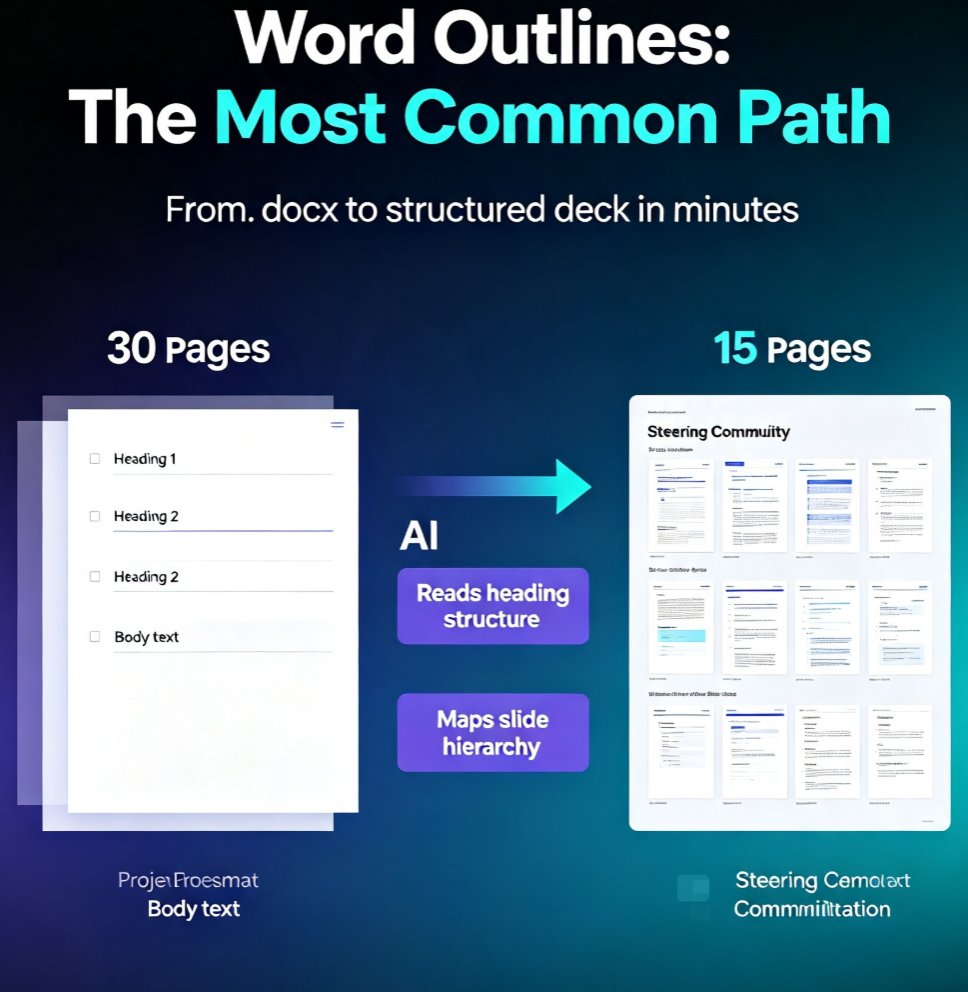
Wondering what file types you can import into Zendeck? This complete guide covers every supported format — Word outlines, Markdown, PDFs, and plain text — so you can turn almost any document into a structured slide deck in minutes. Learn which format works best for your workflow, how to prep your files for a clean import, and what happens after the AI generates your slides. Whether you're converting a 40-page Word report, a technical Markdown doc, or a finalized PDF into a presentation, Zendeck's import pipeline handles it. Includes a format comparison table, pro tips for clean imports, and answers to common questions about importing into Zendeck. Stop copy-pasting and start importing.

How to Use Zendeck's Smart Layout to Fix Misaligned Slides

PPT Tutorial 2026-08-12 3095

Misaligned slides make you look sloppy and waste hours of manual tweaking. Zendeck's Smart Layout automatically aligns every element on your slide—shapes, text, images—so you get a clean, professional deck in one click. Learn how this AI-powered feature works, when to use it, and why it beats PowerPoint's manual alignment tools. Perfect for busy professionals, educators, and teams who need polished presentations fast. Discover practical tips, real-world scenarios, and a side-by-side comparison to see the difference.

How to Auto-Generate Speaker Notes for AI Decks in Zendeck

PPT Tutorial 2026-08-11 2407

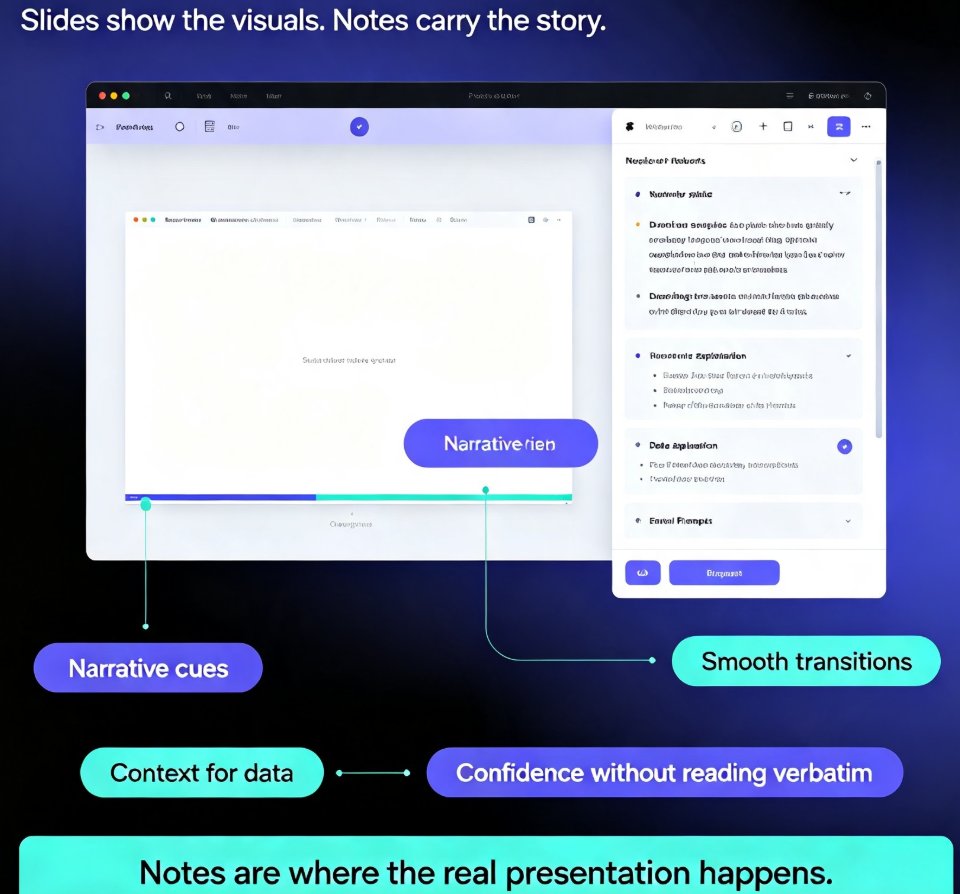
Learn how to auto-generate speaker notes for AI decks in Zendeck and cut your presentation prep time by more than 85%. This step-by-step guide shows you how to turn any slide deck into a complete presentation package — with speaker notes, talking points, and printable handouts generated automatically by AI. Stop writing notes by hand and start delivering with confidence. We cover the full workflow: building your deck, generating notes, refining them to sound like you, and exporting with notes intact. You'll also learn when auto-generated notes save the most time, how to make AI notes sound natural, and why speaker notes are the most underrated part of any deck. Perfect for educators, trainers, HR teams, and content professionals who build presentations regularly. Includes a time comparison chart, practical refinement tips, and answers to common questions about AI-generated speaker notes.

Why Your Imported Word Doc Looks Messy and How Zendeck Fixes It

PPT Tutorial 2026-08-11 3308

Struggling with messy Word imports in PowerPoint? Learn why your Word doc looks cluttered and how Zendeck's smart layout automatically fixes formatting issues like section breaks, inconsistent bullets, and spacing. Save hours and create polished, professional slides in minutes. Discover the fastest way to turn text-heavy documents into clean, visually balanced presentations with Zendeck.

From 50-Page Word Proposal to Client-Ready Deck: A Zendeck Workflow

PPT Tutorial 2026-08-11 1734

Turning a dense 50-page Word proposal into a persuasive client-ready deck is a challenge every consultant faces. Zendeck's AI-powered Word import extracts, structures, and condenses your content into a visually compelling story—saving hours of manual summarization and design. Learn the exact workflow, from importing your document to applying brand kits and exporting to PPTX. This guide shows how Zendeck helps you focus on narrative, not formatting, so your deck earns its place in the boardroom. Discover why client decks are shorter because the thinking is sharper, and how Zendeck makes that possible.