
Tags:Zendeck PPT-to-video

30 articles

PPT to Video 2026: Narration and Auto-Subtitles Become Table Stakes

PPT to Video 2026-08-18 2741

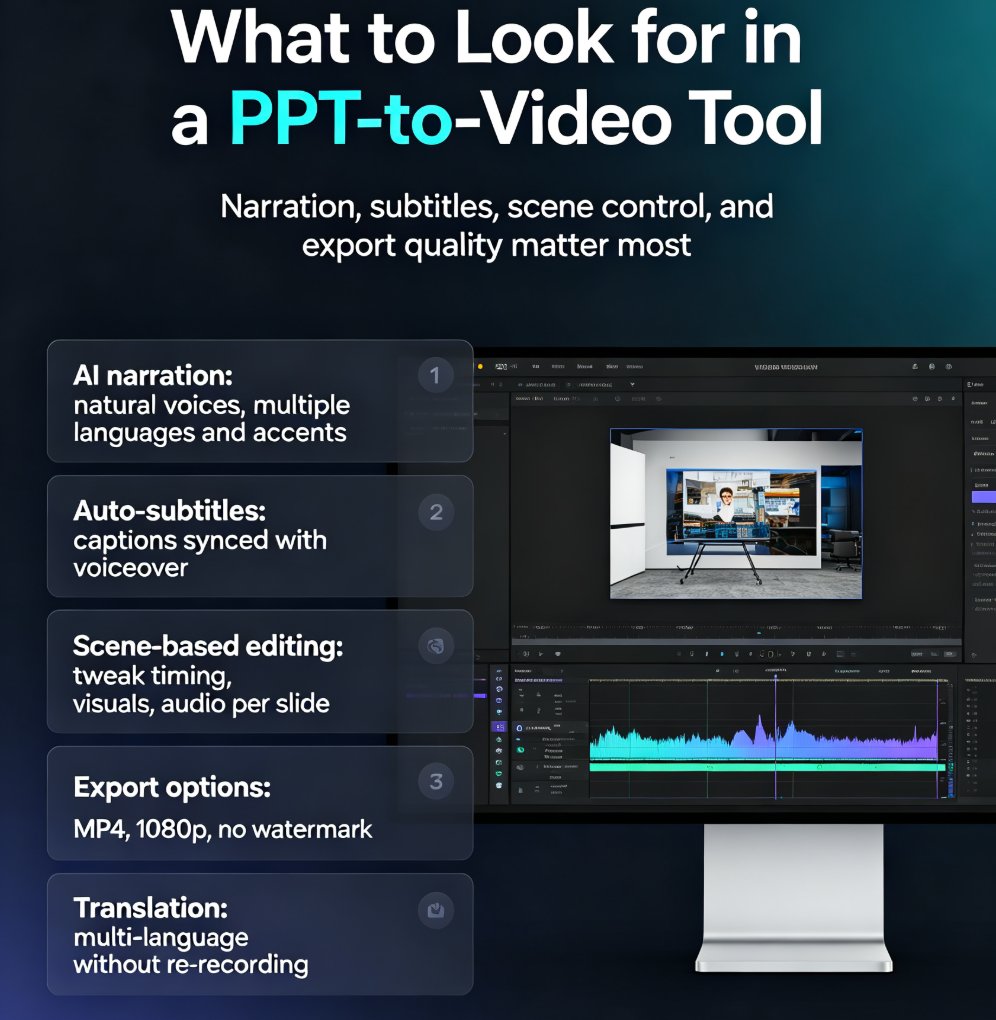
In 2026, converting PPT to video with narration and auto-subtitles is no longer optional—it's table stakes. Learn how Zendeck's AI-powered PPT-to-video feature turns static slides into engaging narrated videos with automatic subtitles, saving up to 60% production time. Discover the key features to look for, step-by-step workflow, and common mistakes to avoid. Whether you're a trainer, educator, or marketer, this guide will help you create professional videos that captivate your audience and boost accessibility. Start converting your PowerPoint decks into dynamic video content today with Zendeck.

How to Create a Webinar Deck with Zendeck's AI and Export to Video

PPT to Video 2026-08-12 1979

Learn how to create a professional webinar deck with Zendeck's AI and export it to video in minutes. Discover the workflow from outline to narrated video, with tips on design, branding, and audience engagement. Zendeck's PPT-to-video feature turns your slides into a polished webinar replay, saving hours of manual work. Perfect for educators, marketers, and trainers.

Interactive Video Decks: The New Standard for Corporate Training

PPT to Video 2026-08-12 3473

Interactive video decks are transforming corporate training by forcing active participation and boosting retention. Unlike passive videos that let employees zone out, interactive decks require clicks, decisions, and real-time feedback. Learn how Zendeck's AI-powered PPT-to-video feature helps you create branching scenarios, track learner behavior, and deliver training that actually sticks. Discover the benefits, best practices, and why passive video is obsolete. This guide covers everything from engagement metrics to step-by-step creation, so you can build training that employees actually finish and remember. Whether you're an L&D manager, HR leader, or trainer, you'll walk away with actionable strategies to modernize your training program.

Micro-Learning at Scale: How AI Turns PPTs into Video Courses

PPT to Video 2026-08-12 3206

Micro-learning at scale is easier than you think. Learn how AI turns PPTs into video courses in minutes — no studio, no re-recording, no design skills required. Zendeck's PPT-to-video workflow reads your slide structure, generates natural narration, and exports SCORM-ready modules your LMS will actually index. See the 3-step workflow, best practices for slide structure, and why structured decks cut editing time by 30-50%. Whether you're an L&D manager, corporate trainer, or educator, this guide shows you how to turn existing decks into maintainable, indexed micro-courses that learners actually finish — and how to update a single data point without re-recording a single frame. Stop sending PPTs that sit unopened in inboxes. Start shipping video courses your team will actually watch, track, and finish.

Turn Old PowerPoints into Interactive Micro-Courses with Zendeck

PPT to Video 2026-08-11 3999

Learn how to turn old PowerPoints into interactive micro-courses with Zendeck. Discover step-by-step methods to convert static slides into engaging eLearning modules, add interactivity, and boost learner retention. Zendeck's AI-powered tools make it easy to transform legacy decks into dynamic training content.

From Outline to Video: A Complete Workflow for Creating Micro-Courses with AI

Micro-Course Production 2026-08-06 3234

Creating micro-courses from scratch is time-consuming. With Zendeck, you can transform a Word outline into an AI-generated presentation and then into a narrated video in minutes. This complete workflow shows educators and trainers how to produce engaging micro-learning content without design skills or video editing software. Learn the step-by-step process from outline to video, including tips for maximizing speed and learner engagement.

▲