Tags:Zendeck PPT-to-video

28 articles

PPT to Video: The 2026 Trend of Turning Slides into Micro-Courses

PPT to Video 2026-08-20 821

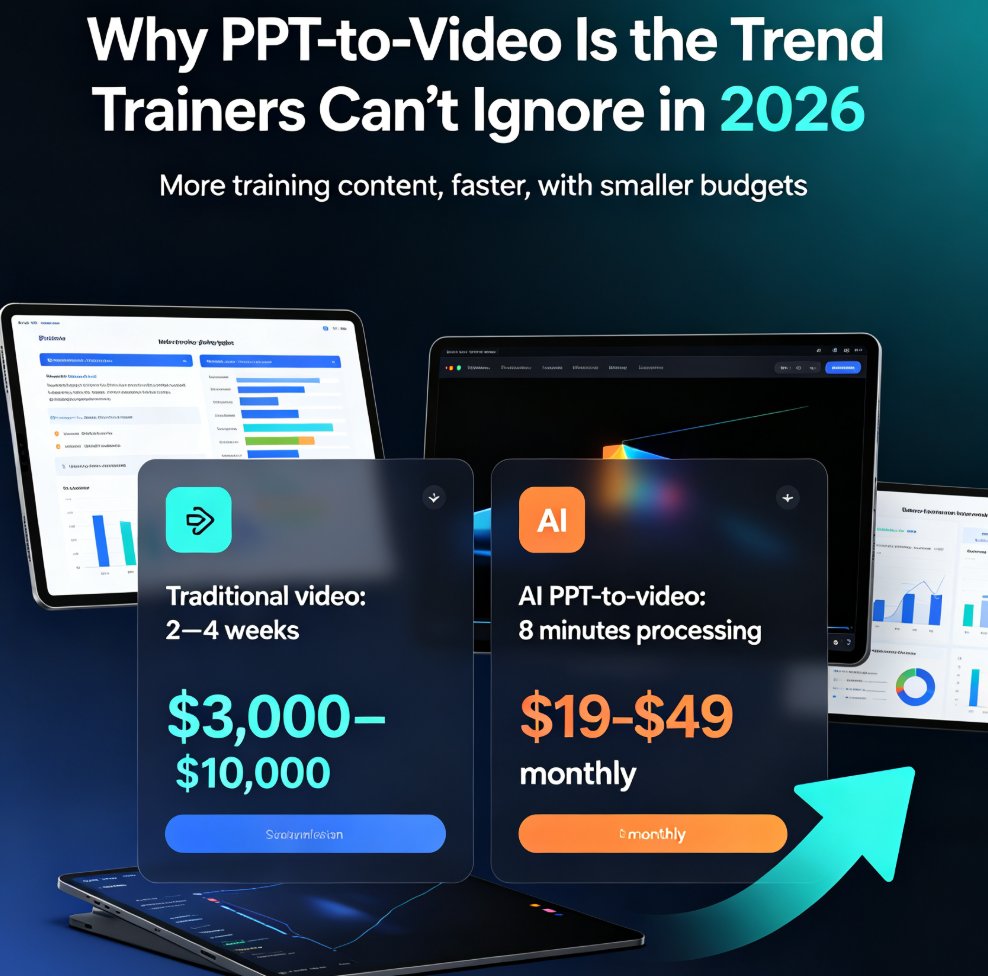
PPT to video is the defining e-learning trend of 2026: educators and corporate trainers are turning static slides into narrated micro-courses in minutes, not weeks. This guide breaks down how AI-powered conversion works, what it costs versus traditional video production, and how Zendeck's PPT-to-video feature automates narration, subtitles, and animated visuals — so anyone without design or editing skills can ship a polished training video before lunch. Includes a step-by-step workflow, a cost comparison chart, and practical tips for text-heavy decks, compliance manuals, and onboarding material. If you've been sitting on a deck that should be a video, this is your playbook.
PPT to Video with AI Narration: Zendeck's Guide to Micro-Course Creation

PPT to Video 2026-08-20 2284

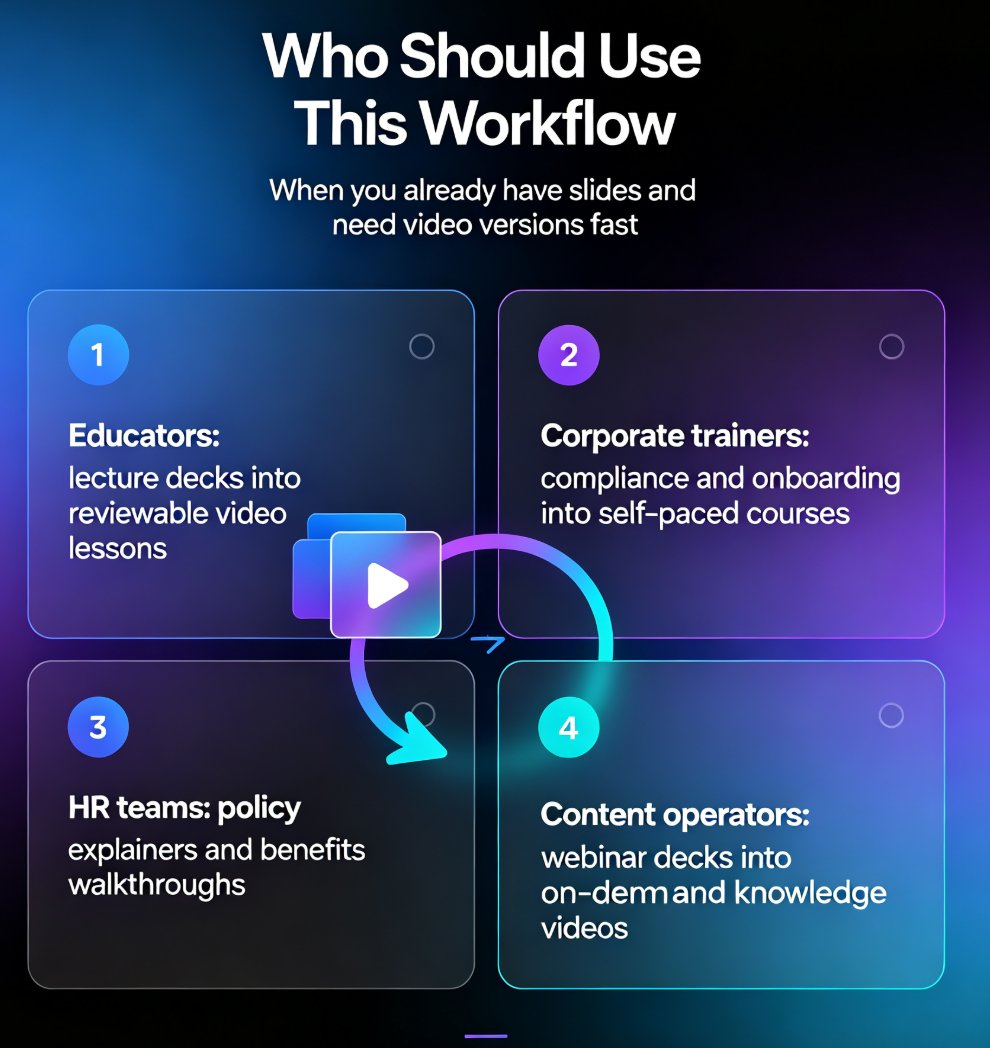
Turn static slides into narrated micro-courses with Zendeck's PPT-to-video feature — no camera, no mic, no editing software required. This guide walks educators, trainers, and HR teams through the complete workflow: upload a deck, let AI generate the script, pick a voice, refine the narration, and export a share-ready MP4 in minutes. We compare the traditional production pipeline against the AI-assisted route, break down the time and cost savings with a side-by-side table, and share practical tips for keeping your micro-courses engaging and up to date. Whether you're converting compliance training, onboarding material, or a lecture deck, Zendeck's PPT-to-video removes the production barrier so you can publish more courses, faster, without a studio budget.

Zendeck PPT-to-Video for Accessible Voiceover Lessons: A Teacher's Story

PPT to Video 2026-08-19 1546

Zendeck's PPT-to-video with AI voiceover helped a special education teacher create accessible lessons for students with visual impairments and reading difficulties. By converting slides into narrated videos with subtitles, she saw a 30% improvement in quiz scores and strong parent feedback. This case study walks through her exact workflow — upload, script, generate, share — and explains why narrated video decks are becoming the accessibility baseline in education and corporate training. You'll learn how to add narration to slides, auto-generate subtitles, and create replayable lessons in about 20 minutes, with no video editing experience required. If you're a teacher, trainer, or instructional designer looking for an accessible alternative to static slide decks, this is the guide for you.

Convert PowerPoint to an AI-Narrated Video in 4 Steps with Zendeck

PPT to Video 2026-08-18 1127

Learn how to convert PowerPoint to an AI-narrated video with Zendeck's PPT-to-video feature. This step-by-step guide shows you how to turn static slides into engaging micro-courses with built-in AI voiceover, no microphone or editing skills required. Discover the 4-step workflow, pro tips, and common mistakes to avoid. Zendeck makes video creation from PPTs fast and easy, so you can repurpose existing content in minutes and boost learner engagement without a production team.

PPT to Video 2026: Narration and Auto-Subtitles Become Table Stakes

PPT to Video 2026-08-18 2741

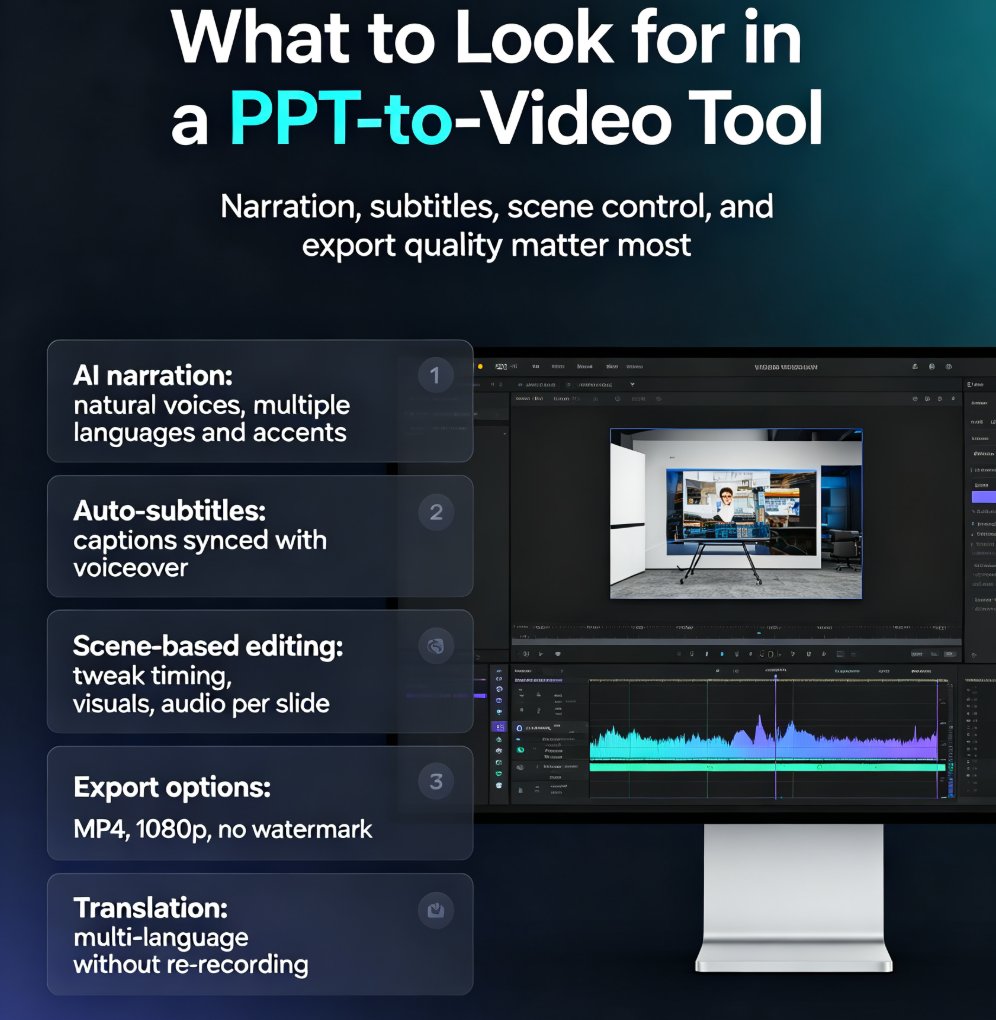
In 2026, converting PPT to video with narration and auto-subtitles is no longer optional—it's table stakes. Learn how Zendeck's AI-powered PPT-to-video feature turns static slides into engaging narrated videos with automatic subtitles, saving up to 60% production time. Discover the key features to look for, step-by-step workflow, and common mistakes to avoid. Whether you're a trainer, educator, or marketer, this guide will help you create professional videos that captivate your audience and boost accessibility. Start converting your PowerPoint decks into dynamic video content today with Zendeck.

How to Create a Webinar Deck with Zendeck's AI and Export to Video

PPT to Video 2026-08-12 1979

Learn how to create a professional webinar deck with Zendeck's AI and export it to video in minutes. Discover the workflow from outline to narrated video, with tips on design, branding, and audience engagement. Zendeck's PPT-to-video feature turns your slides into a polished webinar replay, saving hours of manual work. Perfect for educators, marketers, and trainers.