Tags:Zendeck PPT-to-video

28 articles

PPT to Video in 2026: AI Narration & Smart Timing Beat Manual Editing

PPT to Video 2026-08-26 1631

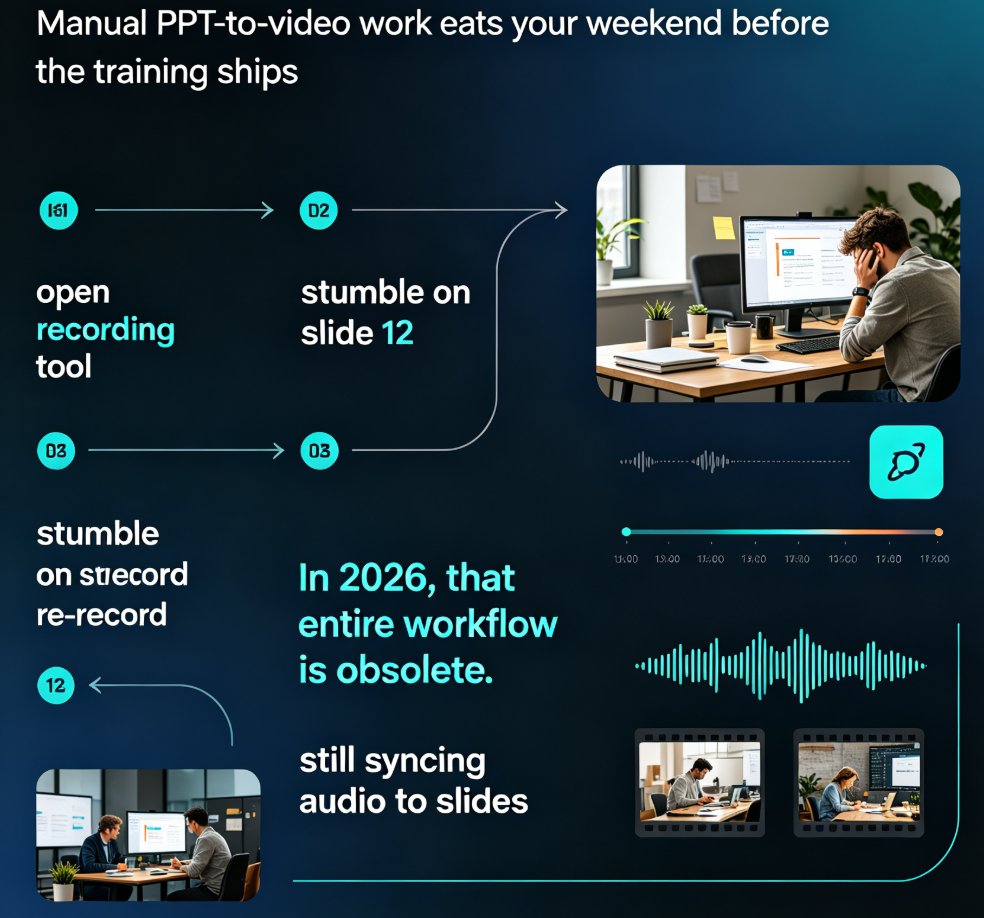
PPT to video in 2026 no longer means manual editing. AI narration and smart timing turn static slides into polished micro-courses in minutes. Zendeck's PPT-to-video reads your slide content, generates synchronized voiceovers, and paces each scene automatically—so educators, trainers, and content teams skip the recording booth entirely. This guide breaks down how scene detection, voice synthesis, and auto-pacing work together, compares production time against traditional workflows, and shows exactly where AI still needs a human touch. If you've been avoiding video because editing eats your weekends, this is the workflow change you've been waiting for.
PPT to Video Is the Next Big Trend: What L&D Teams Need to Know in 2026

PPT to Video 2026-08-25 3459

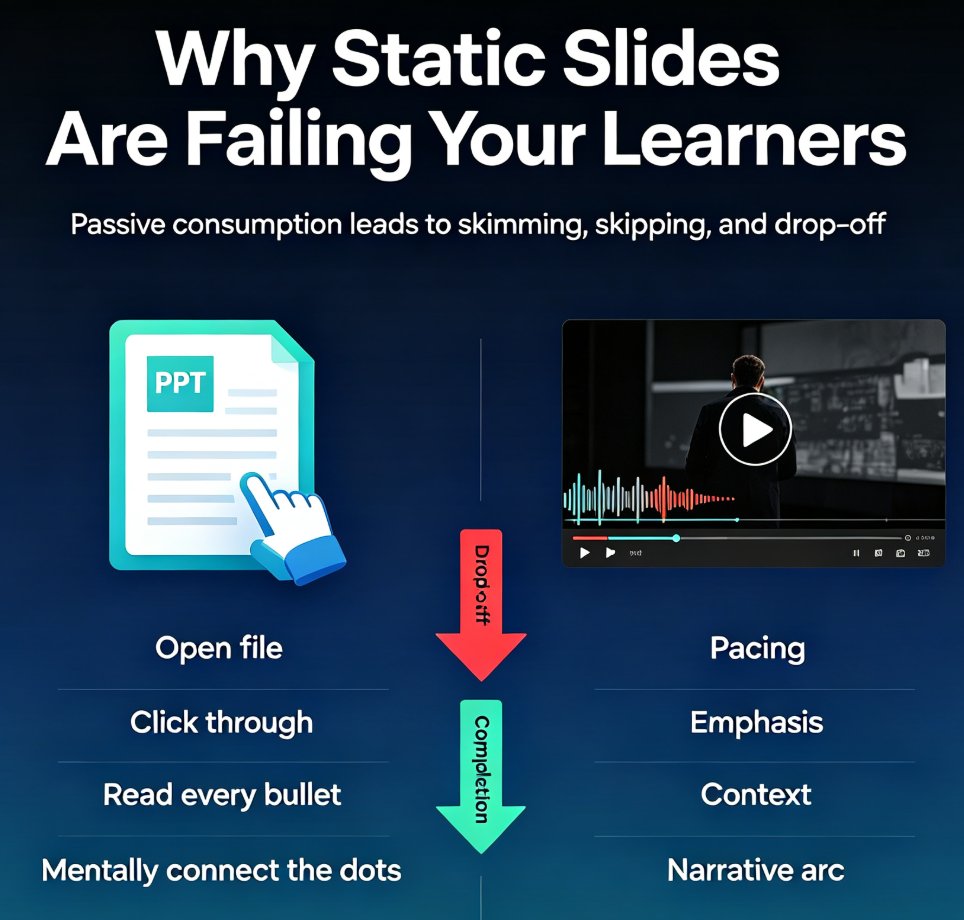
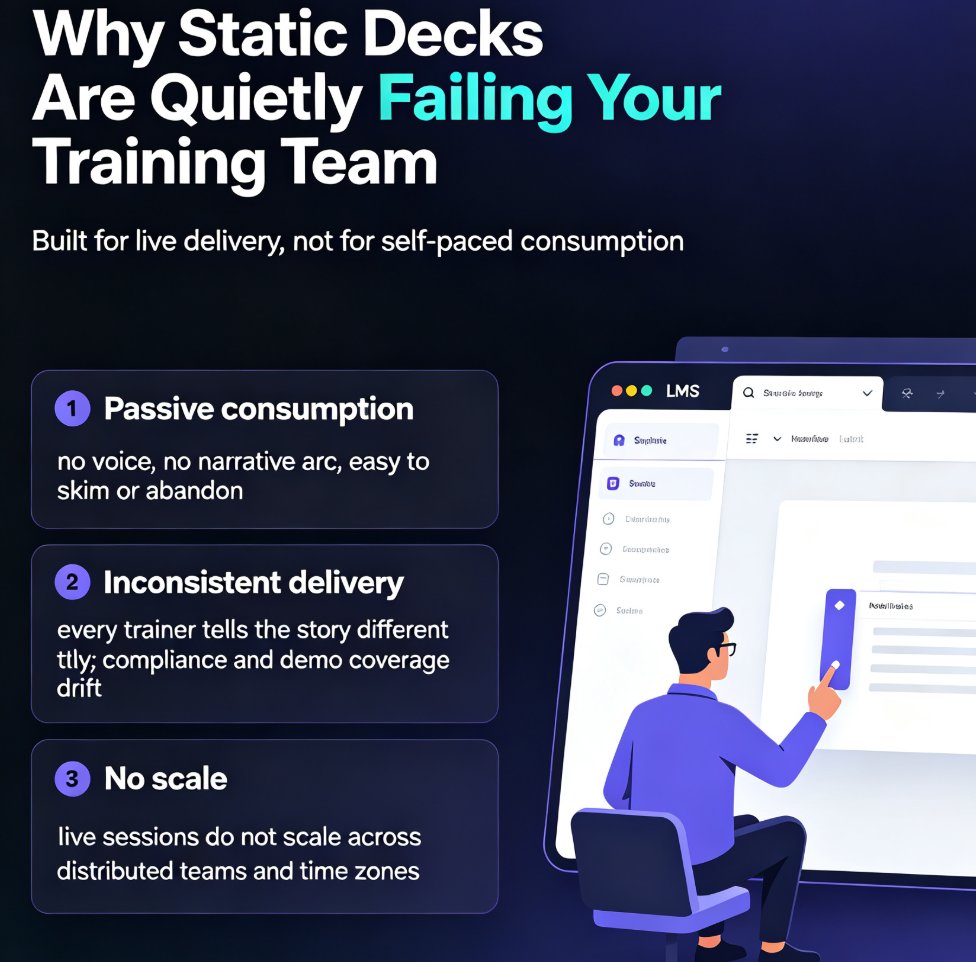
AI-powered PPT-to-video is the next big trend in corporate learning, and Zendeck makes the shift practical for L&D teams. This 2026 trend analysis explains why static slide decks are losing ground to narrated micro-videos, and how Zendeck's PPT-to-video engine — with auto subtitles, AI voice synthesis, and one-click narration — lets any training team convert slides to video without a production budget. We break down the pain points of static decks, the shift to video-first learning, what to look for in a conversion tool, and a step-by-step path from outline to published micro-course. If your training content is underperforming, this guide shows why video is the answer and how to get there.

One PPT, Many Formats: How to Turn Slides into Micro-Courses

Knowledge Video 2026-08-25 1217

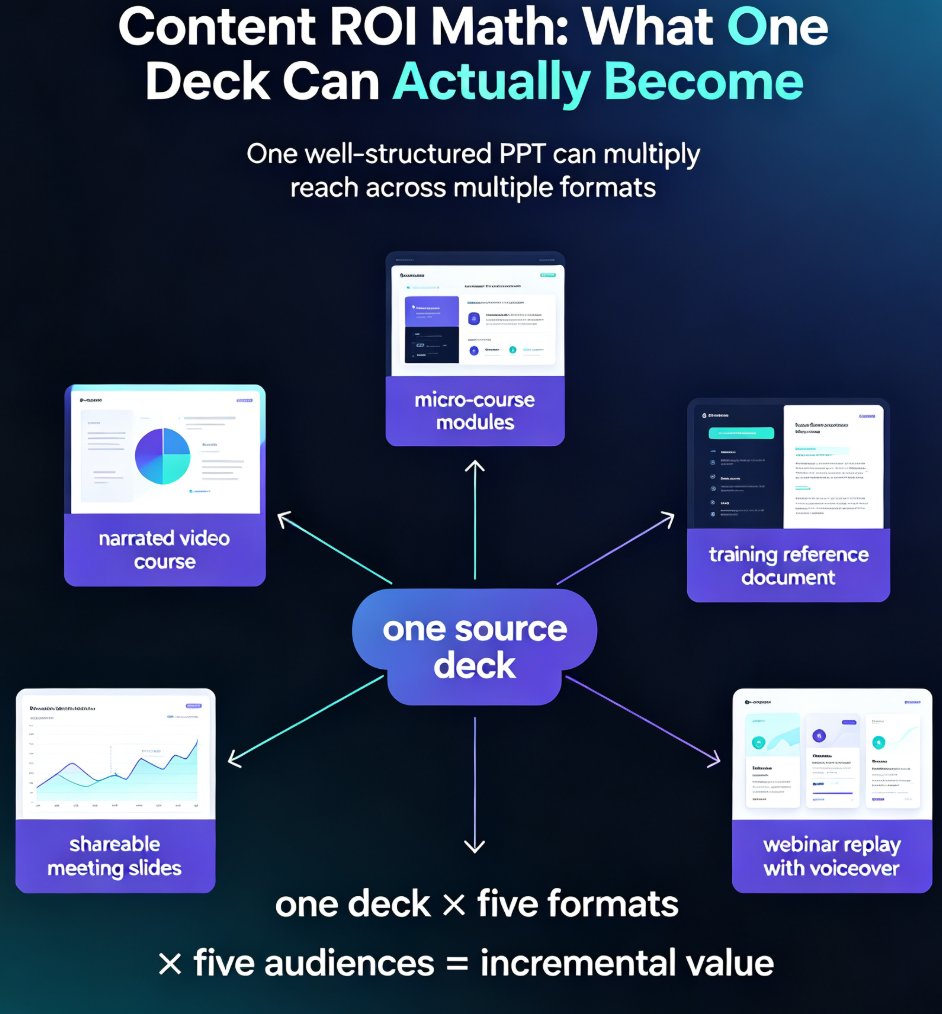
Learn how to repurpose a single PPT into micro-courses and video formats with Zendeck. Maximize content ROI by turning one deck into multiple learning assets — narrated videos, micro-course modules, and shareable slides — without rebuilding from scratch. This guide covers the step-by-step workflow, a manual vs. AI-assisted comparison, and best practices for multi-format content creation. Whether you're an educator, trainer, or knowledge creator, discover how Zendeck's PPT-to-video and AI segmentation features let you multiply the reach of every hour you invest in your original content. Stop creating from zero and start repurposing smarter. Learn the exact steps to convert your existing presentations into engaging learning experiences that reach more learners, save production time, and build a reusable content library that compounds in value month after month.

AI Agents in Course Creation: From Outline to Published Micro-Course

Knowledge Video 2026-08-24 3063

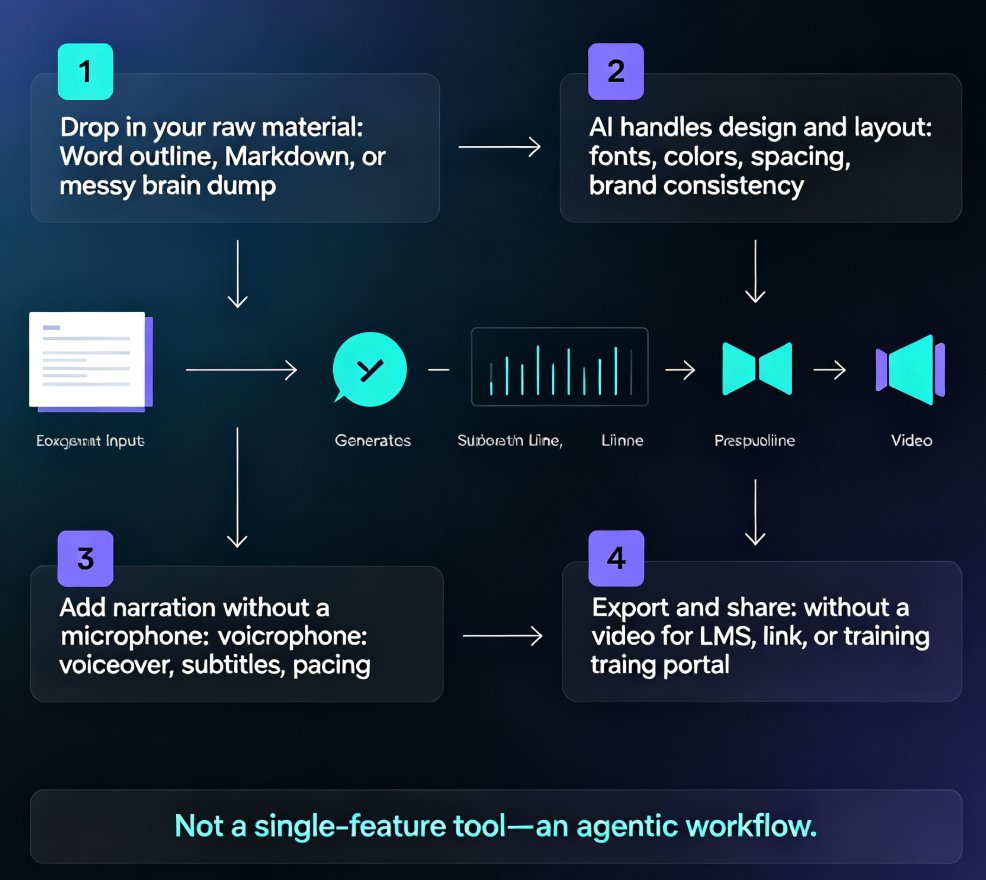
AI agents now automate the entire course creation pipeline, not just single steps. Zendeck's end-to-end workflow turns a simple outline into a narrated, publish-ready micro-course — slides, voiceover, and video export included. This guide breaks down how the agentic shift works, who benefits most, and where human judgment still matters. If you're an educator, trainer, or content operator tired of stitching together separate tools, this is the workflow you've been waiting for. Learn the exact steps, see a side-by-side comparison with the old pipeline, and get practical tips for keeping quality high while letting AI handle the heavy lifting.

From PPT to Video: Creating Narrated Micro-Courses with Zendeck

PPT to Video 2026-08-21 1792

Zendeck's PPT-to-video feature turns static slides into narrated micro-courses with auto-generated voiceover and subtitles. This guide shows educators and trainers how to repurpose existing PowerPoint decks into shareable video content in minutes — no extra tools, no design skills, no video editing experience. Learn the step-by-step workflow, best practices for narration, and when to use this approach for training, onboarding, and micro-course production. If you've been sitting on a deck that deserves a wider audience, this is the fastest path from PPT to video. We'll cover real scenarios, common mistakes, and how Zendeck's smart layout and asset library keep your video on-brand from first slide to final export.

Interactive Video Presentations: The 2026 Trend of Polls and Quizzes

Knowledge Video 2026-08-20 808

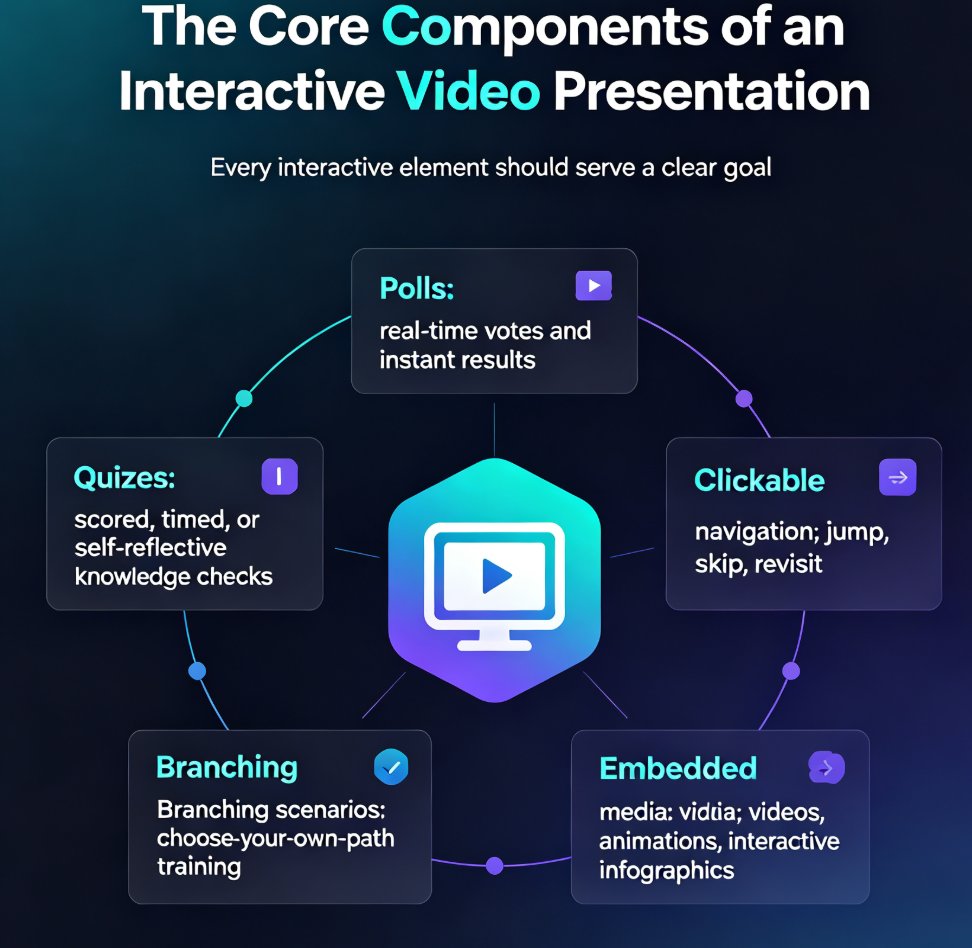
Interactive video presentations are the defining e-learning trend of 2026, turning passive viewers into active participants through embedded polls, quizzes, and branching scenarios. This guide breaks down the core components of interactivity, compares leading tools like Mentimeter, Genially, Canva, and Visme with real pricing data, and shows how Zendeck's PPT-to-video workflow lets you add narration, subtitles, and consistent design without any design skills. You'll learn the data-backed rhythm for spacing engagement elements every three to five slides, and why branching scenarios are the next level of video-based training. If you create courseware, corporate training, or knowledge videos, this is your roadmap to higher retention, better completion rates, and genuine audience participation. Interactive video isn't a gimmick — it's the standard your audience already expects.