Tags:Zendeck PPT-to-video

28 articles

Turn a Training PPT into a Self-Paced Video Course for Async Teams

Knowledge Video 2026-09-09 1953

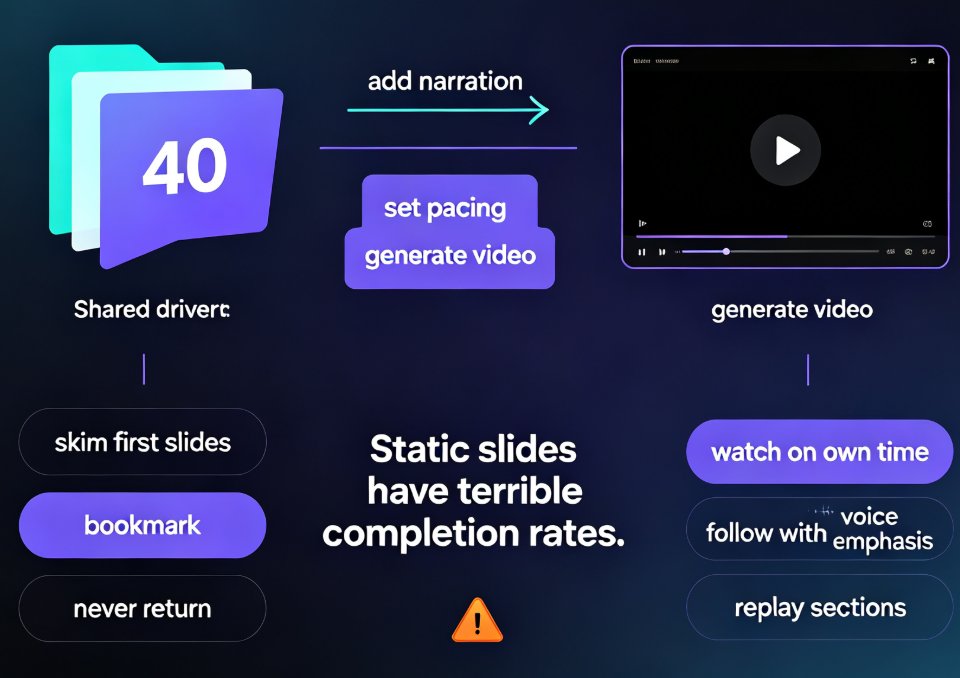
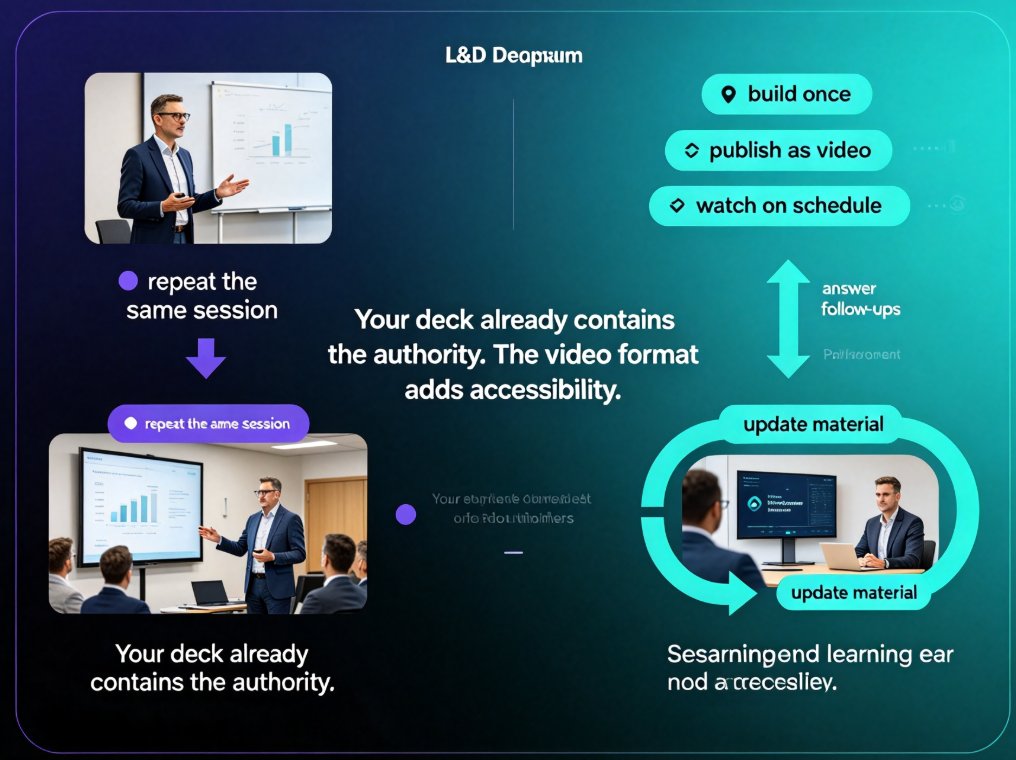
Learn how to turn a training PPT into a self-paced video course your remote team actually watches. We compare the real workflows inside Easygenerator, iSpring, Canva, and Zendeck's PPT-to-video tool, then walk you through script, narration, subtitles, and publishing. If you're stuck with a static deck that only works when someone presents it live, this guide shows the fastest, most practical path to on-demand corporate training — with Zendeck as the working example. No design skills required.
Cut Micro-Course Costs: Zendeck Turns PPT into Narrated Video

Knowledge Video 2026-08-28 2428

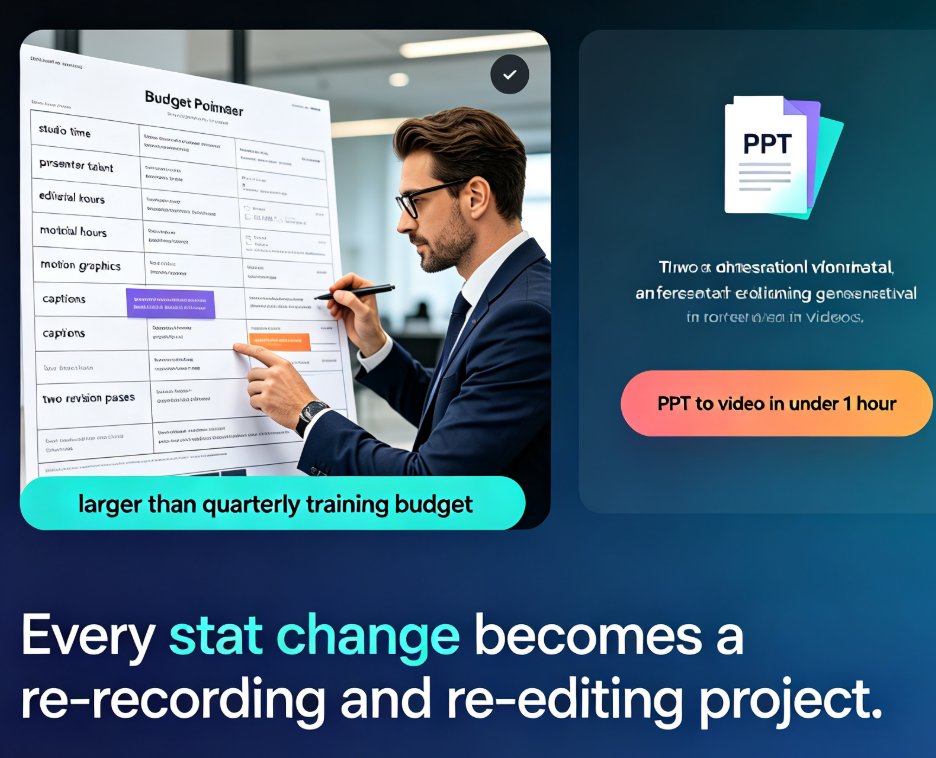
Micro-course production costs can crush a training budget — studio rentals, voice talent, and editing hours add up fast. Zendeck turns your existing PPT into a professional narrated video with AI voiceover, auto-generated subtitles, and polished layouts. No studio, no actors, no expensive software. We'll show you the exact workflow, a side-by-side cost comparison, and the honest limits of AI voiceover, so you can decide with your eyes open. The bottom line: most teams can cut per-course production costs by 80–95% and — just as important — keep every video easy to update when a statistic changes. If you've been avoiding video micro-courses because of the price, read this before you book a studio.

Robotic Narration? Zendeck's PPT-to-Video AI Voiceover & Subtitles

PPT to Video 2026-08-28 2059

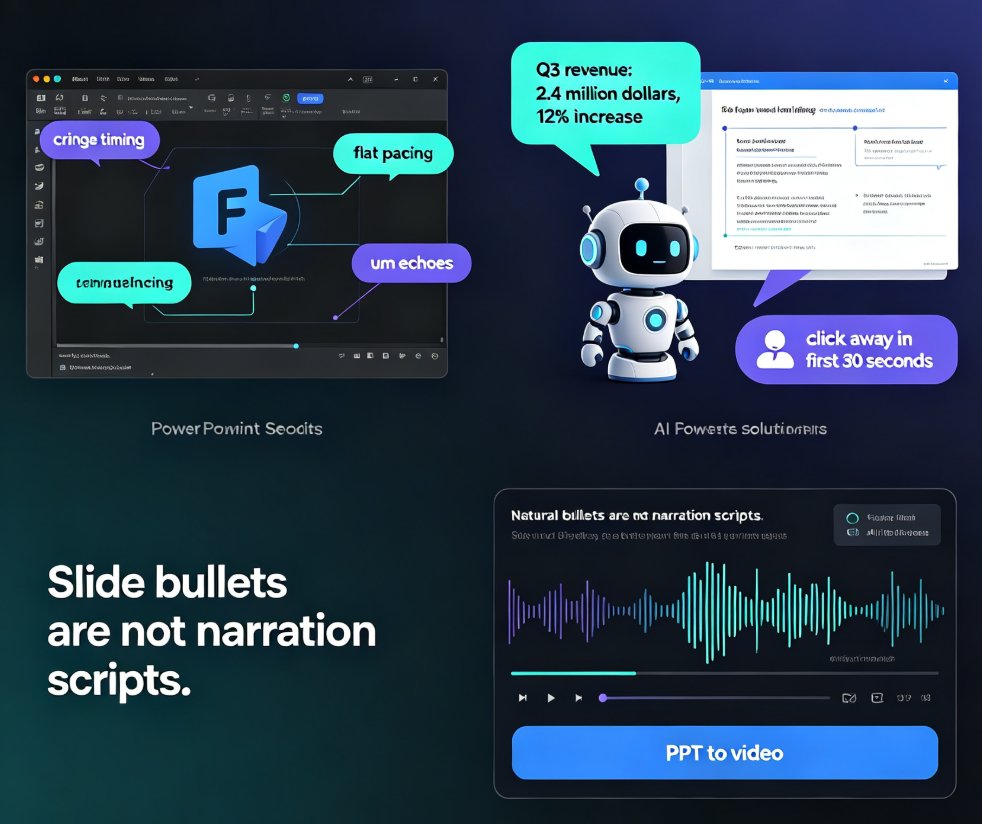
Robotic narration is the fastest way to lose viewers. Zendeck's PPT-to-video feature pairs AI voiceover generation with auto-synced subtitles so your micro-courses sound natural and stay accessible — no recording studio or voice-over agency needed. This guide breaks down why default TTS sounds flat, how Zendeck writes speak-ready scripts instead of reading slide bullets, and how the subtitle engine saves you hours of manual captioning. You'll get a practical comparison of narration workflows, a walkthrough of turning a deck into a narrated MP4 in minutes, and tips for keeping accessibility compliance front of mind. If you're an educator, trainer, or content operator tired of robotic-sounding videos, this is the workflow you've been missing.

How to Convert PPT to a Narrated Video with Zendeck: Step-by-Step

PPT to Video 2026-08-27 2098

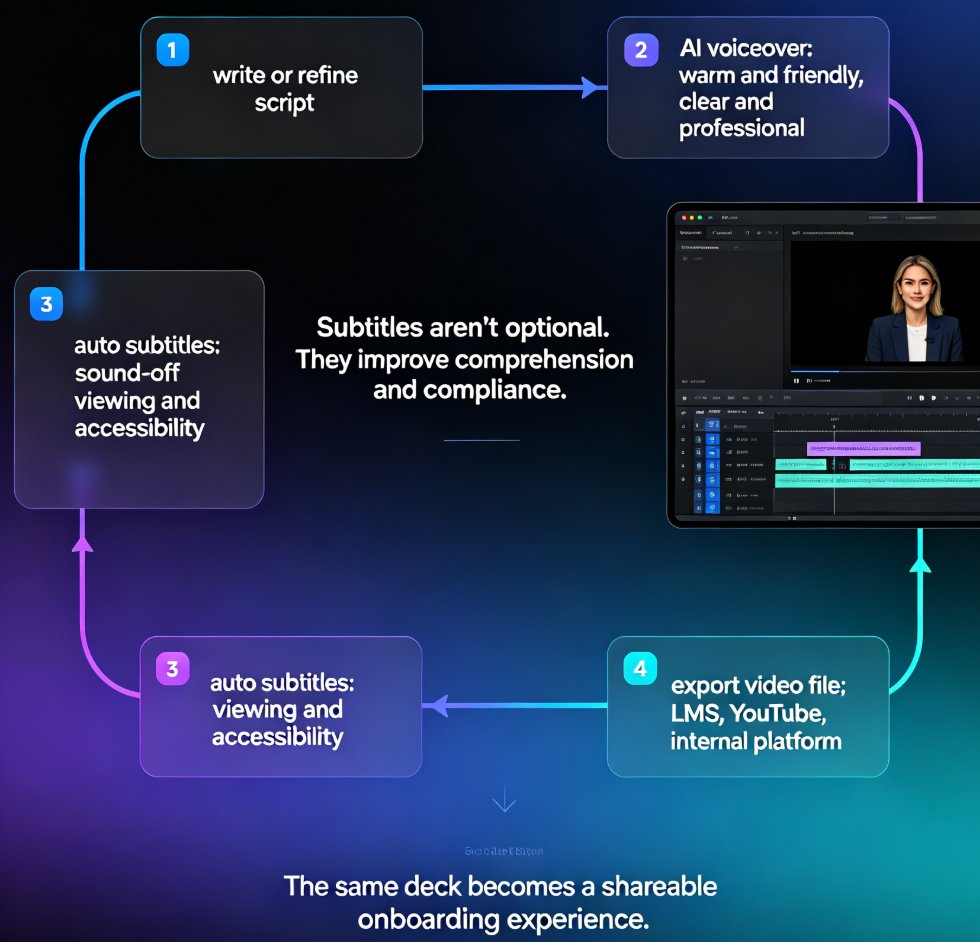
Learn how to convert PPT to a narrated video with Zendeck's PPT-to-video feature. This step-by-step guide walks through the entire workflow: importing a Word outline or Markdown file, letting AI generate structured slides, adding AI voiceover narration, and exporting to MP4 for sharing. We also cover practical tips for educators and trainers — how to keep slides visual, script before you record, and add subtitles for accessibility. By the end, you'll know exactly how to turn a static deck into a narrated micro-course in minutes, without a microphone, design skills, or expensive video editing software. Whether you're building corporate training, courseware, or knowledge videos, this workflow saves hours and produces consistent, professional results.

How to Create Employee Onboarding Videos from Your PPT with AI Narration

Knowledge Video 2026-08-26 2697

Turn your existing onboarding PPT into professional employee onboarding videos with Zendeck's PPT-to-video and AI voiceover features. This step-by-step guide shows HR teams how to standardize new-hire training at a fraction of the cost of studio production. You'll learn how to import your slide deck, generate consistent narration, add subtitles, and publish a shareable video course — all without design or editing skills. We cover script pacing, voice selection, accessibility, and how to keep every cohort's experience identical. If you're tired of re-recording the same orientation content every quarter, this workflow will save you days of work and deliver a polished result every time. Onboarding videos built this way are easy to update, easy to localize, and easy to scale across departments — whether you're onboarding five people or five hundred.

From Static Slides to Interactive Micro-Courses: The 2026 Shift

Micro-Course Production 2026-08-26 1848

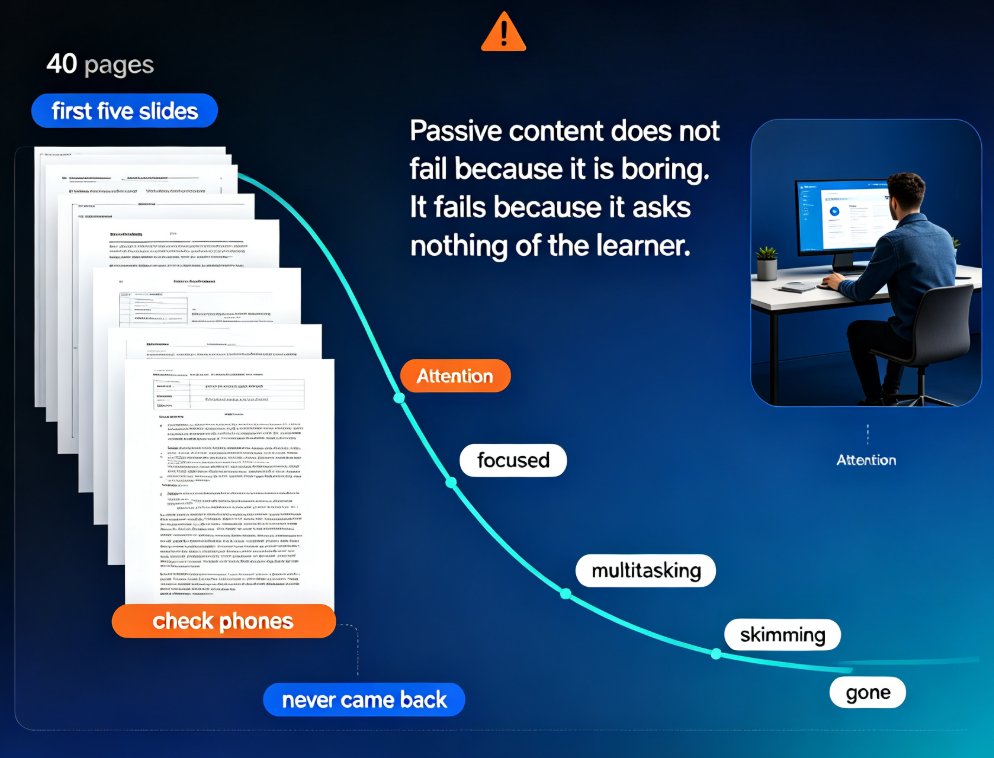
Interactive micro-courses are the 2026 standard for training content, and static slide decks no longer hold learner attention. This guide explains why engagement-first design — quizzes, polls, and branching — is becoming table stakes, and how Zendeck's AI workflow embeds these elements directly into PPT-to-video conversion. You'll learn the four core interaction mechanics, a practical comparison of static versus interactive formats, and why AI tools make interactivity affordable for any trainer. If you build onboarding, compliance, or product training, this shift changes what you can ship in a single afternoon. Zendeck lets you go from outline to published interactive micro-course without juggling separate authoring tools, and gives you answer-level data to keep improving every course.