AI Avatars for Educators: Zendeck Digital Human Narrates Slide Decks
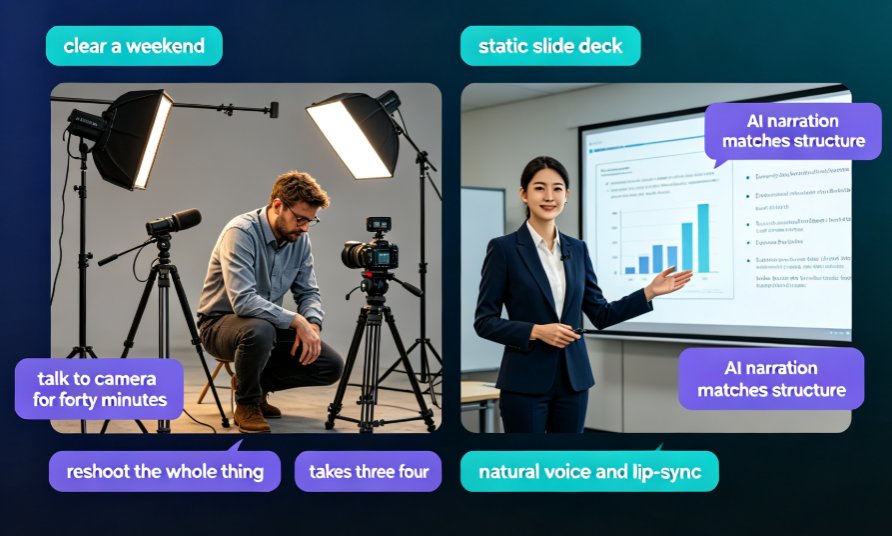
If you have ever tried to make a lecture video, you know the drill: you clear a weekend, set up lighting, check the microphone, and talk to a camera for forty minutes. Then you watch the footage, spot a mistake in slide five, and decide to reshoot the whole thing. Around takes three or four, you start wondering if there is a better way.
There is. AI avatars for educators are turning static slide decks into narrated, presenter-led videos — and you do not need a camera, a studio, or a single retake. The workflow is refreshingly simple: you bring the content, an AI digital human delivers it.
Today we are going to look at how Zendeck's digital human narrator fits into real teaching and training workflows — course delivery, explanations, micro-learning — and move past the demo-hype to the edge cases where this actually saves you time.
01 | Why Educators Are Moving from Camera Lectures to Avatar Narration
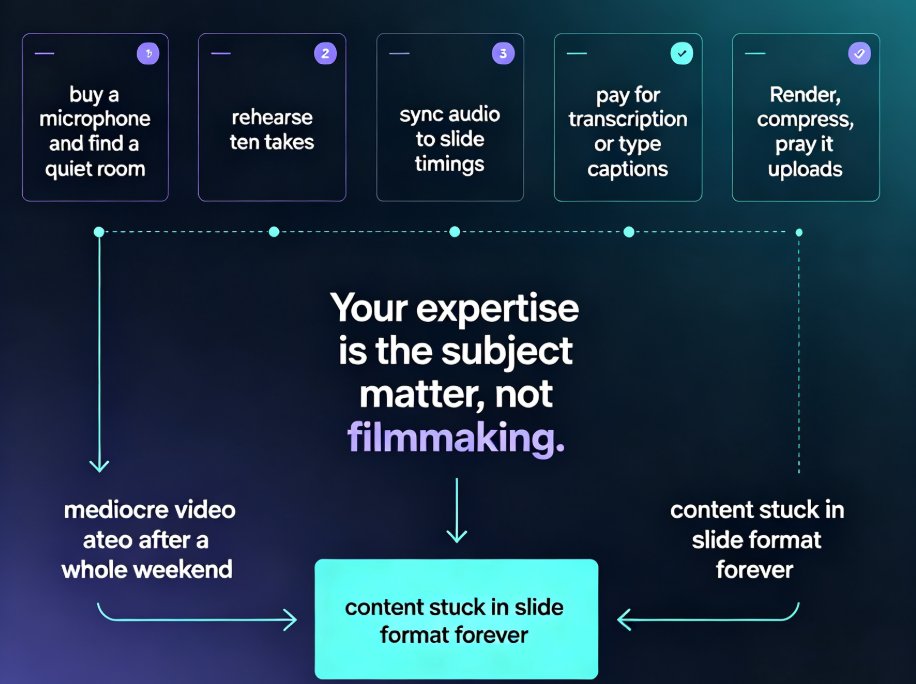
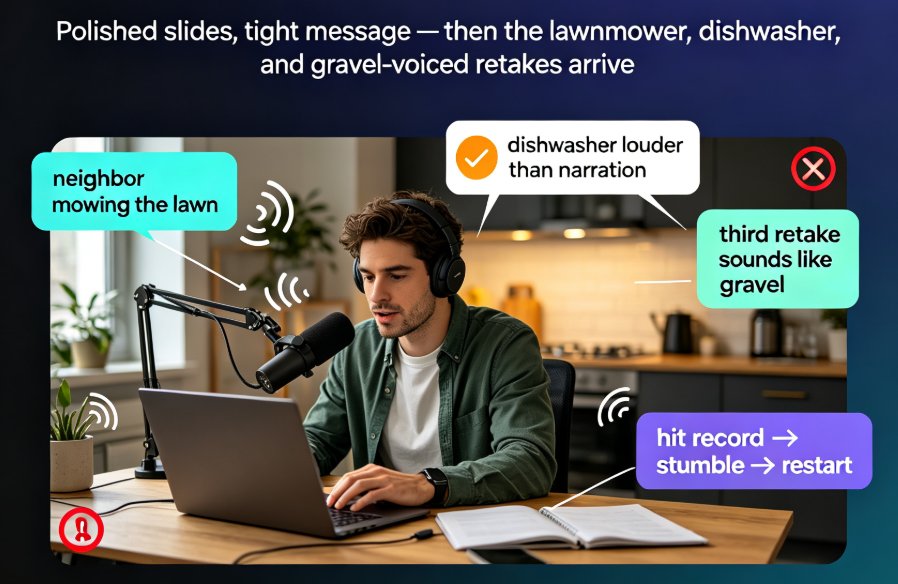
Before we get into the how, let us be honest about the problem. Recording yourself presenting is not just time-consuming; it is emotionally draining. You fumble words, you forget a point, and the camera captures every flinch. For many educators, the video becomes a chore they postpone for months.
The pain points are almost always the same:
- No time to film: Setting up, recording, and editing a 30-minute lecture can take a full day.
- Retakes for minor mistakes: One mispronounced term or an outdated slide can force a full reshoot.
- Inconsistent quality: Different lighting or background noise between sessions makes the course feel patchy.
- No presenter confidence: Not every expert wants to be on camera, even if they teach brilliantly.
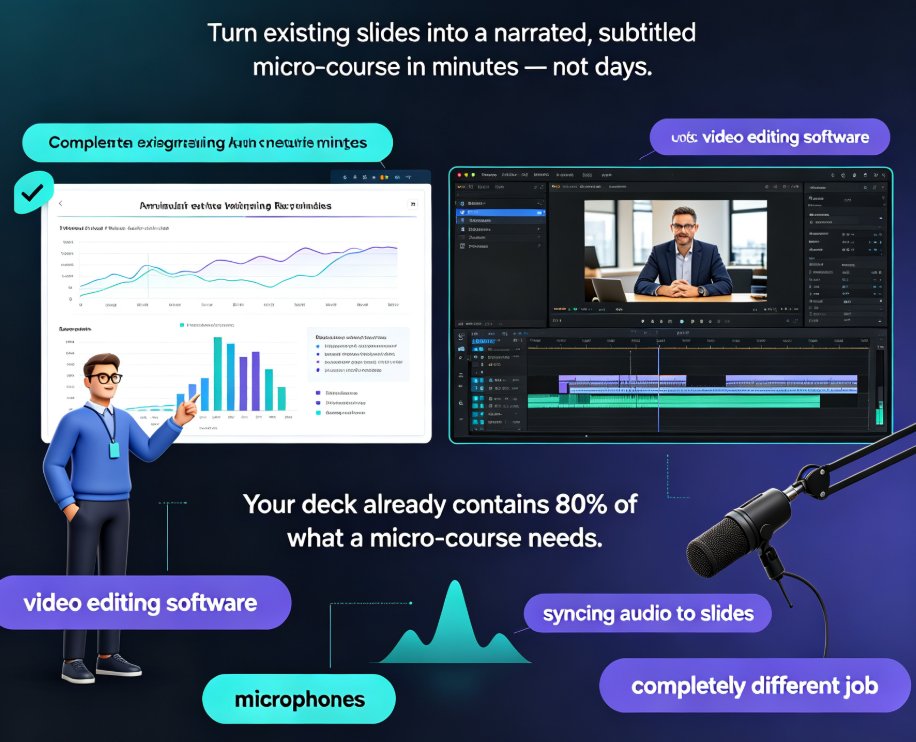
The solution is to separate the content from the delivery. You focus on what the slides say; the AI avatar handles the show. That is exactly the design behind Zendeck's digital human presenter. You upload your slide deck, and the tool generates a narration that matches your structure, then presents it on camera with natural voice and lip-sync.
This is not about replacing the human teacher — it is about removing the production bottleneck that stops great content from reaching learners at all.
| Traditional lecture recording | Avatar-led video with Zendeck |
|---|---|
| Requires camera, mic, lighting | No equipment needed; avatar presents on camera |
| Retake entire sections on mistakes | Re-generate only the affected slide's narration |
| Inconsistent audio and framing | Consistent presenter style and voice across course |
| Editing skills recommended | Outline-to-video flow, minimal editing |
| Days before content is published | Publish a narrated deck in minutes |
02 | Zendeck Digital Human: How the Deck-to-Video Flow Works
The subtle shift with Zendeck's digital human is that it is not a magic box that reads your slides aloud. It is a structured workflow designed for people who think in outlines — which, let's be real, is most educators.
The flow breaks down into four repeatable steps:
01 — Add your topic or slides. Start from a deck outline, existing courseware, or just the message you need to present. You can import a PowerPoint or paste Markdown content; the tool respects your existing structure.
02 — Generate the narration. Zendeck creates a clear script that matches the slide structure and your audience level. You can review and edit the script before rendering, which matters when you have specific terminology to keep.
03 — Choose the presenter style. Pick the avatar, voice, and tone that fit your course — formal for compliance training, warm for undergraduate lectures, upbeat for product walkthroughs.
04 — Export the video. You end up with a presenter-led explainer that can be watched on-demand. No live meeting required, no camera roll to dig through.
A practical tip from someone who learned the hard way: always review the generated script before rendering instead of after. It takes two extra minutes, and it saves you from re-generating a long video segment because the AI phrased a technical term differently than you would.
03 | Practical Use Cases: Where Avatar Narration Beats Raw Slides
The value of a digital human presenter is not in making every slide deck into a video. It is in the scenarios where a talking-head presence genuinely improves understanding. Here are the cases that keep educators coming back.
✅ Course deliveries that learners re-watch
Some topics need repeated viewing — concept definitions, step-by-step processes, or anything with dense terminology. With avatar-led narration, learners get a consistent, calm voice that explains the slide. It is like having a teaching assistant who never gets tired.
✅ Explainer videos for complex visuals
When your slide has a complex diagram or a data chart, the narration can guide the learner's attention. Instead of reading a wall of text, the viewer sees the visual while the digital human highlights the key takeaway. This is especially strong for asynchronous online courses. If you want to go a step further with interactive elements, Zendeck's asset library includes charts and icons you can drop into those slides.
✅ Micro-learning modules
Micro-learning lives and dies by engagement. A short, avatar-narrated video (two to five minutes) is far more effective than a long document or a static slide deck. Educators are using this for course recaps, pre-lecture primers, and quiz walkthroughs.
✅ Training updates without reshoots
Here is a hidden bonus: when your content changes, you do not reshoot. You update the slide and re-generate the affected narration. Compare that to the classic workflow where any change meant booking studio time again. For corporate trainers this is a game changer, and it aligns with why AI PPT-to-video is becoming the 2026 training standard.
04 | Comparing the Digital-Human Experience: Zendeck vs. Avatar Platforms
To be fair, Zendeck is not the only tool on the market that converts slides to video. Avatar platforms like VisionStory and Videogen offer similar "upload slides, add a talking head" services. What differentiates Zendeck, in practice, is how it fits into the whole presentation lifecycle.
| Capability | Zendeck digital human | Typical avatar slide tool |
|---|---|---|
| Deck generation, narration, and avatar video in one place | ✅ Covered in one workflow | ⚠️ Often separate tools |
| Script editing before rendering | ✅ Full control | ⚠️ Sometimes limited |
| Brand kit and template consistency | ✅ Built-in smart layouts | ⚠️ Varies |
| PPT-to-video plus interactive elements | ✅ Polls, quizzes, charts available | ⚠️ Usually video only |
| Team collaboration and sharing | ✅ Online editing and links | ⚠️ Often single-user |
The key takeaway: if you just need a one-off talking-head video, any avatar tool works. If you want the video to be part of a living deck workflow — where you update slides, re-style with a brand kit, and even add interactive quizzes later — Zendeck's advantage becomes obvious.
This is why adding narration to slides with Zendeck's PPT-to-video is often described as "creating a video you can keep editing," rather than a static export.
05 | Quick-Start Playbook for Educators
Let me walk you through a realistic first session — say you want to convert a 20-slide lecture on statistical methods into a narrated video.
Step 1 — Prepare the outline. Paste your slide bullet points into Zendeck or upload the existing PPTX. The structure carries over, so you do not redo work.
Step 2 — Let the narration generate. Review the script. Shorten sentences where possible. Your audience listens, not reads, so aim for a conversational rhythm.
Step 3 — Select your avatar and voice. Match the tone to the content. A dry, monotone voice will kill an engaging topic; a warm voice will liven up even a dry data slide.
Step 4 — Render and review. Export the video and watch it once. Look for mismatches between what is on screen and what the avatar says. If something feels off, edit the script and re-render only that section.
Step 5 — Share and iterate. Publish to your LMS or embed in a micro-course. Watch learner feedback and update the deck when needed — regeneration is quick enough to keep up with a real teaching pace.
06 | The Bottom Line on AI Avatars for Course Content
The honest verdict? AI digital humans are not a replacement for you as a teacher — they are a replacement for the camera setup and the editing suite. For educators juggling course prep with departmental workload, that trade-off is very attractive.
If you are curious whether this workflow fits your teaching style, start with one small module, not a full course. Convert a single lecture, share it with students, and see how they respond. Most educators who try this report the same outcome: the video gets watched more than the reading material, and follow-up questions actually drop because the explanations are more accessible.
Platforms like Zendeck make the entry point low — you bring the slides, and the AI handles the presentation part. The avatar narrates, and your courseware reaches a format learners prefer in 2026: short, watchable, and on-demand.
FAQ
What is a digital human presenter, and how does it benefit educators?
A digital human presenter is an AI avatar that delivers your narration on camera, turning static slides into a video lecture. For educators, it means you can produce a polished, presenter-led course video without booking a studio, setting up lighting, or reshooting takes when you stumble over a sentence.
How does Zendeck's digital human convert my existing PowerPoint into a narrated video?
You upload your slide deck (or paste an outline), Zendeck generates a structured narration script that matches each slide, and then your chosen avatar presents it with natural voice and lip-sync. The result is a video file you can share on your school's LMS or embed in a micro-course.
Do I need a camera, microphone, or video editing skills to create avatar-led lectures?
No. The AI avatar is the on-screen presenter, so there is no filming involved. You provide the slide content and, optionally, a script; Zendeck handles the narration and lip-sync. Editing a retake is as simple as re-generating the voiceover for the segment, not reshooting a take.
Can I update a lecture after I have recorded it with the digital human?
Yes, and this is a big advantage over live recordings. If you tweak a slide or want to rephrase a section, you edit the outline or script and re-generate the affected part. You avoid the painful "reshoot the whole video" workflow that classic lecture recordings force on you.
Is an AI avatar presentation suitable for formal education contexts like training sessions or compliance courses?
Absolutely. Many educators use avatar-led videos for micro-learning modules, course recaps, and internal training. The key is to keep the format consistent: a clear slide structure, short narration per slide, and a stable presenter style across the course so learners focus on content, not the novelty of the avatar.