HR Onboarding Without Video Editing: Zendeck Turns PPT into Video
Let's be honest: onboarding is where most HR teams quietly lose the battle for new hires' attention. You've built a solid deck, you've rehearsed the talking points, and then you realize the only person who can deliver it consistently is you — and you're already booked for the next three weeks. The result? Every new hire gets a slightly different version of your company story, depending on who happens to be free that day.
Here's the good news: you don't need a video editor, a camera crew, or a studio to fix this. Zendeck turns your existing onboarding PPT into a narrated knowledge video with a digital human presenter — so HR teams can produce consistent, self-explaining training content without touching a single video editing timeline.
This article walks through the exact workflow, the practical decisions you'll face, and the mistakes to avoid. By the end, you'll have a repeatable system for onboarding content that scales across locations, languages, and hiring waves.
01 Why Onboarding Videos Stall Without a Video Team
Here's the pain point every HR team knows too well: you want a polished onboarding video, but the budget for professional video production is a hard no. Hiring an agency costs thousands, booking internal video editors takes weeks, and by the time the video is ready, the content is already outdated.
So what actually happens? Most teams fall back on one of three compromises:
- Live sessions only — every new hire gets the same talk, but delivery quality varies wildly depending on the presenter's energy that day.
- Static slide decks — you share the PPT and hope people read it. They don't.
- Homemade recordings — someone records a screen share with a shaky webcam mic, and the result feels like a hostage video.
None of these scale. And here's the deeper problem: inconsistent onboarding directly impacts retention, because new hires who don't understand your company culture and processes are far more likely to leave within the first 90 days.
02 The Zendeck Workflow: From PPT to Narrated Video in Four Steps
Let's get practical. The Zendeck PPT-to-video pipeline is designed for people who think in outlines, not timelines. Here's the exact workflow we recommend for HR onboarding content.
Step 1: Start with your outline, not your slides
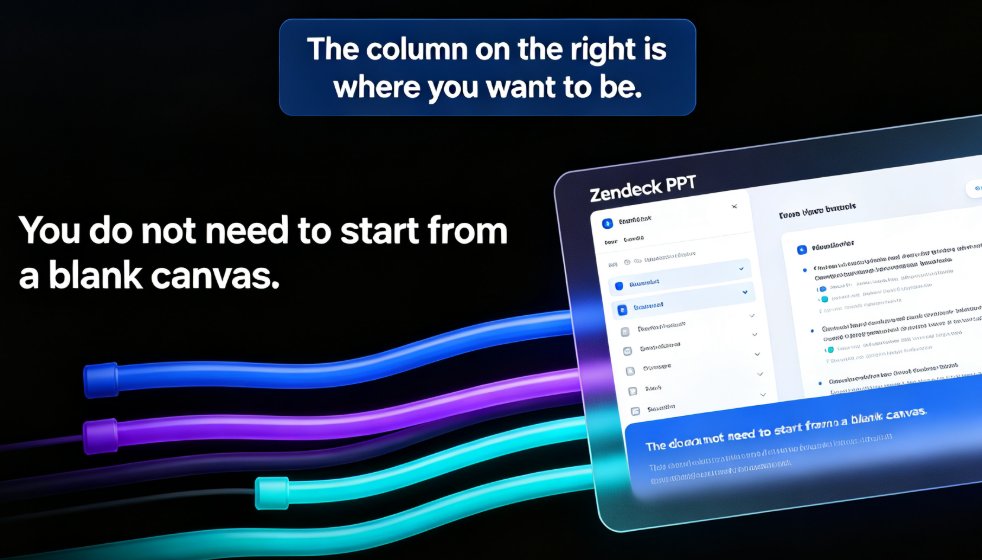
If you have an existing PowerPoint, great — you can import it directly. But if you're starting fresh, write a Word outline or paste Markdown into Zendeck. This is the fastest path because the tool generates a structured, visually consistent deck from your text. You're not fighting formatting; you're thinking about content.
Step 2: Generate and review your slides
Zendeck applies smart layouts, consistent fonts, and your brand colors automatically. This is where you catch the messy-slide problem before it becomes a messy-video problem. Review the deck, fix any awkward phrasing, and make sure each slide carries one clear message. The quality of your final video is capped by the quality of your slides, so spend the extra ten minutes here.
Step 3: Convert to video with narration
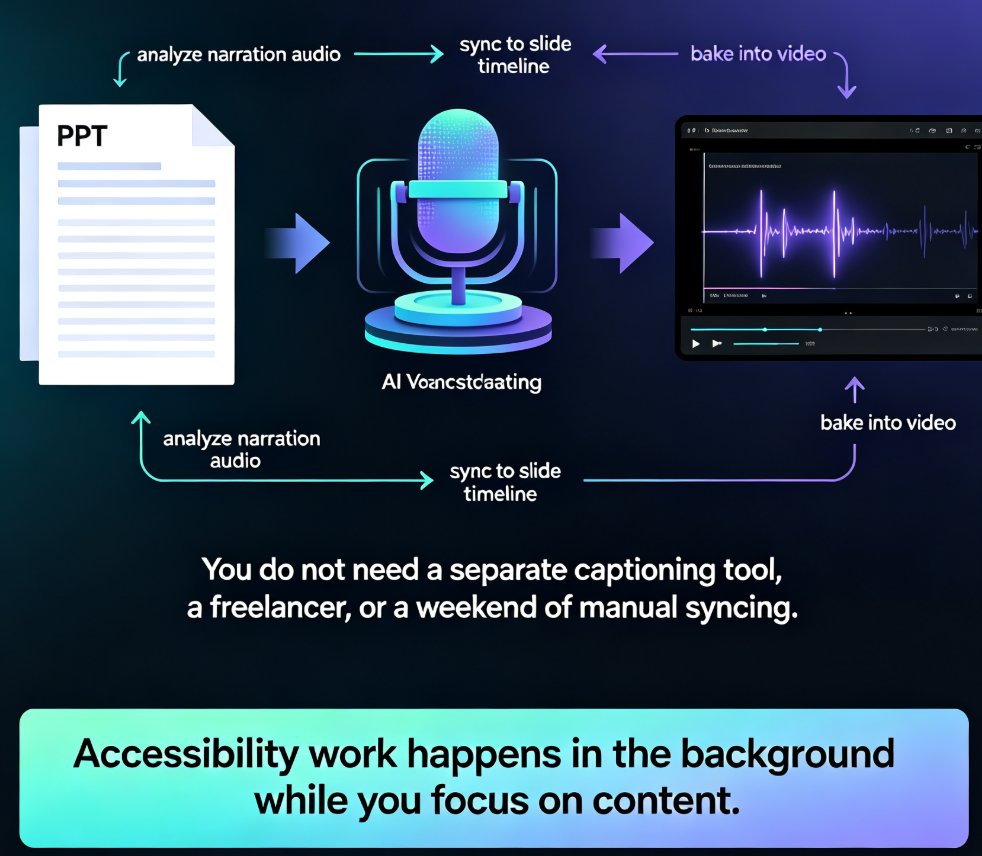
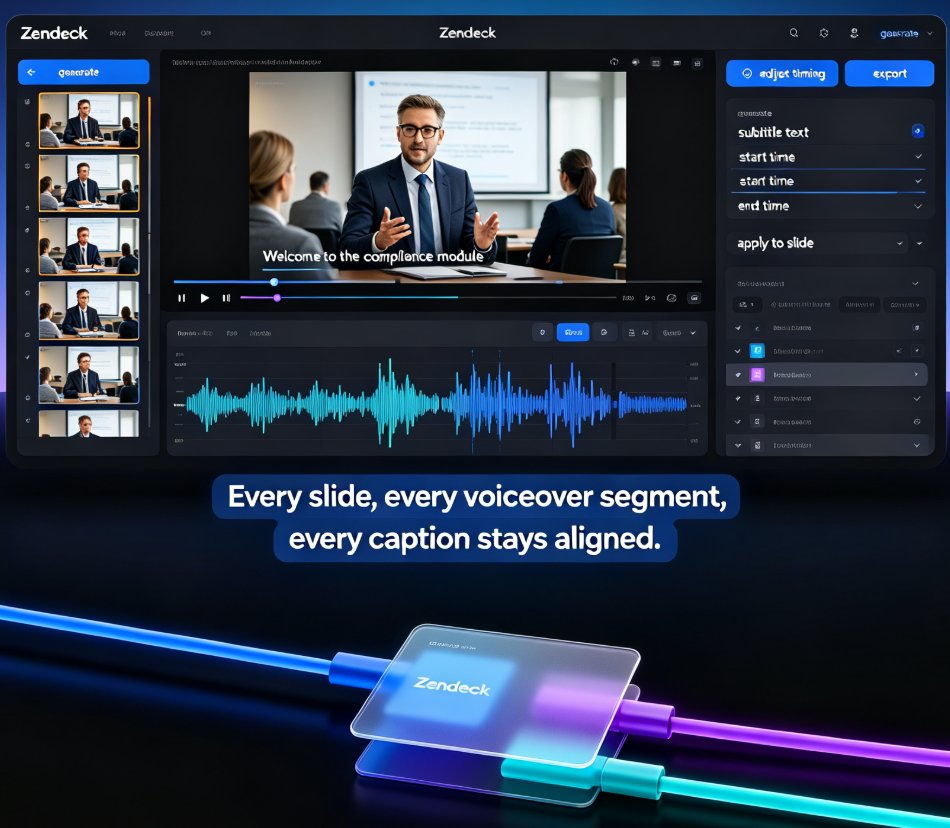
This is the magic step. Zendeck takes your deck and turns it into a narrated video, syncing the voiceover with slide transitions. You don't record anything yourself — the narration is generated from your script. If you want to see how this works in detail, our guide on adding narration to slides with Zendeck's PPT-to-video walks through the options.
Step 4: Add a digital human presenter
Here's where Zendeck goes beyond a simple slideshow-with-voice. Instead of just audio over slides, you can add a digital human presenter who appears on screen, delivering your script with natural pacing. This gives the video a human presence without needing a real person in front of a camera.
The outcome: a complete, self-explaining onboarding video that new hires can watch on their own schedule — no presenter required, no live session needed.
03 Digital Human Presenters: Consistency Without a Camera
Let's talk about why the digital human presenter matters for HR specifically. When you use a real human presenter, you're dependent on their availability, their energy, and their consistency. If Sarah delivers the culture module brilliantly on Monday but rushes it on Friday, new hires get different experiences.
A digital human presenter eliminates that variance. The same presenter, the same pacing, the same tone — every single time. This is a genuine advantage for HR teams that care about consistent messaging across hiring waves.
But let's be real about the limitations too. A digital human isn't going to improvise or answer questions. It's not a replacement for live interaction — it's a replacement for the inconsistent parts of your onboarding. Use it for the foundational modules: company history, policies, compliance basics, tool walkthroughs. Save live sessions for the interactive parts: Q&A, team introductions, culture discussions.
The smartest HR teams treat digital human videos as the baseline layer of onboarding, and live sessions as the value-add layer on top.
If you're curious about where this trend is heading, our piece on AI-generated video decks replacing traditional corporate training covers the broader shift.
04 Scaling Onboarding Across Locations and Languages
Here's a scenario we hear constantly: your company just opened an office in a new city, or you're onboarding a remote team across three time zones. Suddenly, the "one live session" approach breaks completely.
With Zendeck, scaling is a content problem, not a logistics problem. You produce the video once, then share it as a link. New hires in Berlin, Austin, and Singapore all watch the same module with the same presenter. No scheduling conflicts, no timezone math, no "can someone cover the 6 AM session?"
And languages? Because the narration is generated from your script, you can produce localized versions of the same deck without reshooting. This is a massive cost saver for global teams that would otherwise need separate voice talent for every market.
The practical result: onboarding content that used to take weeks to produce and coordinate now ships in hours, and it stays consistent no matter where your new hires are located.
05 Traditional Onboarding vs. Zendeck PPT-to-Video: A Side-by-Side Look
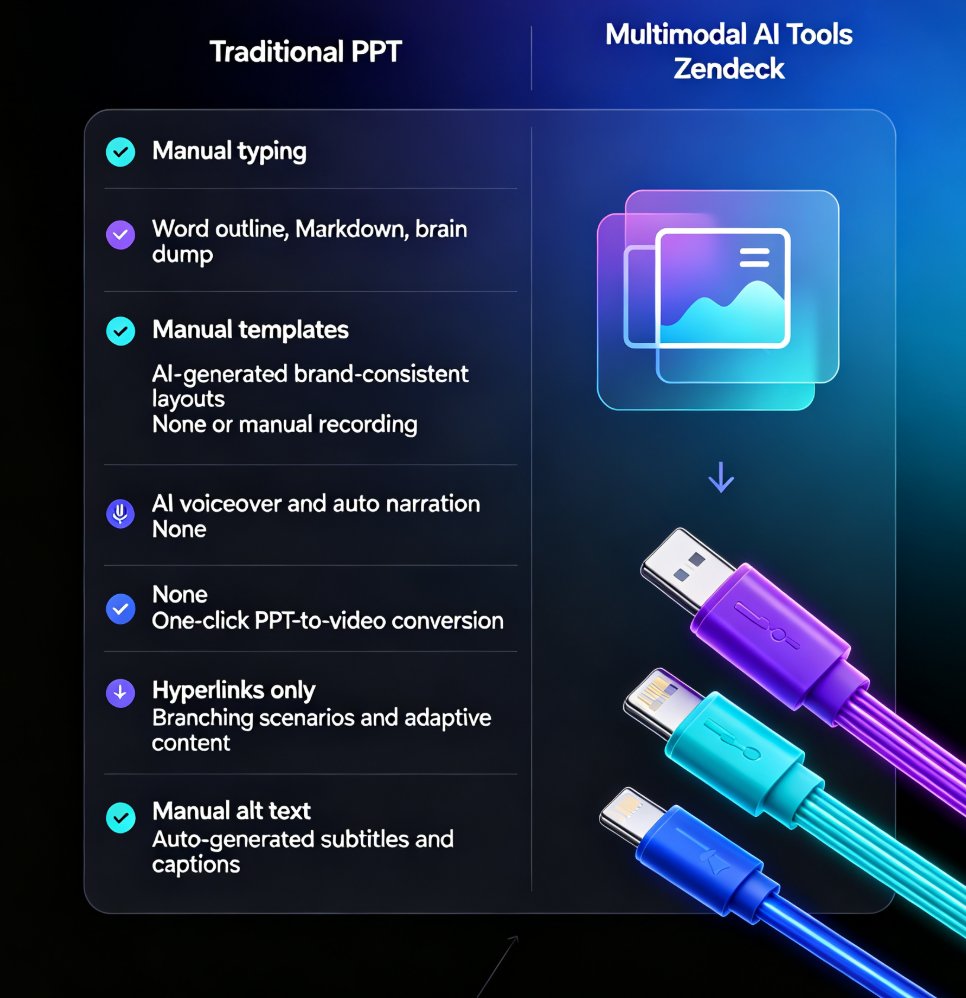
| Dimension | Traditional Approach | Zendeck PPT-to-Video |
|---|---|---|
| Production time | 2–4 weeks (script, shoot, edit) | Under 1 hour from existing deck |
| Video editing skills | Required (or agency budget) | None needed |
| Presenter consistency | Varies by person and day | Identical every time |
| Updating content | Reshoot or re-edit required | Edit slides, regenerate video |
| Multi-language support | Expensive voice talent per market | Regenerate narration from script |
| Scaling to new locations | Logistical nightmare | Share a link |
| New hire experience | Depends on who delivers it | Consistent, self-explaining |
This table isn't theoretical — it's the difference between a production pipeline and a content workflow. If you're still managing onboarding like a production project, you're paying for complexity you don't need.
06 Best Practices from the Field: What Actually Works
After watching HR teams run this workflow, a few patterns separate the smooth rollouts from the messy ones.
Keep each module under five minutes. Onboarding videos are not documentaries. If a module runs longer, split it into two videos. Short, focused modules are easier to update, easier to localize, and easier for new hires to actually finish.
Write the script before you finalize the slides. The narration drives the pacing. If you write slides first and script second, you'll end up with awkward pauses and rushed transitions. Write the script, then let it dictate what goes on each slide.
Add subtitles by default. A surprising number of new hires watch onboarding videos on mute — in an open office, on a commute, or just because they prefer reading. Our guide on adding voiceover and subtitles to slides with Zendeck's AI shows how to set this up in minutes. It's a small step that dramatically improves completion rates.
Plan for updates from day one. Your onboarding content will change — policies get updated, tools get replaced, processes get refined. Build your workflow so that updating a video means editing a slide, not reshooting a video. That's the whole point of the Zendeck approach, and it's why teams that adopt it stop dreading content updates.
One more thing: don't try to make every module a digital human video. Use the presenter for the modules that need a human touch — culture, values, leadership messages. For purely informational content like tool walkthroughs, a clean narrated slideshow is often better. Match the format to the content, not the other way around.
07 The Bottom Line: Onboarding Is a Content Problem, Not a Video Problem
Here's the reframe that changes everything for HR teams: you don't need to become a video production house to deliver great onboarding — you need a workflow that turns your existing knowledge into consistent, watchable content.
Zendeck gives you that workflow. Start with your outline, generate a clean deck, convert it to a narrated video, and optionally add a digital human presenter. The result is onboarding content that scales, updates in minutes, and doesn't depend on who's available to present on any given day.
The teams that get this right aren't the ones with the biggest budgets. They're the ones that stop treating onboarding as a one-off production and start treating it as a repeatable content system. If you're ready to build that system, the PPT-to-video category has more resources to get you there.
FAQ
Do I need video editing skills to use Zendeck's PPT-to-video feature?
No. Zendeck is built for people who are not video editors. You upload a Word outline or paste Markdown, generate slides, then convert the deck into a narrated video with a digital human presenter. The tool handles transitions, timing, and voiceover automatically, so your only job is to review and publish.
Can I update an onboarding video after it's published?
Yes, and this is where Zendeck shines. Because the video is generated from your slide deck, you can edit the source slides and regenerate the video in minutes. You don't have to reshoot or re-record — the digital human presenter and narration update automatically, which keeps your onboarding content accurate without a production cycle.
How does the digital human presenter work for HR content?
The digital human presenter is an AI-generated on-screen host that reads your script with natural pacing. It gives your onboarding videos a consistent, professional face without needing a camera, studio, or real human presenter. This is especially useful for HR teams that want a uniform brand voice across all training modules.
Can I use Zendeck for onboarding content in multiple languages?
Yes. Since the narration is generated from your script, you can produce versions of the same deck in different languages without reshooting. This makes it practical for global teams that need consistent onboarding across regions, and it removes the cost of hiring separate voice talent for each market.
How long does it take to turn an onboarding PPT into a video?
Most HR teams can go from an existing PowerPoint or Word outline to a finished narrated video in under an hour. The exact time depends on how much content you have and how many revisions you want to make, but the heavy lifting — layout, timing, voiceover — is automated by Zendeck.