From Static Slides to Interactive Micro-Courses: The 2026 Shift
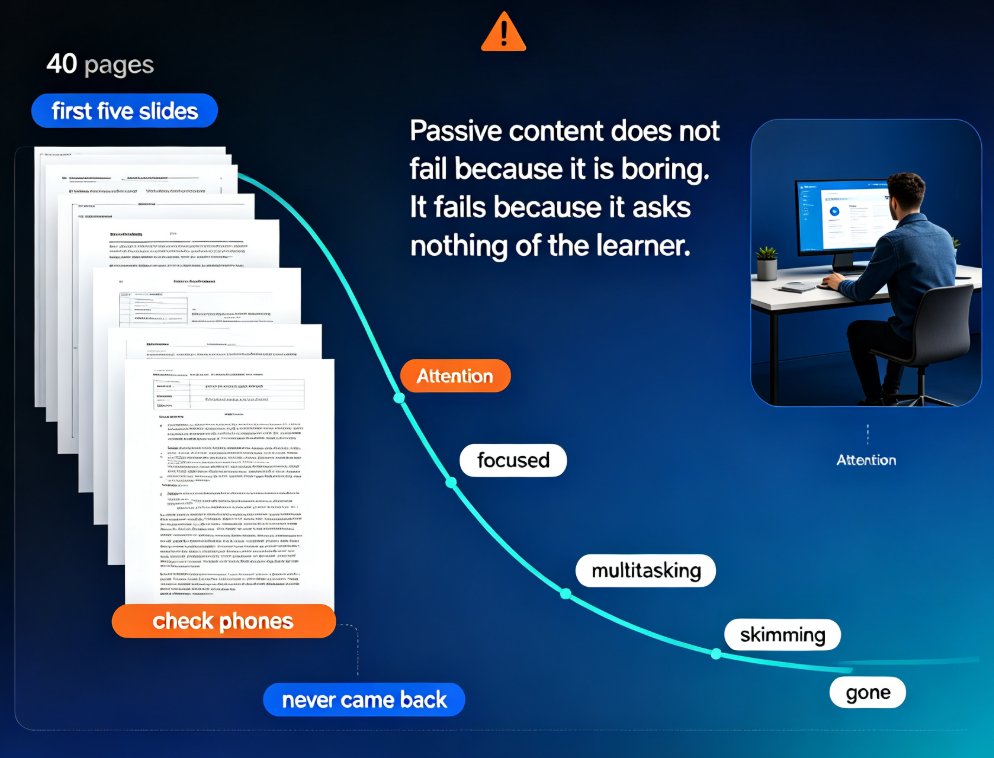
You spent three hours polishing a 40-slide deck. Your learners watched the first five slides, checked their phones, and never came back. Sound familiar? If you build training content for a living, you've felt this exact ache: the content was good, the design was clean, and nobody cared.
Here's the uncomfortable truth: passive content doesn't fail because it's boring. It fails because it asks nothing of the learner. A static slide deck is a one-way broadcast. The learner's only job is to sit there and absorb — and the human brain is spectacularly bad at that.
That's why 2026 is the year of the interactive micro-course. Not a longer deck, not a fancier template, but shorter, denser learning experiences that demand participation. And the tools that make this possible are no longer manual authoring suites. They're AI workflows that bake quizzes, polls, and branching directly into the presentation-to-video pipeline.
01 — The attention problem that static slides can't solve
Let's be real about what happens when you share a traditional slide deck as training material. The learner opens it, scrolls through the first few slides, and starts multitasking. By slide ten, they're skimming. By slide twenty, they're gone.
The core issue isn't laziness. It's cognitive load. A static deck gives the learner no reason to stop and think. There's no checkpoint, no question, no moment where they have to commit to an answer. So the content flows past them like background noise.
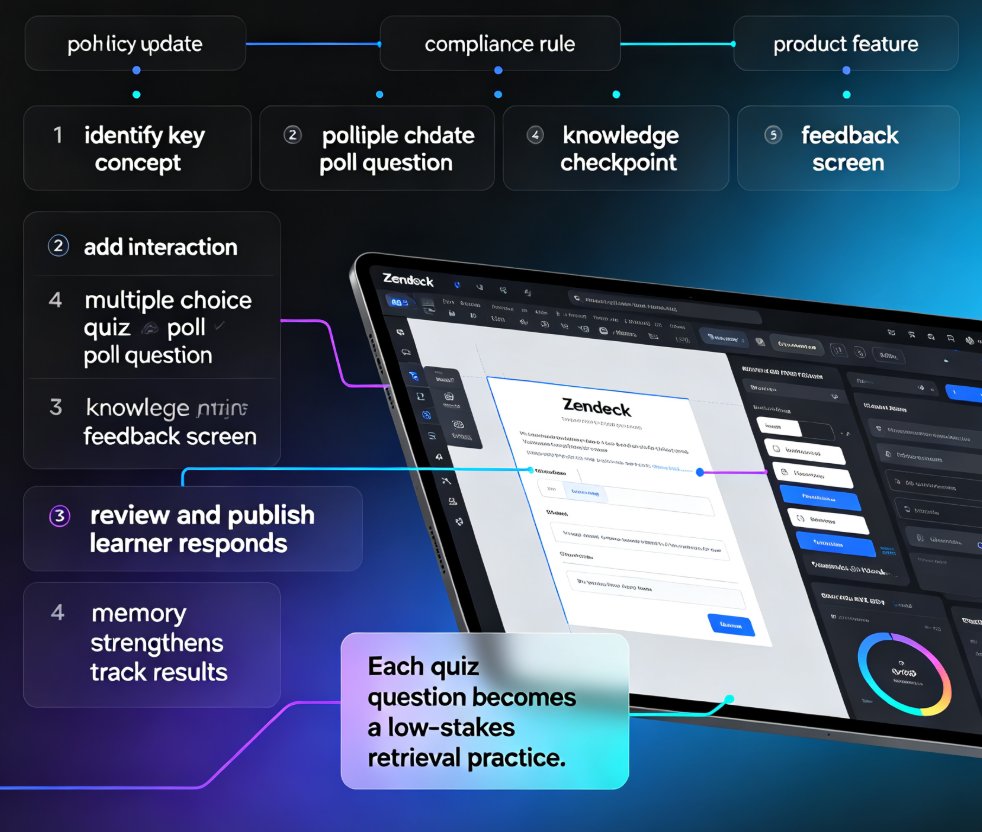
Interactive micro-courses fix this by inserting friction — the good kind. A quiz after a concept, a poll that asks for an opinion, a branching path that adapts to the learner's choice. Each of these moments forces the brain to engage, and engagement is what converts information into memory.
Interactivity is no longer a nice-to-have feature. In 2026, it's the baseline learners expect from any training material. If your course doesn't ask them anything, they'll assume it's not worth their time.
02 — What "interactive" actually means in a micro-course
Before we go further, let's define the term. "Interactive" gets thrown around a lot, but in the context of micro-courses it means four concrete mechanics:
- Quizzes: embedded knowledge checks that appear at natural breakpoints, not just at the end.
- Polls: quick opinion or confidence checks that make learners take a position.
- Branching: paths that change based on the learner's answer, so each person gets a slightly different experience.
- Hotspots and clickable elements: areas of the slide that reveal extra detail on demand.
Each mechanic serves the same goal: turning a passive viewer into an active participant. And here's the thing — you don't need all four in every course. One well-placed quiz every few slides beats a deck that's crammed with gimmicks.
| Dimension | Static slide deck | Interactive micro-course |
|---|---|---|
| Learner role | Passive viewer | Active participant |
| Attention pattern | Drops after a few slides | Sustained by checkpoints |
| Feedback | None until the end | Immediate, in-the-moment |
| Data captured | Attendance only | Answer-level analytics |
| Completion | Self-reported, unreliable | Tracked and measurable |
| Iteration cost | Rebuild the whole deck | Adjust one question |
The table tells the real story: interactivity isn't just a nicer experience. It changes what you can measure, and what you can measure, you can improve.
03 — Why AI is the only realistic way to add interactivity at scale
Here's the problem. Adding quizzes, polls, and branching to a deck manually is brutally time-consuming. You have to design the questions, place them at the right moments, wire up the branching logic, and test every path. For a 20-minute micro-course, that's easily a full day of extra work. Most trainers simply don't have that time, so they skip it.
This is where AI changes the math. Modern AI presentation tools don't just generate slides — they can generate the engagement layer alongside them. When you convert an outline into a course, the tool can suggest a quiz question after each major concept, insert a poll at a decision point, or flag where a branching path would help. This is the same trend driving AI PPT-to-video as the 2026 corporate training standard.
The result is that interactivity stops being a premium feature reserved for big-budget e-learning teams and becomes something any trainer can ship in an afternoon. That's the shift that matters.
The tools that win in 2026 won't be the ones with the prettiest templates. They'll be the ones that make engagement effortless. Because when engagement is effortless, creators actually use it.
04 — The PPT-to-video workflow becomes the engagement layer
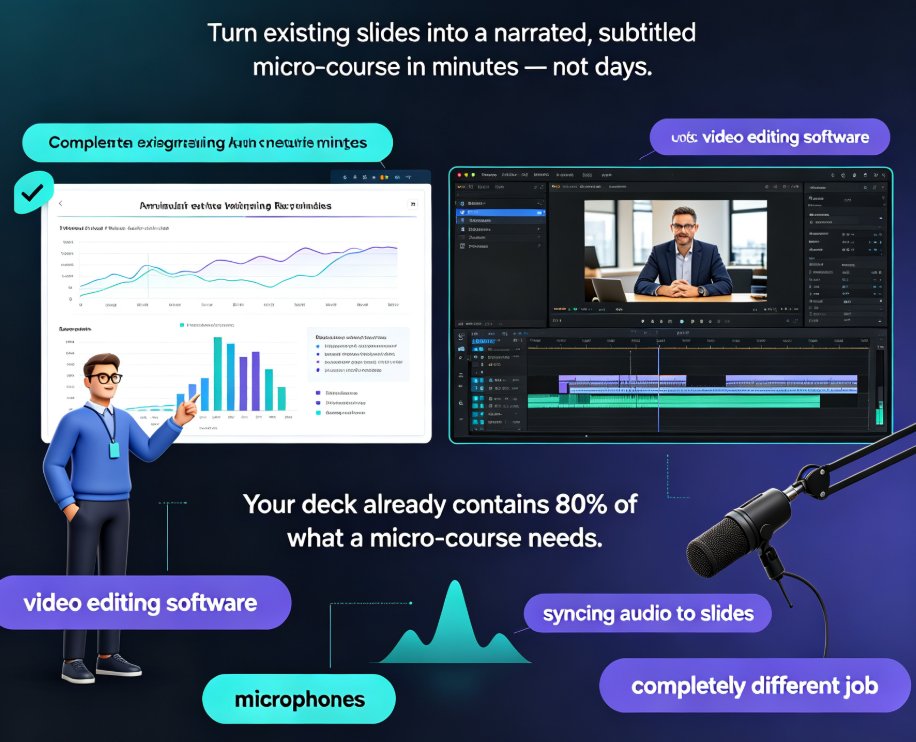
Here's where the workflow gets interesting. The most practical path to an interactive micro-course in 2026 isn't starting from scratch in an authoring tool. It's starting from content you already have — a Word outline, a markdown file, an existing deck — and running it through an AI pipeline that produces a narrated video with interaction points embedded.
This is exactly the direction Zendeck has been building toward. You upload an outline, Zendeck generates a structured deck, you add narration through its PPT-to-video feature, and the same workflow supports inserting quizzes and polls at the moments that matter. Instead of juggling three tools, you stay in one flow from outline to published micro-course. If you want the full picture of how agents handle this pipeline, our piece on AI agents in course creation walks through it step by step.
The practical benefit is speed. A workflow that used to take days — write the content, design the slides, record the narration, add the interactions, publish — now takes a single session. And because the interaction elements are native to the tool, you don't have to export, re-import, or pray that the formatting survives.
If you're already using AI to turn slides into video, adding interaction is the natural next step. The same pipeline that generates your narration can generate your knowledge checks. For a deeper look at how narration fits into this workflow, our guide on adding narration to your slides covers the mechanics.
05 — What engagement-first means for trainers, HR, and content teams
So what does this shift actually buy you? Three things, if you do it right.
Better completion rates. Learners finish courses that ask them questions. The act of answering creates a small commitment loop — you answered question three, so you want to know if you got it right, so you keep going.
Real data. Every quiz answer, every poll response, every branch taken is a data point. You can see which concepts confuse people, which sections they breeze through, and where they drop off. That's the feedback loop static decks never gave you.
Faster iteration. When a quiz question reveals a misunderstanding, you fix one question, not the whole course. The cost of improvement drops, so you actually improve things.
For teams building internal training, this is the difference between content that exists and content that works. The micro-course format — short, focused, interactive — is becoming the default for everything from onboarding to compliance to product training. And the AI tools that support it are maturing fast.
FAQ
Q: How long should an interactive micro-course be? A: Aim for 5 to 15 minutes of active content. The "micro" in micro-course is the point — shorter sessions with frequent interaction points outperform longer, passive ones.
Q: Do I need to add a quiz after every slide? A: No. Over-interactivity is as bad as none. A knowledge check every three to five slides, or after each major concept, keeps learners engaged without turning the course into a test.
Q: Can I convert an existing PowerPoint into an interactive micro-course? A: Yes. The cleanest path is to import your outline or deck into an AI tool like Zendeck, regenerate it as a structured course, and add interaction points during the PPT-to-video conversion.
Q: What's the difference between a poll and a quiz in a micro-course? A: A quiz has a correct answer and tests knowledge. A poll captures an opinion or confidence level and has no right or wrong answer. Use quizzes for comprehension and polls for reflection or discussion.
Q: How do I measure whether interactivity is working? A: Track completion rates, quiz accuracy, and drop-off points. If learners answer questions correctly but drop off at a specific section, that section needs restructuring — not more interaction.