
Tags:PPT to video conversion

3 articles

Turn PPT into Narrated Micro-Course: Zendeck PPT-to-Video Step-by-Step

PPT to Video 2026-09-07 1798

Turning a finished PPT into a narrated micro-course doesn't require a recording studio or a video editor. Zendeck's PPT-to-video pipeline converts an existing deck into a publishable MP4 course in four steps — import slides, add narration via text-to-speech or your own recording, sync slide timing, and export — typically in about 20 minutes, versus the 4-6 hours manual production demands for a 10-minute video. This step-by-step guide walks through the exact sequence — from uploading your PPTX to dropping the finished file into Moodle or Canvas — covering voice selection, pacing review, and subtitle export. We also benchmark the Zendeck workflow against manual recording and editing tools so you can see the quality and time trade-offs clearly. If your course library is full of static slides that never become video, this is the fastest path we've found to fix that.
PPT to Video with Zendeck: Automated Narration and Subtitles

PPT to Video 2026-08-28 3874

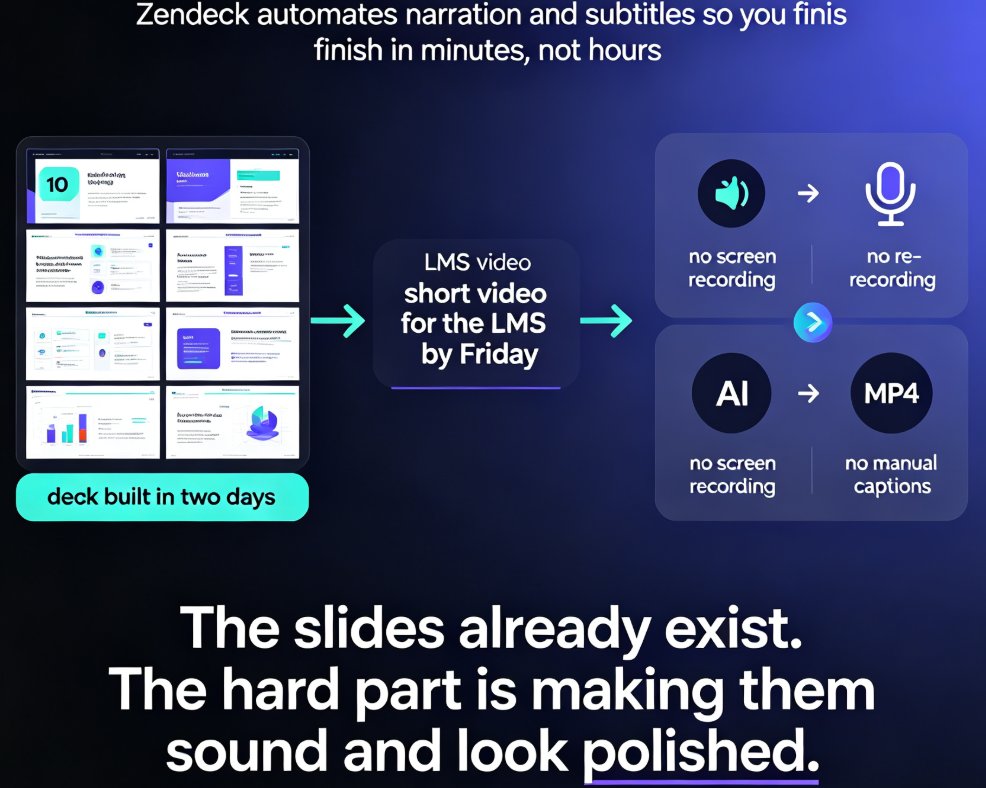
Zendeck automates PPT to video conversion with AI-generated narration and automatic subtitles, turning static slides into polished micro-lessons in minutes. This guide shows you how to generate voiceover, sync subtitles, and export MP4 or share via link, plus how to customize voices and styles for different learning audiences. Save hours of manual voice recording and caption editing with Zendeck's built-in pipeline.

PPT to Video 2026: Narration and Auto-Subtitles Become Table Stakes

PPT to Video 2026-08-18 2741

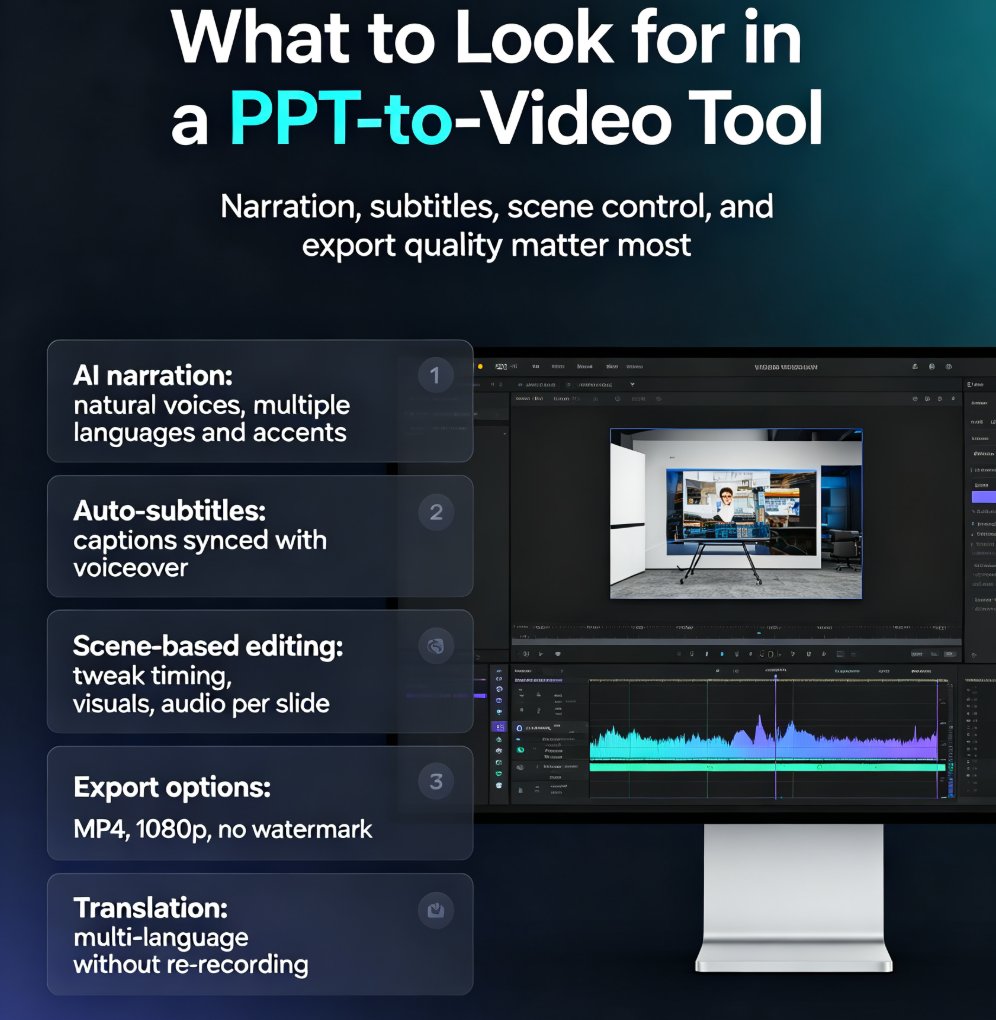
In 2026, converting PPT to video with narration and auto-subtitles is no longer optional—it's table stakes. Learn how Zendeck's AI-powered PPT-to-video feature turns static slides into engaging narrated videos with automatic subtitles, saving up to 60% production time. Discover the key features to look for, step-by-step workflow, and common mistakes to avoid. Whether you're a trainer, educator, or marketer, this guide will help you create professional videos that captivate your audience and boost accessibility. Start converting your PowerPoint decks into dynamic video content today with Zendeck.