Curated workplace insights to help you work smarter

Zendeck curates workplace efficiency, industry insights, and software tutorials to help you find useful information faster。

402 articles 8 Categories
Latest Articles

PPT to Video: Turn Slides into Engaging Micro-Courses in 5 Steps

PPT to Video 2026-09-22 2829

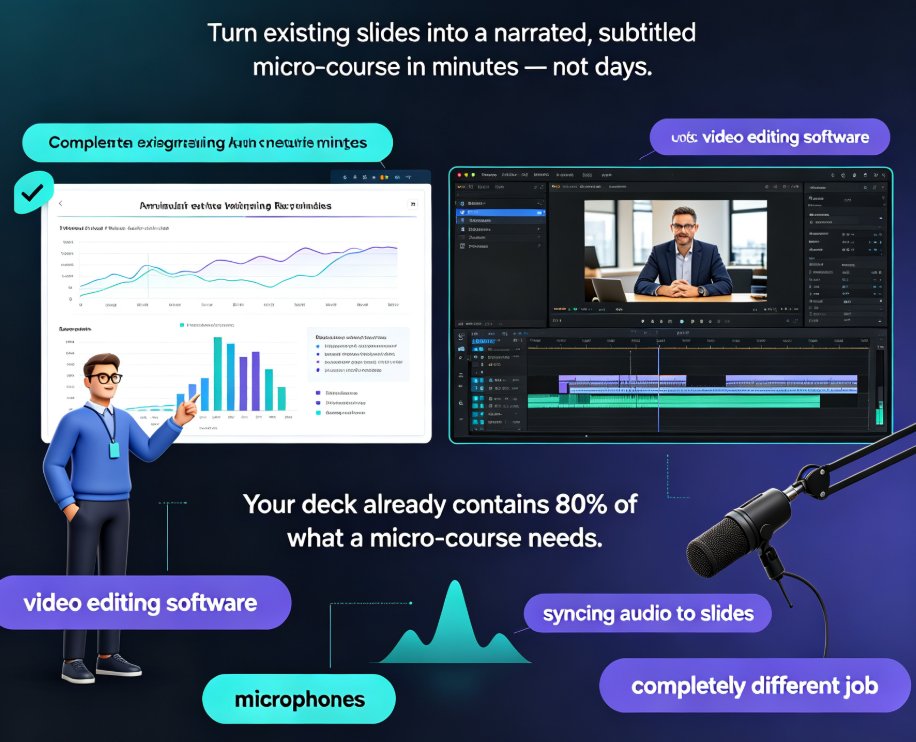
Convert any PPT into a narrated, subtitled micro-course in minutes with Zendeck's PPT-to-video workflow — no video editing skills needed. This step-by-step guide covers deck trimming, AI narration, smart layout reskinning, auto-subtitles, and export, with a comparison table showing hours saved per video. Built for educators and corporate trainers who want engaging learning videos from existing slides, Zendeck's automation replaces time-consuming screen recording and manual syncing, letting you publish polished micro-courses and boost learner engagement without learning complex editing software. You'll also find common PPT-to-video mistakes to avoid, practical tips for scripting at the right pace, and answers to the most frequent questions about output formats, subtitle editing, and mixing your own voice with AI narration. If your team already builds courseware in PowerPoint, this guide shows how to extend that investment into a video library your learners will actually finish.
5 Smart Layout Tricks to Upgrade Your Presentation Design Instantly

Courseware Design 2026-09-22 2453

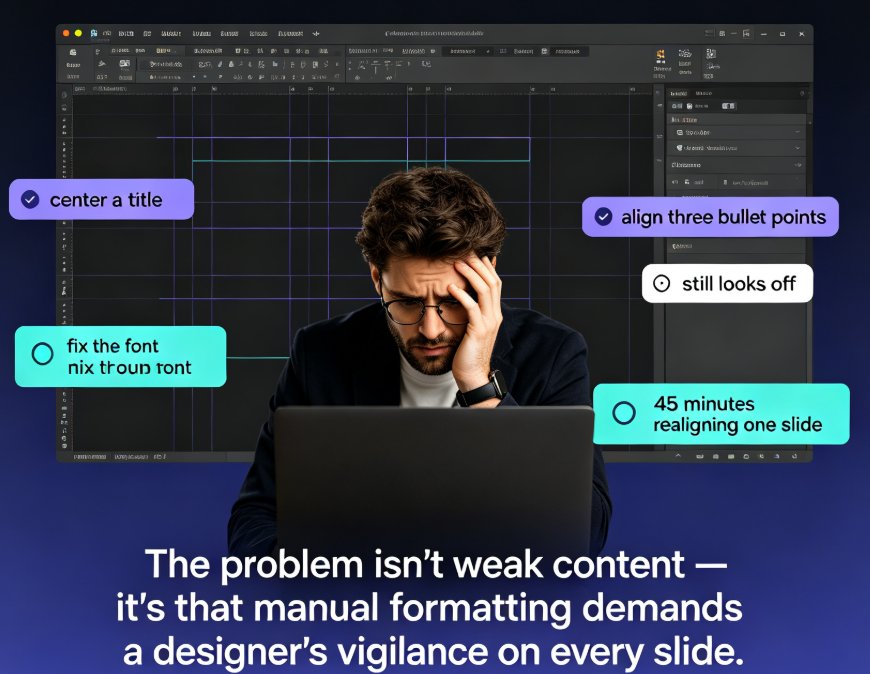
Messing with text boxes for hours gets you nowhere. These 5 smart layout tricks will instantly upgrade your presentation design — no design skills needed. See how consistent typography, a limited color palette, disciplined alignment, and a clear content hierarchy transform messy slides into professional decks. Then discover how Zendeck's smart layout and one-click reskin features automate all of it: unify fonts and colors, fix spacing, and refresh an entire deck in a single click. Includes a practical comparison of manual formatting versus AI-driven layout, with time-saving estimates for educators, trainers, and busy team leads. You'll also learn which formatting habits to drop and the honest caveats worth knowing before you reskin a 60-slide course and send it to your manager.

Template Library Review: Find Perfect Slide Designs for Any Occasion

AI Courseware 2026-09-22 1725

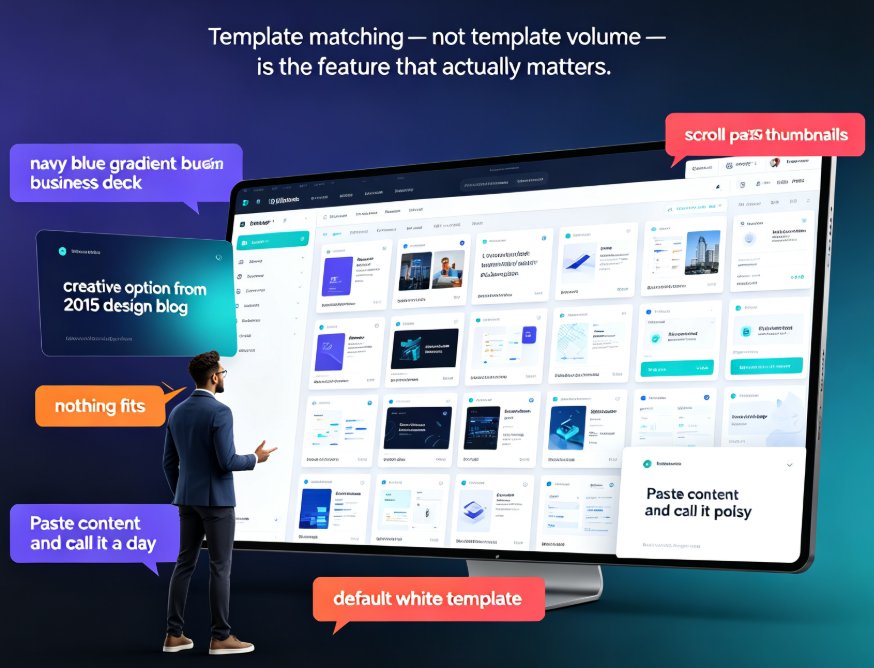
Need the perfect slide design for any occasion fast? This template library review compares how generic galleries fail against how Zendeck's scenario-based library matches business pitches, quarterly reports, classroom lessons, and training workshops. Zendeck's AI reads your outline and surfaces templates that fit your audience, tone, and goal — then a one-click reskin makes the design yours without opening a design tool. You'll get four practical rules for matching templates to context, a breakdown of business, education, marketing, HR, and data categories, and why context-aware design beats static PowerPoint themes for persuasive results. If you've lost an afternoon scrolling thumbnails, this review shows how the right library gets you from outline to a polished, on-brand deck in about an hour.

Find the Perfect Icon in Seconds: Zendeck Asset Library Search Guide

Courseware Design 2026-09-21 3497

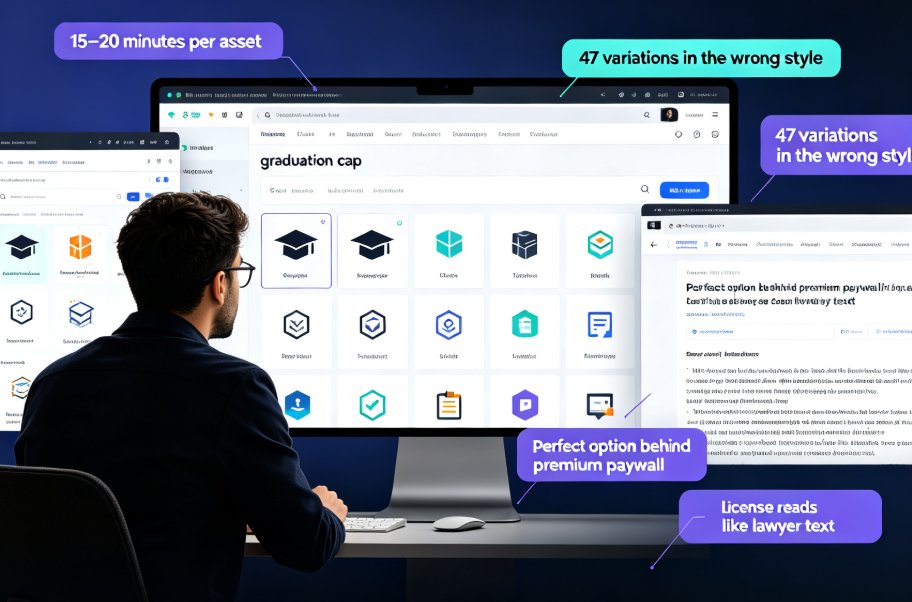
Finding the perfect icon should take seconds, not 20 minutes of scrolling. This guide shows how Zendeck's built-in asset library with smart search filters lets you locate, drop, and customise professional icons and illustrations in under three minutes — cutting asset hunt time by 80%. We cover the real licensing risks of free icon sites, practical keyword and filter tips, and why consistent, on-brand visuals make courseware and client decks stand out. The best part? No more juggling six browser tabs or accepting icons that clash with your palette. Whether you're building a micro-course, a corporate training deck, or a client pitch, this walkthrough turns asset hunting into a two-minute task. Built for teachers, trainers, and marketers who don't have a design degree, Zendeck's library removes the friction from creating professional-looking courseware.

PPT to Video: How to Add Voiceover Without Recording Yourself

PPT to Video 2026-09-21 3953

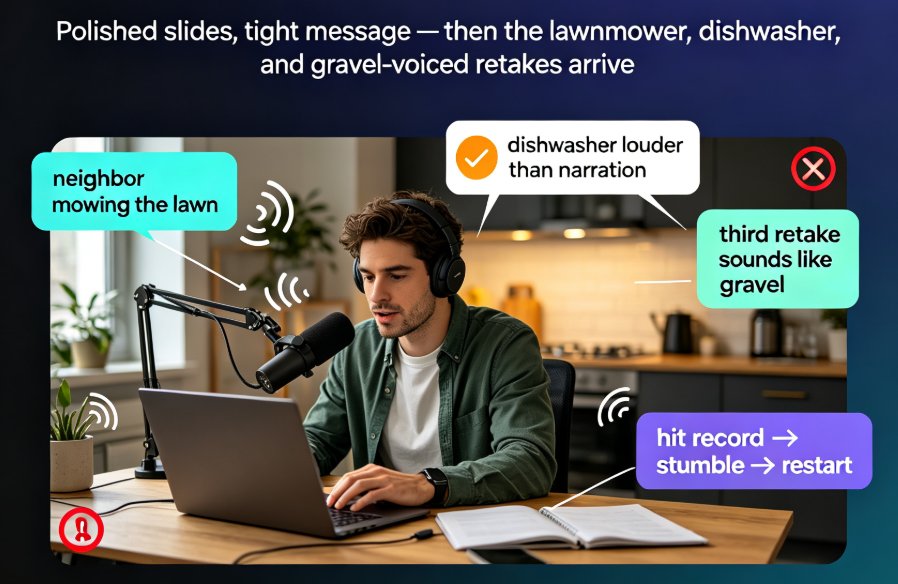
Adding voiceover to a PPT doesn't require a studio, a condenser mic, or a golden radio voice. Thanks to AI narration, you can convert PPT to video with a natural-sounding voice in minutes — and Zendeck's PPT-to-video feature makes it a one-click job. This guide covers the real bottleneck (retakes and sync, not equipment), how AI voice synthesis works and its limits, a step-by-step workflow, and the script pacing and slide timing tricks that keep narrated decks crisp. You'll also get a recording-vs-AI comparison table, honest use-case advice, and answers to the questions educators and trainers ask most.

How to Collaborate on Slides in Real Time Without Version Conflicts

Office Efficiency 2026-09-21 2876

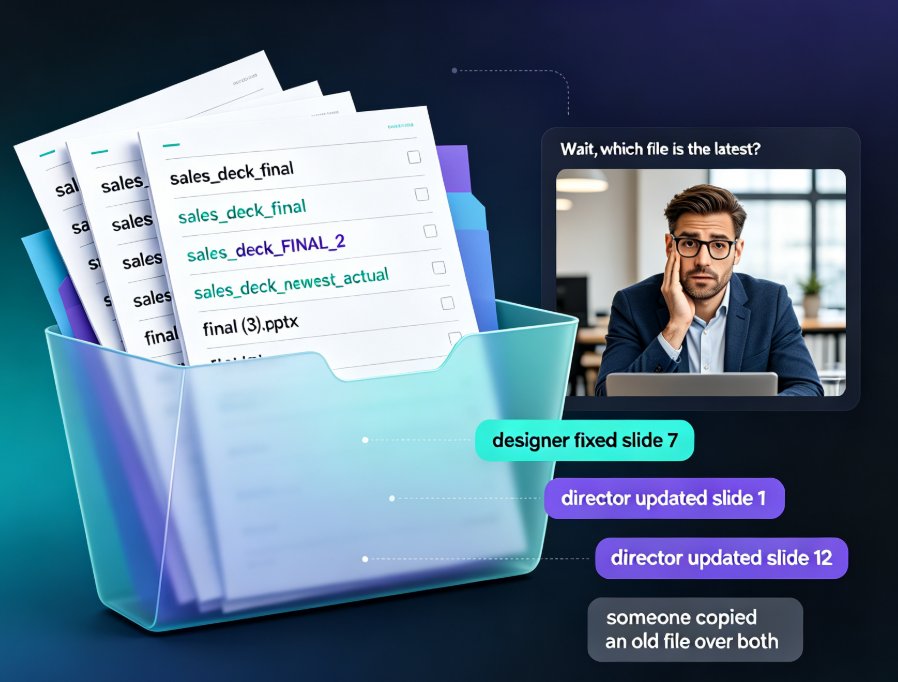
Real-time slide collaboration ends the version chaos that slows every team deck. Zendeck's cloud-based online editing with link sharing lets your whole team work on one master presentation at once — no more email ping-pong, "FINAL_v3" files, or overwritten slides. Version history quietly tracks every change and lets anyone restore a previous edit in one click, so nothing gets lost. You'll also find a practical workflow for HR, training, and content teams: import a Word outline, co-edit the deck together, keep branding consistent with smart templates, then export to a narrated micro-course. If you're tired of asking "which file is the latest?", this is the guide for you. Here's how to kill version conflicts for good and get your evenings back.