Curated workplace insights to help you work smarter

Zendeck curates workplace efficiency, industry insights, and software tutorials to help you find useful information faster。

402 articles 8 Categories
Latest Articles

From Abstract to Conference Deck: Zendeck AI in 10 Minutes

AI Courseware 2026-09-20 3989

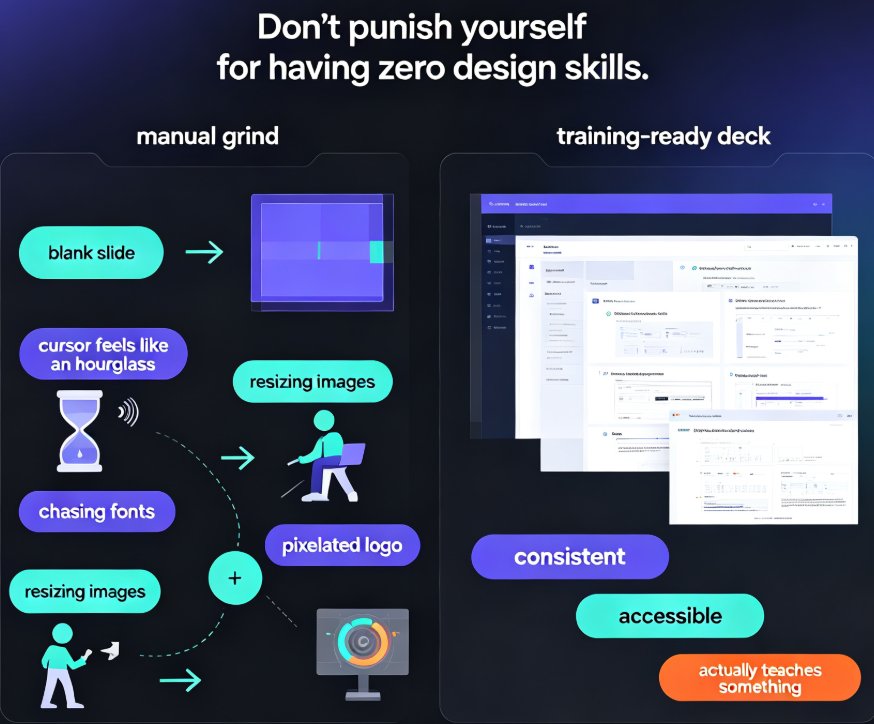
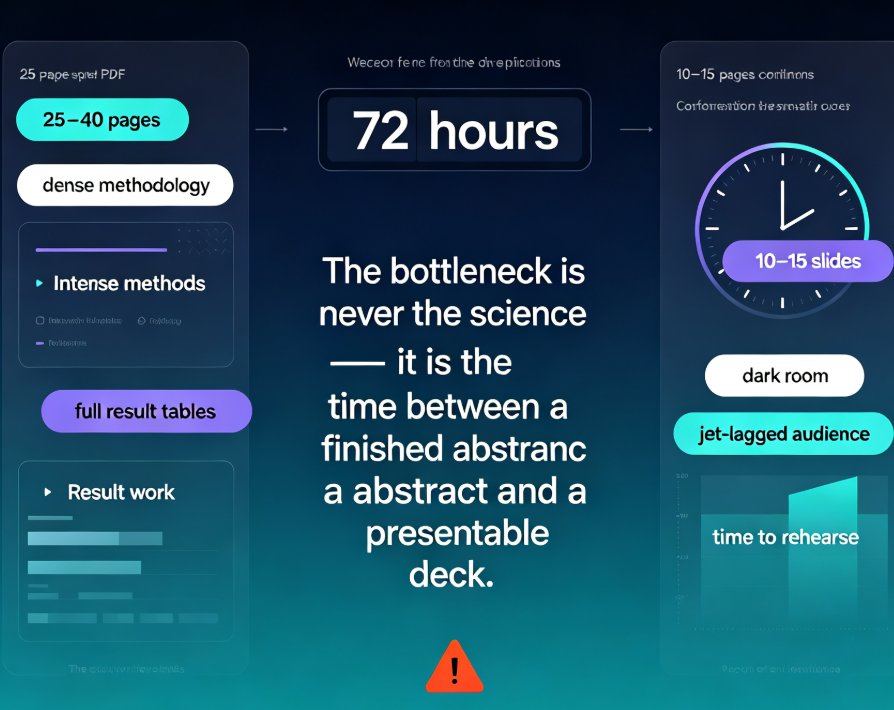
Turn a research abstract into a polished conference deck with Zendeck AI in under 10 minutes. This step-by-step guide walks academics through generating structured slides, applying smart layout, and one-click reskinning — so you stop fighting formatting and start rehearsing your talk. If you are a researcher facing a tight deadline, an educator preparing an invited seminar, or a PhD student delivering a first paper, Zendeck turns your abstract into a visually consistent presentation without design skills. Learn the exact workflow, see a realistic time-saving breakdown, and avoid the five mistakes that sink academic decks. Your science deserves better slides — here is how to build them fast.

Thesis Defense Decks: A Grad Student's Guide to Using Zendeck

AI Courseware 2026-09-20 803

Build a defense-ready thesis presentation in minutes with Zendeck, not hours. Thesis defense decks demand a clear argument map, minimal on-slide text, and a bulletproof Q&A section — yet most graduate students burn their last week fighting formatting instead of rehearsing. This guide walks you through the slide-count rules committees expect (20–30 slides for a 20-minute master's defense, 40–60 for a 45-minute PhD), the design principles that read as rigorous under projector light, and how to structure background, methods, findings, and answers to committee questions. Upload a Word outline, paste a Markdown file, or feed in a full thesis PDF — Zendeck generates a structured, academically styled draft deck, and its smart layout keeps fonts, colors, and slide numbers consistent. Spend your energy on rehearsal and Q&A, not on aligning text boxes. A practical, in-depth guide for graduate students defending in 2026.

From Word to PowerPoint: AI Tools That Automate Slide Deck Creation

AI Courseware 2026-09-20 1664

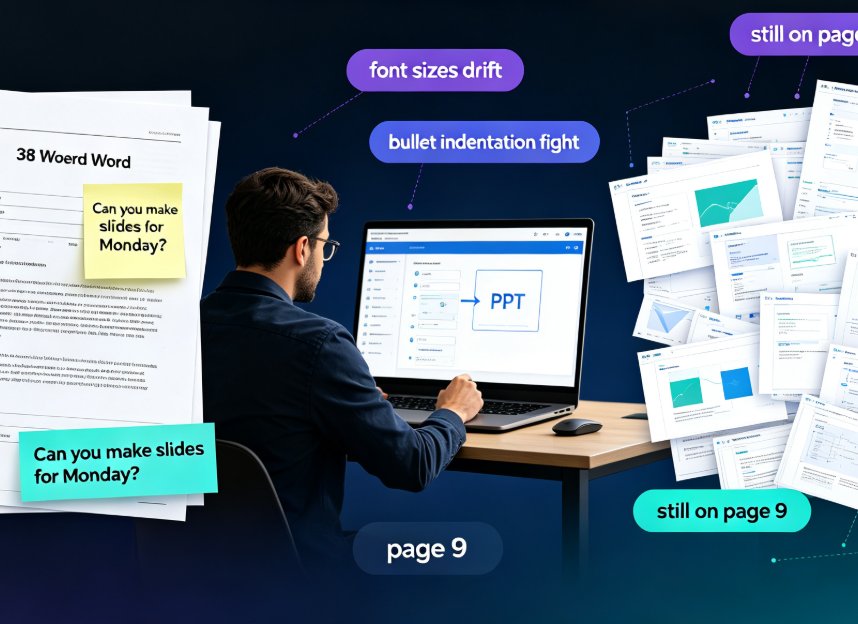
Stop copy-pasting. Modern AI tools like Zendeck convert a Word outline into a polished, on-brand PowerPoint in minutes — parsing structure, rewriting slide copy, and applying smart layouts automatically. For professionals and educators, this guide breaks down how AI Word-to-PPT conversion actually works, compares it side-by-side against tedious manual reformatting, and gives you a five-step workflow to go from a dense document to a presentation-ready deck without touching design software. You'll see the real time savings plotted in a chart, learn what separates transformative converters from simple text pasters, and dodge the two mistakes that still wreck AI-generated slides. If you've ever watched a colleague disappear into a blank PowerPoint for three hours on a Friday afternoon, this guide is for you.

Zendeck Brand Kits: How to Keep Every Team Presentation On-Brand

Office Efficiency 2026-09-20 2824

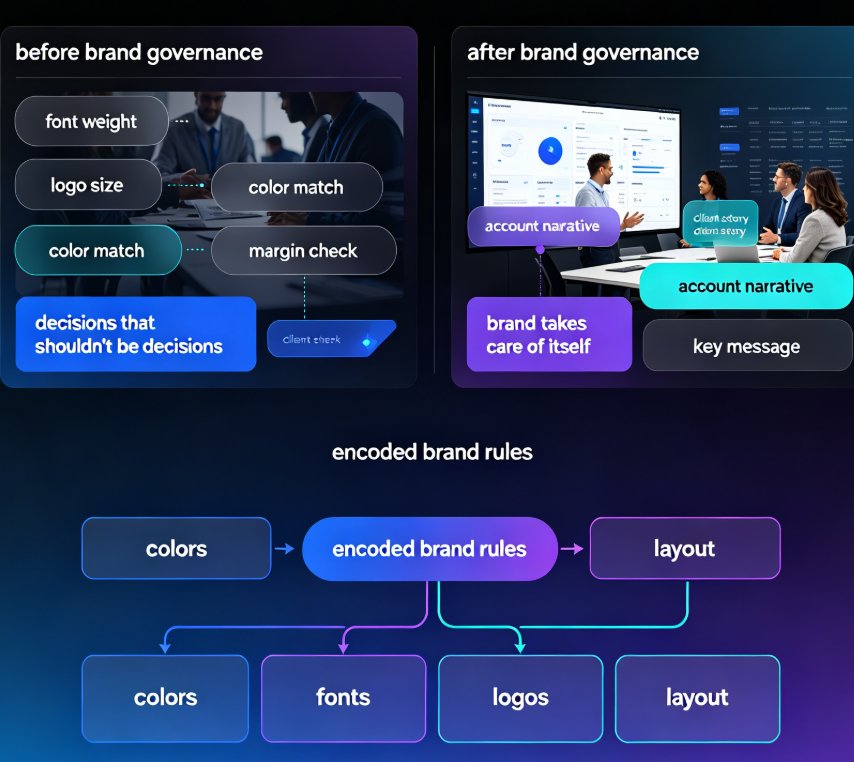
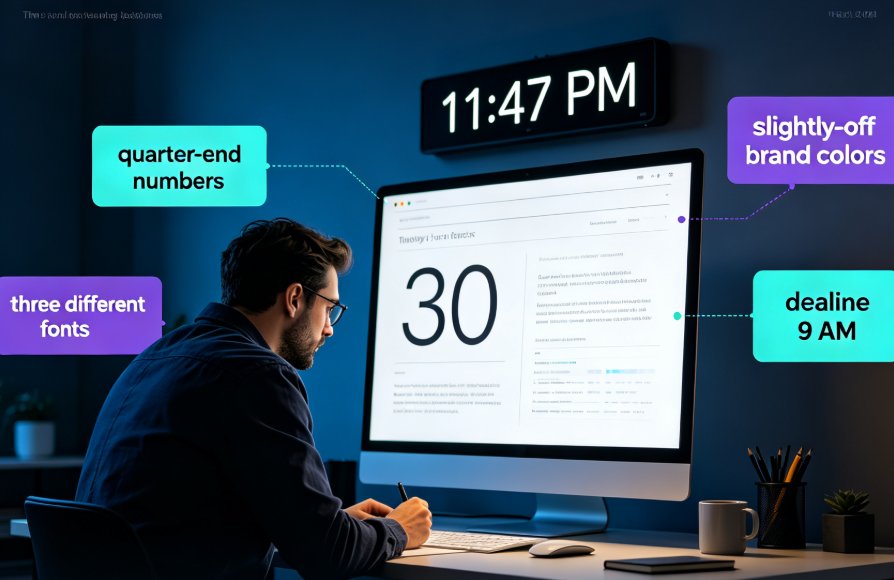
Zendeck brand kits let organizations lock colors, fonts, logos, and layout rules across every team presentation. This guide explains how brand governance fixes the ransom-note deck problem: off-brand slides, drifted fonts, and inconsistent logos that plague marketing, sales, and training teams. Instead of relying on discipline or manual review, Zendeck enforces your brand automatically on every slide, whether it is an agency shipping dozens of client decks a month or an enterprise sales team sharing one revenue deck across reps. Learn what a brand kit locks down, who needs it most, and the time math: most teams cut weekly brand-fix hours from five to eight down to one or less. For the full setup walkthrough, see Zendeck's brand kit guide on our blog.

5 Ways Zendeck Smart Layout Cuts Presentation Design Time

PPT Tutorial 2026-09-18 2364

Zendeck's smart layout feature auto-unifies fonts, colors, and alignment, cutting presentation design time by up to 80%. This practical guide breaks down five before-and-after scenarios, from untangling mismatched fonts across 40 slides to turning a Word outline into a finished, on-brand deck in one pass. Built on documented results from L&D teams and training managers, we show exactly where the hours go when you format manually — and how one-click smart layout removes them. Includes time-saving benchmarks, a side-by-side comparison chart, and the step-by-step workflow you can apply to your next deck. If you build slides for training, sales, or teaching, this is the fastest path from blank template to ready to present.

10 Best Zendeck Templates for Corporate Training Decks in 2026

AI Courseware 2026-09-18 980

Stop hunting generic templates that clash with your brand. In 2026, Zendeck’s template library offers 10 purpose-built corporate training designs—from onboarding to compliance—that keep your brand consistent and learners engaged. This guide pairs each template with a real training scenario and customization tips, so you can pick the right deck in minutes, not hours. Whether you’re an HR manager onboarding new hires, a sales enablement lead running workshops, or a compliance officer tracking audit trails, these templates cut design time and elevate your content. Each one reskins to your brand’s fonts, colors, and logos in one click, integrates your outline via Word or Markdown, and even converts to narrated micro-courses. If you’re tired of rebuilding the same deck, these Zendeck templates are the shortcut you’ve been looking for.