Curated workplace insights to help you work smarter

Zendeck curates workplace efficiency, industry insights, and software tutorials to help you find useful information faster。

402 articles 8 Categories
Latest Articles

How to Standardize Icons and Charts Across Your Team's Decks

Courseware Design 2026-09-17 2133

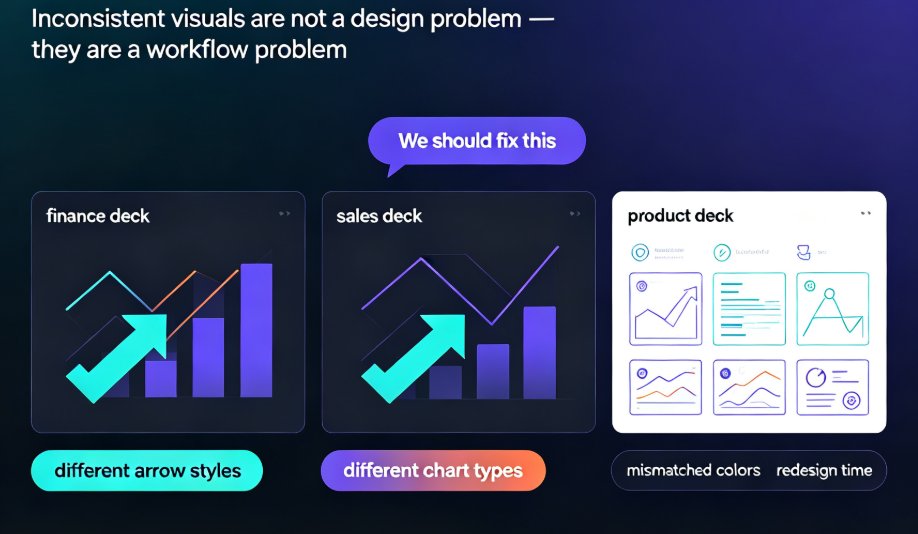
Learn how to standardize icons, charts, and visuals across all your team's presentations with Zendeck's asset library. This guide shows you the exact workflow to enforce brand consistency, cut redesign time, and keep every deck on-message—even when five people are designing at once. No more mismatched icon sets or off-brand charts. We'll cover how to set up a shared asset library, choose the right icon system, and make charts that match your brand. Plus, we'll share team-wide governance tips that make compliance effortless. If your team struggles with inconsistent decks, this is the fix.
From Word Outline to Narrated Video: The Complete AI Workflow

PPT to Video 2026-09-17 2919

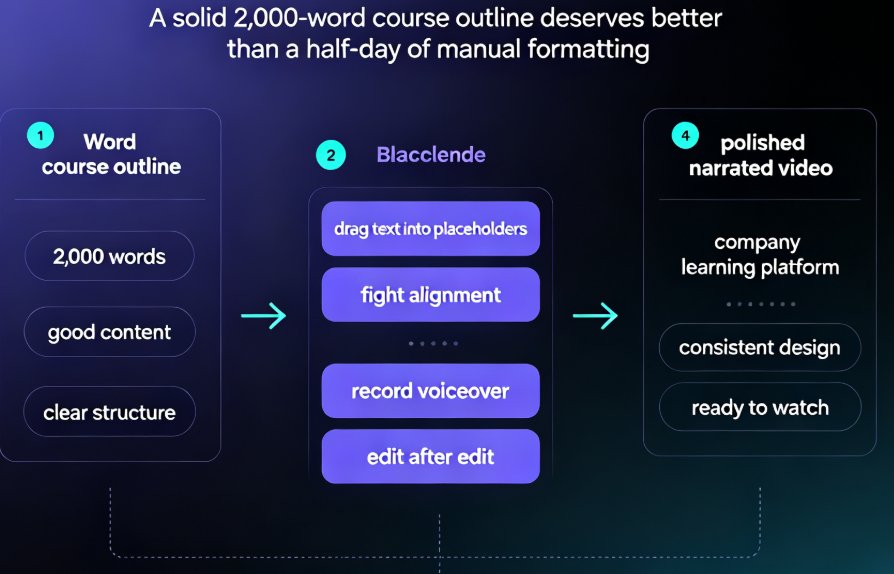
Zendeck's AI pipeline turns a Word outline into a narrated video in about 20 minutes, cutting manual production time by up to 90%. This complete workflow walkthrough covers a document import, structure mapping, template selection, AI narration, subtitle generation, and video export, so educators and trainers can publish micro-courses without touching design or editing tools.

Your Old PPT Lessons Are Gold: Convert to Modern Micro-Courses

Knowledge Video 2026-09-16 1688

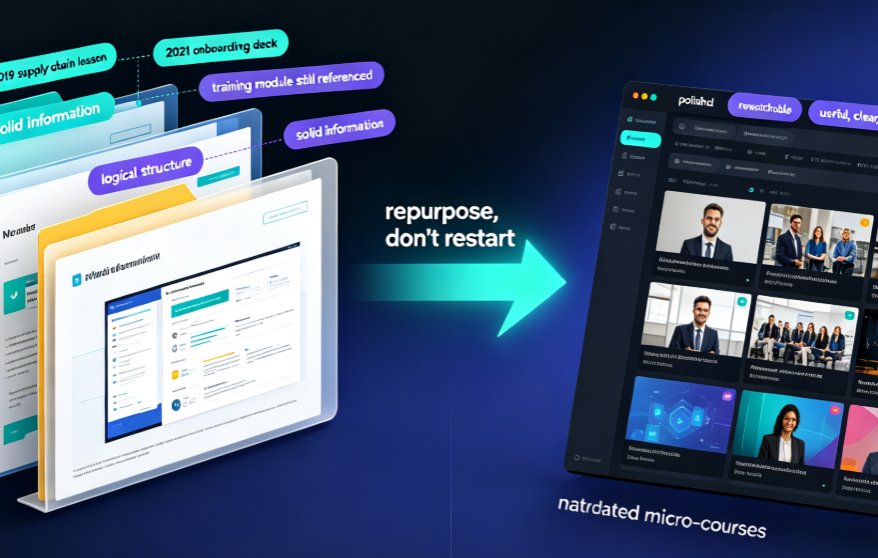
Stop letting years of PowerPoint lessons rot in your archive. Converting old PPT decks into narrated micro-courses with Zendeck's PPT-to-video pipeline turns static slides into rewatchable, accessible video lessons in hours—not months. This playbook shows teachers and trainers exactly which decks to repurpose first, how the conversion workflow protects your layouts and charts, and why narrated video drives higher learner retention than slide decks ever will. Zendeck handles narration, subtitles, and smart layouts automatically, so you focus on teaching, not redesigning. If you have a backlog of outdated courseware, this is the fastest path to a modern, on-brand knowledge video library your students will actually rewatch.

Why Is My PPT to Video Export Blurry? Fix Quality in 5 Steps

AI Courseware 2026-09-16 2753

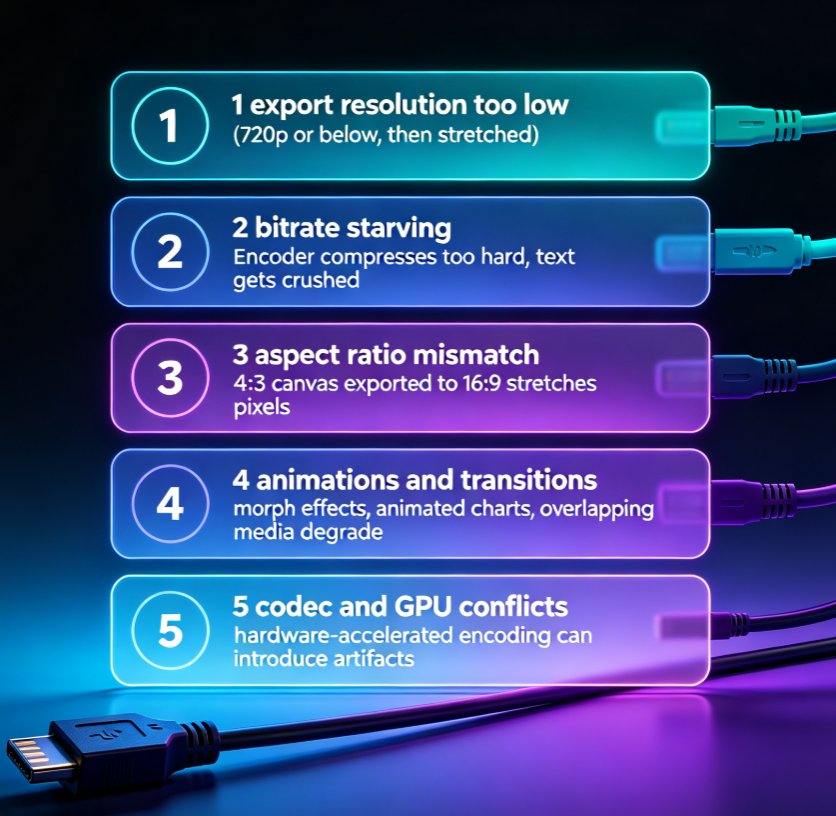
Blurry PPT-to-video exports are the #1 post-production complaint among educators and trainers. This guide breaks down the five real causes of pixelated MP4 output — export resolution, bitrate, aspect ratio, animations, and codec settings — and walks you through a step-by-step fix. You'll learn the exact numbers that matter for sharp 1080p output, how to config Zendeck's export presets for crisp professional video, and a prevention checklist that saves hours of rework. If your micro-courses look soft, this troubleshooting guide gives you a repeatable fix in five steps. No guesswork, just settings that work.

Team Edited the Same Slide? Recover It Now with Version Control

Office Efficiency 2026-09-16 3937

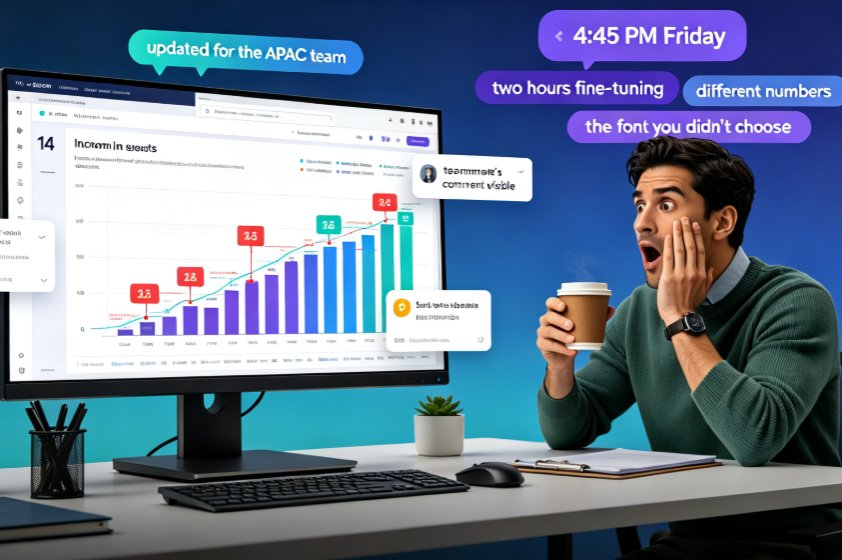
A teammate overwrote your slide and your work is gone — but in Zendeck, you can recover every edited slide with version history and restore points. This guide walks you through the exact recovery workflow: how to open revision history, preview the version before the overwrite, and restore one slide without rolling back your team's other progress. Learn why version chaos happens in team decks, how Zendeck's revision comparison and conflict-resolution features turn a Friday-afternoon panic into a two-minute fix, and which collaboration habits keep your deck workflow from ever needing a rescue. If your team builds AI presentations together in real time, this is the safety net that makes overwrites a non-event and lost work a thing of the past.

Too Many Slides, Too Little Time? Summarize Into 5 Core Slides

AI Courseware 2026-09-16 1469

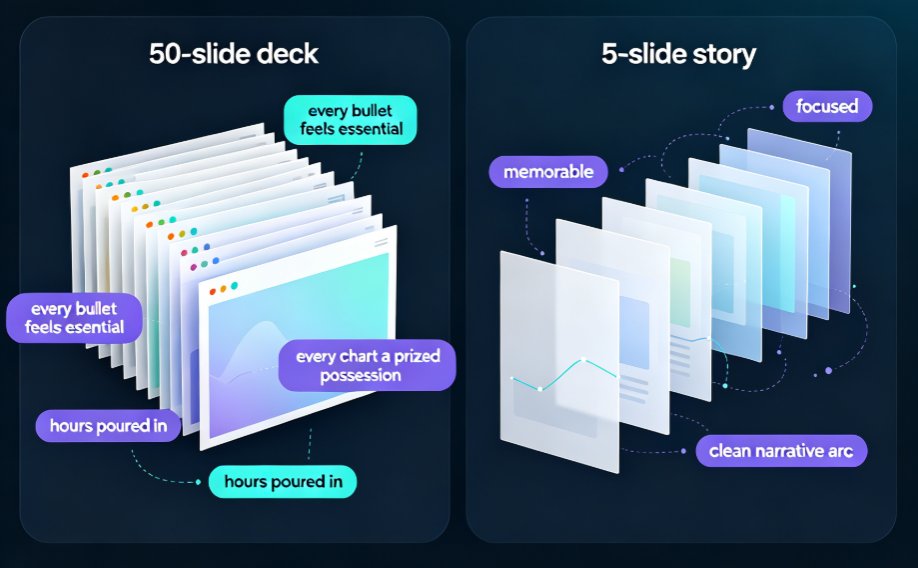
A 50-slide deck is a liability, not an asset. Learn how to summarize bloated PowerPoint decks into 5 core slides using Zendeck's AI outline generator and smart layout tools — in under 10 minutes. This guide covers the curation mindset, a step-by-step AI workflow, and real data on why shorter decks hold attention longer. If you're a trainer, educator, or team lead buried under bulky slideware, you'll walk away with a repeatable system: import your outline, let Zendeck extract the narrative arc, restructure with smart layouts, and ship a focused deck that actually gets watched. No design skills required. Stop forcing your audience through 50 screens and start communicating with five.