Curated workplace insights to help you work smarter

Zendeck curates workplace efficiency, industry insights, and software tutorials to help you find useful information faster。

402 articles 8 Categories
Latest Articles

Video Micro-Courses Without a Camera: Zendeck Digital Presenter

Knowledge Video 2026-09-14 1055

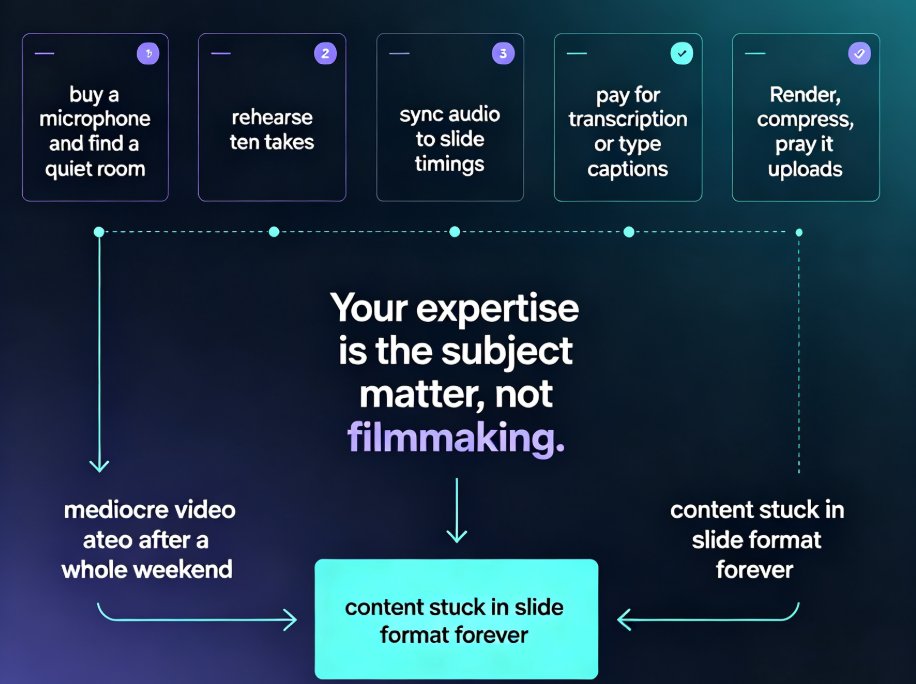
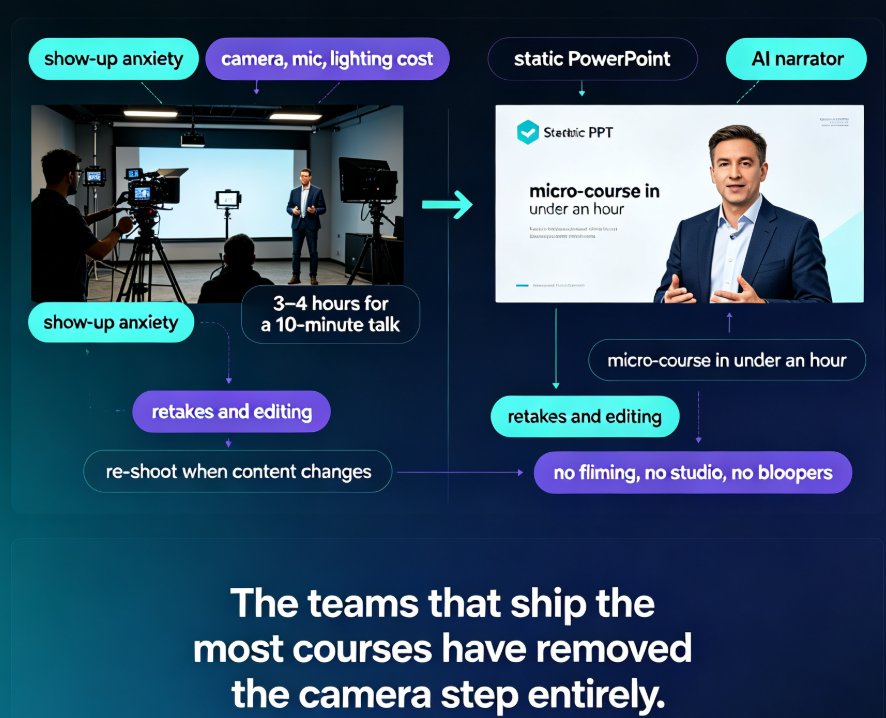
Create video micro-courses without a camera in under an hour with Zendeck's digital presenter. This guide explains how AI narration, auto-subtitles, and slide-flow pacing turn any PowerPoint deck or Word outline into a professional, narrated knowledge video — no studio, no filming, no retakes. We compare the traditional on-camera path (roughly 10 hours per 10-minute course) with Zendeck's camera-free workflow (around 2 hours), walk through the step-by-step production process, and share concrete script-writing tips so your narrated videos sound human, not robotic. Ideal for trainers, educators, and L&D managers who want more video content without camera anxiety or equipment costs.
Turn a Word Outline into a Professional Presentation with Zendeck AI

AI Courseware 2026-09-14 2181

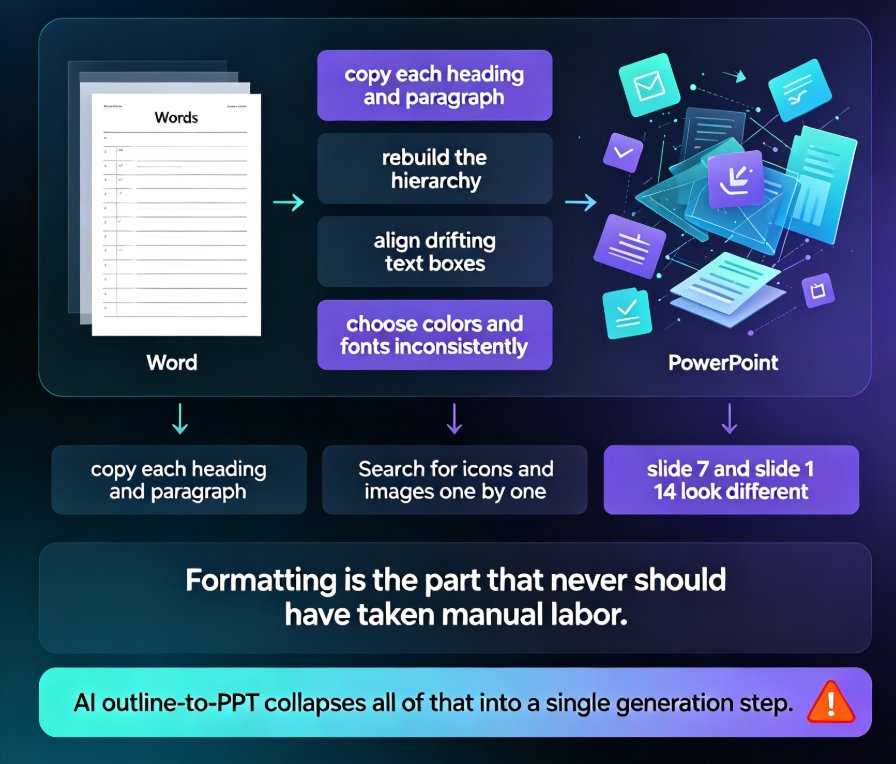
Turn a Word outline into a professional presentation in minutes with Zendeck AI. If you already have a written document, a meeting note, or a training manual, you are 80% done — Zendeck handles the design. Upload a .docx, paste Markdown or plain text, and the AI generates structured, visually consistent slides with smart layouts, consistent typography, and on-brand visuals, no design skills required. This practical guide walks through the complete workflow: preparing your outline, importing it into Zendeck, setting slide count, language, and tone, reviewing and refining the generated deck, applying one-click reskins or a custom brand kit, and exporting or converting slides into narrated micro-course video. You also get outline structure best practices, a time-saving comparison, and answers to the most common outline-to-PPT questions.

Zendeck Asset Library Tips: Finding Visuals Fast as a Non-Designer

Courseware Design 2026-09-14 3692

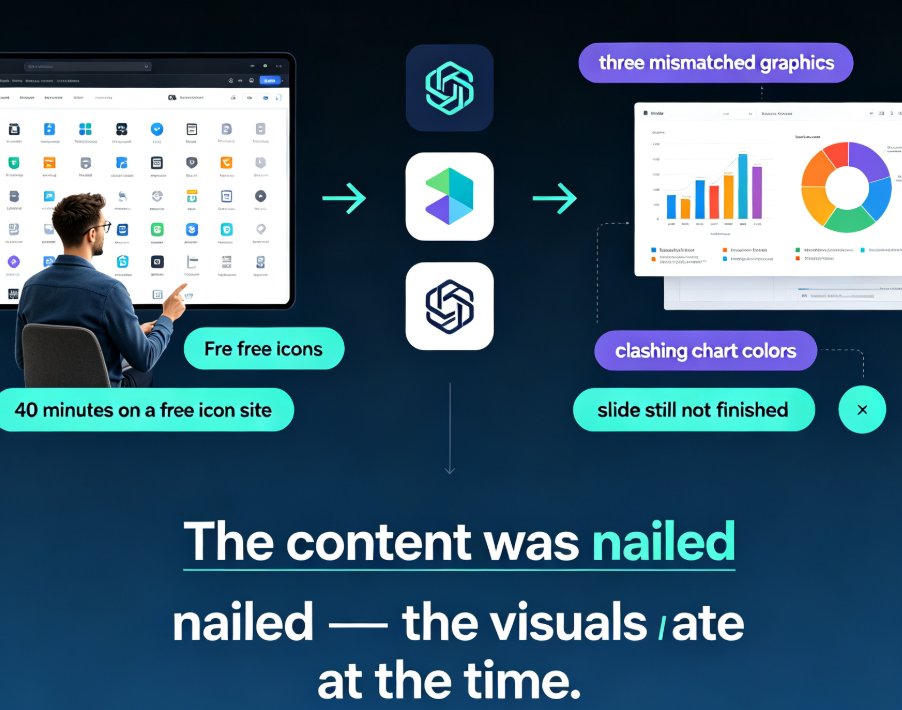
Zendeck asset library tips help non-designers find icons, charts, and illustrations fast. In this guide, you'll learn practical ways to search, filter, and insert pre-made visuals so your slides look professional in minutes. We cover smart keyword search, brand-consistent asset reuse, and a quick comparison of old manual methods versus Zendeck's built-in library. If you've ever spent an hour hunting for the perfect icon, this is for you. You'll walk away with repeatable workflows for visual storytelling, data charts, and courseware design — no design skills required. Start with these Zendeck asset library tips and turn plain-text slides into polished decks your audience actually remembers.

Zendeck vs Gamma vs Canva: Which AI Presentation Tool Wins in 2026?

AI Courseware 2026-09-14 1108

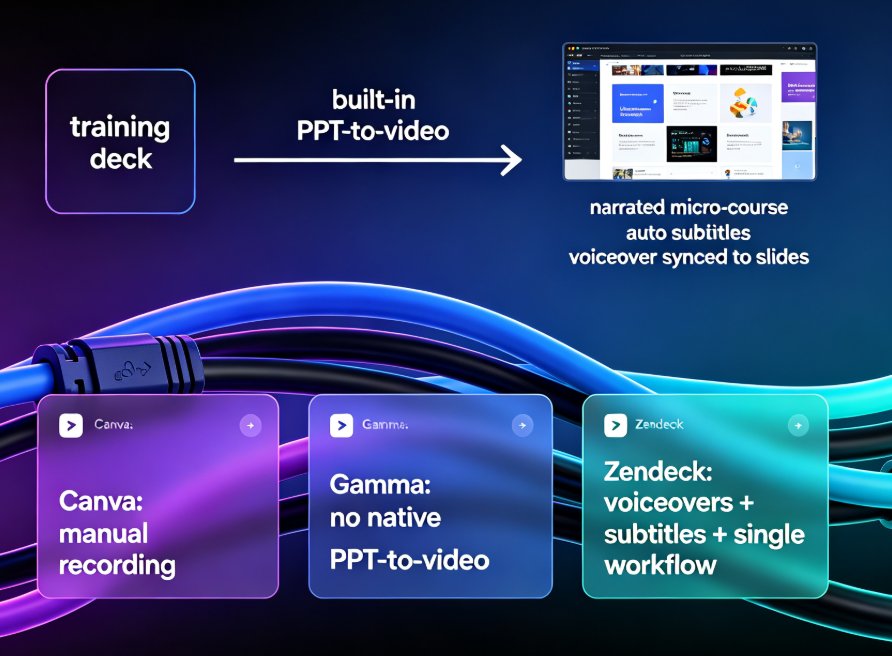
Zendeck vs Gamma vs Canva in 2026: an evidence-based comparison covering features, pricing, output quality, and real-world use cases. We highlight Zendeck's unique text-to-video pipeline and education-focused templates, and help you decide which tool fits your workflow — whether you're building decks, micro-courses, or pitch decks.

Boost Engagement: Add Polls and Quizzes to Slides with Zendeck AI

Micro-Course Production 2026-09-11 2800

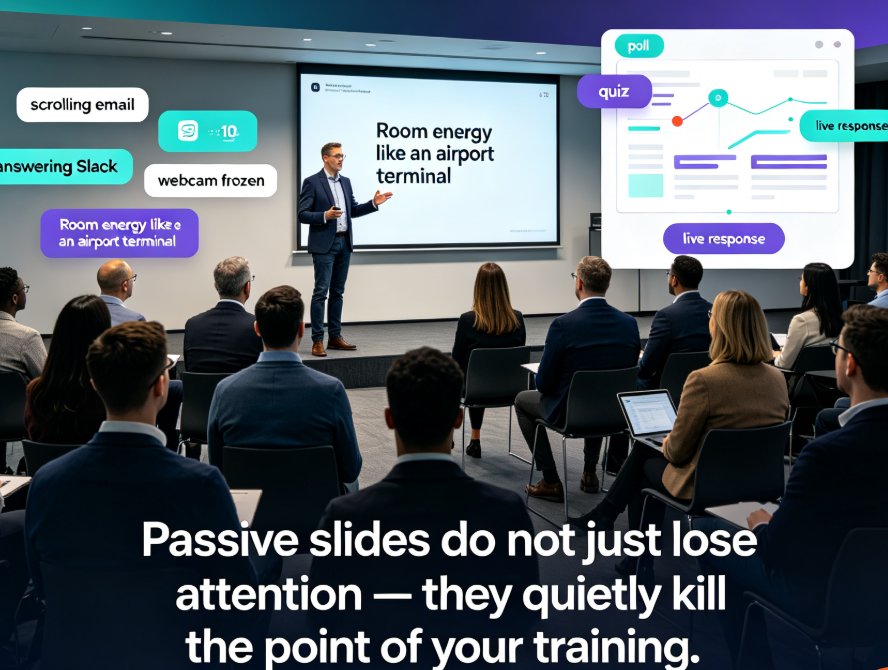
Add polls and quizzes to slides with Zendeck AI to turn passive training decks into interactive micro-courses that keep remote and in-person learners engaged. Built-in interactions replace third-party tools like Slido and Google Forms — insert a poll directly on a slide, share one link, and watch real-time results land in the same editor. This guide walks through adding polls, quizzes, and choice questions, running them in live or self-paced PPT-to-video courses, and applying engagement best practices that measurably improve attention and retention. Zendeck's interactivity preserves your brand, simplifies data reporting, and helps educators, trainers, and L&D teams create micro-courses learners actually remember. No extra tools. No tab-switching. Just slides that ask questions — and answer yours.

No Camera, No Studio: Turn PPT into Narrated Micro-Courses with Zendeck

PPT to Video 2026-09-11 2347

Turn static PowerPoint decks into professional narrated micro-courses with Zendeck's PPT-to-video feature. No camera, microphone, or editing skills required — just upload your slides, pick an AI voice, and Zendeck generates a polished MP4 with synchronized subtitles and an optional digital human presenter. This walkthrough covers the complete workflow: importing decks, choosing narration voices, editing auto-captions, using the presenter avatar, and exporting for your LMS or YouTube. We also compare production times against traditional studio and DIY recording so you can plan your course pipeline with real numbers. Whether you're a teacher who needs reusable video lessons, an HR trainer shipping compliance modules, or a content operator building a micro-course library, this guide shows why PPT-to-video is becoming the 2026 corporate training standard.