Curated workplace insights to help you work smarter

Zendeck curates workplace efficiency, industry insights, and software tutorials to help you find useful information faster。

402 articles 8 Categories
Latest Articles

Real-Time Co-Editing: Zendeck Ends Version Control Nightmares

Office Efficiency 2026-09-10 687

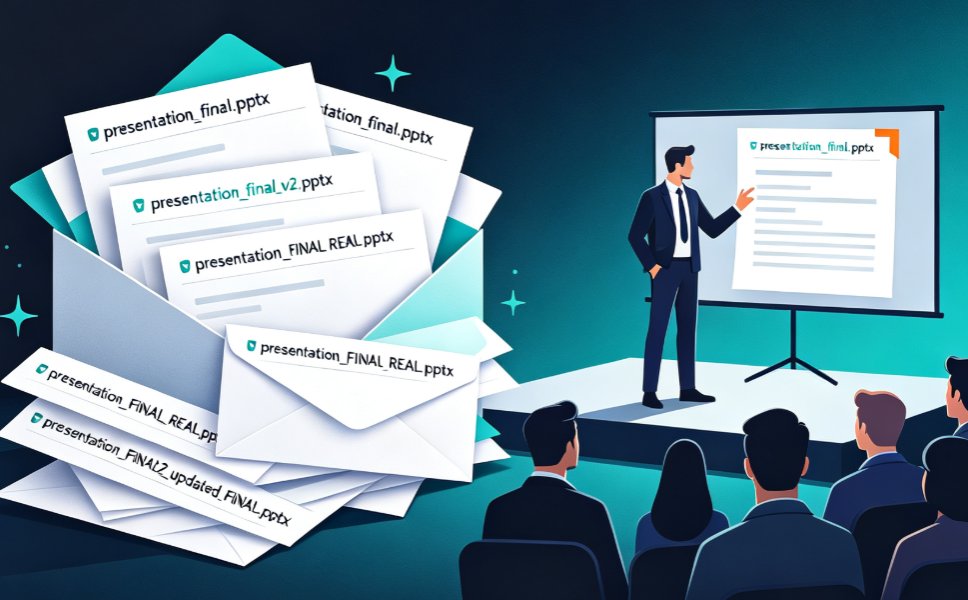
Real-time co-editing and version control are the cure for team presentation chaos. Zendeck lets multiple teammates edit slides simultaneously, auto-saves every change, and keeps a full history so you never lose track of the latest version. Say goodbye to emailing 'final_v3_FINAL(2).pptx' and hello to a single source of truth. This guide explains how Zendeck's collaboration features kill version confusion, why version history is your safety net, and how to adopt best practices for smooth team workflows. If your team struggles with outdated decks or conflicting edits, Zendeck's real-time co-editing is the solution you've been missing.
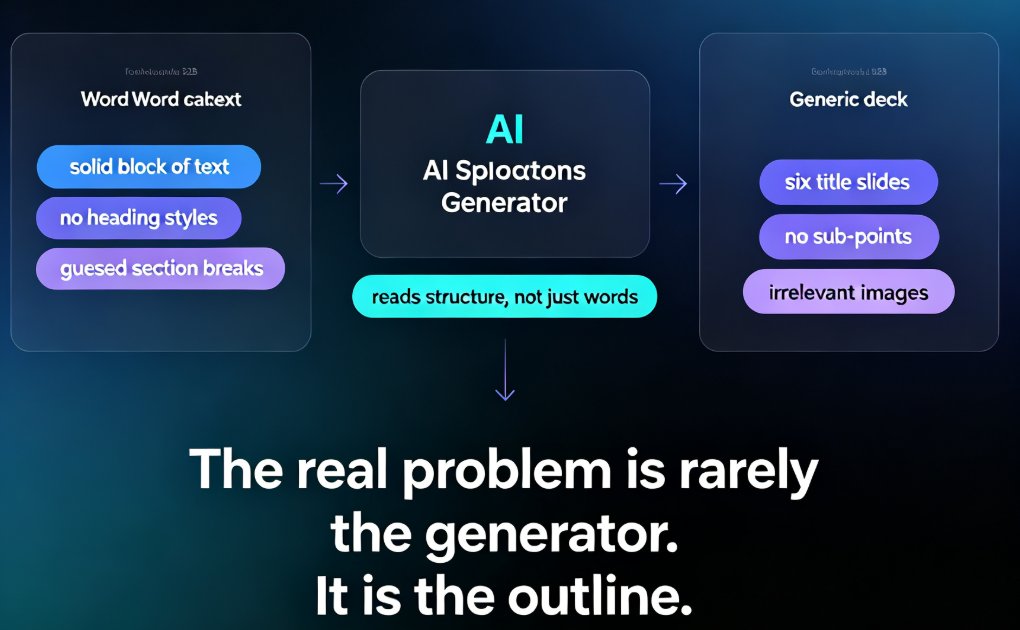
Word Outline to PPT in Minutes: Smart Import Guide

PPT Tutorial 2026-09-10 3338

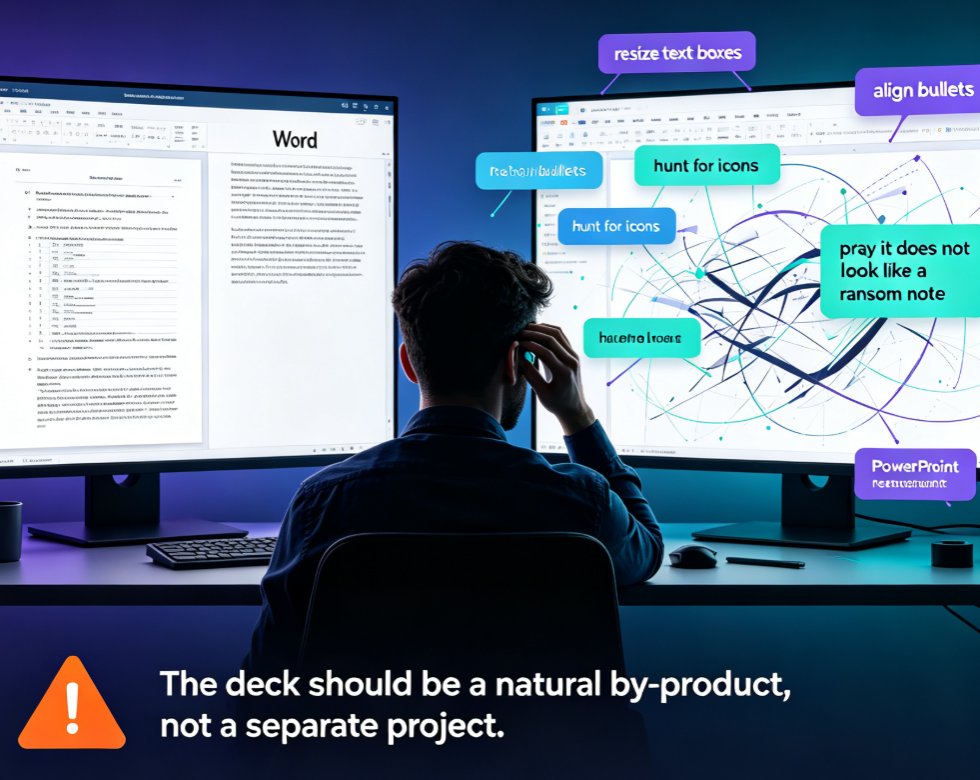
Learn how to turn a Word outline into a polished PPT in minutes with Zendeck. This smart import guide covers PowerPoint's native outline feature, its limitations, and how Zendeck's AI streamlines the entire workflow—from heading detection to automated design. Save hours, avoid formatting headaches, and deliver consistent, professional decks every time. Perfect for trainers, educators, and business professionals who want to skip the copy-paste grind.

How to Write an AI-Ready Outline for Better AI Slide Generation

AI Courseware 2026-09-09 1349

Learn how to write an AI-ready outline that turns messy notes into polished slide decks. This guide covers the exact Word and Markdown formatting techniques that improve AI slide generation, so you get cleaner layouts, sharper logic, and fewer revisions. Whether you're building courseware, a pitch deck, or team training, structuring your outline before you click "generate" is the single biggest lever for output quality. We walk through hierarchy rules, chunking lengths, section labels, and common mistakes — then show how Zendeck's outline-to-PPT engine reads your structure and translates it into visual hierarchy. Short paragraphs, practical examples, and reusable templates included.

Keep Every Department On-Brand with One-Click Deck Reskinning

Courseware Design 2026-09-09 600

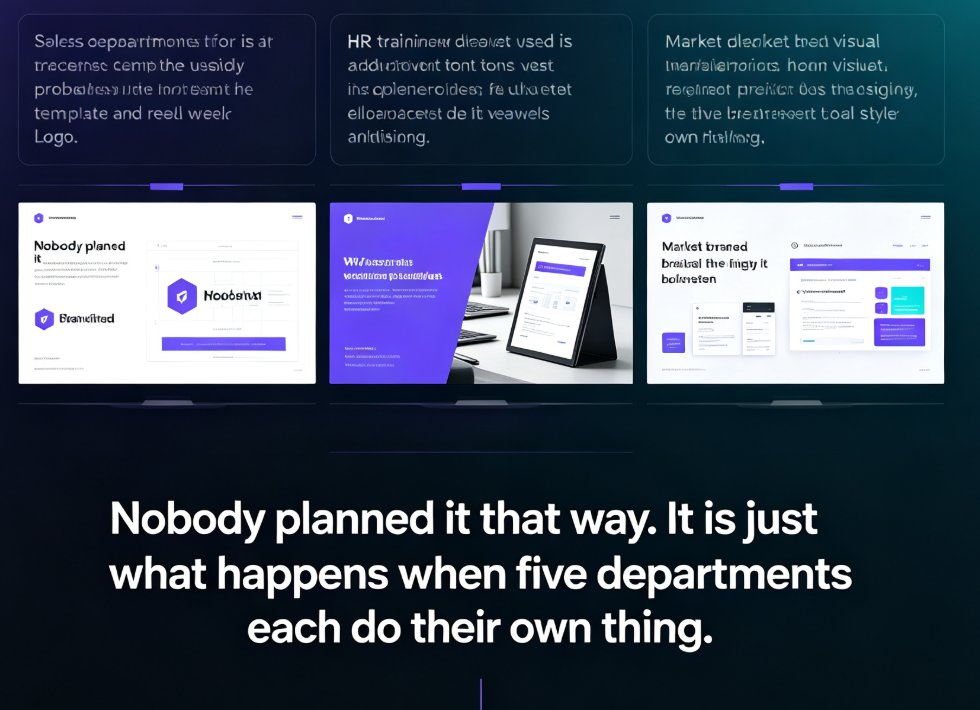
Off-brand decks are a workflow problem, not a design problem. Zendeck's one-click reskin instantly unifies fonts, colors, and layouts across every department deck — one real HR team unified 30 onboarding decks in an afternoon without redesigning them. This guide covers what reskin actually does, the exact workflow to scale brand consistency across sales, HR, marketing, and training teams, plus best practices for templates, brand kits, and asset libraries. If you want every presentation to look like it came from one company, start here.

PPT Export Formats Compared: PDF, PPTX, Video and More with Zendeck

PPT to Video 2026-09-09 1229

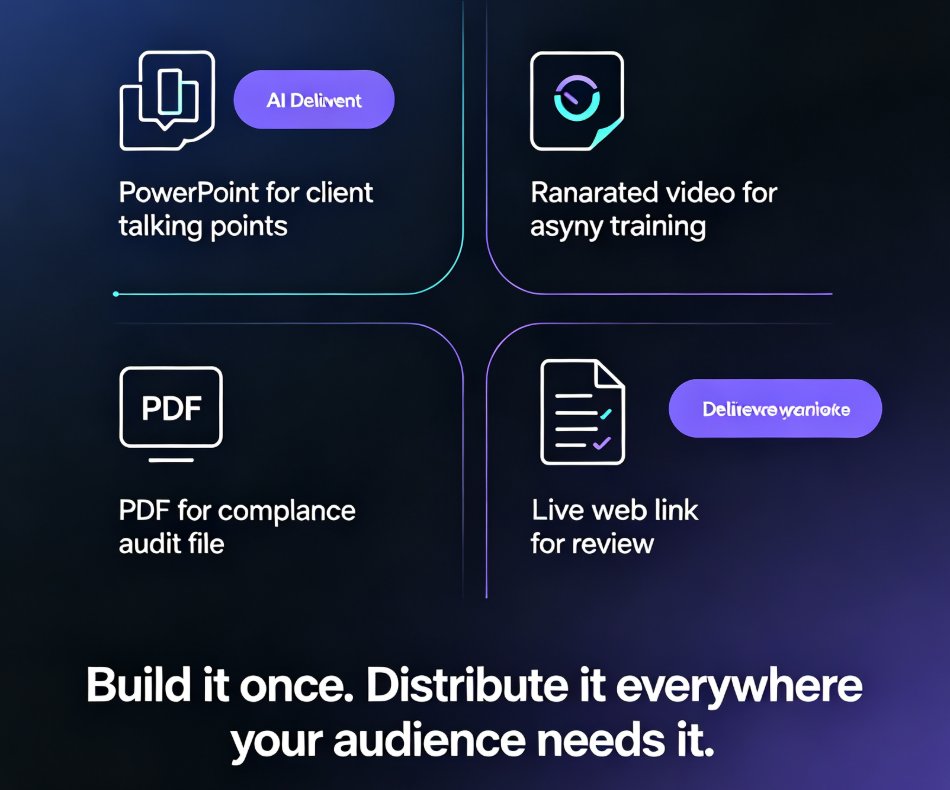
PPT export formats compared: PDF, PPTX, video, and shareable links — and how Zendeck keeps your layout, fonts, and speaker notes intact in every destination. Manual recreation drains hours from your team; one-click export delivers print-ready handouts, editable decks for PowerPoint and Google Slides, and narrated micro-course videos. Learn which format fits classroom handouts, client deliveries, compliance docs, and asynchronous training, plus the real time-savings data behind switching to a single export workflow.

Real-Time Team Co-Editing: Build Training Decks with Your Team

Office Efficiency 2026-09-09 1220

Real-time team co-editing lets HR, L&D, and training teams build a training deck together without the version chaos of emailed attachments. This guide walks through a live co-editing workflow in Zendeck — one shared link, role-based permissions, and threaded feedback — so authors, reviewers, and stakeholders all work from a single source of truth. Backed by the IDC finding that 38% of employees struggle with internal collaboration, we break down the three roles in a live deck, show a step-by-step co-editing session, compare traditional review with real-time editing, and share the habits that keep a shared deck coherent. If your training rollouts keep dying in email threads, this is the workflow you've been missing.