Curated workplace insights to help you work smarter

Zendeck curates workplace efficiency, industry insights, and software tutorials to help you find useful information faster。

402 articles 8 Categories
Latest Articles

How Zendeck AI Automates Standard Decks for HR and Corporate Trainers

Office Efficiency 2026-09-08 676

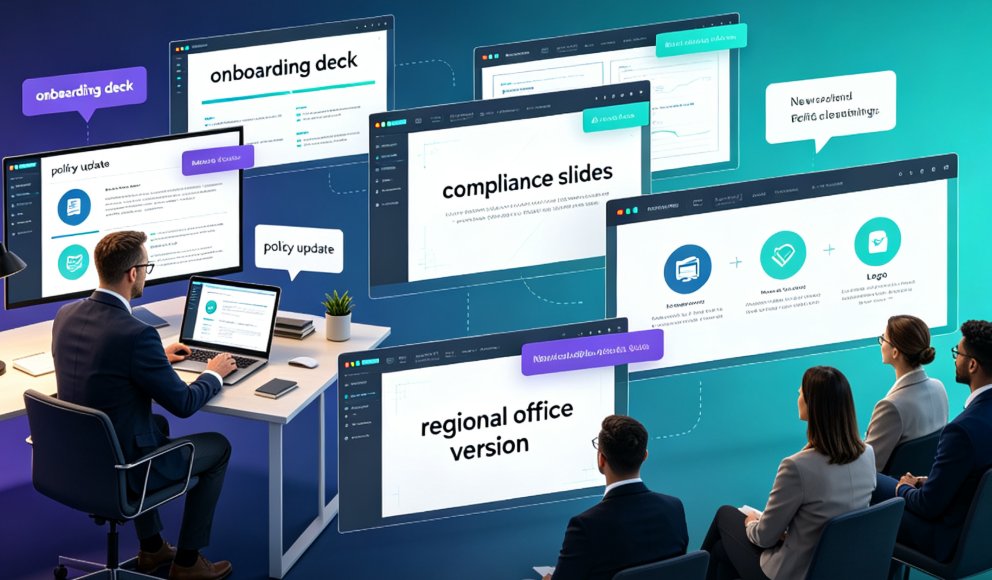
Zendeck AI automates standard HR and corporate training decks, slashing creation time by 85-92% while ensuring on-brand consistency. Learn how Word import and a 1,500+ template library turn mundane onboarding and policy updates into a 3-step process. This guide covers the exact workflow, real scenarios, and pro tips for HR teams that want to stop building slides and start impacting people.

Zendeck Asset Library: 3 Ways to Find the Perfect Visual in Seconds

Courseware Design 2026-09-08 1593

Learn how to use the Zendeck Asset Library to locate icons, charts, and illustrations in seconds. This practical tutorial reveals three proven search techniques that beat generic stock photo searches. If you build courseware or corporate decks, Zendeck's smart filters and curated collections will cut your design time dramatically. Discover how to insert professional visuals without leaving your editor, and see why smart asset search is the 2026 standard for course creators.

One-Click Reskin: How Zendeck Auto-Unifies Fonts, Colors, and Layouts

PPT Tutorial 2026-09-07 1680

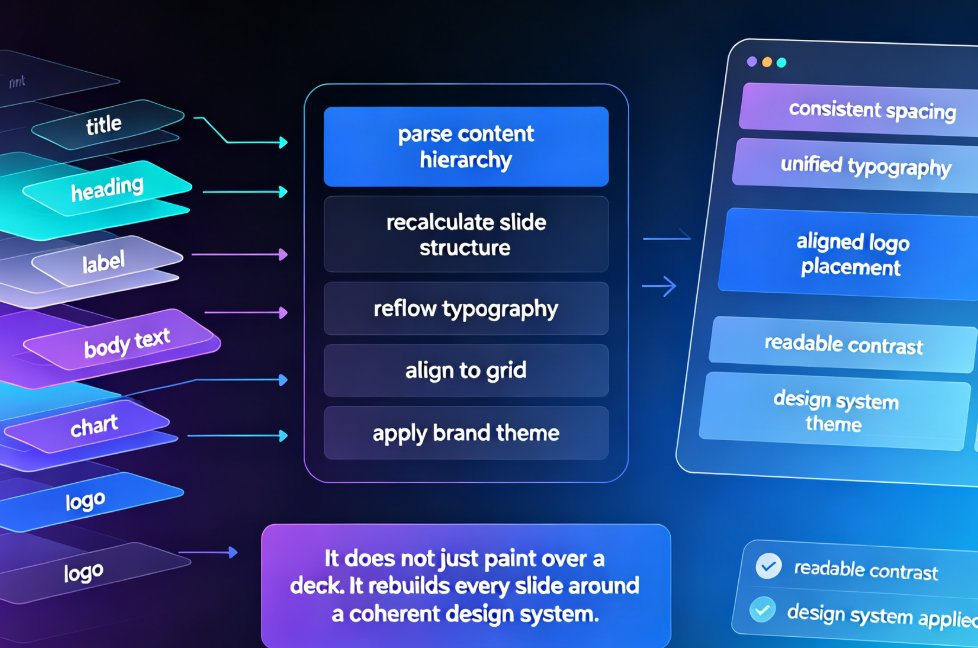
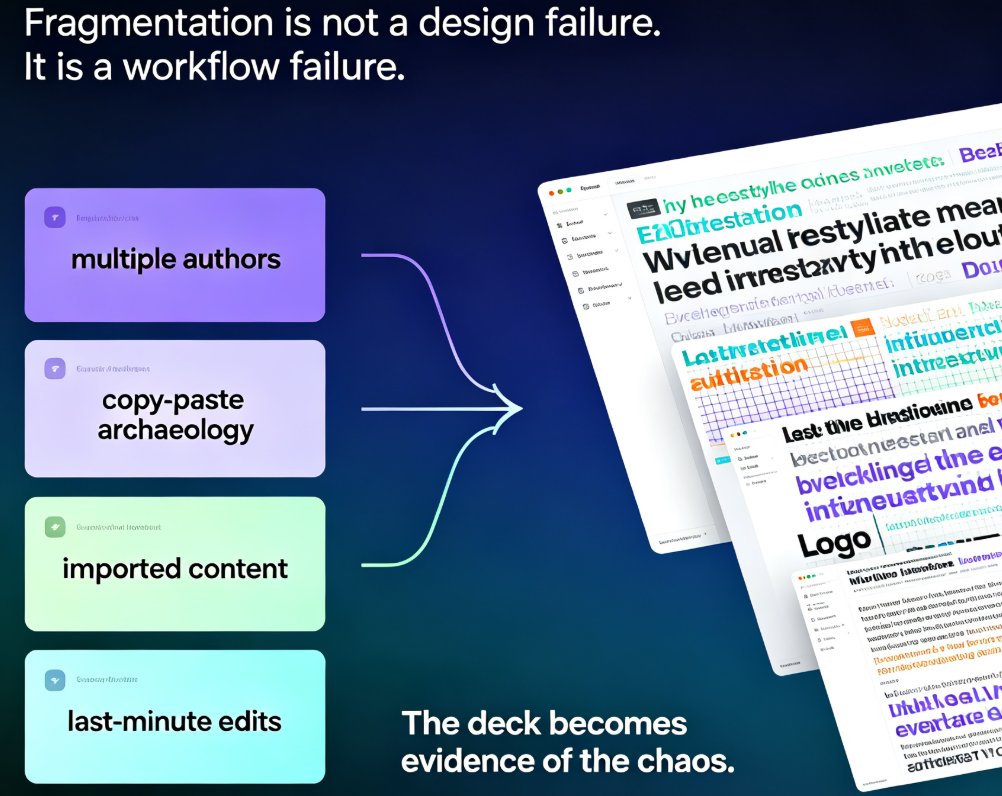
One-click reskin in Zendeck turns a scattered, multi-author deck into a single, on-brand presentation in minutes. Zendeck's smart layout engine auto-unifies fonts, colors, spacing, and slide structure across the whole deck — no manual redesign, no template-pasting, no broken alignment. This guide walks through what reskinning actually does under the hood, the real before-and-after scenarios in corporate and academic settings, how to enforce brand guidelines without hiring a design police force, and a 15-minute workflow you can reuse on every deck. We also cover edge cases where one-click reskin needs a human touch. If you've ever shipped a deck with three fonts and five shades of blue, you'll want to read this before your next all-hands.

Top Zendeck Templates: Professional Training Decks for HR and L&D Teams

Courseware Design 2026-09-07 2611

Discover the top Zendeck templates for professional training decks. This guide maps Zendeck's template library to real HR and L&D scenarios — onboarding, compliance, and skills certification — so you stop wrestling with layout and focus on content accuracy. Learn which template archetype fits safety rollouts, new-hire inductions, and certification prep, plus how Brand Kit keeps every deck on-message. Built for HR, trainers, and learning teams who need production-ready courseware without the design grind.

Turn PPT into Narrated Micro-Course: Zendeck PPT-to-Video Step-by-Step

PPT to Video 2026-09-07 1798

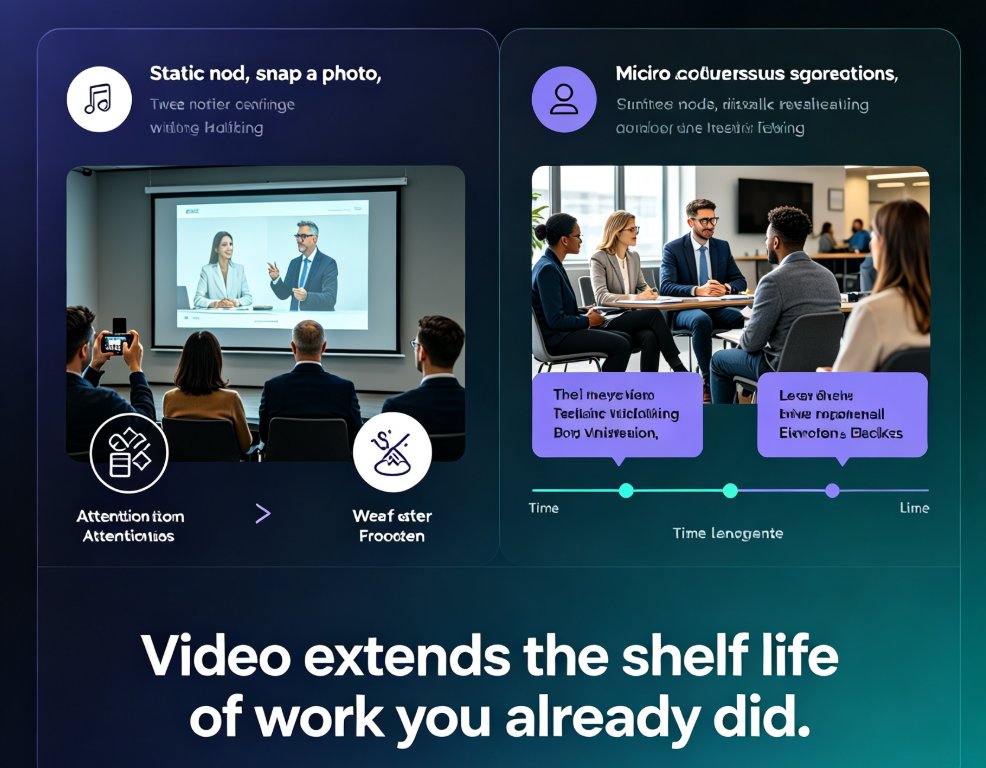
Turning a finished PPT into a narrated micro-course doesn't require a recording studio or a video editor. Zendeck's PPT-to-video pipeline converts an existing deck into a publishable MP4 course in four steps — import slides, add narration via text-to-speech or your own recording, sync slide timing, and export — typically in about 20 minutes, versus the 4-6 hours manual production demands for a 10-minute video. This step-by-step guide walks through the exact sequence — from uploading your PPTX to dropping the finished file into Moodle or Canvas — covering voice selection, pacing review, and subtitle export. We also benchmark the Zendeck workflow against manual recording and editing tools so you can see the quality and time trade-offs clearly. If your course library is full of static slides that never become video, this is the fastest path we've found to fix that.

Word Outline to Deck in 10 Minutes: Zendeck AI Generator Workflow Guide

AI Courseware 2026-09-07 3563

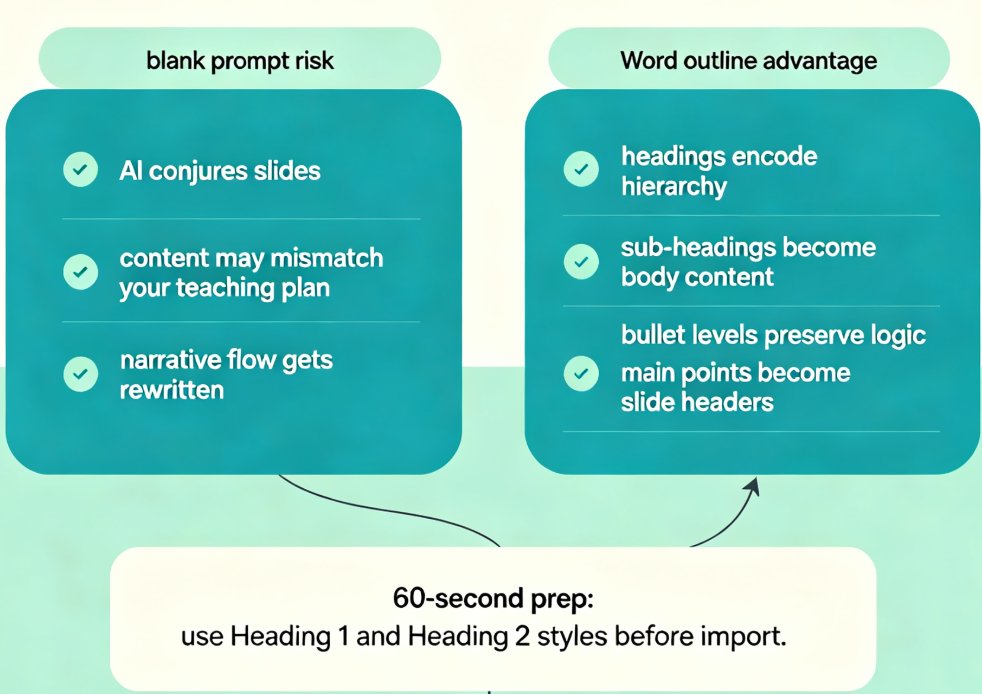
Turn a plain Word outline into a polished, branded deck in about 10 minutes with Zendeck's AI generator — no design skills required. This step-by-step workflow guide walks teachers and trainers through the full Word-to-deck pipeline: how to prep your outline, import it into Zendeck, let AI map headings to slide headers, apply a branded template, and avoid the five most common conversion mistakes. We also compare the manual PowerPoint grind against the AI-assisted flow with honest time estimates, and show how to extend a finished deck into narrated micro-courses with PPT-to-video. Whether you're a teacher, corporate trainer, or curriculum developer working from content-rich notes, this guide gives you a repeatable process you can ship today.