Curated workplace insights to help you work smarter

Zendeck curates workplace efficiency, industry insights, and software tutorials to help you find useful information faster。

402 articles 8 Categories
Latest Articles

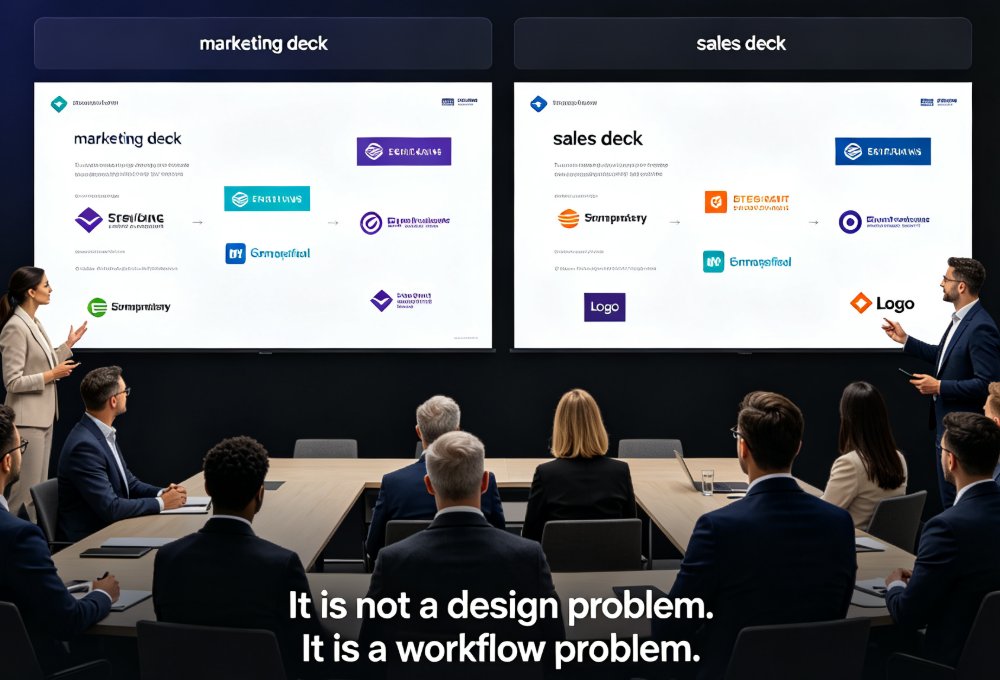
How to Keep Team Decks On-Brand with Zendeck Template Library

AI Courseware 2026-09-04 2781

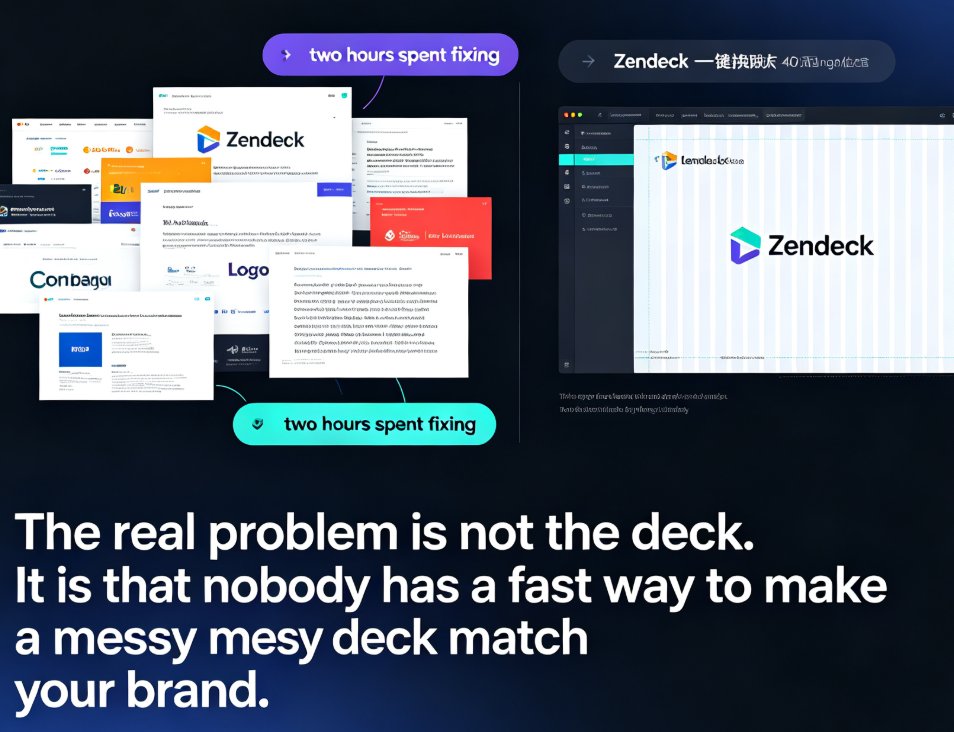
Struggling with inconsistent team decks? Zendeck's template library and one-click smart reskin make brand consistency effortless. Learn how marketing, HR, and operations teams can produce on-brand presentations without design skills. This guide covers why static templates fail, how smart templates lock down brand elements, and how one-click reskin lets you rebrand legacy decks in minutes instead of weeks. You'll get a practical brand governance workflow, real-world scenarios for marketing, HR, and ops teams, and best practices for keeping every deck on-brand long-term. If your organization has ever dealt with the 'everyone's deck looks different' problem — different fonts, clashing colors, stretched logos — this is the playbook you need to fix it for good.
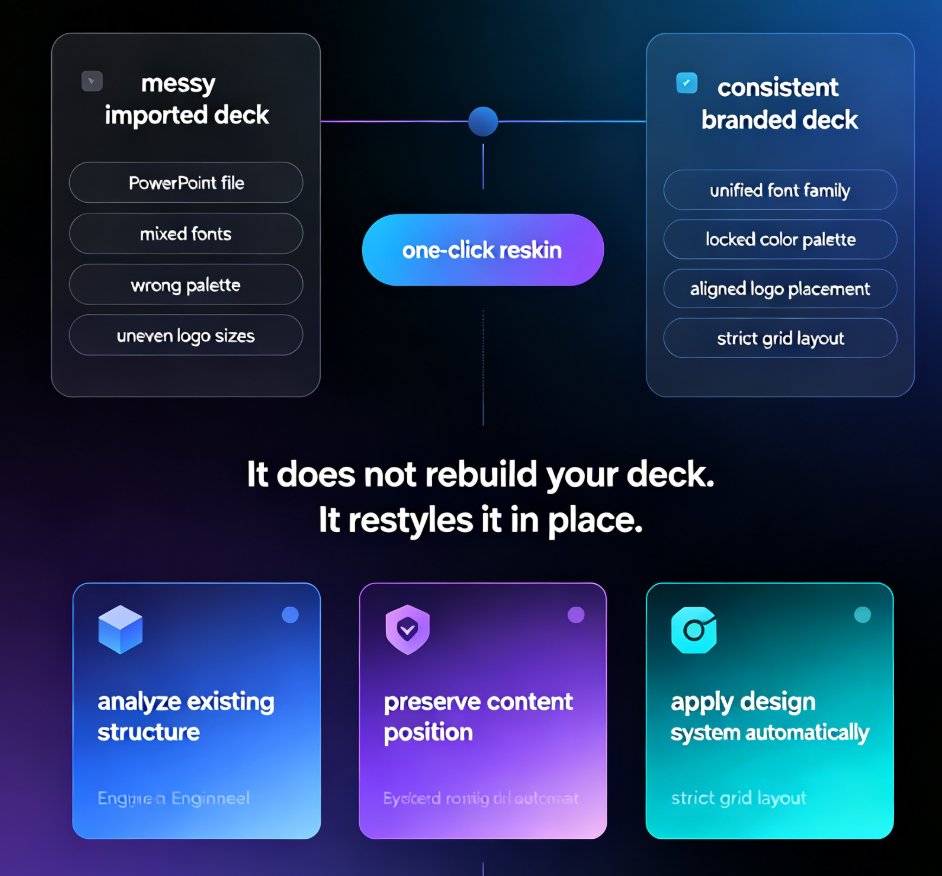
One-Click Reskin: Unify Your Presentation Brand with Zendeck

PPT Tutorial 2026-09-03 3319

Zendeck's one-click reskin instantly unifies your entire presentation with your brand guidelines — fonts, colors, and layouts applied across every slide in seconds. Stop reformatting slide by slide when a teammate sends a deck that doesn't match your corporate style. This guide walks through the exact steps to reskin a messy PPT, shows what the smart layout engine fixes (and what it doesn't), and helps you decide when to reskin versus rebuild. You'll also get best practices for keeping every deck on-brand, plus a comparison of manual reformatting vs. one-click reskin time costs. If you've ever inherited a deck with five different fonts and three color schemes, this is for you.

PPT to Video: Zendeck Automates Micro-Course Narration

PPT to Video 2026-09-03 1861

Zendeck's PPT-to-video automation turns static slides into narrated micro-courses with AI voice synthesis — no microphone required. This guide explains how automatic narration cuts production time from 90 minutes to 5 minutes, how to adjust pacing and timing, and why auto-generated subtitles make your training content accessible and WCAG-friendly. Compare manual recording vs. AI narration side by side, see real-world results from a university that converted 200 lecture decks into narrated micro-courses, and learn exactly when AI voiceover makes sense — and when you should still record manually. If you build corporate training, courseware, or onboarding decks, Zendeck's PPT-to-video feature removes the biggest bottleneck in video production and gets your content in front of learners faster.

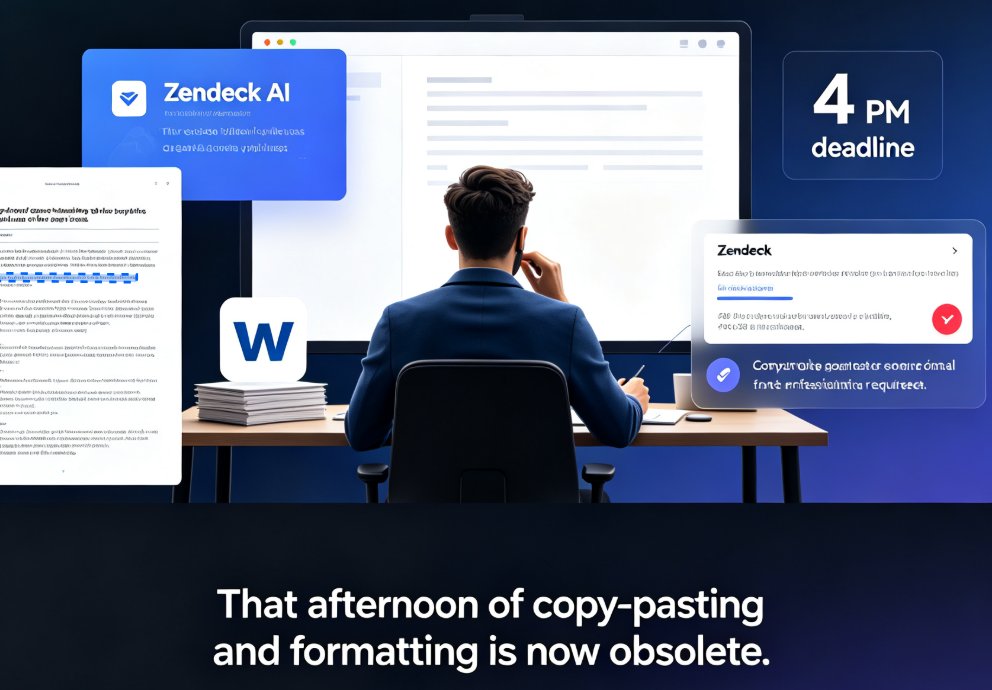
Word Outline to Polished Presentation: Zendeck AI in Minutes

AI Courseware 2026-09-03 3974

Turn a Word outline into a polished, presentation-ready deck in minutes with Zendeck AI. This guide walks through the outline-to-slide mapping workflow, showing educators, trainers, and professionals how to convert Word documents to PowerPoint slides without manual formatting. Learn the step-by-step process, best practices for structuring your outline, and real time-saving numbers. Zendeck's AI reads your document's heading structure, maps content to slide layouts, applies consistent design, and delivers a finished presentation in about 10 minutes — versus 3-4 hours of manual work. Includes a comparison table, workflow tips, and answers to common questions about Word import, template selection, brand kits, and PPT-to-video conversion. Whether you're repurposing a training manual, course syllabus, or quarterly report, Zendeck makes Word-to-PPT conversion effortless.

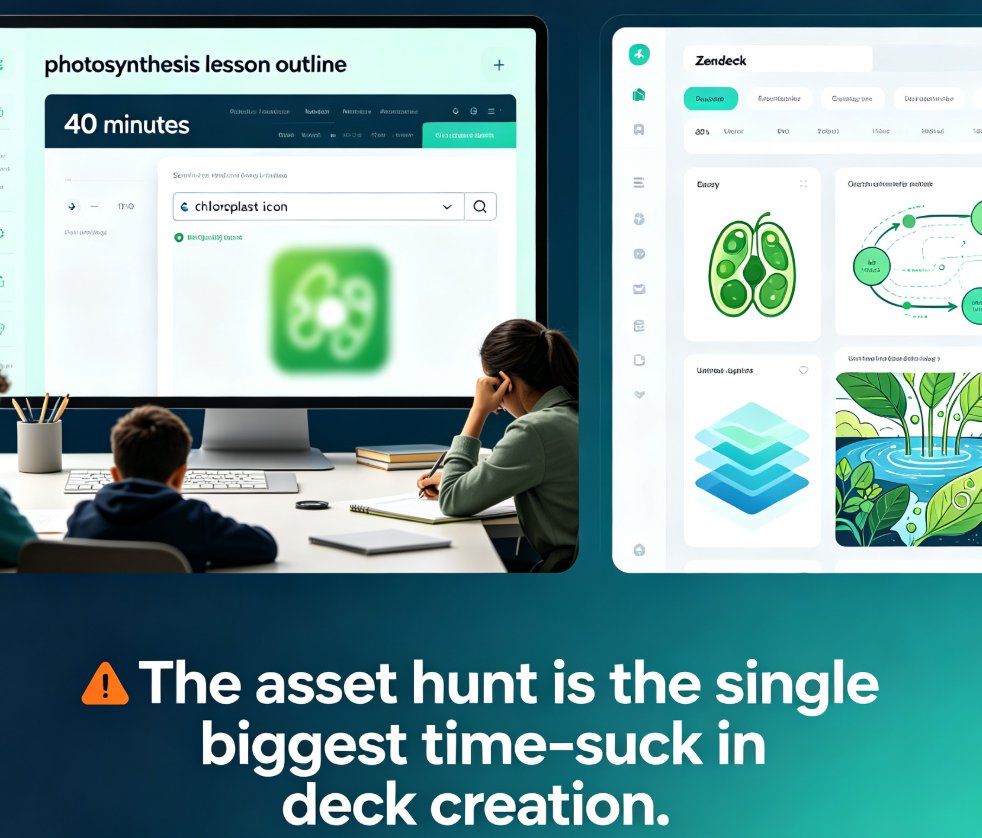
Use Zendeck's Asset Library to Elevate Courseware Design

Courseware Design 2026-09-03 1342

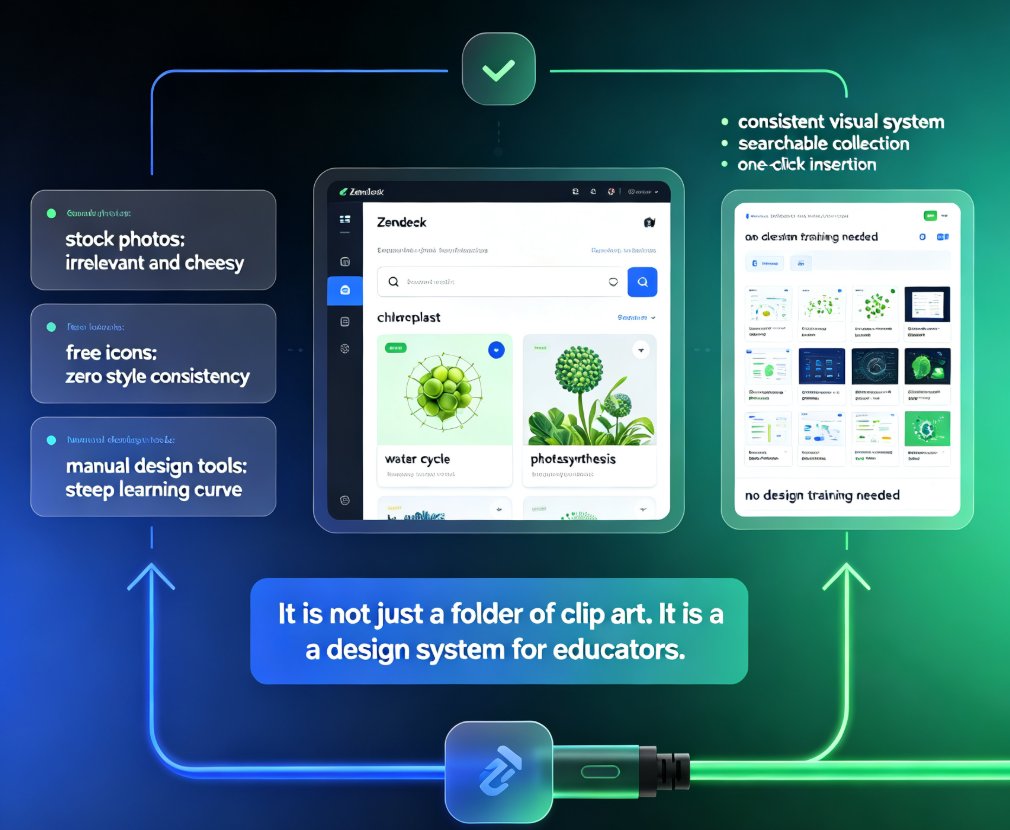
Zendeck's asset library gives educators instant access to professional icons, charts, and illustrations that plug directly into the AI courseware workflow. This practical guide shows teachers how to search efficiently, choose the right visual for each lesson, and build polished decks in minutes — no design skills required. Learn the search tips that save time, the chart selection framework for data-heavy lessons, and the common mistakes that undermine even a great asset library. Whether you're teaching biology, economics, or corporate training, Zendeck's curated assets keep your slides consistent, accessible, and genuinely engaging. Stop wasting time on generic clip art and start building courseware that students actually remember. This is the guide you wish you'd had before your last all-nighter of deck building.

Zendeck for Teams: Real-Time Collaboration on Presentations

Office Efficiency 2026-09-03 2999

Zendeck for teams brings real-time collaboration to presentations — simultaneous editing, inline comments, secure link sharing, and full version history. Learn how corporate teams and educators can co-create decks without version chaos, plus best practices for access control and workflow. This guide covers the collaboration features that make Zendeck a practical choice for team presentation projects, from outline to final deck. We walk through the real-world workflow: starting from a Word outline, editing together in real time, resolving comments inline, sharing with granular permissions, and rolling back changes with version history. If your team is tired of 'final_v3_FINAL.pptx' email chains, this is the workflow you've been looking for. We also compare Zendeck's collaboration capabilities against traditional PowerPoint, Google Slides, and Notion, so you can see where the real differences lie.