Curated workplace insights to help you work smarter

Zendeck curates workplace efficiency, industry insights, and software tutorials to help you find useful information faster。

506 articles 8 Categories
Latest Articles

Stuck Choosing a PPT Template? Zendeck Library Search Hacks

Courseware Design 2026-10-13 1068

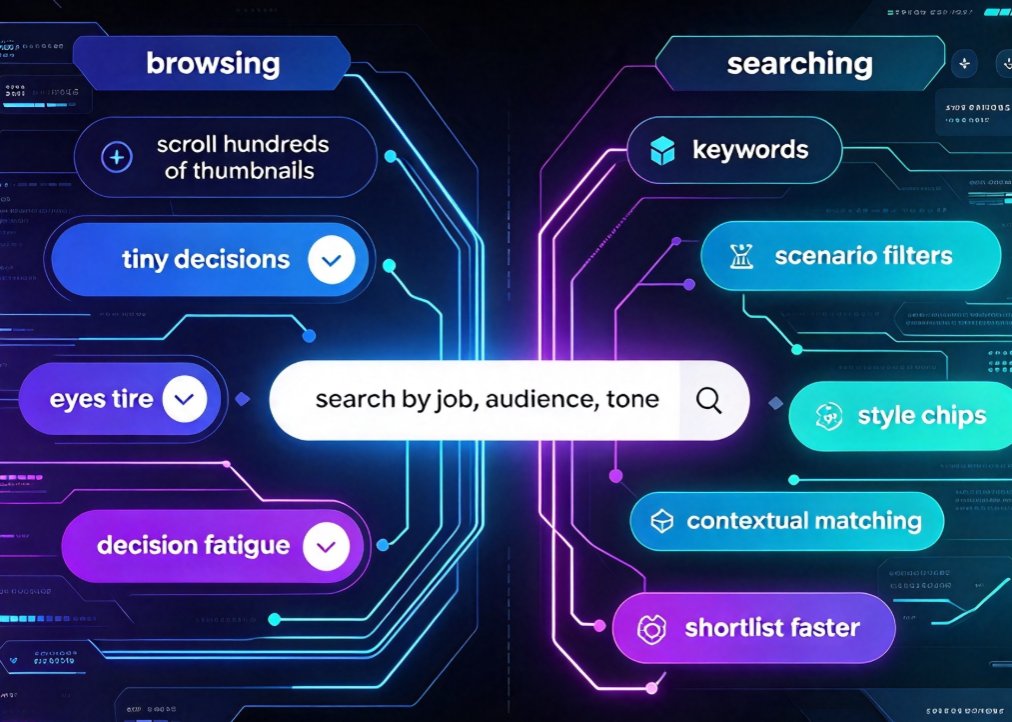
The fastest way to find the perfect PPT template isn't scrolling — it's searching. In this Zendeck template library guide, you'll learn keyword search tactics, filter combinations, and audience-matching strategies that cut template hunting from minutes to seconds. We break down how to think in keywords instead of categories, combine scenario, style, and color filters, and save your winning combos for one-click reuse. Whether you're building courseware, a corporate deck, or a startup pitch, these search hacks will change how you work. Backed by practical examples and a quick 30-second template test, this article turns template selection into the fastest step in your presentation workflow. Stop staring at thumbnails and start searching like a pro.
AI Transparency in Courseware: Why Teachers Need Explainable Decks

Courseware Design 2026-10-12 2359

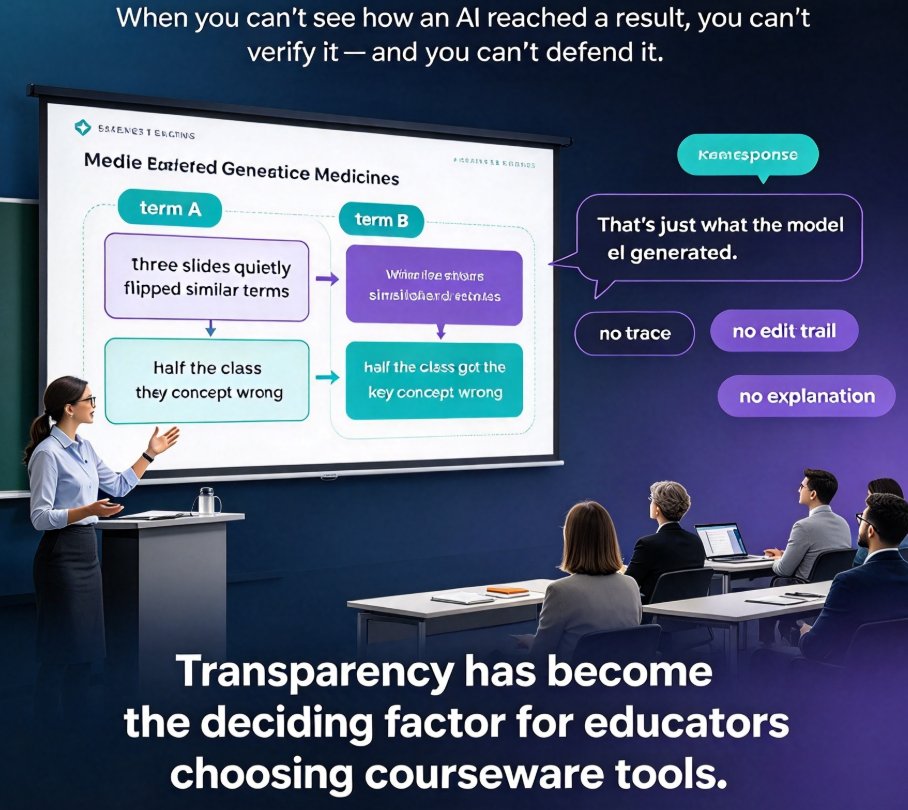
AI transparency in courseware is now a teacher's requirement, not a nice-to-have. When an AI deck generator is a black box, educators can't verify content, catch bias, or explain a slide to students. Zendeck's explainable, outline-first workflow solves this by keeping your written outline as the source of truth at every step. This article breaks down what explainable deck generation looks like, why transparent AI builds trust in classrooms, how black-box tools put teachers at risk, and practical habits for supervising AI-created slides. Written for educators, trainers, and instructional designers who want AI power without losing control, it explains how Zendeck lets you see, edit, and defend every slide it generates — turning 'the model did it' into 'here's the source and the logic.'

Instant Resolution Meets Teachers: Zendeck's 10-Minute Course Workflow

Micro-Course Production 2026-10-12 2987

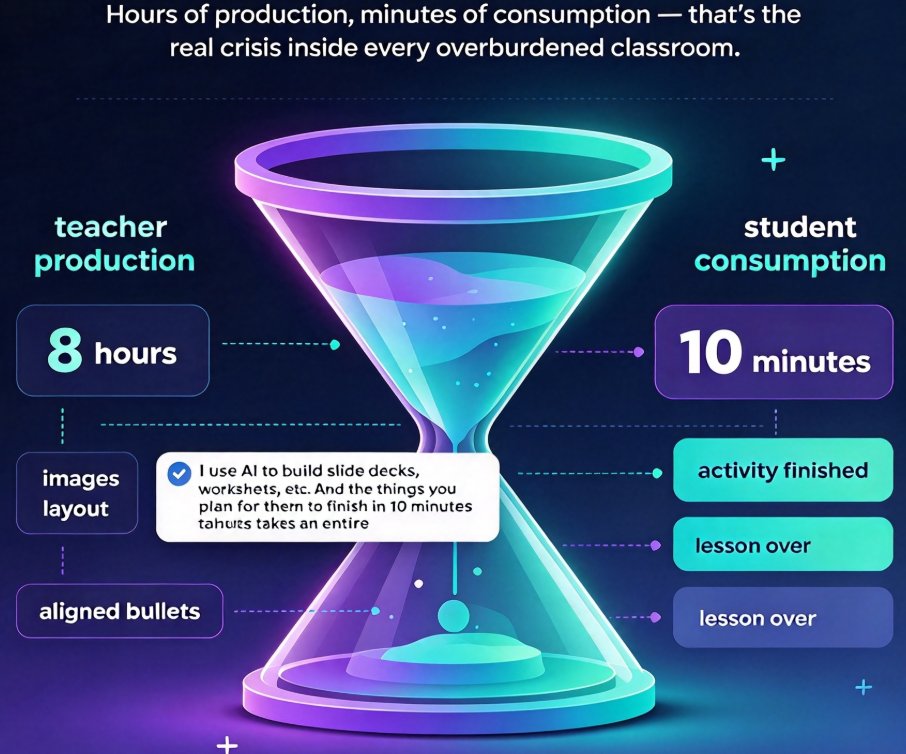
In an instant resolution culture, teachers can stop spending eight hours on a lesson deck. Zendeck's 10-minute workflow turns a pasted Word outline into a complete narrated micro-course — slides, narration, subtitles, and quizzes — in about ten minutes. This guide walks through the pipeline step by step, compares prep time before and after (8 hours vs. 10 minutes), and covers the honest trade-offs: where speed is trustworthy and where a careful second pass still matters. Built for educators, trainers, and content teams who produce more than one deck a week, this is the practical case for letting AI handle the manufacturing while you keep the teaching judgment. Includes a real breakdown of the 10-minute micro-course process and links to deeper guides.

Memory-Rich AI in Presentations: Personalized Decks with Zendeck

AI Courseware 2026-10-12 729

Memory-rich AI is replacing generic slide decks with personalized presentations that feel custom-built. Zendeck's smart deck generation remembers your brand voice, audience preferences, and past design choices to deliver context-aware slides in minutes. Drawing on the Zendesk CX Trends 2026 finding that 85% of CX leaders see contextual memory as decisive for personalization, this guide explains why the same principle now applies to presentation design, what the shift from the attention economy to the intention economy means for your decks, and how you can turn a simple Word outline into an audience-aware presentation with Zendeck. Learn the practical workflow, see how brand kits and smart layouts cut design time, and get answers to the most common questions about personalized AI presentations.

Multi-Modal Presentations in 2026: From PPT to Interactive Knowledge Video

PPT to Video 2026-10-12 3333

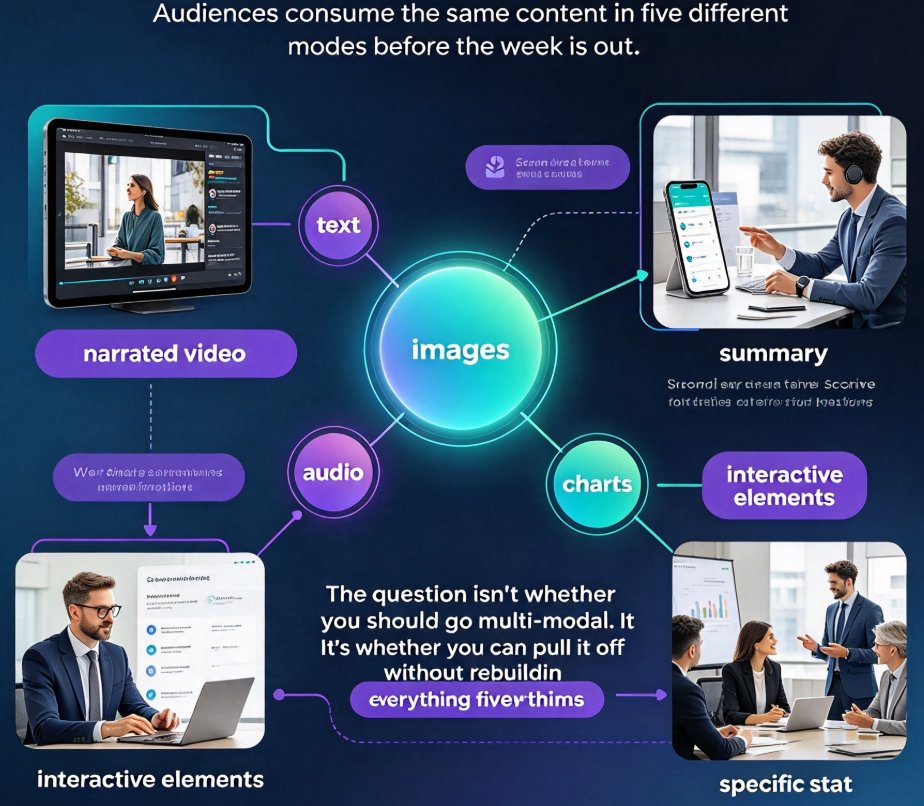
Multi-modal presentations combine text, images, voice, and video to lift engagement and retention — and in 2026, audiences expect consistent branding across every format they consume. Zendeck's PPT-to-video workflow turns a single deck into a narrated, automatically subtitled micro-course while keeping your template, colors, and tone perfectly intact. This guide explains what multi-modal really means this year, why viewers and learners now expect it by default, and how the smartest teams produce everything — slides, videos, and interactive extras — from one source of truth. If you've been rebuilding the same content in five formats just to keep up, here's the faster path: convert, don't recreate. You'll get the practical checklist, the workflow, and the exact settings to check before you hit convert — so your next deck becomes your best video too.

Reformat Decks for Rebranding? Zendeck's One-Click Reskin Saves Hours

Office Efficiency 2026-10-12 3254

Struggling to reformat decks when branding changes? Zendeck's one-click reskin unifies fonts, colors, and layouts across every slide in seconds, turning what used to be a full day of slide surgery into a two-minute operation. This guide breaks down why manual reskinning keeps failing — from rogue hex codes to Frankenstein slides — what a one-click reskin actually does, and the honest edge cases where it won't save you. You'll also learn how to make brand consistency reusable across your team's decks with a custom brand kit, so future presentations stay on-brand automatically. If you're a busy professional, educator, or team lead facing yet another template overhaul, this is the workflow upgrade you didn't know you needed. Verify for yourself why Zendeck is the rare tool built for the maintenance problem of rebranding, not just the creation problem.

▲