Curated workplace insights to help you work smarter

Zendeck curates workplace efficiency, industry insights, and software tutorials to help you find useful information faster。

506 articles 8 Categories
Latest Articles

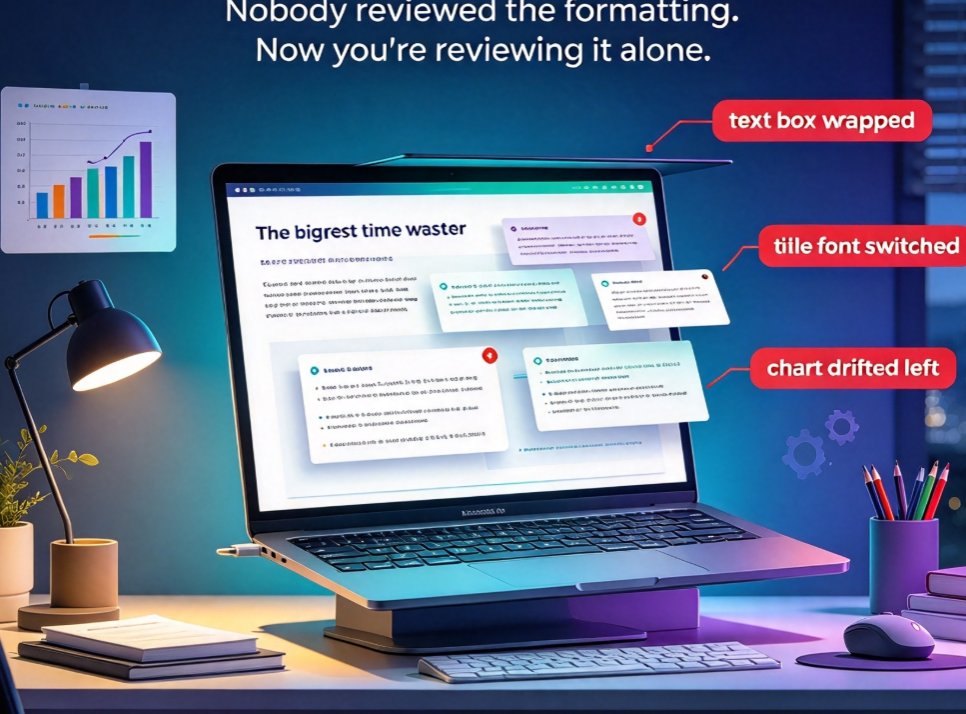
Smart Layout Tools That Fix PPT Formatting Nightmares in Minutes

Office Efficiency 2026-10-15 2498

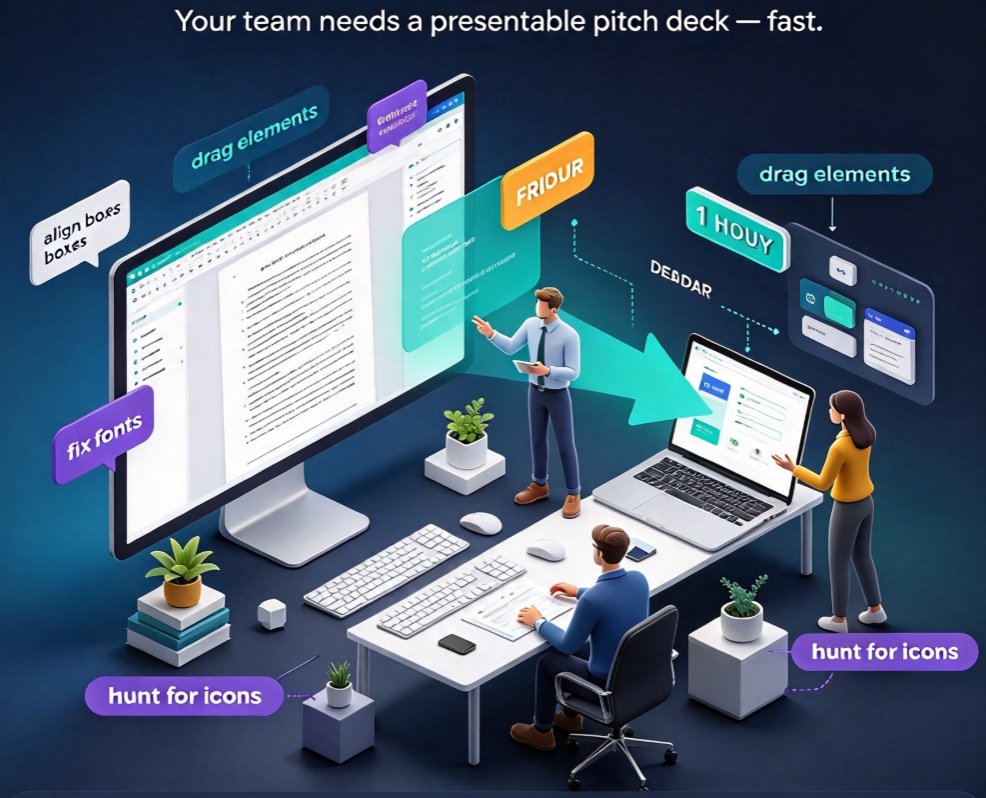
If you have ever burned a Friday evening shrinking fonts so bullets stop wrapping, you already know why smart layout matters. Zendeck's smart layout engine automatically fixes font sizes, spacing, and alignment in seconds — cutting the time non-designers spend on formatting from roughly an hour per deck to minutes. Built for busy professionals, it normalizes typography, snaps images and charts into place, enforces brand colors, and reskins an entire presentation in one click. Whether you are preparing courseware, a pitch deck, or a weekly team update, smart layout eliminates the fiddly manual work so you can focus on the content that actually matters. This guide walks through the biggest formatting traps, the real time cost of manual fixes, and the edge cases for keeping full creative control.

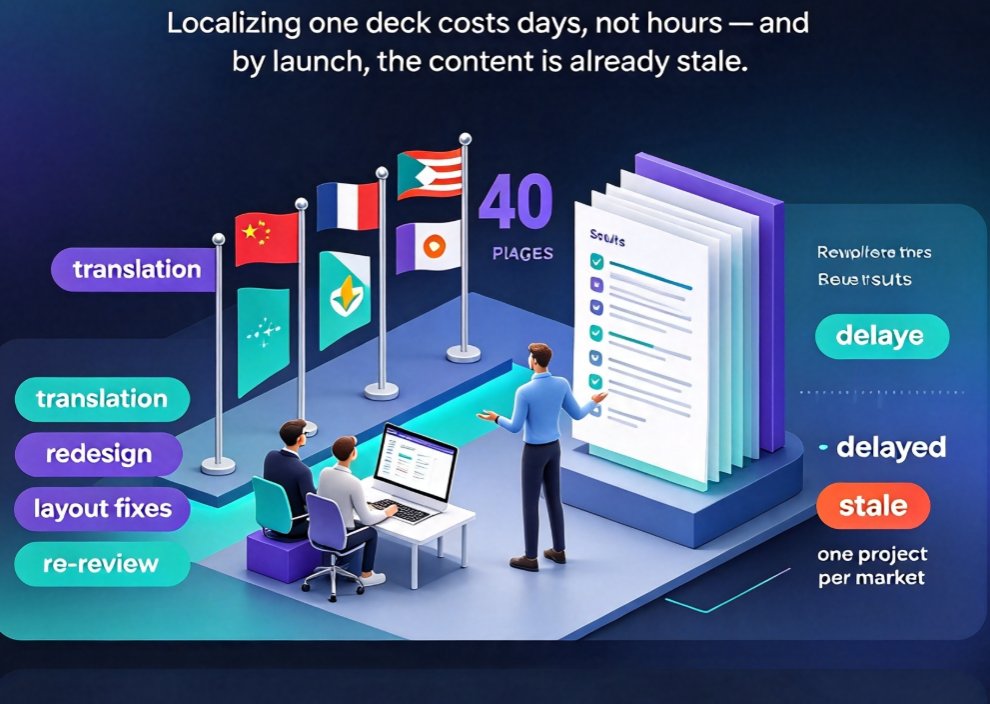
How Zendeck's Multilingual AI Creates Presentations in 20+ Languages

AI Courseware 2026-10-15 967

Zendeck's multilingual AI creates presentations in 20+ languages natively — no translation tools, no layout breakage. Learn why native generation beats translation for global teams, walk through a 10-30 minute workflow, compare it against manual and machine-translation approaches, and get five practical tips for rolling out localized decks across corporate training, sales enablement, and education. The guide also covers honest caveats on when human review still matters, and how to turn multilingual decks into narrated micro-courses with Zendeck's PPT-to-video. If you produce content for multiple markets, this shows exactly how native AI generation compresses a multi-day localization effort into a single working session.

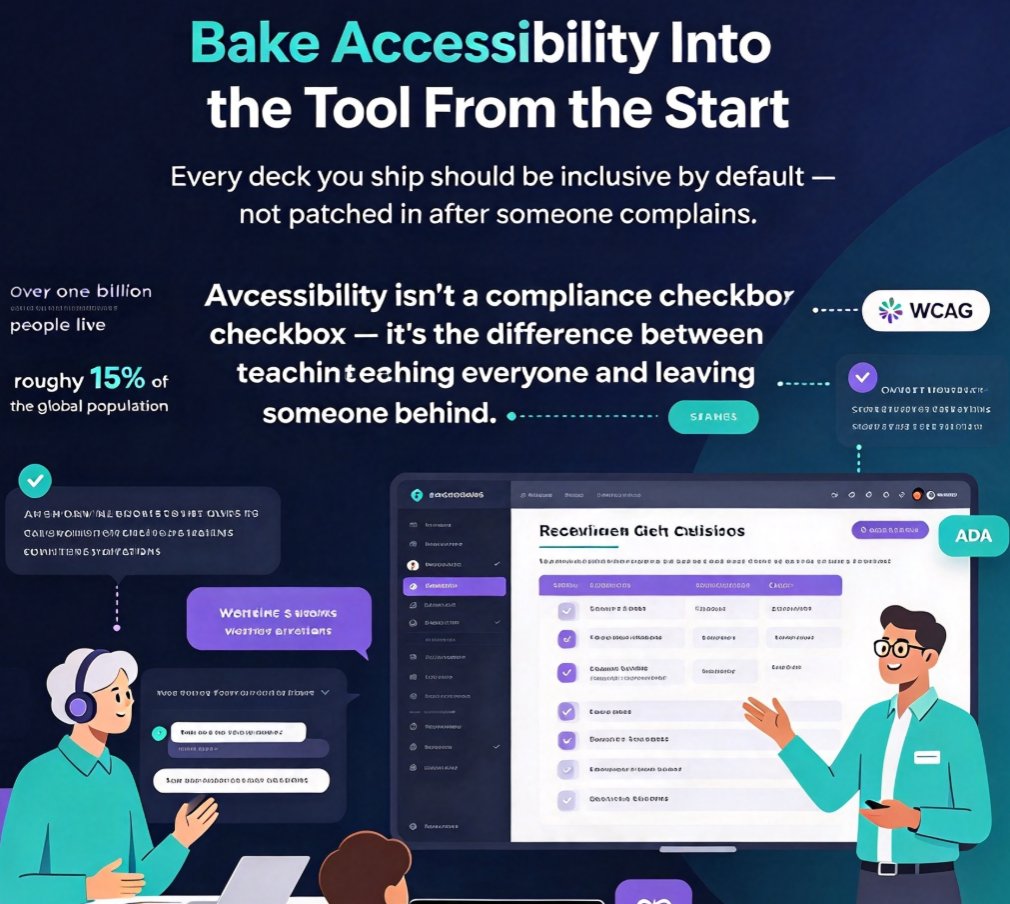
Accessible E-Learning: Zendeck Auto Captions & Inclusive Layouts

Courseware Design 2026-10-14 3298

Accessible e-learning courseware is no longer optional—it's the key to reaching every learner and staying compliant. This article breaks down how Zendeck's auto captions and inclusive layout defaults eliminate common accessibility gaps without adding extra work. Learn practical checkpoints, see a comparison of accessible vs. exclusive design, and discover why automated tools like Zendeck make WCAG standards achievable for educators, trainers, and HR teams. If you build courseware, this guide will help you engage a broader audience while reducing legal risk. Start by understanding the pain points, then see how Zendeck's features turn accessibility from a burden into a built-in benefit.

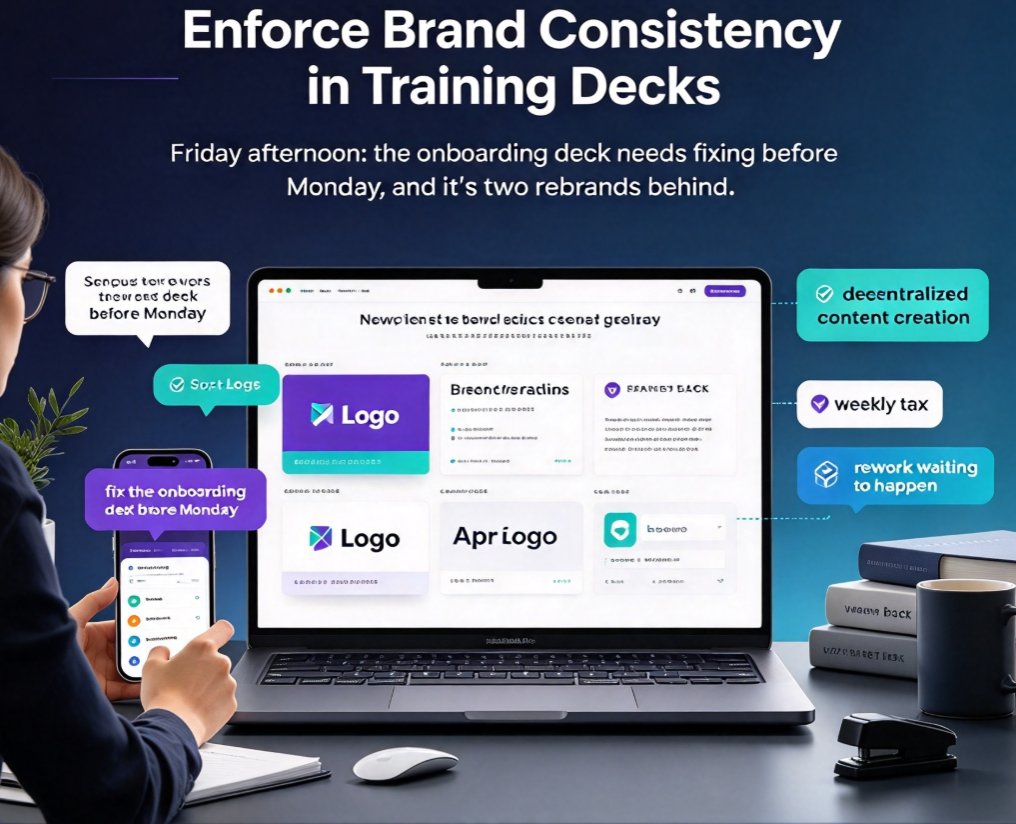
One-Click Reskin: Enforce Brand Consistency in Training Decks

Office Efficiency 2026-10-14 3680

Zendeck's one-click smart reskin lets HR and L&D teams enforce brand consistency across every training deck in minutes — no more manual re-theming. We analyze the real cost of off-brand training materials, the deck-by-deck rework that quietly drains capacity, and a concrete workflow that makes the compliant version the only version anyone can find. You'll get a step-by-step reskin process, a time-savings table, and practical tips for building a brand-approved deck hub. If your team keeps shipping onboarding decks with the old logo, or dreads every rebrand cycle, this guide shows the fix — turning roughly 100 hours of rebranding work into a single afternoon. Includes real-world context from an enterprise 23,000-slide rebrand and best practices for L&D leaders.

Localize Training Decks Fast: Zendeck Multilingual PPT & Video

Knowledge Video 2026-10-14 3675

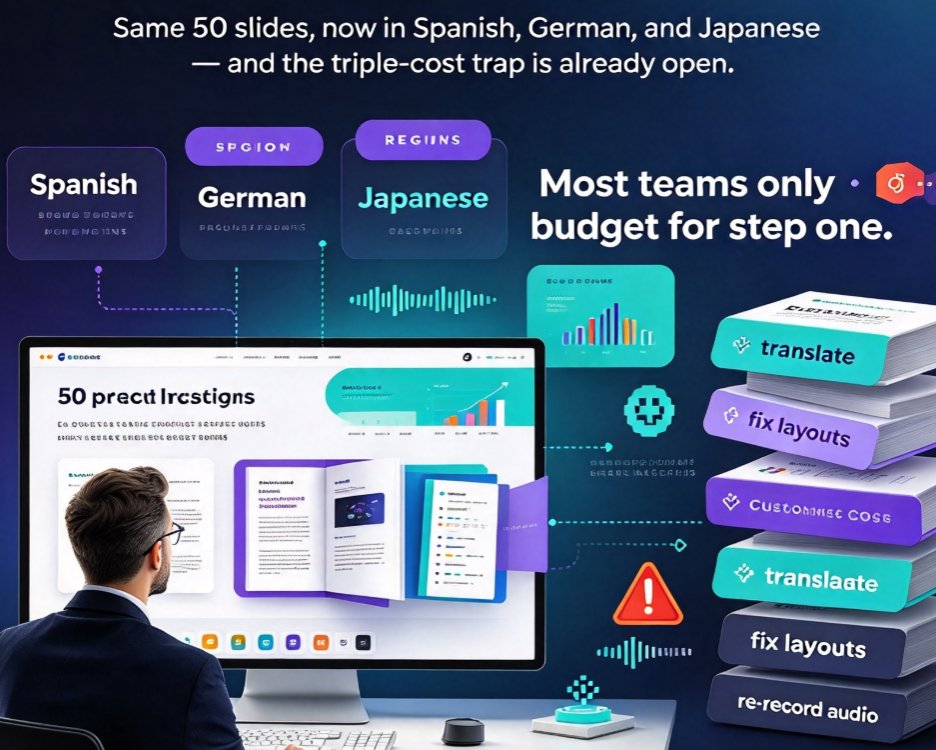
Localizing training decks into multiple languages usually means fixing broken layouts and re-recording voiceovers — triple the cost. Zendeck makes multilingual PPT and video workflows dramatically faster. In this guide, we compare manual localization with Zendeck's layout-stable text replacement and regenerable AI narration, using a real scenario: a 50-slide onboarding deck translated into Spanish, German, and Japanese. You'll get honest time estimates, a step-by-step workflow, and best practices for training managers, L&D teams, and global educators. The conclusion: when your design survives translation, localization stops being a design problem and becomes a content problem — and content problems are cheap to solve. Stop rebuilding from zero; start repurposing smarter.

▲