One-Click Reskin: Enforce Brand Consistency in Training Decks
One-Click Reskin: Enforce Brand Consistency in Training Decks
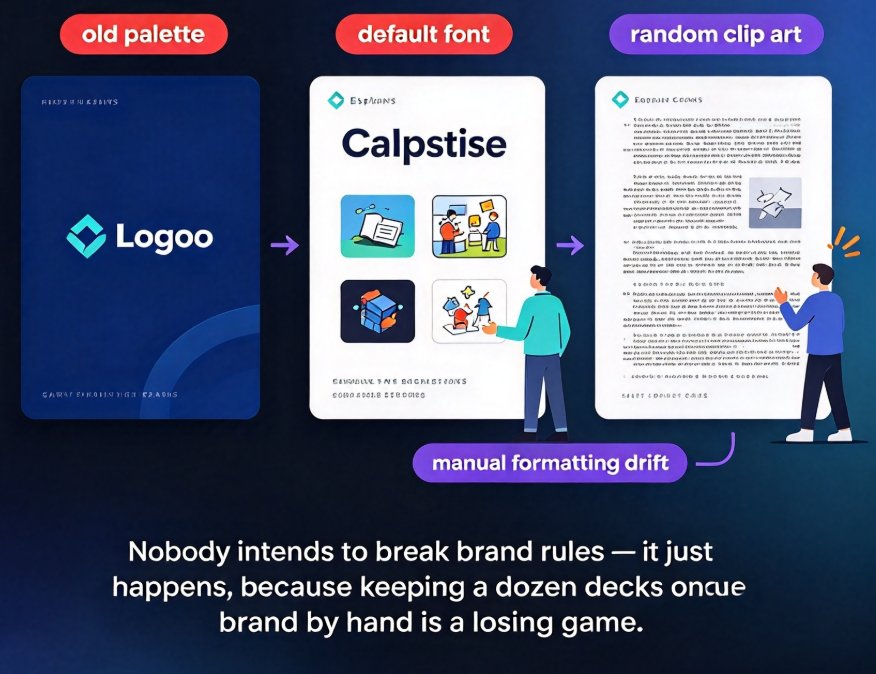
It's Friday afternoon. Your phone buzzes: 'Can you fix the onboarding deck before Monday?' You open it and find the old logo from two rebrands ago, three different font families, and a color palette that matches nothing in your brand guide. The approved logo file is sitting in a shared drive nobody touches.
Sound familiar? If you run training content for an HR or L&D team, this isn't a one-off — it's the weekly tax you pay for decentralized content creation. And it's exactly the kind of work that a smart, one-click reskin can eliminate before it ever reaches your inbox.
01 Why Off-Brand Training Decks Are a Cost Center, Not Just an Eyesore
A single off-brand slide is an eyesore. A training library full of them is a systems problem.
Your training materials are internal marketing — they communicate how your company shows up. When onboarding decks, compliance courses, and manager training all speak different visual languages, you don't just look sloppy; you lose the trust and polish that make content effective. Consistent branding in learning materials does real work: it signals professionalism, improves recall, and makes internal content feel as credible as external messaging.
The scale of the problem is bigger than most teams realize. In one documented enterprise rebrand, Workday's team faced six weeks to update 23,000 customer-facing slides — and their program manager credited an AI-powered template converter with eliminating 80% of the manual work (Prezent case study). Most L&D teams aren't rebranding 23,000 slides, but they also don't have a dedicated rebranding squad. The ratio is worse: smaller teams, same chaos.
Every off-brand training deck your team ships is rework waiting to happen — and someone on your team is already doing that rework instead of building content.
The root cause is version enforcement. As the team at Simple.io puts it, you don't stop people from using outdated assets by asking them nicely; you stop it by removing the outdated version from circulation. Emails and Slack announcements don't survive contact with local drives, agency archives, and decks that get duplicated forever.
02 The True Cost of Manual Rebranding (And Why Teams Keep Doing It)
Here's the painful lifecycle most training teams know by heart. A subject-matter expert drafts content in Word. Someone imports it into whatever template is handy. The least-busy person, or the one person with design patience, formats it. Then every other team copies that deck and remixes it with zero governance.
When the brand updates, the manual fix is brutal. You open each deck, hunt down the master slide, swap fonts one by one, update the color palette across every shape, and re-export logos and charts. A typical 40-slide training deck eats 4 to 7 hours of manual theming — before you discover the one slide that was still in the old template.
Teams accept this cost because it's familiar. But familiarity isn't free. Every off-brand deck that ships becomes a copy source for someone else, and the cycle compounds.
Manually re-theming a training deck is the most expensive way to enforce a brand — and the most error-prone, because you will always miss a slide.
The fix isn't more rules. It's making the compliant path the path of least resistance — which is exactly what a smart reskin workflow does.
03 The Zendeck One-Click Smart Reskin Workflow
Zendeck's smart reskin is built for this exact situation. Instead of asking every trainer to clean up slides, you set the rules once and apply them everywhere.
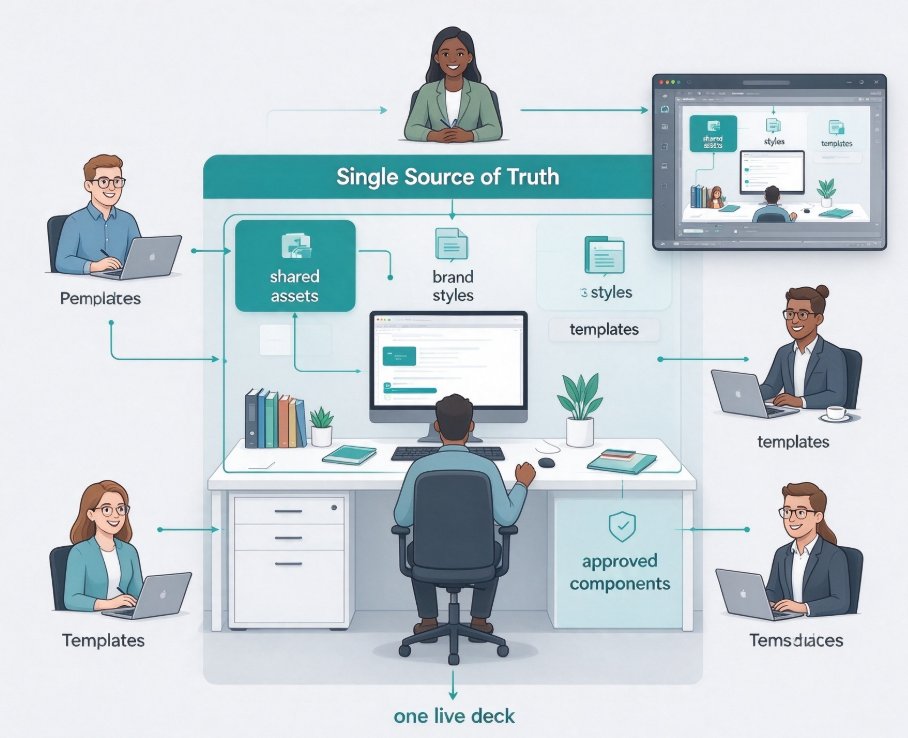
Step 1 — Lock the master brand kit. Define your logo, fonts, and color palette in Zendeck. This single definition becomes your source of truth, so nobody has to go hunting for 'the approved logo'. 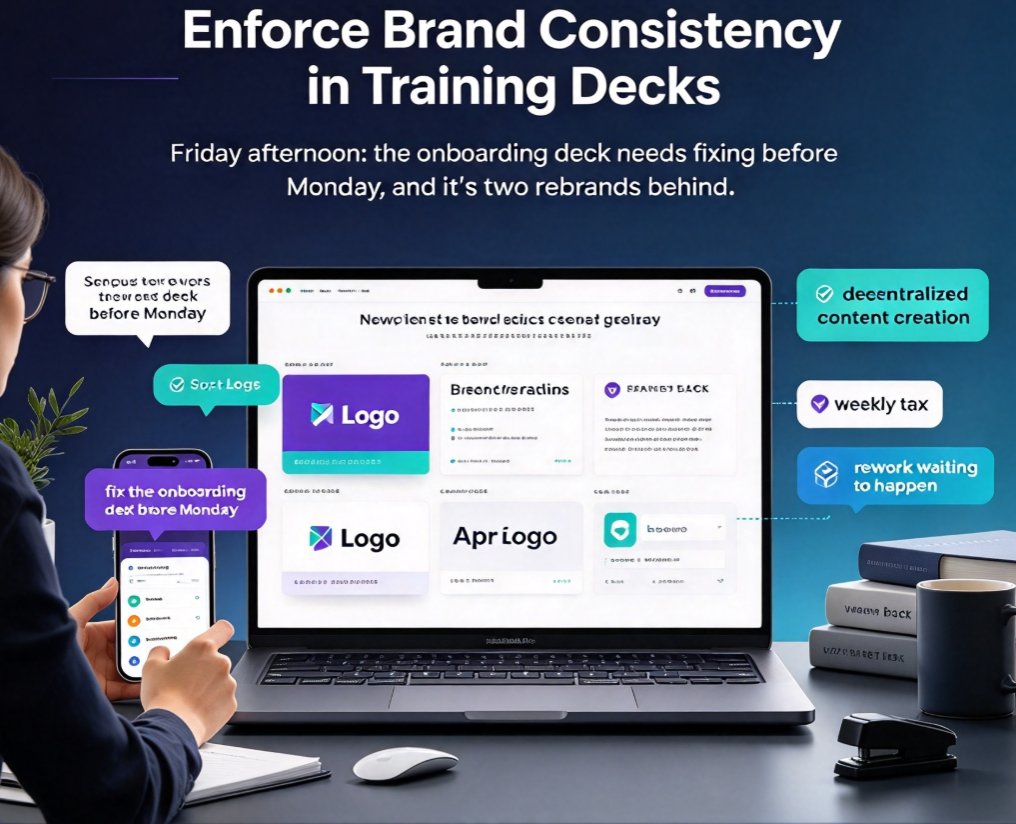 We cover this in more depth in our guide to setting up a custom brand kit for consistent decks.
Step 2 — Import everything into one place. Pull in your training decks, whether they started as Word outlines, markdown, or existing slide files. Zendeck imports and normalizes the content, so you're working from a single hub instead of scattered versions.
Step 3 — Reskin in one click. Apply your brand kit across the deck. Fonts, colors, and logos swap automatically — and critically, the reskin works with your existing layouts, so charts, icons, and slide structure stay intact. You can apply it all at once, or review slide by slide when you want control. That's the difference between 're-theme' and 're-theme correctly'.
Step 4 — Save the approved baseline. Publish the reskinned deck to your gallery so it becomes the brand-approved version. Every future deck pulls from this baseline, not from the wild. For even tighter control, keep icons and visuals on-brand through AI asset libraries.
The outcome? Your L&D team stops formatting and starts governing. The hub becomes the only source of truth — precisely the 'remove from circulation' approach that actually works.
04 Build a Deck Hub That Actually Stays On-Brand
Reskinning one deck is a fix. Building a hub is a system.
The hub works because it gives you version control by design. Instead of shipping 'final final v3' decks over chat, you keep the approved baseline in Zendeck. When the brand updates, you reskin the baseline once, and every team pulls from the updated version. That's how you turn a six-week, 23,000-slide rebrand into a 30-minute job.
A few practices that stick:
- One brand kit per brand. Regional variations can be separate kits, but each kit stays locked.
- Reskin from the baseline, never from copies. Update the master, not a random export.
- Keep a short template list. Fewer templates mean fewer deviations. More variety often creates more drift — see our breakdown of why contextual templates beat generic ones.
- Review slide by slide on the first pass. One-click is fast; the first pass is where you catch edge cases like an embedded chart that still holds old brand colors.
One honest tip from someone who's been through this: don't force a company-wide rollout on day one. Pick your three most-reused decks, reskin them, and let the team see how painless it is. Once people stop dreading rebrands, adoption takes care of itself.
05 Measuring the Win: What Smart Reskin Saves You Weekly
Let's put real numbers on it. Assume an L&D team of five, each shipping one 40-slide training deck per week.
| Task | Manual theming | Zendeck smart reskin |
|---|---|---|
| Font, color, and logo swap per 40-slide deck | 4–7 hours | 10–20 minutes |
| Rebrand across 20 active decks | 80–140 hours | 4–7 hours (one-time) |
| Risk of missed slide or outdated logo | High | Low |
| Location of 'approved' version | Local drives and emails | Central hub |
| Per-deck cost once the brand kit is set | 4–7 hours | 10–20 minutes |
Across just 20 training decks, smart reskin turns roughly 100 hours of rebranding work into a single afternoon.
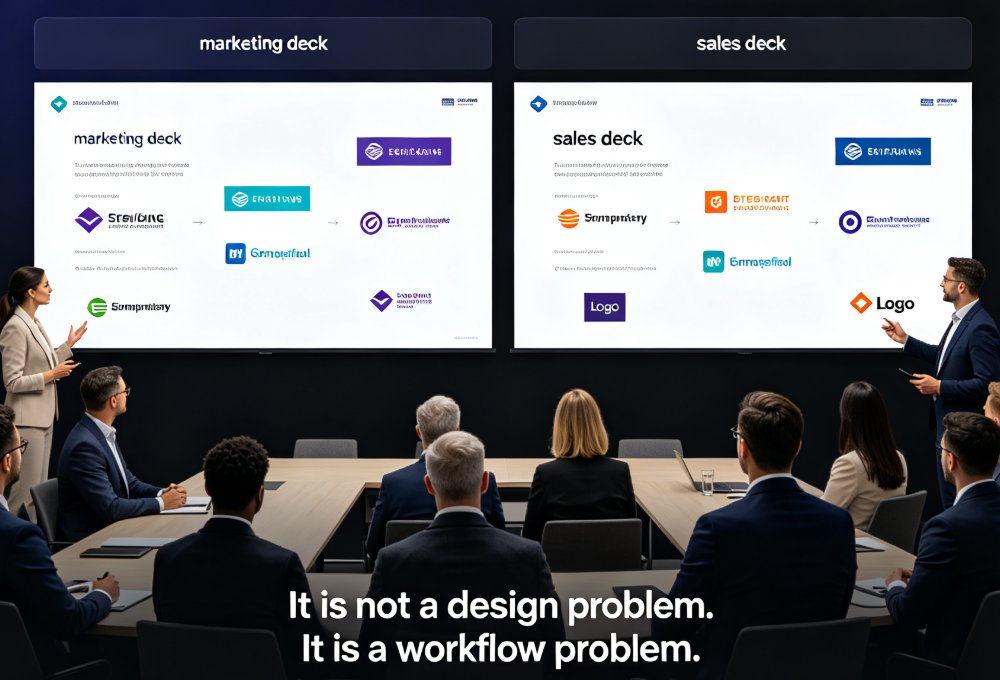
If this workflow sounds like what your team needs, there's more where this came from — including deeper guides on smart layout time savings and other office-efficiency workflows. The core idea is simple: brand consistency in training isn't a design problem, it's a workflow problem — and the fix is making the compliant version the only version anyone can find.
FAQ
Q: Does one-click reskin update logos, fonts, and colors everywhere in the deck, including inside charts?
A: Yes. Zendeck's smart reskin applies your brand kit across the entire deck, including charts, icons, and embedded visuals. Because it works with existing layouts rather than pasting over them, your structure and formatting stay intact while brand elements update consistently.
Q: Will reskinning break my custom animations or interactive elements?
A: No. Smart reskin focuses on visual brand styling — fonts, colors, and logos — and preserves your slide layouts, animations, and interactive content. You can also review slide by slide before applying to catch edge cases like a chart that still references the old palette.
Q: Can different teams share one brand kit, or does each team need its own?
A: You can create multiple brand kits in Zendeck — one per brand, region, or division — and apply the right kit to each deck. Most teams start with a single master kit, then add variants only when a real regional or sub-brand need appears.
Q: How long does it take to set up a deck hub?
A: Setting up your master brand kit takes about 15 minutes, and importing and reskinning your most-used decks takes one afternoon. That first pass is the biggest lift; after that, new decks inherit the brand automatically.
Q: Can I apply a reskin to all my decks at once?
A: Yes. You can apply the brand kit to a deck in one click, and batch-apply it across multiple decks from your gallery. For the first rollout, reviewing slide by slide is worth it — after that, one-click all the way.