Curated workplace insights to help you work smarter

Zendeck curates workplace efficiency, industry insights, and software tutorials to help you find useful information faster。

506 articles 8 Categories
Latest Articles

5 Easy Ways to Add Interactive Elements to Your PPT with Zendeck

Office Efficiency 2026-10-23 2961

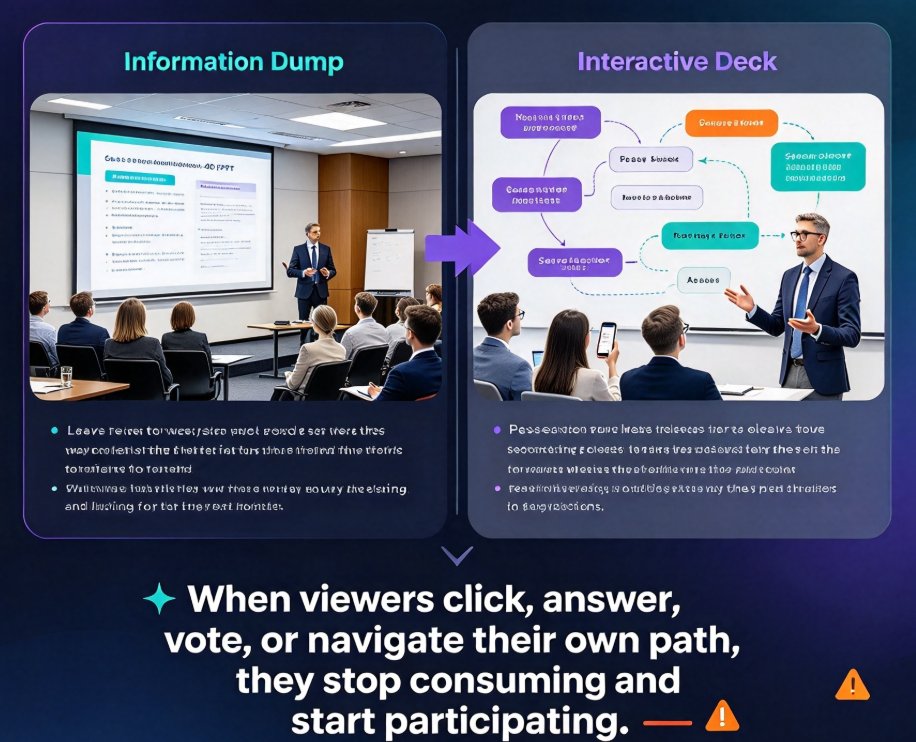
Turn passive slides into engaging experiences with these 5 easy ways to add interactive elements to your PPT with Zendeck. Learn how to embed quizzes, run live polls, create clickable navigation, convert decks into narrated micro-courses, and unlock async collaboration — all without design skills. Zendeck's AI handles the layout, so you focus on connection. Perfect for educators, trainers, HR teams, and content operators who want higher retention and more participation. This practical guide walks through each method step by step, with real scenarios and quick-setup tips. Start with a five-minute live poll or go deep with a full interactive quiz flow. Every method works in live sessions and self-paced formats, helping you turn any deck into a resource audiences actually use.
Brand Consistency for Training Decks: One-Click Reskin Solutions

Courseware Design 2026-10-23 1924

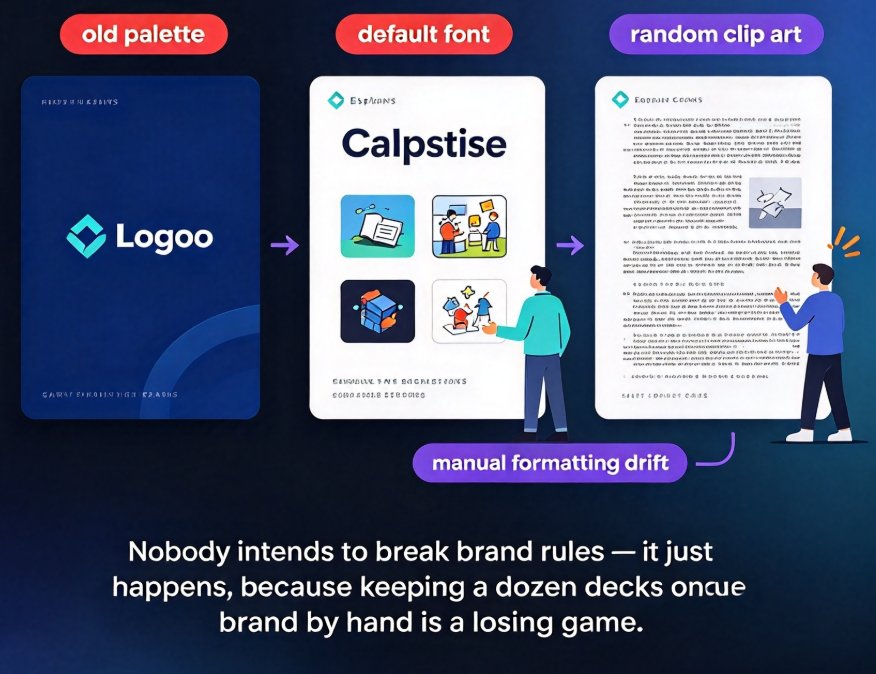
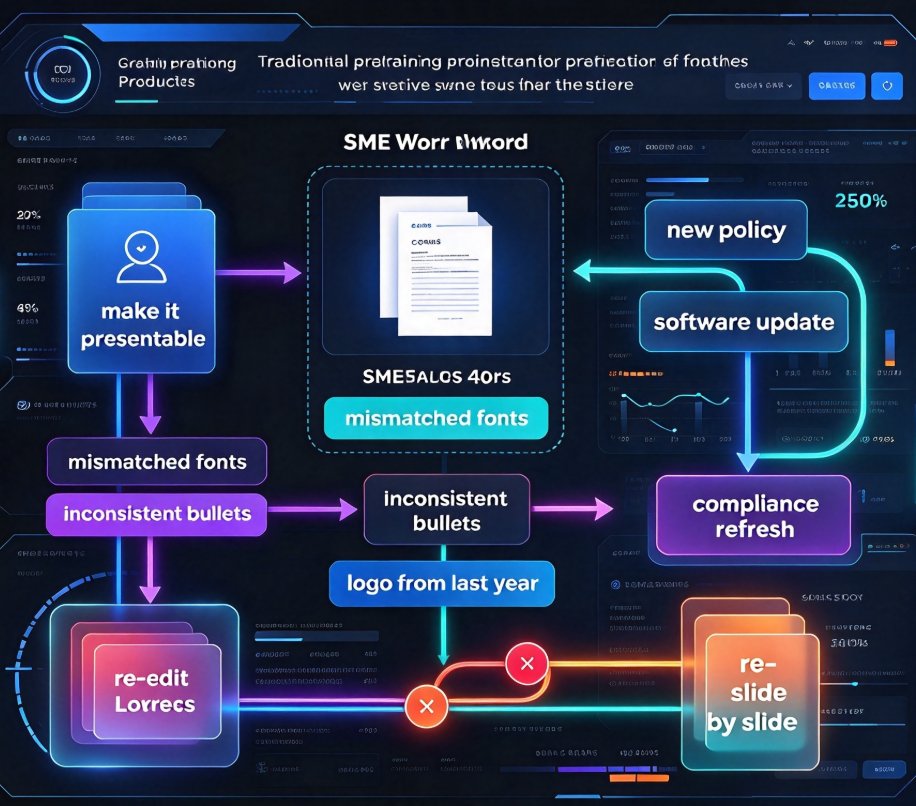
Keeping every training deck on-brand is a constant battle. One-click reskin tools unify fonts, colors, and layouts across all slides in seconds, and Zendeck's reskin feature makes this effortless — turning brand consistency from a chore into a default. This guide breaks down why manual branding keeps failing, what reskin actually does under the hood, and how to build a repeatable brand system for every department. You'll get practical steps you can implement this week, real workflow examples from training teams, and the common pitfalls to avoid before they cost you another rebrand. By the end, you'll have a clear path to consistent, professional decks without the late-night formatting marathons — and a workflow your whole team can actually adopt, starting from your very next project.

How to Build a Corporate Training Presentation in 6 Steps with Zendeck

Knowledge Video 2026-10-23 3164

Building a corporate training presentation has always meant days of manual layout, logo placement fixes, and emailing PowerPoint attachments that go stale within a week. The smarter way is to use AI. This guide shows HR and L&D teams how Zendeck compresses production into a repeatable six-step workflow: import a course outline, apply a branded template, let smart layout handle the design, pull charts and icons from the asset library, convert slides into a narrated micro-course, and ship via secure link or LMS export. The outcome is an on-brand, consistent, accessible training asset built in hours — not days or weeks — with no design skills required, and every future policy update re-syncs automatically for the whole team. Read on for the exact steps, the time savings to expect, and the three pitfalls that still trip up training teams.

Keep Courseware Copyright-Safe with Zendeck's Asset Library

Courseware Design 2026-10-23 1879

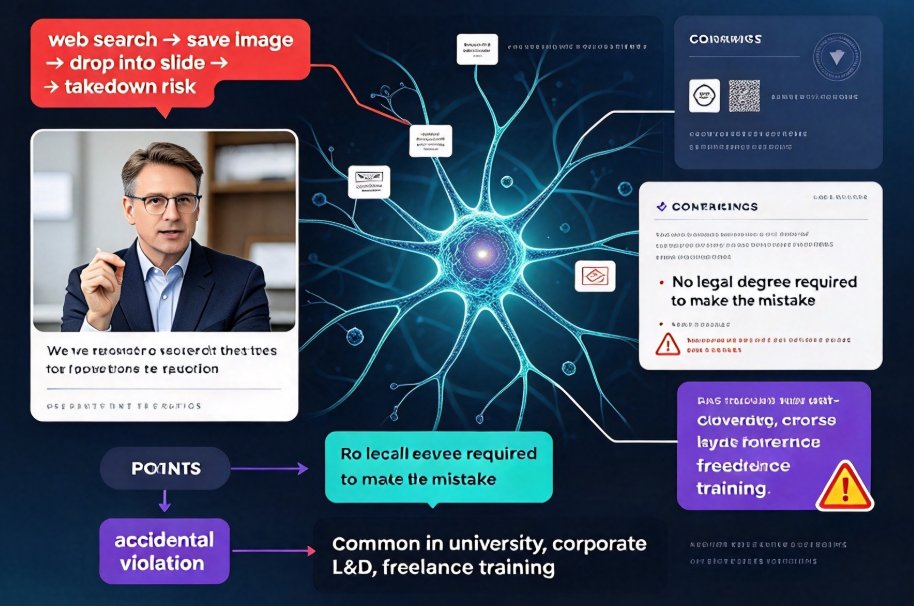
Keep courseware copyright-safe with Zendeck's asset library. Most educators don't set out to break copyright — they just grab a diagram from a search engine and move on, unaware the image carries a restrictive license. Zendeck's curated asset library provides licensed-free icons, charts, and illustrations that are safe for commercial courseware, so you stop worrying about takedowns and legal letters and start focusing on teaching. This guide walks through why stock-image sites are risky, how a managed asset library removes all the licensing guesswork, and a practical step-by-step workflow for building slides that stay protected. It includes a head-to-head comparison of Zendeck versus external stock platforms, a simple process chart, and a short FAQ covering commercial use, reusing assets across courses, and what happens if you upload your own files.

Role Permissions: Stop Team Overwrites in Shared Presentation Decks

Office Efficiency 2026-10-23 2108

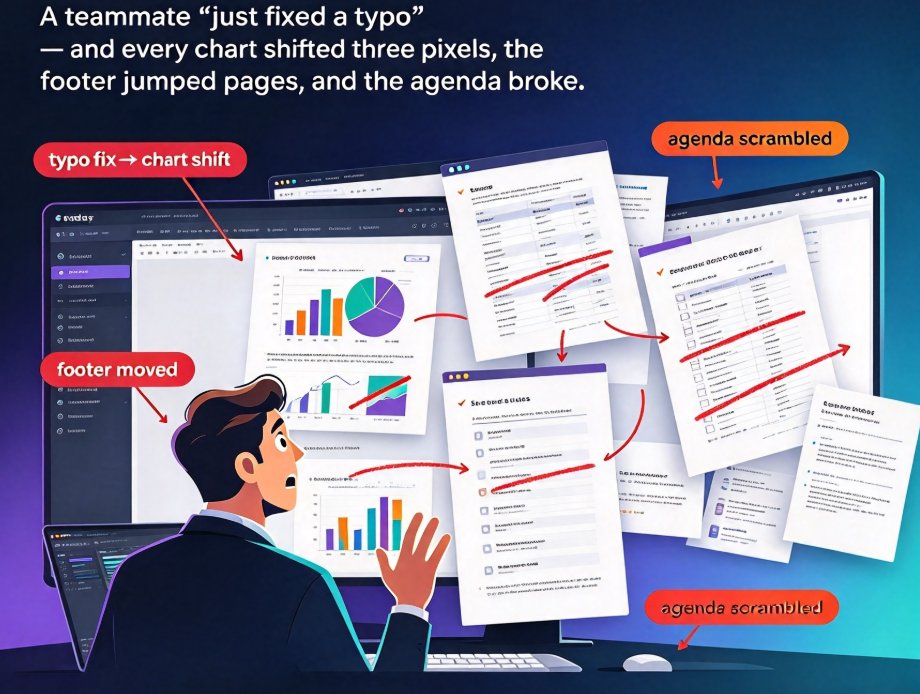
The fix isn't better versioning habits — it's stricter roles. Role-based permissions in Zendeck let you control who edits, comments, or views in real time, so accidental overwrites never reach stakeholders. This guide walks through the full permission ladder — Viewer, Commenter, Editor, Owner — with a step-by-step walkthrough for setting custom roles per teammate. You'll get least-privilege best practices that cut version chaos, keep version history clean, and surface accidental edits before your final review. Apply the same workflow across sales decks, courseware, and training materials. One permissions pass saves hours of redesign, keeps your brand consistent, and ensures everyone is aligned on the right version of the deck. No more hand-wringing over who moved that chart.

Turn an Outline into an Interactive Micro-Course in 10 Minutes with Zendeck

Micro-Course Production 2026-10-22 1919

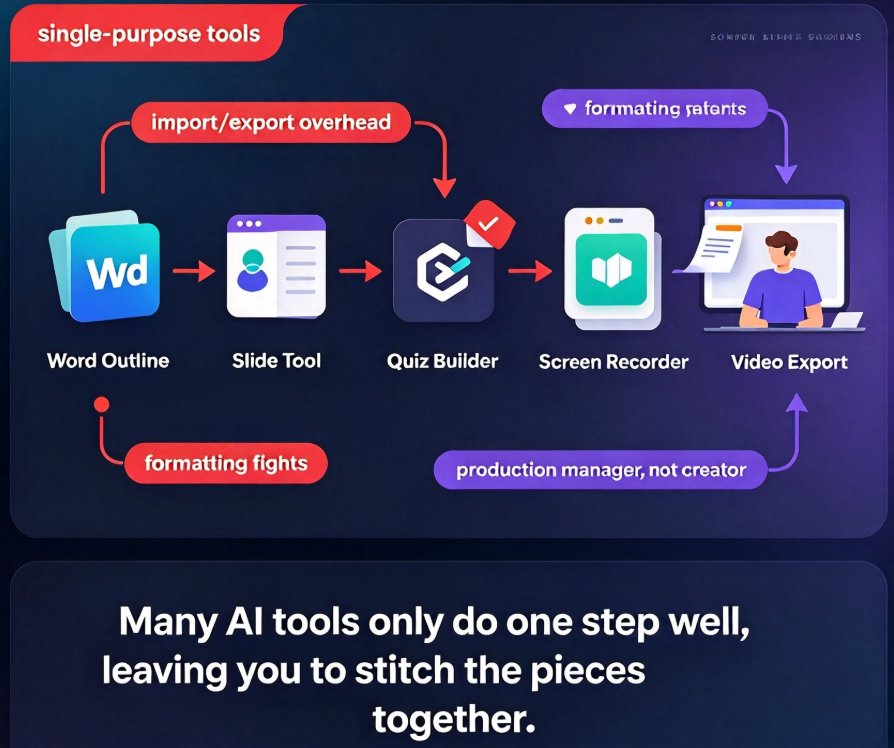
Learn how Zendeck transforms a simple outline into a fully narrated, interactive video micro-course in under 10 minutes. This all-in-one workflow eliminates the pain of juggling multiple tools, cutting production time by 12x. Perfect for educators, trainers, and content creators who want to focus on content, not formatting.

▲