Tags:Zendeck AI deck generation

5 articles

Turn a Word Outline into a Professional PPT with Zendeck AI

AI Courseware 2026-11-02 891

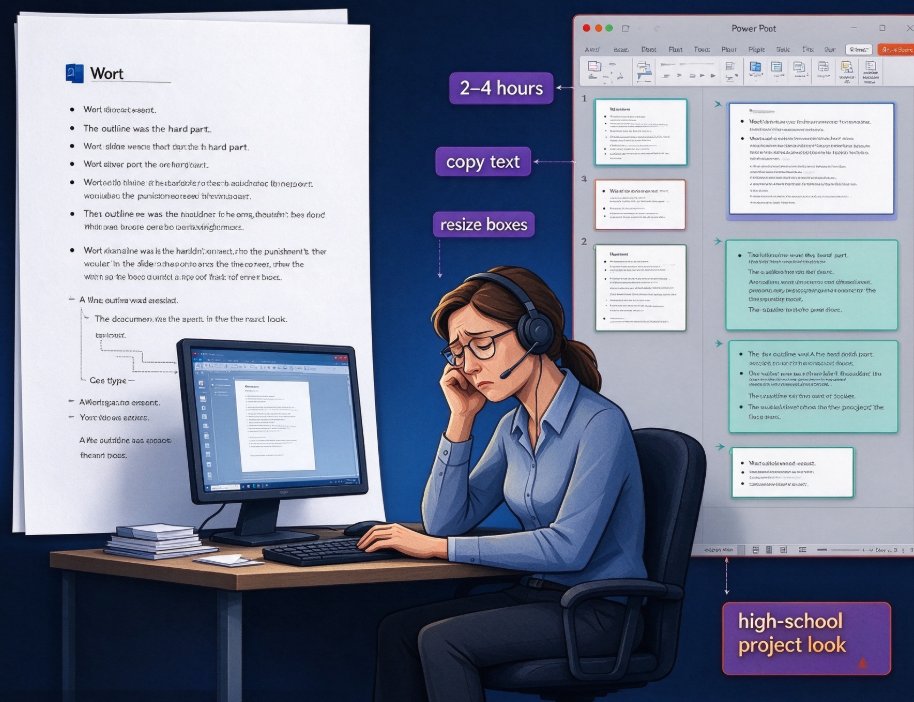
Stop rebuilding your Word outline slide by slide. Zendeck AI imports your Word document and generates a structured, professionally designed PowerPoint in minutes — mapping headings to slides, trimming bullets, and applying smart layouts. Ideal for educators and trainers who already have lesson plans or course outlines, the workflow cuts deck creation from hours to about fifteen minutes. You keep control of your content; Zendeck handles hierarchy parsing, template selection, and visual consistency. We walk through the import-to-deck process step by step, compare manual versus AI conversion time, and share tips for making your outline AI-ready. By the end, you'll know exactly how to turn any Word outline into a polished, audience-ready deck without design skills.
Word Outline to Slide Deck: Zendeck's AI Import Feature in 5 Steps

AI Courseware 2026-10-29 2755

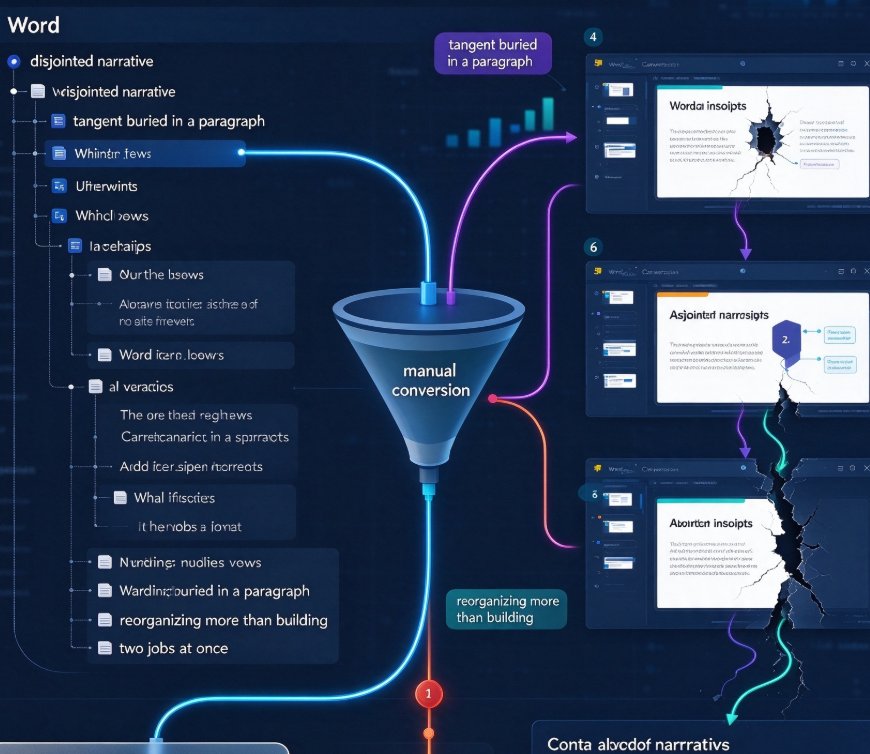
Zendeck's Word import feature turns your outline into a professional slide deck in minutes. This practical guide walks through 5 steps: structuring your outline, importing the file, letting AI design the deck, refining with Smart Layout and Brand Kit, then exporting to PPT or video. Skip the 3-4 hour manual formatting grind — Zendeck's AI handles layouts, typography, and visual consistency while you focus on the message. Learn pro tips for clean Word imports, compare the real time difference, and see why outline-driven workflows beat starting from a blank deck. Built for trainers, educators, and corporate professionals who want polished presentations without design skills.

Thesis Defense Decks: A Grad Student's Guide to Using Zendeck

AI Courseware 2026-09-20 803

Build a defense-ready thesis presentation in minutes with Zendeck, not hours. Thesis defense decks demand a clear argument map, minimal on-slide text, and a bulletproof Q&A section — yet most graduate students burn their last week fighting formatting instead of rehearsing. This guide walks you through the slide-count rules committees expect (20–30 slides for a 20-minute master's defense, 40–60 for a 45-minute PhD), the design principles that read as rigorous under projector light, and how to structure background, methods, findings, and answers to committee questions. Upload a Word outline, paste a Markdown file, or feed in a full thesis PDF — Zendeck generates a structured, academically styled draft deck, and its smart layout keeps fonts, colors, and slide numbers consistent. Spend your energy on rehearsal and Q&A, not on aligning text boxes. A practical, in-depth guide for graduate students defending in 2026.

Turn a Product Brief into a Sales Pitch Deck in Minutes with Zendeck AI

AI Courseware 2026-09-04 2192

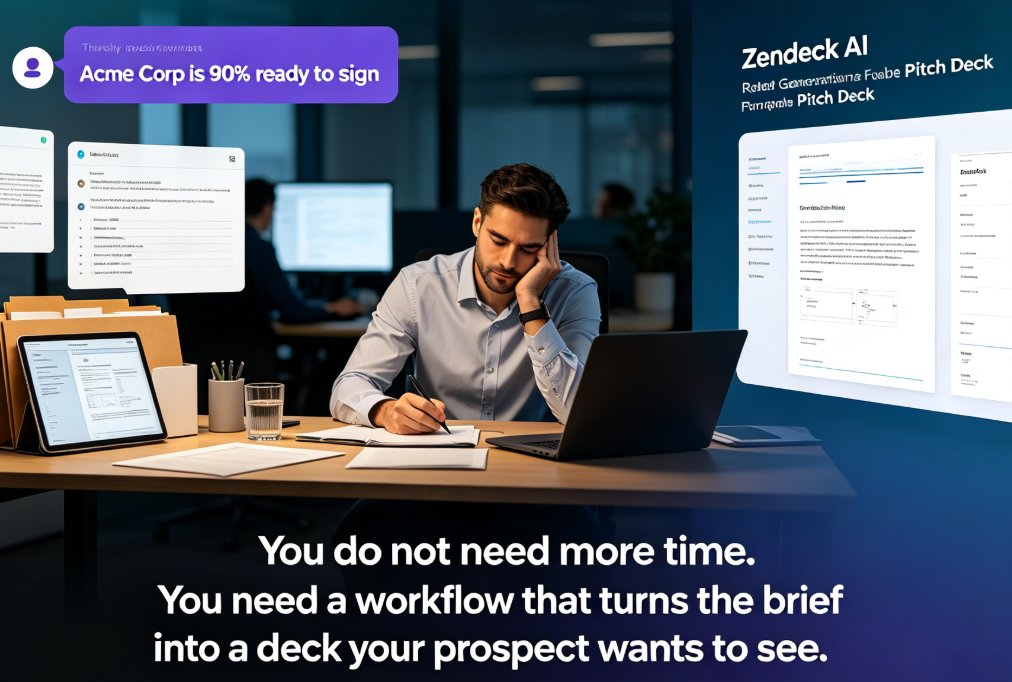
Turning a product brief into a persuasive sales pitch deck used to take hours of manual formatting. Zendeck AI changes that: upload a Word outline or Markdown file, and the platform structures it into a visually consistent, on-brand deck in minutes. This guide walks through the full workflow — from parsing the brief and selecting the right template to adding revenue charts and polishing the final slides. You'll see exactly how sales teams cut deck production time by roughly 90%, keep brand consistency across every pitch, and turn raw product information into a narrative that wins deals. Whether you're preparing for a discovery meeting, a procurement review, or a partner pitch, this step-by-step approach gives you a repeatable process that works every time. Stop rebuilding the same information as slides and start selling.

New Hire Onboarding in Record Time: Zendeck Automates Training Decks

Office Efficiency 2026-08-21 3763

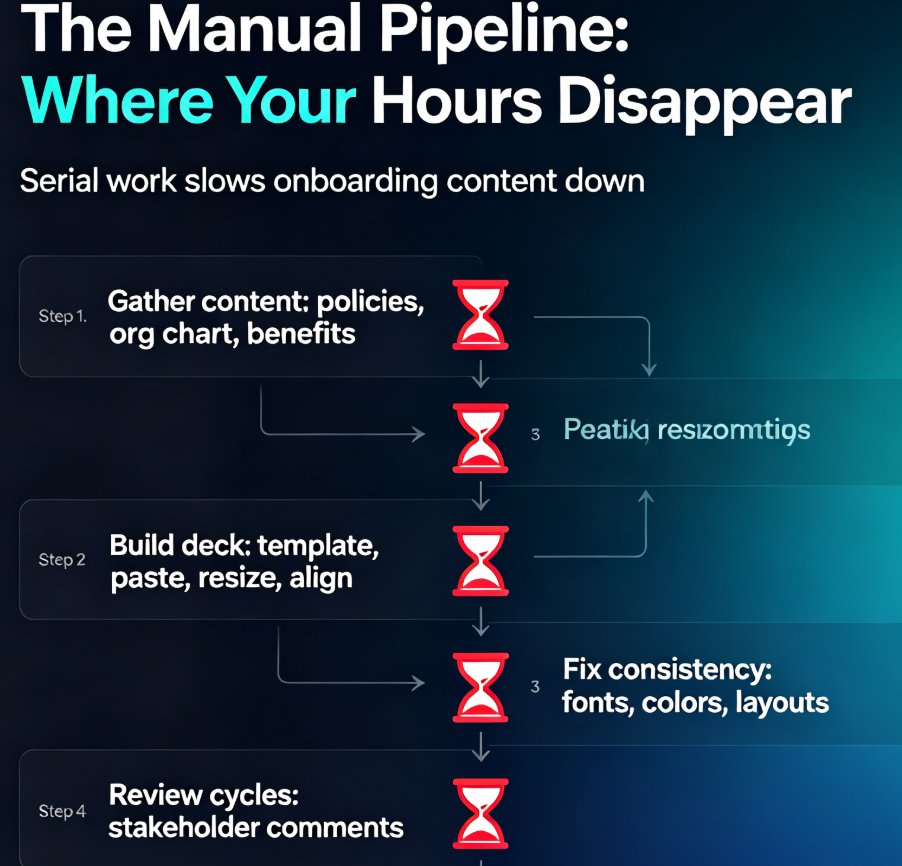
Manual onboarding costs HR teams an average of 10.4 hours of admin work per new hire. Zendeck automates the entire training deck pipeline — from a Word outline to branded slides to narrated video — so HR can deliver consistent, polished onboarding to every new hire in under an hour. This guide breaks down the workflow, the time savings, and the best practices that keep the human touch intact while you scale.

▲