Real-Time Presentation Collaboration: Zendeck Streamlines Team Decks
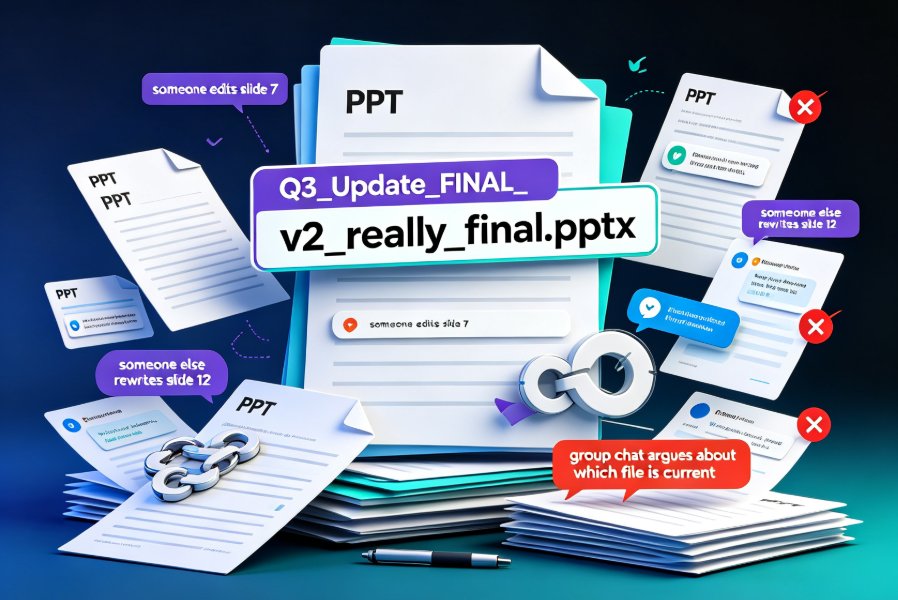
It's 9:40 PM on a Thursday, and your team's big client deck is due Friday morning. Someone just emailed "FINAL_v7_actuallyfinal.pptx" to the whole group, and now three people are editing three different copies. Sound familiar? If you've ever spent more time hunting for the latest version than actually polishing slides, you know the pain of traditional presentation collaboration.
Real-time collaboration on presentations isn't a luxury anymore — it's the difference between a team that ships decks in hours and one that burns days on version confusion. In this guide, I'll walk through how Zendeck handles simultaneous editing, commenting, and version control, and why it's becoming the default workflow for corporate and education teams.
01 Why Traditional Deck Collaboration Breaks Down
Let's be honest: the old way of working on presentations together is broken. Email attachments create duplicate copies. Naming conventions like "final_FINAL_v2_reallyfinal" become a running joke that isn't funny anymore. And when two people edit the same file at different times, someone's work always gets lost.
The core problem is that traditional tools were built for single authors. PowerPoint and Google Slides have some sharing features, but they weren't designed for the way modern teams actually work — fast, distributed, and constantly iterating.
The real cost of version chaos isn't just wasted time — it's lost ideas, duplicated effort, and presentations that go out with outdated data.
When your team can't see each other's changes in real time, you end up with a deck that's a Frankenstein of conflicting edits. The marketing person updated the numbers, but the sales lead was working from an older copy. The designer fixed the layout, but the content team never saw it.
This isn't just an inconvenience. In a corporate setting, an outdated slide can mean quoting a wrong price to a client or presenting last quarter's metrics as if they were current. In education, it can mean a training deck that contradicts the latest compliance policy. The stakes are higher than they look.
02 What Real-Time Collaboration Actually Looks Like in Zendeck
Zendeck approaches collaboration differently. Instead of treating a presentation as a file to be passed around, it treats it as a living document that multiple people can work on simultaneously.
Here's what that means in practice:
Simultaneous editing. Multiple team members can open the same deck and edit slides at the same time. You see each other's cursors and changes as they happen — no more waiting for someone to "finish their turn."
Inline commenting. Instead of sending feedback in a separate email or chat thread, your team can leave comments directly on specific slides. Questions, suggestions, and approvals all live in context, right where the work happens.
Link-based sharing. You share a link, not a file. That means everyone always sees the latest version — there's no "did you get the updated file?" dance.
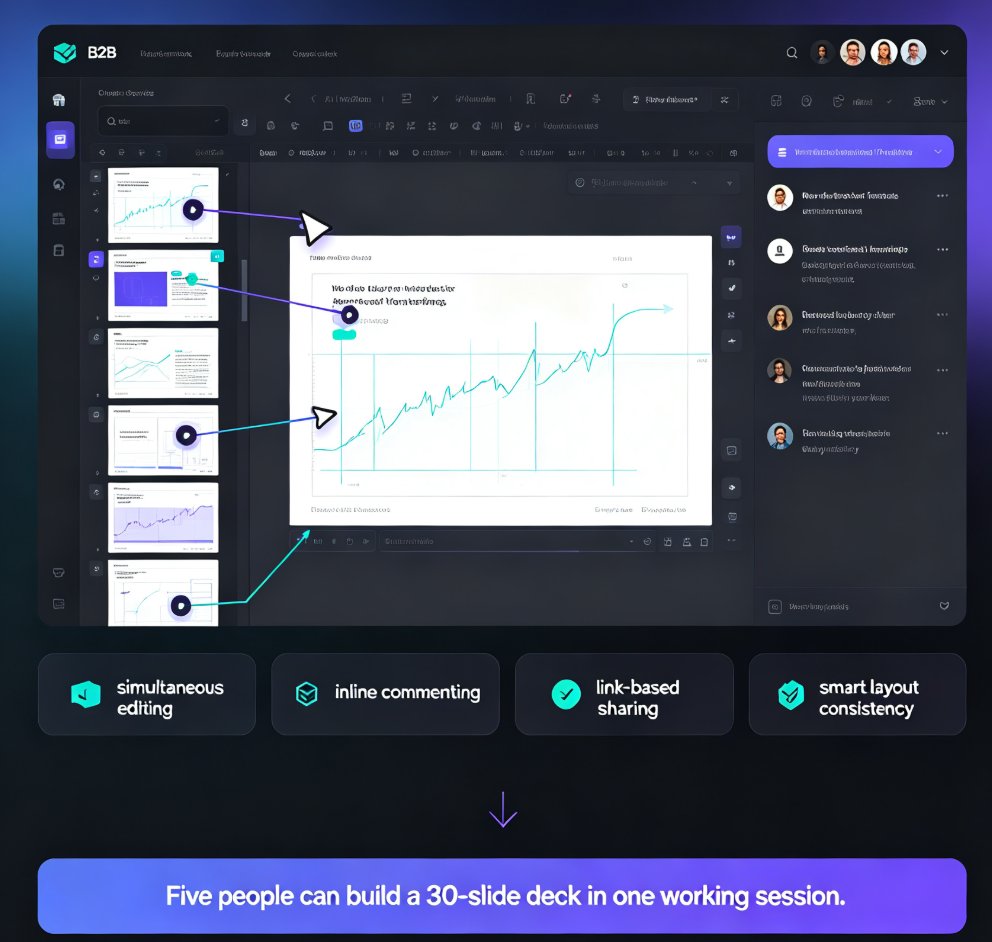
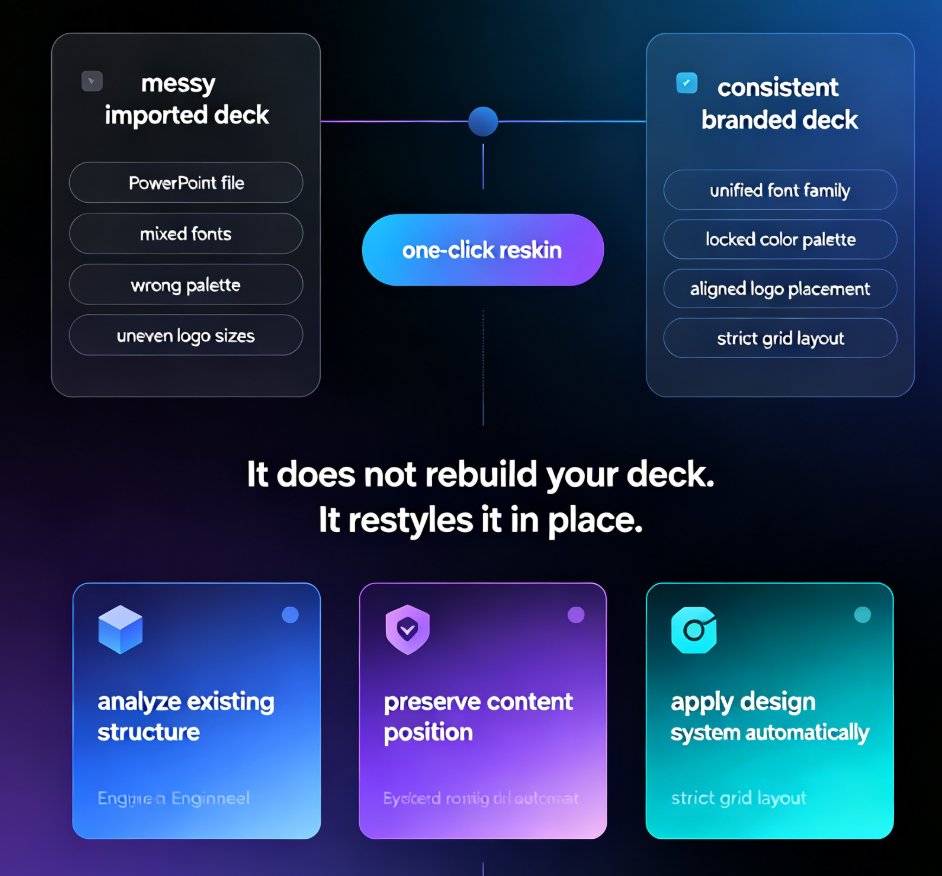
Smart layout consistency. Here's where Zendeck's AI kicks in. When multiple people edit different slides, the platform automatically keeps fonts, colors, and layouts consistent across the deck. Your brand doesn't drift just because three people edited three sections. This ties into what we covered in our piece on AI-driven design automation and smart layouts — consistency is enforced by the tool, not by a style guide that nobody reads.
The result? A team of five can build a 30-slide deck in a single working session, with each person owning their section and everything staying visually coherent.
03 Version Control Without the Headaches
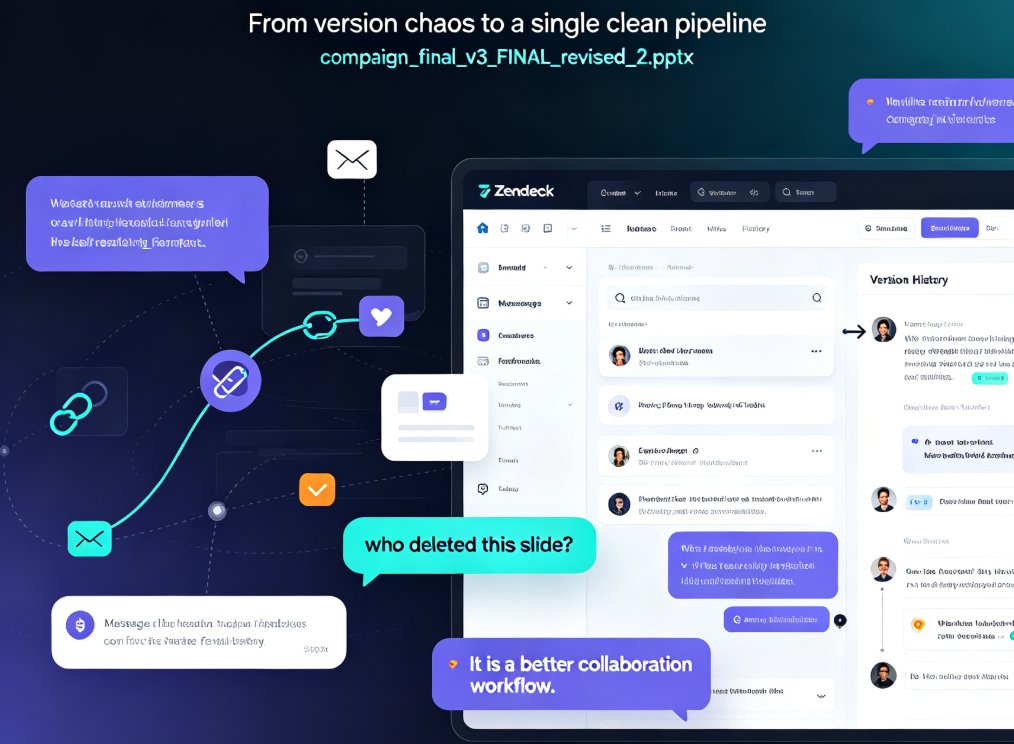
Version control is where most collaboration tools fall apart. You end up with "v7" and "v8" and no idea what changed between them. Zendeck solves this by keeping a single source of truth.
Every edit is tracked. Every version is recoverable. And you never have to ask "who changed this slide?" again.
If someone accidentally deletes a section or overwrites a chart, you can roll back to a previous version in a few clicks. No digging through email attachments, no "does anyone have the version from last Tuesday?"
This matters even more when you're working with external stakeholders. Clients, subject matter experts, or guest lecturers can review and comment without needing to learn the tool or request access to your internal files.
Let's be real about what this saves you. In a traditional workflow, every round of feedback means a new file, a new naming convention, and a new risk of someone working on the wrong copy. With a single shared link and automatic history, that entire category of problems disappears. You stop managing files and start managing content. If you're currently dealing with messy AI-generated slides on top of messy collaboration, our guide on why AI slides still look messy and how Zendeck fixes it is worth a read.
04 Traditional vs. Zendeck: A Side-by-Side Look
Let's put the differences in a table so you can see the workflow gap clearly:
| Collaboration Aspect | Traditional PPT Workflow | Zendeck Real-Time Collaboration |
|---|---|---|
| File sharing | Email attachments, USB drives, shared drives | Single shareable link, always up to date |
| Simultaneous editing | Not supported (sequential edits) | Multiple editors, live cursors |
| Feedback | Email threads, chat messages, meetings | Inline comments on specific slides |
| Version control | Manual naming (v2, v3, final_v2) | Automatic history, one-click rollback |
| Brand consistency | Relies on manual adherence | AI-enforced smart layouts |
| Onboarding | Training required, complex menus | Browser-based, minimal learning curve |
| Remote work | Painful, laggy, or impossible | Built for distributed teams |
The pattern is clear. Traditional tools make you manage the process; Zendeck manages it for you. That's not a small difference — it's the difference between a tool that adds friction and one that removes it.
05 Best Practices for Team Deck Creation
Real-time collaboration only helps if your team uses it well. Here are a few habits that make the difference between smooth collaboration and digital chaos:
Assign slide ownership. Even with real-time editing, it helps to know who owns what. Agree on sections up front — marketing owns the market slides, sales owns the pricing, design owns the visuals. Clear ownership prevents duplicate work and makes accountability obvious.
Use comments for async feedback. Not everyone needs to be in a meeting to give input. Encourage team members to leave comments on slides instead of scheduling a review call. This is especially valuable for remote and hybrid teams where time zones make synchronous review painful.
Review in rounds, not continuously. Real-time editing is great, but constant changes can make it hard to review. Set clear review windows — "we're locking content at 3 PM, comments after that go into the next version." This keeps the deck stable when it needs to be reviewed and fluid when it needs to be built.
Leverage templates for speed. If your team starts from a blank deck every time, you're wasting effort. Zendeck's template library lets you start from a structure that's already on-brand. We covered why contextual templates beat generic ones in our 2026 template library trends piece — the right starting point saves your team hours.
Watch out for scope creep. Real-time collaboration makes it easy to keep tweaking forever. Set a "done" definition before you start, and use version history to resist the urge to over-polish. Sometimes the deck is good enough — ship it.
06 Why This Matters for Educators and Trainers
Collaboration isn't just a corporate problem. Educators and trainers face the same version chaos when co-developing courseware. Two instructors building a shared lecture deck, a training team updating compliance material, a curriculum committee reviewing slides — all of these benefit from real-time collaboration.
For education teams, the payoff is faster course updates and fewer "which version is current?" debates.
When a trainer updates a compliance slide, the whole team sees it immediately. When an instructor spots an error, they fix it in place rather than emailing a corrected file. And when you're ready to turn a deck into a micro-course, the collaboration carries through — the same team can review the narrated version without redoing the work. If you're curious about that workflow, our guide on AI agents in course creation walks through the full path.
The same logic applies to any team that produces knowledge content: HR departments building onboarding decks, marketing teams crafting campaign pitches, product teams preparing launch presentations. If more than one person touches a deck, real-time collaboration is the workflow you want. And if you're still weighing whether AI-generated decks can replace your current process, our analysis of why AI deck generation is replacing traditional PPT lays out the case.
07 Getting Started: Your First Collaborative Deck
Ready to try it? Here's a simple workflow to get your team collaborating in Zendeck today:
- Create or import your deck. Start from a template or paste in a Word outline — Zendeck will generate a structured first draft.
- Share the link. Send it to your team with edit or comment permissions.
- Assign sections. Agree on who owns which slides.
- Edit in parallel. Watch changes appear in real time as your team works.
- Comment and resolve. Leave feedback on slides, address it, and mark threads resolved.
- Review the final version. Check the version history, roll back anything that went wrong, and export when you're ready.
The whole loop — from draft to approved deck — can happen in a single afternoon instead of a week of email ping-pong.
One more thing: if you're moving your team off traditional PPT, expect a short adjustment period. People are used to "my file, my edits." But within a week, nobody will want to go back to attachments. The version of you that isn't answering "which file is current?" emails will thank you. For more ways to boost your team's output, check out these hidden features of AI presentation tools that boost team productivity — and if you're building decks regularly, our office efficiency category has more workflow guides.
FAQ
Can multiple people edit a Zendeck presentation at the same time?
Yes. Zendeck supports simultaneous editing, so multiple team members can work on the same deck in real time. You'll see each other's changes as they happen, which eliminates the need to take turns or merge files manually.
How does Zendeck handle version control?
Zendeck keeps a single source of truth for every deck. All edits are tracked in version history, and you can roll back to any previous version with a few clicks. You never need to manage files named "final_v2" again.
Can I leave comments on specific slides in Zendeck?
Absolutely. Inline commenting lets you attach feedback directly to individual slides, keeping all discussion in context. This replaces scattered email threads and chat messages with organized, actionable feedback.
Does Zendeck work for education and training teams?
Yes. Educators and trainers use Zendeck to co-develop courseware, update training material, and review slides collaboratively. The same real-time editing and version control that helps corporate teams also streamlines curriculum development.
Do team members need design skills to collaborate in Zendeck?
No. Zendeck's AI-powered smart layouts automatically keep fonts, colors, and structure consistent, so anyone on your team can edit without worrying about breaking the design. This is a key reason teams adopt Zendeck for team productivity.