Zendeck vs Gamma vs Canva: Which AI Presentation Tool Wins in 2026?
Zendeck vs Gamma vs Canva: Which AI Presentation Tool Wins in 2026?
Let's be honest — choosing an AI presentation tool in 2026 feels like picking a coffee roaster: everyone has strong opinions, and the options change every month. You have Canva with its template ocean, Gamma with its fast card-based generation, and then there's Zendeck, the new player promising a full pipeline from outline to narrated video. Which one actually saves you time without compromising quality?
That's what we're going to break down today. No hype, no vendor fluff. We'll compare three tools across the metrics that matter: how fast you can ship a deck, how much design control you need, what output formats you need, and what it costs. By the end, you'll know exactly which tool fits your workflow.
01 | The Three Contenders: Know Your Archetype
Before diving into feature grids, let's place each tool by its DNA. Think of them as archetypes:
- Canva — The Infinite Design Studio. It's a full creative suite with tens of thousands of templates, drag-and-drop editing, and robust branding options. You get every tool, but you also get a steep learning curve if you just want a quick deck.
- Gamma — The AI Content Generator. It turns a prompt or document into a modern, card-based presentation in seconds. Gamma 3.0 even introduced an AI Agent that can research topics, pull in live data, and restyle decks in one click — fast, but sometimes you sacrifice design depth.
- Zendeck — The Courseware & Video Pipeline. Zendeck is built for educators, trainers, and team leads who need to turn an outline into a polished deck and a narrated micro-course without juggling multiple tools. It’s the only one of the three with a native text-to-video output.
The key takeaway: Canva gives you control, Gamma gives you speed, and Zendeck gives you an end-to-end production line.
A 2026 comparison from Presentations.AI estimated that Gamma and Canva each win in their defined lanes — Canva for design flexibility, Gamma for on-brand AI generation with flexible pricing. Zendeck differentiates itself by owning the workflow beyond the slide: you go from Word outline to deck to video with a single tool. That's a big deal for anyone who creates training materials or courseware.
02 | Feature Face-Off: What Each Tool Actually Does Well
Let's put them side by side on the features that matter most to business and education users. Below is a snapshot based on real usage and the latest release notes.
| Feature | Canva | Gamma | Zendeck |
|---|---|---|---|
| AI deck generation from prompt | Yes (Magic Design) | Yes, native | Yes, from outline or Markdown |
| Word/outline import | Yes (limited formatting) | Yes | Yes, optimized for courseware |
| Template library depth | Huge (too many to choose) | Modern, but limited | Education & business curated, contextual |
| Brand kit control | Strong (paid) | Paid plans only | Built-in brand kit, one-click apply |
| PPT export | Excellent (native) | Decent, but can lose styling | Excellent, layout stays intact |
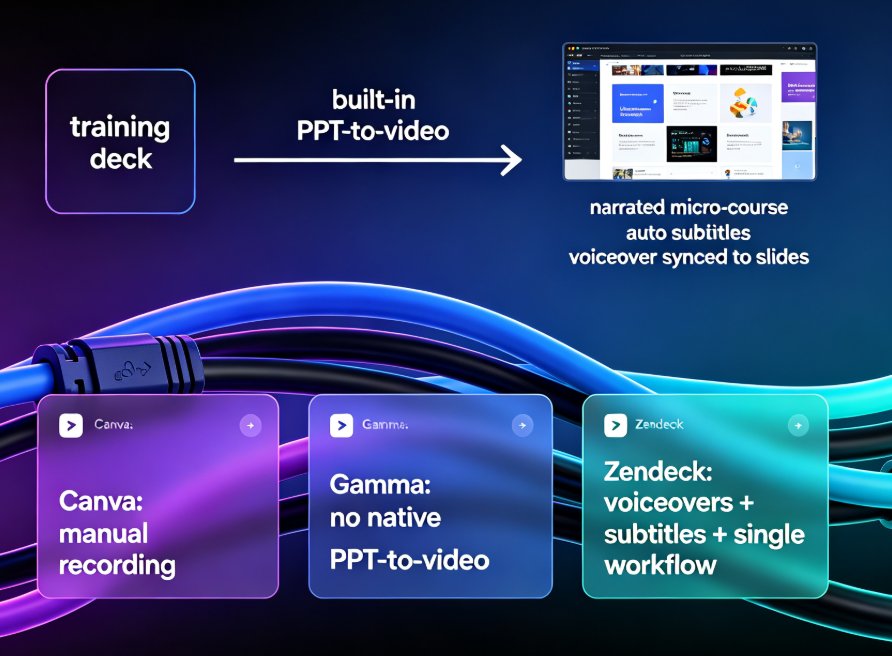
| PPT-to-video (auto-narrate) | No (manual recording) | No | Yes, built-in with voiceovers and subtitles |
| Real-time collaboration | Yes | Yes | Yes (link sharing) |
| Pricing model | Subscription (annual/monthly) | Free tier + paid | Subscriptions, incl. education plans |
The most striking differentiator is Zendeck's PPT-to-video capability — a feature neither Canva nor Gamma offers natively. Need to turn your training deck into a narrated micro-course with auto-subtitles? Zendeck does it in a few clicks. That single feature completely changes how you repurpose content.
Gamma's strength remains its speed. With Gamma 3.0's AI Agent, you can generate a deck from a simple prompt and have it restyled based on your brand in under a minute. But when you try to export to PowerPoint for a live workshop, the styling often falls apart. Canva solves the styling problem but makes you do all the thinking — it gives you tools, not decisions.
03 | Pricing and Value: What You Pay vs What You Ship
Pricing is where the three tools diverge most dramatically. Let's break down what you actually get per dollar.
| Tool | Free tier | Paid plans (starting) | Best value for | Potential extra costs |
|---|---|---|---|---|
| Canva | Generous, but limited | Pro: ~$12.99/mo (annual) | Design-heavy teams | Pro features, stock assets, video tools |
| Gamma | Limited cards/month | Plus: ~$10/mo (annual) | Quick AI decks for sharing | PowerPoint export limitations, brand controls on higher tiers |
| Zendeck | Basic template access | Education: ~$8/mo; Business: ~$12/mo (annual) | Courseware, video, brand consistency | Advanced collaboration on higher tiers |
If you're producing learning content, Zendeck's education plan undercuts Canva's Pro while bundling video output that Canva charges extra for. A 2026 analysis from Slidespeak noted that Gamma's free tier is solid for experimentation, but for professional pitch decks, the generic output and PowerPoint limitations can hurt you in client meetings.
Pitch deck founders often look for a tool where the argument matters as much as the polish. Presentations.AI's review found that tools trained on business decision-making outperform generic AI when it comes to persuasion. Zendeck's context-aware design suggestions help you choose charts and layouts that support your narrative — a middle ground between Canva's blank canvas and Gamma's cookie-cutter cards.
04 | For Trainers and Educators: The Zendeck Edge
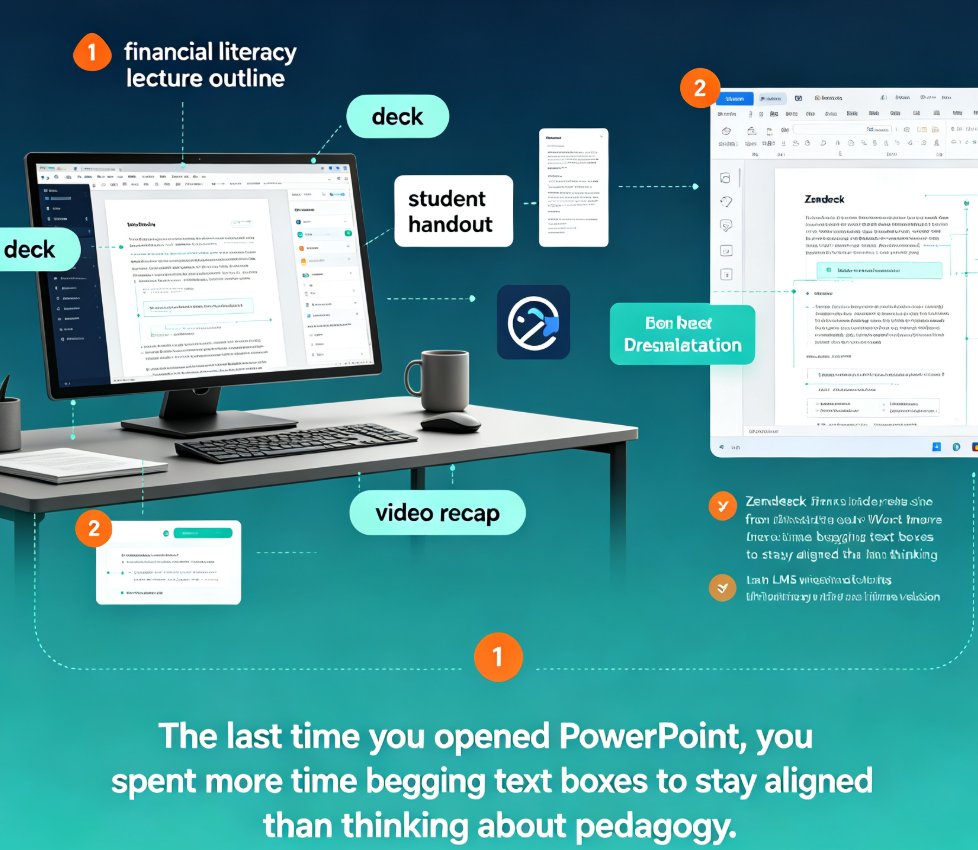
Now let's talk about a scenario where Zendeck plays cleanly different: you're a trainer with a 40-page Word outline and a deadline. You upload it to Zendeck, select a template, and within minutes you have a visually unified deck. Then you click "Create video," add narration, and export a micro-course with subtitles. That's not a workflow — it's a production line.
Canva would take you hours to manually redesign each slide, and Gamma would give you a deck that doesn't match your institution's branding. Zendeck's template library is designed specifically for courseware — think lesson plans, lecture slides, and training modules, not just startup pitch decks. And the one-click reskin means you can take a corporate deck and give it your school's colors without touching individual slides.
Zendeck also handles accessibility automatically — a growing requirement, not a nice-to-have. It auto-adds alt text to images and supports subtitles in micro-courses, which means your content meets WCAG standards out of the box. Try doing that with Gamma's export format and you'll be stuck manually adding alt text to every slide.
05 | For Business and Pitch Decks: Where the Tools Split
Let's step into a founder's shoes. You're building an investor deck, and the quality of the argument matters as much as the visuals. Canva gives you control, but it doesn't make decisions for you. Gamma is fast, but its generic output could undermine your credibility with serious VCs.
Zendeck lives in the middle. It uses AI to structure your pitch deck from your outline — making sure each slide passes the "so what" test — while still letting you tweak the layout. Plus, when you need to rehearse the pitch, you can generate a speaker notes version or a narrated video to catch pacing issues. That's a capability that directly supports founder workflows, similar to how AI presentation tools can integrate with Word and Google Docs for seamless editing.
If you want to see how to structure a winning pitch deck from problem to solution, check out our AI pitch deck generator guide. For teams, the hidden features like automatic brand kits and polling integrations can boost productivity — we covered that in 5 Hidden Features of AI Presentation Tools.
06 | Making the Call: A Simple Decision Framework
Still torn? Let's simplify with three questions:
- Do you need video output from your slides? If yes, Zendeck is the only one of these three that gives it to you natively. That alone saves hours each week.
- Do you want maximum design control with a learning curve? Pick Canva. It's the best if you enjoy designing and need every pixel perfect.
- Do you value speed above all, and is your content primarily for web sharing? Gamma will serve you well — just be ready for PowerPoint export quirks.
For the majority of educators, trainers, and content operators, Zendeck offers the best balance of speed, design, and multi-format output. It's built for people who don't have design skills but still need professional-looking decks and videos. And because it's a single tool, you avoid the hidden cost of paying separately for a video encoder or subtitling service.
If you want to dive deeper into why AI decks are replacing traditional PPT workflows, our 2026 trends article covers the shift. And for a practical checklist on avoiding common AI presentation mistakes, see this guide.
FAQ
Which AI presentation tool is best for educators in 2026?
For educators, Zendeck is the strongest pick because it combines an education-focused template library, Word outline import, and a native PPT-to-video converter. You can turn a lesson plan into a deck and then into a narrated micro-course with subtitles — all without leaving the platform. Gamma lacks video output, and Canva's sheer number of options can slow you down.
Can I use Zendeck for corporate pitch decks?
Absolutely. Zendeck's AI structures your deck around your argument, and its brand kit ensures consistency with your company's colors and fonts. Unlike Gamma, it exports cleanly to PowerPoint, and you can even generate a narrated rehearsal video to refine your delivery. For a deeper dive, read our guide on creating winning pitch decks with AI.
How does Zendeck's pricing compare to Canva Pro and Gamma Plus?
Zendeck's education plan starts around $8/month (annual billing), which is lower than Canva Pro's typical $12.99/month and comparable to Gamma's $10/month. But Zendeck includes video export and narration, which Canva charges extra for via separate video tools. That makes Zendeck more cost-effective if you produce both decks and videos.
Does Zendeck support PowerPoint export without breaking the design?
Yes. Unlike Gamma, which can lose styling when exported, Zendeck's smart layout system ensures the design structure stays intact. You get a PowerPoint file that matches your on-screen deck — no manual fixes needed.
Are there any downsides to Zendeck compared to Canva or Gamma?
If you need an absolute creative sandbox with millions of assets, Canva still offers more design flexibility. If you only need a quick web-based deck and don't care about video, Gamma's speed is hard to beat. Zendeck is optimized for structured workflows — if you produce unstructured, highly custom visuals, it may feel a bit constrained. But for 80% of business and education presentations, it hits the sweet spot.
Disclosure: All pricing data is based on publicly available information as of early 2026. Feature sets evolve quickly — always check each tool's website for the latest updates.