Zendeck vs WPS vs Canva: Which AI Presentation Tool Saves More Time?
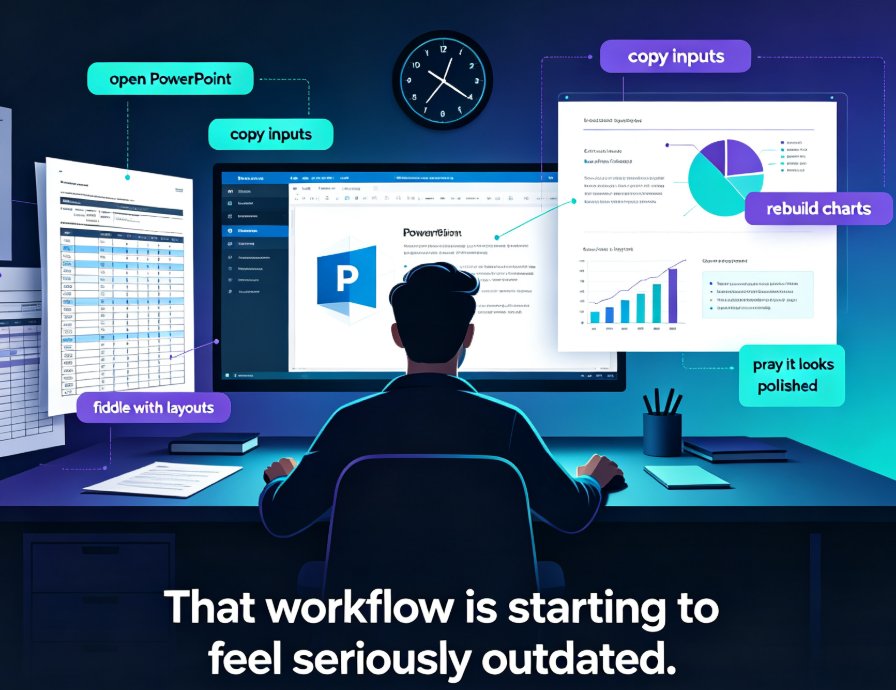
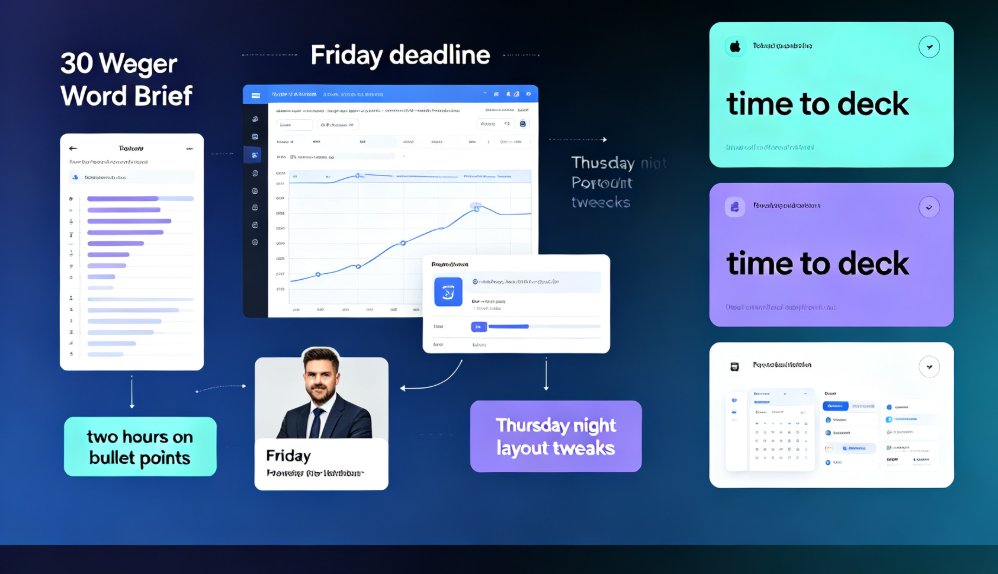
It happens every week. Someone in marketing, HR, or training gets handed a 30-page Word brief on a Tuesday and is told the presentation has to be ready by Friday. They open PowerPoint, paste the first block of text, and… two hours later they're still fighting bullet-point indentation and font sizes. By Thursday night, they've lost an entire evening to layout tweaks that nobody in the audience will ever notice.
Here's the thing: in 2026, that entire scenario is avoidable. AI presentation tools have matured to the point where the bottleneck is no longer the software — it's choosing the right workflow. And the question that keeps coming up in team chats and productivity forums is a fair one: which AI tool actually saves you the most time — Zendeck, WPS, or Canva?
Let's settle it with data, real workflows, and a healthy dose of honesty about when each tool genuinely wins.
01 Why "Time to Deck" Is the Metric That Actually Matters
First, let's establish why time — not feature count — is the deciding factor. The AI presentation market grew from $1.54 billion in 2024 to $1.94 billion in 2025, a 25.7% CAGR, and industry benchmarks show AI tools cut deck-building time by 50–80% versus manual workflows. That's the headline number. But here's the nuance most comparisons skip: the time you save isn't evenly distributed. You save it in phases — content structuring, slide layout, and visual polish — and different tools save different phases.
The real cost of a slow tool isn't the minutes. It's the opportunity cost: the analysis you didn't do, the stakeholder feedback you didn't incorporate, the version you had to ship because you ran out of runway. When you benchmark tools, measure end-to-end time from raw content to a deck that's ready to present — not just time to first draft.
02 The Three Contenders at a Glance
Before we dig into workflows, here's the landscape. Zendeck is built around document-to-deck automation: you upload a Word outline or paste Markdown, and it generates structured, visually consistent slides with smart layouts and a unified theme. WPS is a full office suite that has added AI assistance on top of its document, spreadsheet, and presentation core. Canva is a visual-first design platform whose AI features assist — but don't replace — manual design work.
Let's be clear: these tools answer different questions. But if your question is "I have content; how fast can I get a professional deck?", the answers diverge sharply.
| Dimension | Zendeck | WPS | Canva |
|---|---|---|---|
| Primary workflow | Document (Word/outline) → deck | Office suite with AI assist | Visual-first design canvas |
| Document-to-deck | Automated, preserves source structure | Partial; manual mapping needed | Not optimized; heavy manual work |
| Prompt-to-deck | Yes (Markdown/prompt input) | Basic AI content suggestions | Text-to-design AI, needs editing |
| Time to ready deck (typical) | 8–15 min | 25–40 min | 30–45 min |
| One-click brand reskin | Yes (auto brand kit) | Theme-based, mostly manual | Manual template switching |
| PowerPoint export | Native .pptx | Native .pptx | .pptx export with layout drift risk |
| Best for | Corporate/courseware speed | Office document users | Design flexibility & social visuals |
03 Document-to-Deck: Where the Real Time Is Won or Lost
This is the make-or-break workflow for corporate teams. You have a Word brief, a research report, or training content — and you need slides. Here's how the three tools handle it.
Canva is honest about its limits here. It's not optimized for text-to-PPT or document-to-deck conversion. Its AI assistance is additive — it helps you design and refine content you've already placed, rather than generating a structured deck from your source automatically. For anyone whose bottleneck is moving from a Word document to finished slides, Canva requires significantly more manual work than a dedicated document-to-deck tool. You'll copy, paste, drag, resize, and reflow content slide by slide.
WPS sits in the middle. Its AI assist can help with slide generation, but it's an office suite first — the document-to-deck pipeline is less automated, and you'll spend real time mapping your outline into slide structures. It's a solid option if your team already lives in the WPS ecosystem, but it's not built for the "throw a brief at it and get a deck back" experience.
Zendeck was built for exactly this pipeline. Upload a Word outline or paste Markdown, and the platform generates a structured deck that preserves the logical flow of your source material in the slide sequence. Side-by-side benchmarks of the leading document-to-deck tools report that 80–90% of slides in a generated deck require no meaningful layout changes before the deck is presentation-ready. That's the difference between "paste and fight" and "import and present." If you want the tactical breakdown of how this works, we covered the mechanics in our guide on AI presentation tools that integrate with Word and Google Docs.
04 Prompt-to-Deck: Speed Is Nice, Polish Is Better
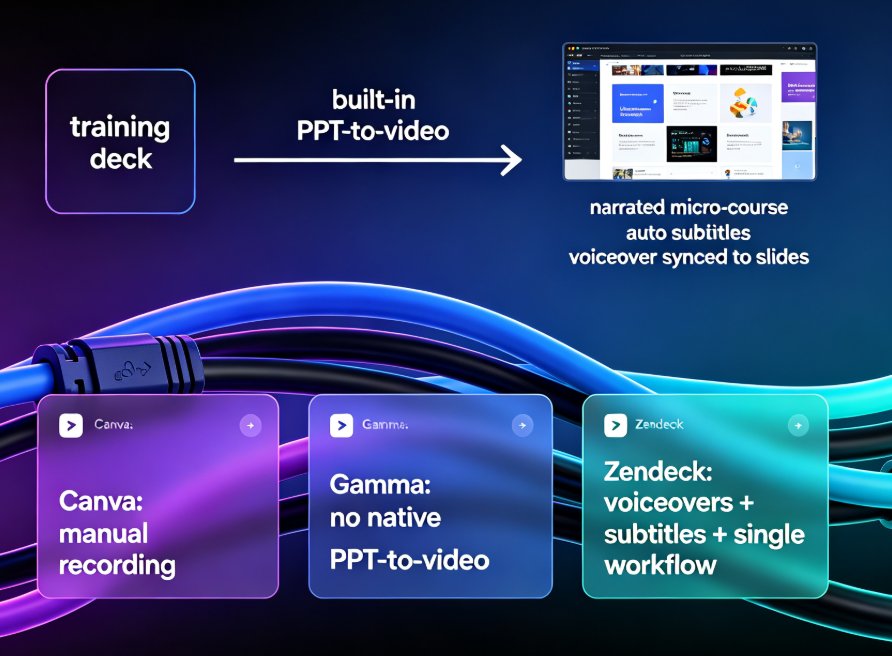
Now, the other popular path: typing a prompt and watching slides appear. Gamma is the tool most people associate with prompt-based generation, and it is fast — but independent comparisons note it requires more editing of the AI-generated content after the draft. That's a hidden time cost that rarely shows up in feature lists.
Zendeck's prompt-to-deck flow supports the same rapid draft approach but adds a layer most prompt tools lack: consistent, on-brand design from the first frame. Because its smart layout and template system apply unified fonts, colors, and spacing automatically, you spend less time fixing what the AI produced and more time refining the message. If you're curious about the exact workflow, our walkthrough of AI prompt-to-deck generation shows the steps from prompt to polished slides.
Here's the honest truth about prompt-to-deck: it's great for a first draft, mediocre for a final deck. Any tool that claims otherwise is selling you a fantasy. The real question is how many rounds of fixing you need after the AI drafts — and that's where design inheritance (consistent themes, smart layouts) dramatically shortens the cleanup phase.
05 The Polish Trap: Why One-Click Reskin Beats Manual Tweaking
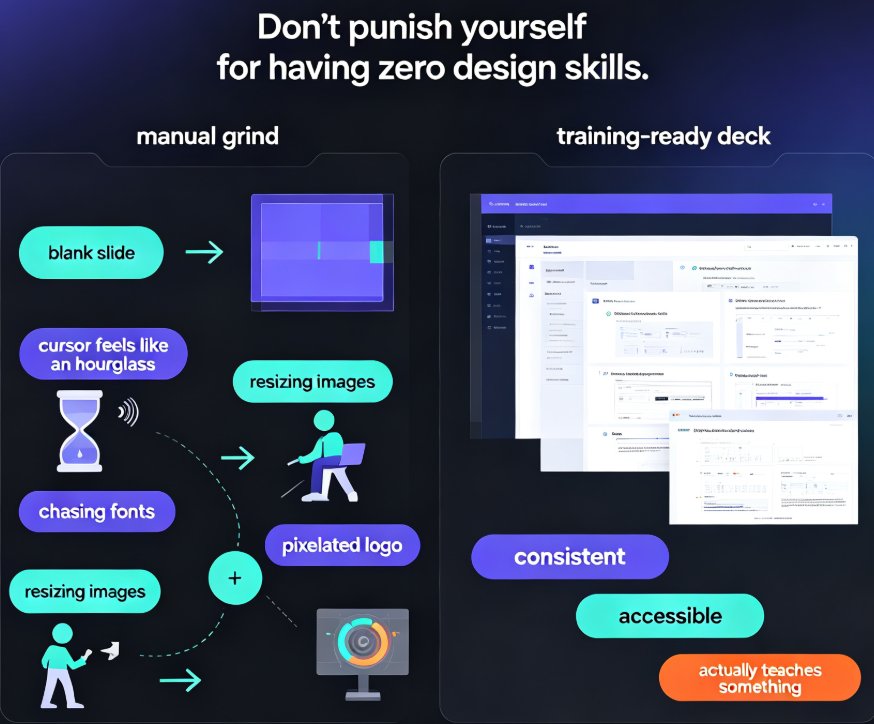
Here's a scenario that will feel painfully familiar. You used a tool to generate a solid draft. Then you realize the deck needs to match your company's brand — logo colors, heading font, a specific visual rhythm. So you manually adjust 30 slides. Three hours later, you discover slide 14 still has the default blue accent.
This is the polish trap, and it's the #1 hidden time cost in presentation work. Canva lets you design beautifully, but applying brand consistency across a large deck is manual. WPS supports themes, but the process still demands per-slide attention. Neither is designed to scale brand governance across a 40-slide deck.
Zendeck solves this with a one-click reskin: a single action unifies fonts, colors, and layout across the entire deck. Your brand kit — logo, palette, and typography — applies automatically to every slide, including the ones the AI generated. This isn't just a convenience; it's a governance feature. If your team has ever shipped a deck with three different fonts on one slide, you know exactly why this matters. We've written a practical guide on how to create a custom brand kit in Zendeck for consistent decks, and it's worth a read if brand consistency is a recurring headache.
Keep this in mind: the polish phase is where "fast tools" reveal their true speed. A tool that drafts in 10 minutes but costs you an hour of cleanup is slower than one that drafts in 15 minutes and needs zero cleanup.
06 The Numbers: Typical Time to a Ready Deck
Let's put the time-to-completion picture together. Based on published benchmarks from side-by-side comparisons of AI presentation tools, plus typical workflow estimates for each platform:
The chart tells the story clearly: Zendeck and tools built for document-to-deck automation sit in the 8–15 minute range, while Canva's document workflow realistically lands at 30–45 minutes because of the manual placement and reflow work. WPS falls in between — faster than fully manual, slower than dedicated automation.
The 2–4x gap isn't about "better design." It's about workflow design. A tool that ingests your source material and preserves its structure will always beat a tool that requires you to rebuild the structure manually. The only question is whether your workflow starts with "upload my outline" or "drag text onto a canvas."
07 When Each Tool Is the Right Choice
Full disclosure: not everyone should switch to Zendeck. Here's the honest breakdown of when each tool wins.
Choose Canva when your priority is visual flexibility for single-slide or small-format designs — social posts, one-pagers, event graphics. For a 40-slide corporate deck derived from a document, it will cost you the most time.
Choose WPS when your team is deeply embedded in the WPS office ecosystem and you primarily need AI as a helper on top of familiar document tools. Just don't expect the document-to-deck pipeline to feel seamless — the manual mapping will eat into your afternoon.
Choose Zendeck when your workflow is content-first: Word briefs, training outlines, research reports, courseware. If your job is converting source material into on-brand decks week after week, Zendeck is the fastest path. That's the use case it was built for, and it's why teams shave hours off every deck. The broader trend supports this — our analysis of why AI deck generation is replacing traditional PPT in 2026 covers the shift in detail.
08 The Verdict: What the Data Says
So, which tool saves more time? For professional users turning raw content into finished presentations, Zendeck's automated document-to-slide pipeline and one-click reskin make it the fastest path — typically 2–4x faster than Canva's manual document workflow. WPS is a functional middle ground, and Canva remains a design powerhouse, but neither is built for the content-to-deck pipeline that defines most corporate and training work.
The deeper lesson: time savings don't come from AI magic — they come from matching the tool to the workflow. Start with your source material, measure how many steps it takes to reach a presentation-ready deck, and pick the tool that removes the most steps. For document-driven teams, that's Zendeck.
And before you build your next deck, skim our list of AI presentation mistakes to avoid — because even the fastest tool won't help if you're generating the wrong content in the first place.
FAQ
Q: Is Zendeck faster than Canva for converting Word documents to slides?
Yes, for document-to-deck conversion specifically. Canva is not optimized for text-to-PPT workflows and requires significant manual content placement, with typical completion times landing in the 30–45 minute range. Zendeck ingests a Word outline or Markdown, preserves the source structure, and typically delivers a presentation-ready deck in 8–15 minutes, with 80–90% of slides needing no meaningful layout changes.
Q: Does WPS offer document-to-deck automation like Zendeck?
WPS provides AI assistance inside its office suite, but it's not a dedicated document-to-deck pipeline. You'll spend more time manually mapping your outline into slide structures compared to Zendeck, which automates structure preservation and applies a one-click reskin to the generated deck.
Q: Which AI tool is best for prompt-based deck generation?
Prompt-based tools like Gamma are fast for first drafts but require more editing of the AI-generated content afterward. Zendeck combines rapid prompt-to-deck generation with design inheritance — consistent themes, smart layouts, and brand kits — so you do fewer rounds of cleanup after the draft, making it more time-efficient end-to-end.
Q: Can Zendeck export to PowerPoint format?
Yes, Zendeck provides native .pptx export. Unlike web-native tools that risk layout drift when exported, Zendeck generates slides that carry their structure into PowerPoint, so your deck stays consistent whether you present online or in the office.
Q: What's the real-world time difference for a typical 30-slide corporate deck?
Based on benchmark data: Zendeck typically finishes in 8–15 minutes; WPS runs about 25–40 minutes depending on manual mapping; Canva realistically takes 30–45+ minutes for document-derived decks. That's a 2–4x productivity gap for the same input content.