Curated workplace insights to help you work smarter

Zendeck curates workplace efficiency, industry insights, and software tutorials to help you find useful information faster。

402 articles 8 Categories
Latest Articles

PPT to Video in 2026: AI Narration & Smart Timing Beat Manual Editing

PPT to Video 2026-08-26 1631

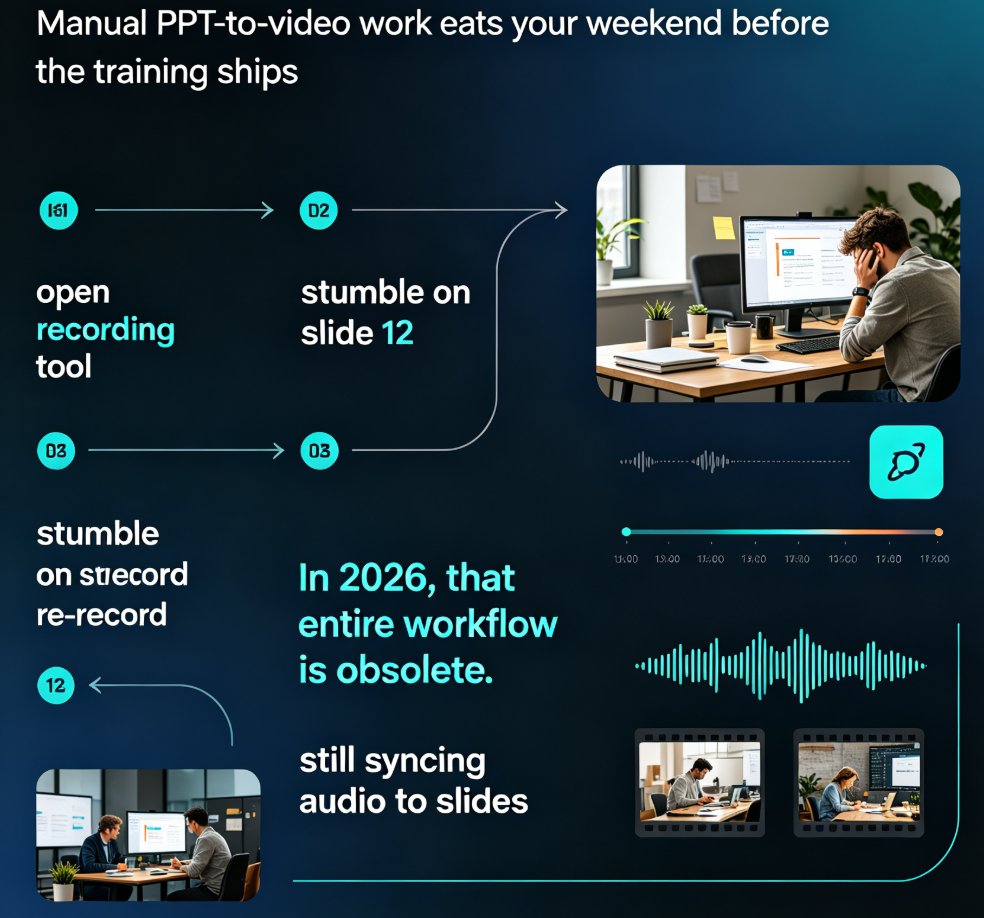
PPT to video in 2026 no longer means manual editing. AI narration and smart timing turn static slides into polished micro-courses in minutes. Zendeck's PPT-to-video reads your slide content, generates synchronized voiceovers, and paces each scene automatically—so educators, trainers, and content teams skip the recording booth entirely. This guide breaks down how scene detection, voice synthesis, and auto-pacing work together, compares production time against traditional workflows, and shows exactly where AI still needs a human touch. If you've been avoiding video because editing eats your weekends, this is the workflow change you've been waiting for.
Private AI Deployment in Education: Data Security Meets Courseware

Office Efficiency 2026-08-26 1351

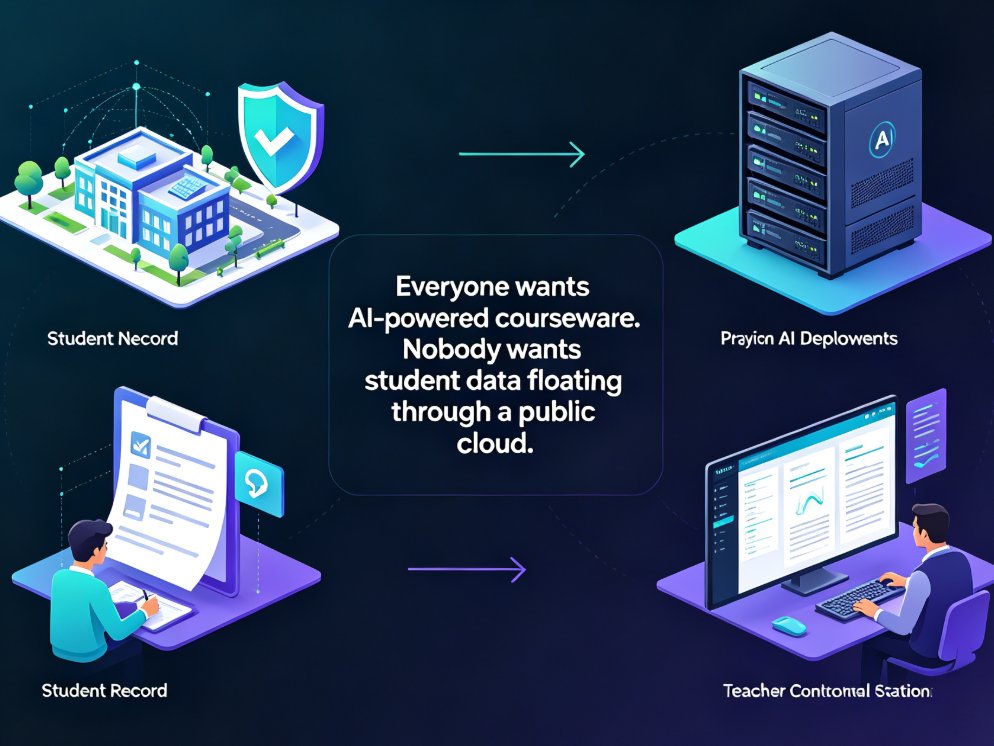
As schools and universities prioritize data sovereignty, private AI deployment is becoming the default expectation for courseware tools. This guide examines why institutions are moving away from public cloud AI, how FERPA and GDPR drive compliance requirements, and what private deployment means for educators and IT teams. Zendeck offers a secure, compliant AI courseware solution that meets institutional privacy requirements without sacrificing efficiency — from AI-generated slides to narrated micro-courses. Learn what to look for when evaluating private AI courseware tools, including data residency, access controls, audit trails, and feature parity. If your institution is navigating the tension between AI innovation and data security, this guide covers the practical steps to adopt AI courseware that your IT department can actually approve.

How to Create Standardized Training Decks for HR Teams with Zendeck

Office Efficiency 2026-08-26 2607

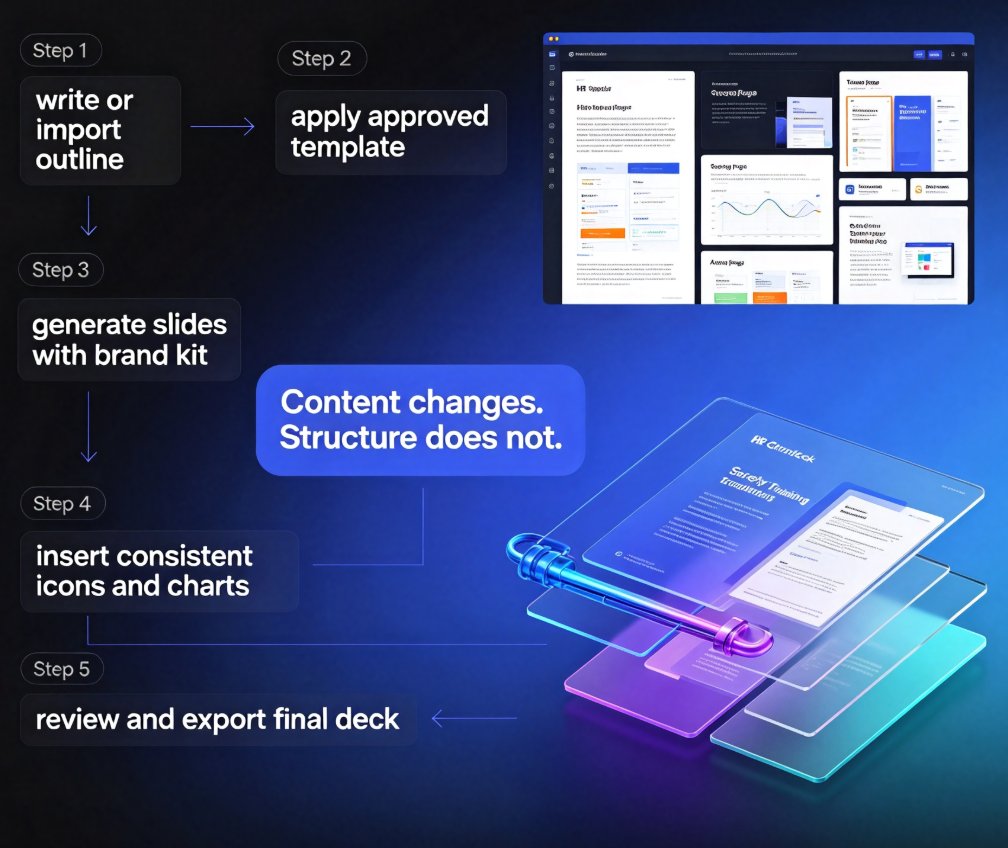
HR and L&D teams waste hours formatting training decks. Zendeck helps you standardize every slide with reusable templates, one-click reskin, and a shared asset library. Cut production time from days to a few hours while keeping every deck on-brand. Learn the exact workflow—from outline to final export—to deliver consistent, professional training materials at scale.

Turn Static Training Decks into Video Courses with AI Narration

PPT to Video 2026-08-26 3455

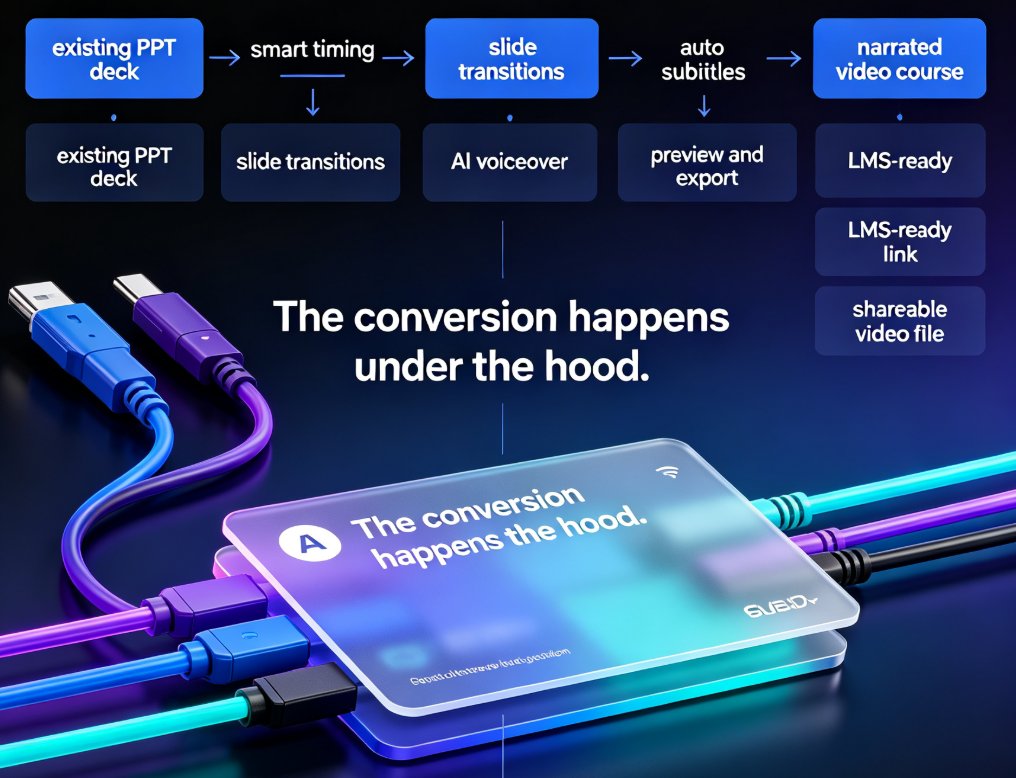
Static training decks are the graveyard of corporate learning. Zendeck's PPT-to-video feature turns those legacy slides into narrated video courses with AI voiceover — no re-creating content, no video editing skills, no studio time. This guide walks you through the exact workflow: upload your deck, let Zendeck structure the narration, pick a voice, and export a polished micro-course. You'll learn how to make AI narration sound natural, which slides work best for video conversion, and when to skip the video route entirely. If your L&D team has years of PowerPoint content sitting unused, this is the fastest way to repurpose it into modern micro-learning your employees will actually watch. We also cover voice selection, pacing, subtitle best practices, and how to keep your brand consistent across every video you produce.

Find the Right Icon or Chart in Seconds: Visual Asset Search Guide

Courseware Design 2026-08-26 3775

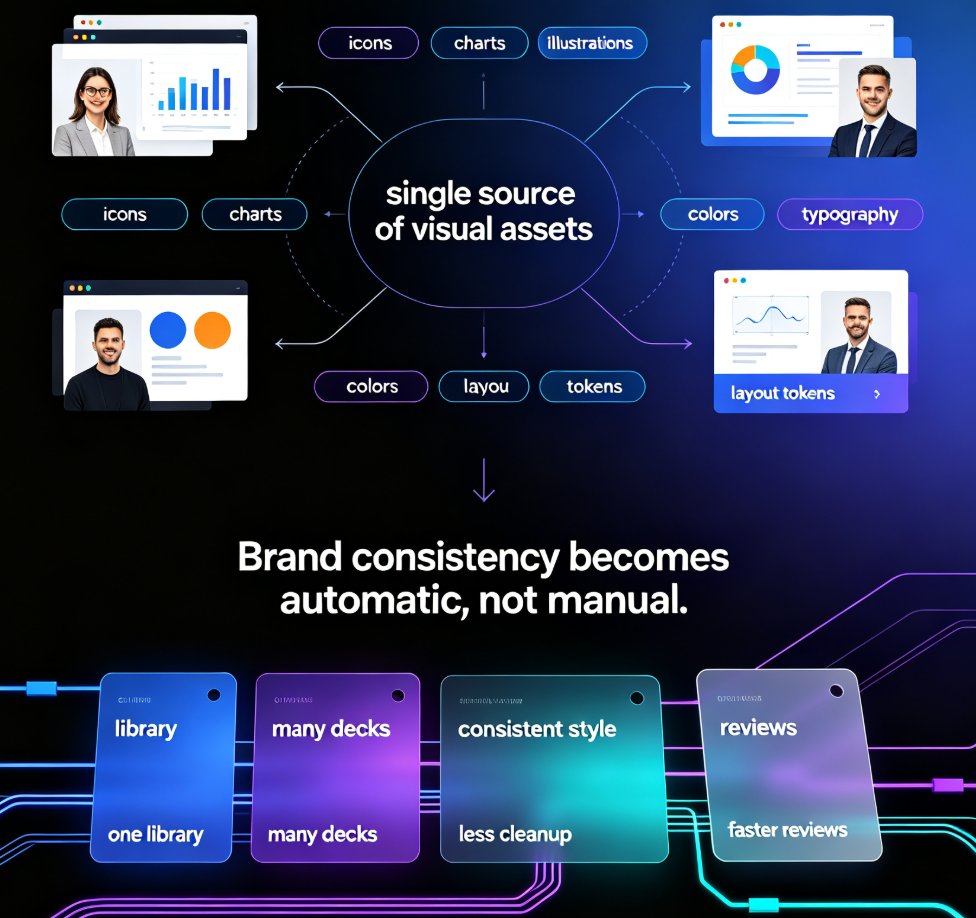
Stop wasting minutes hunting for the perfect visual. Zendeck's asset library lets you find the right icon, chart, or illustration in seconds with smart search, category filters, and context-aware suggestions. This guide covers practical search strategies, a repeatable visual workflow, and the time savings you can expect. Whether you're building business decks, training materials, or courseware, these tips help you locate on-brand visuals faster and keep your presentations consistent. Learn how to search by concept instead of object, use category filters to narrow results, save favorite assets for reuse, and let Zendeck suggest relevant visuals as you build. If you're tired of mismatched icons, endless scrolling, and decks that look assembled rather than designed, this visual asset search guide is exactly what you need to speed up your workflow and produce professional presentations without design expertise.

How to Turn a Word Outline into a Professional PPT with Zendeck

AI Courseware 2026-08-26 1629

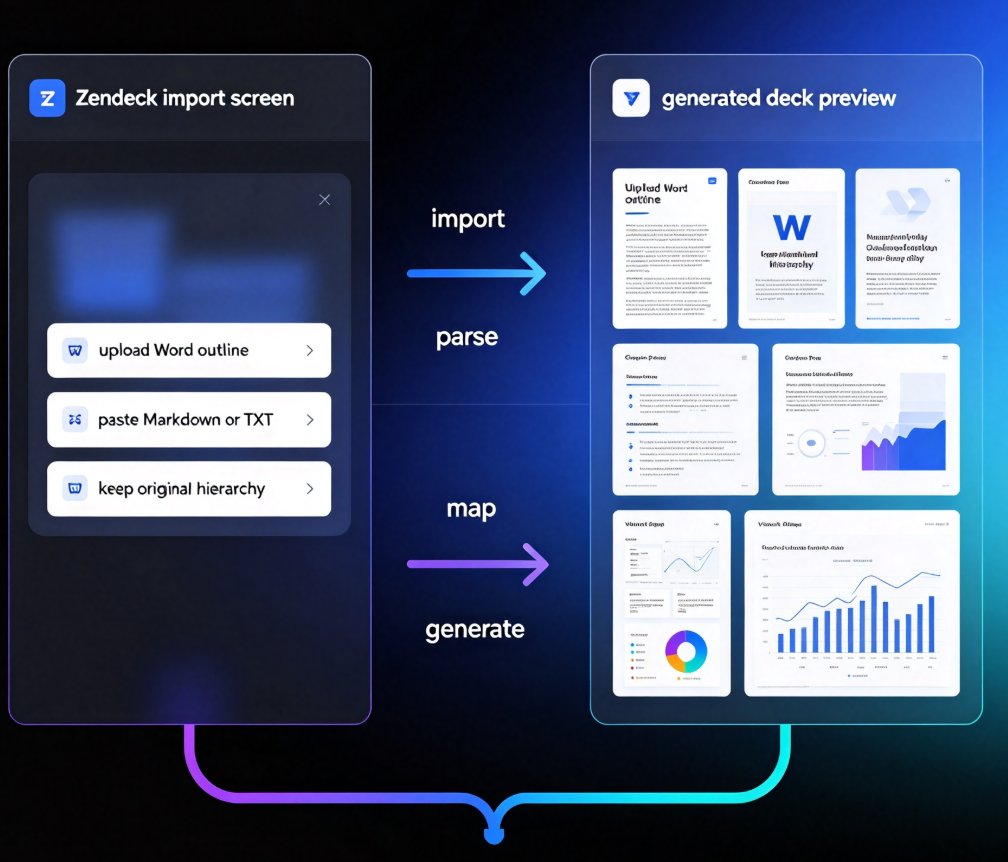
Turn a Word outline into a professional PPT with Zendeck in minutes. This step-by-step guide walks through Zendeck's document-to-deck workflow: upload a Word file or paste Markdown, let smart layouts preserve your content structure, and generate a visually consistent presentation without touching manual slide design. You'll learn how to prepare your outline with proper heading styles, choose the right template, review and refine the generated deck, apply a one-click reskin for brand consistency, and even convert the finished deck into a narrated video for training or courseware. Whether you're an educator, trainer, consultant, or content operator, this workflow cuts the time spent reformatting documents from hours to minutes. Stop copying bullet points one by one — let Zendeck handle the layout while you focus on the message.