Curated workplace insights to help you work smarter

Zendeck curates workplace efficiency, industry insights, and software tutorials to help you find useful information faster。

402 articles 8 Categories
Latest Articles

How to Unify Fonts, Colors, and Layout in One Click with Zendeck

Courseware Design 2026-08-26 3513

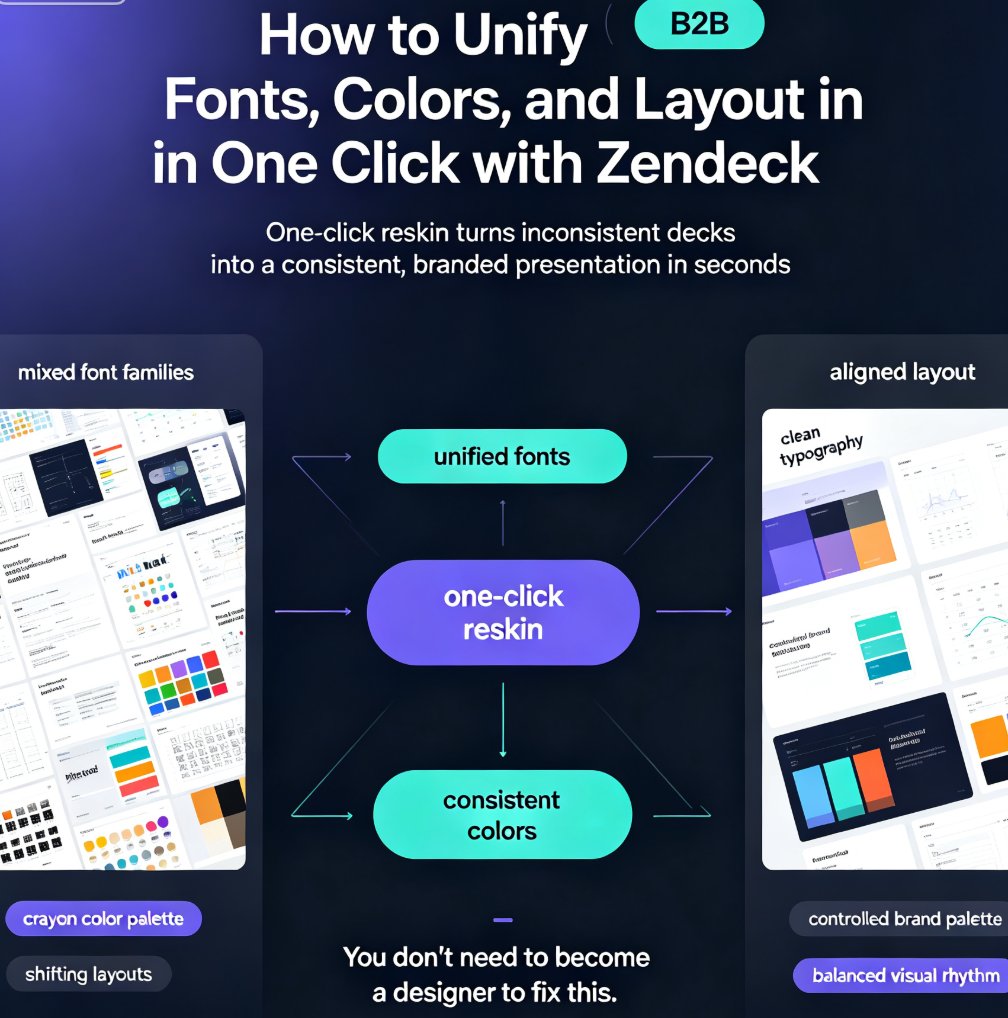
Zendeck's one-click reskin unifies fonts, colors, and layout across your entire deck in seconds, so anyone can produce a designer-quality presentation without opening a design tool. If you've ever stared at a deck where every slide looks like it was made by a different person — mixed font families, clashing colors, layouts that shift unpredictably — this walkthrough is for you. We'll show you exactly how Zendeck's smart layout engine harmonizes every slide, when to use reskin for courseware, client pitches, and internal brand decks, and the pro tips that separate a good reskin from a flawless one. Whether you're a trainer building a five-module course or a marketer prepping a quarterly review, this guide gives you the exact steps — plus the mistakes to skip. By the end, you'll have a repeatable workflow for consistent, professional decks every time.
Accessibility Gaps in Courseware? Zendeck Auto-Adds Alt Text for You

Courseware Design 2026-08-25 967

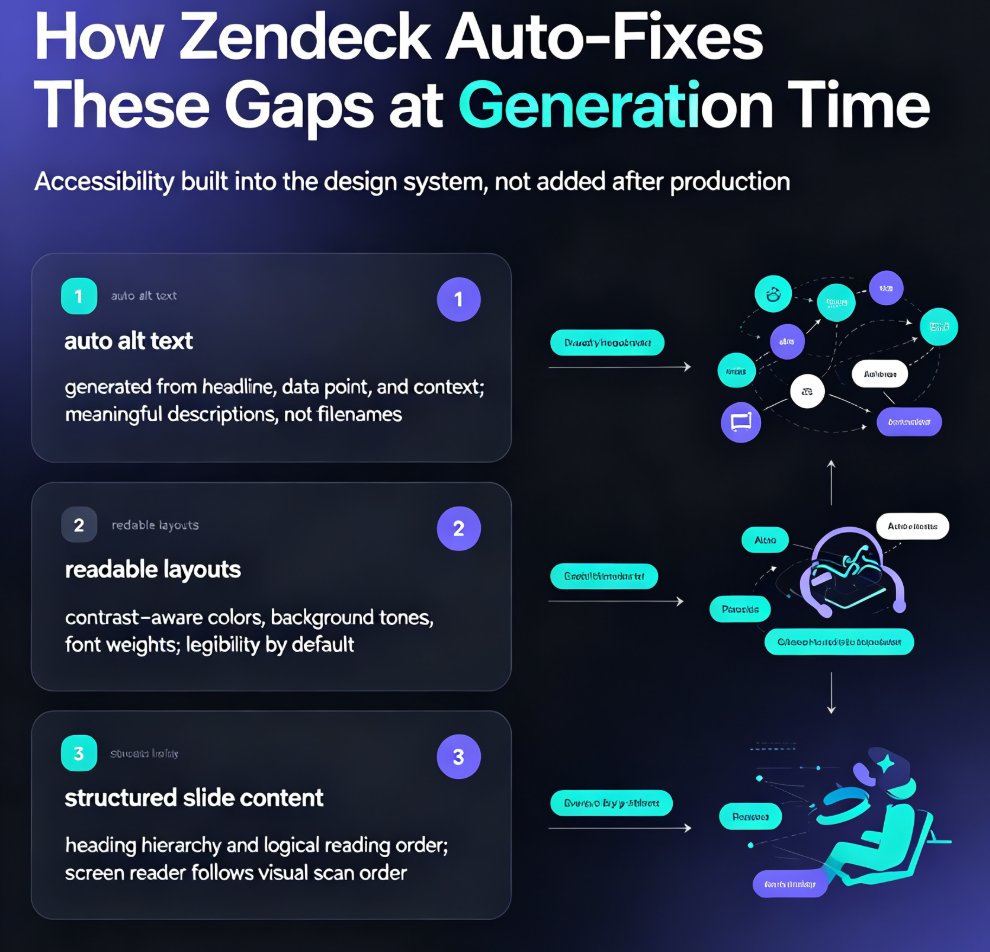
Accessible courseware doesn't have to mean weekend cleanup sessions. Zendeck auto-generates alt text, enforces readable contrast, and structures slide content so screen readers follow the logic — helping educators meet WCAG and ADA requirements without extra effort. This guide breaks down the three biggest accessibility gaps in AI-generated courseware, shows how Zendeck fixes them at generation time, and walks through a practical workflow for building accessible decks in minutes. You'll also see why accessible design improves learning outcomes for every student, not just those using assistive tech, and how to turn an accessible deck into a narrated micro-course with captions. If you're tired of fixing slides after the audit email, this is the workflow you've been missing.

AI Presentation Trends 2026: How AI Agents Replace Manual Deck Design

AI Courseware 2026-08-25 2702

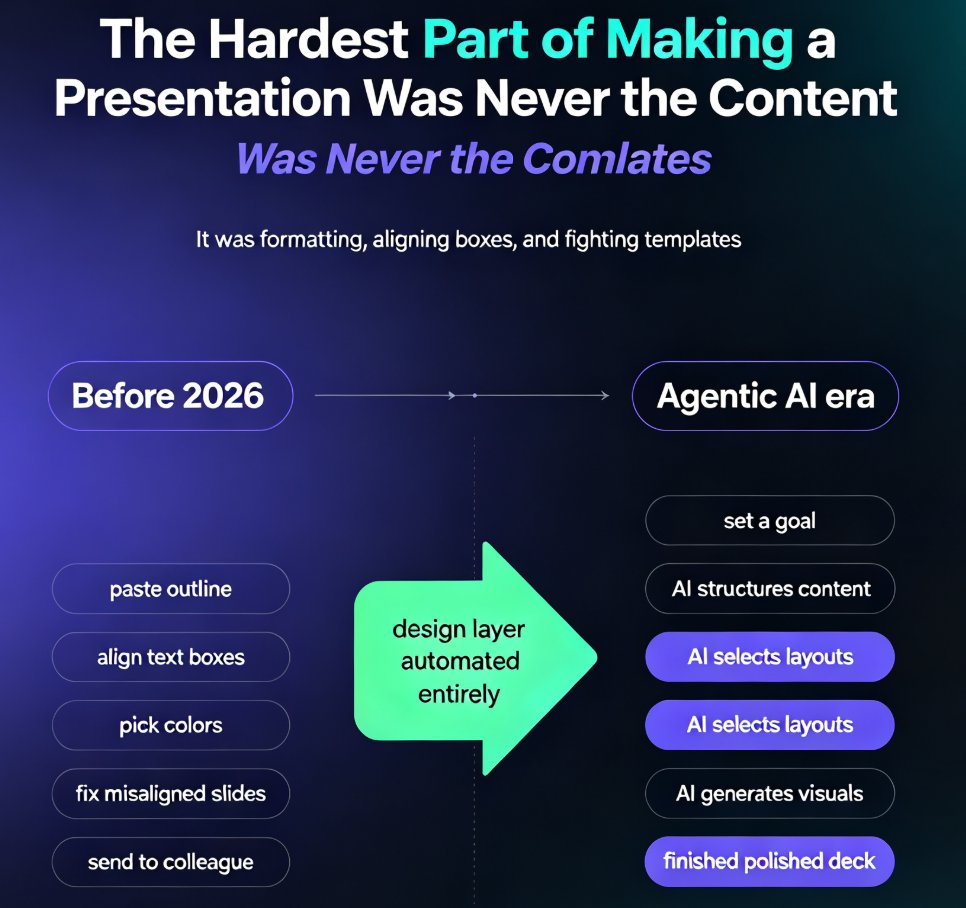
Agentic AI is replacing manual deck design in 2026. This guide breaks down how AI presentation trends are shifting from template-picking to fully automated outline-to-deck workflows, and how Zendeck's agentic approach lets professionals reclaim hours of design work. Learn what agentic AI means, how it changes your workflow, and why the 2026 shift is about strategy, not just visuals. If you still spend hours formatting slides, this trend analysis shows you what's changing and how to adapt. Includes a manual vs agentic comparison, practical workflow tips, and a look at how Zendeck's outline-to-deck generation, smart layouts, and PPT-to-video conversion fit into the agentic future of presentation software.

AI Slide Tools and Data Privacy: Enterprise Compliance Trends for 2026

Office Efficiency 2026-08-25 1428

Data privacy has become the #1 purchasing criterion for AI slide tools in 2026, and Zendeck's compliance-first architecture is built for this new reality. This guide covers enterprise compliance trends reshaping the market — private deployment, data residency, and model training risks — and explains how organizations protect sensitive courseware and business content. Learn why public-cloud AI presentation tools are being rejected in enterprise procurement, what the new compliance checklist looks like, and how private deployment is becoming the standard for regulated industries including education, HR, and corporate training. Includes practical vendor evaluation criteria, a deployment model comparison table, and specific guidance for schools and enterprises navigating GDPR, CCPA, and regional data localization rules. If you're adopting AI presentation software, this is the security framework you need before uploading your first deck.

Build a Reusable Asset Library: Icons, Charts & Illustrations in Zendeck

Courseware Design 2026-08-25 3651

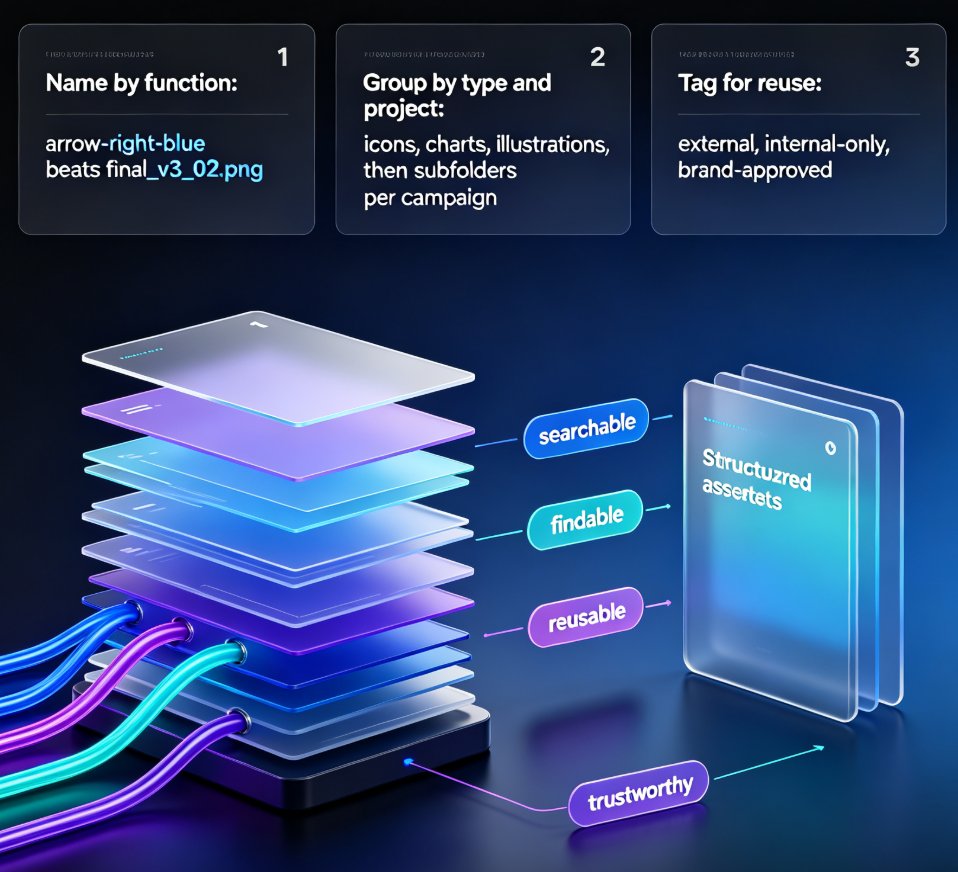
Building a reusable asset library in Zendeck is the fastest way to cut deck production time and keep every presentation on-brand. This guide shows content operators and designers how to organize icons, charts, and illustrations into a single searchable library, set up team sharing with brand governance, and build consistent decks in hours instead of days. Learn what belongs in your library, how to name and tag assets for reuse, and how Zendeck's asset library integrates with deck generation, brand kits, and interactive charts. We also cover the 30-minute quick-start, common organization mistakes, and answers to the questions teams ask most. Stop re-creating visuals from scratch — start pulling from a library that works for you.

Complex Word Docs Break PPT? Zendeck AI Rebuilds Clean Slides

AI Courseware 2026-08-25 3209

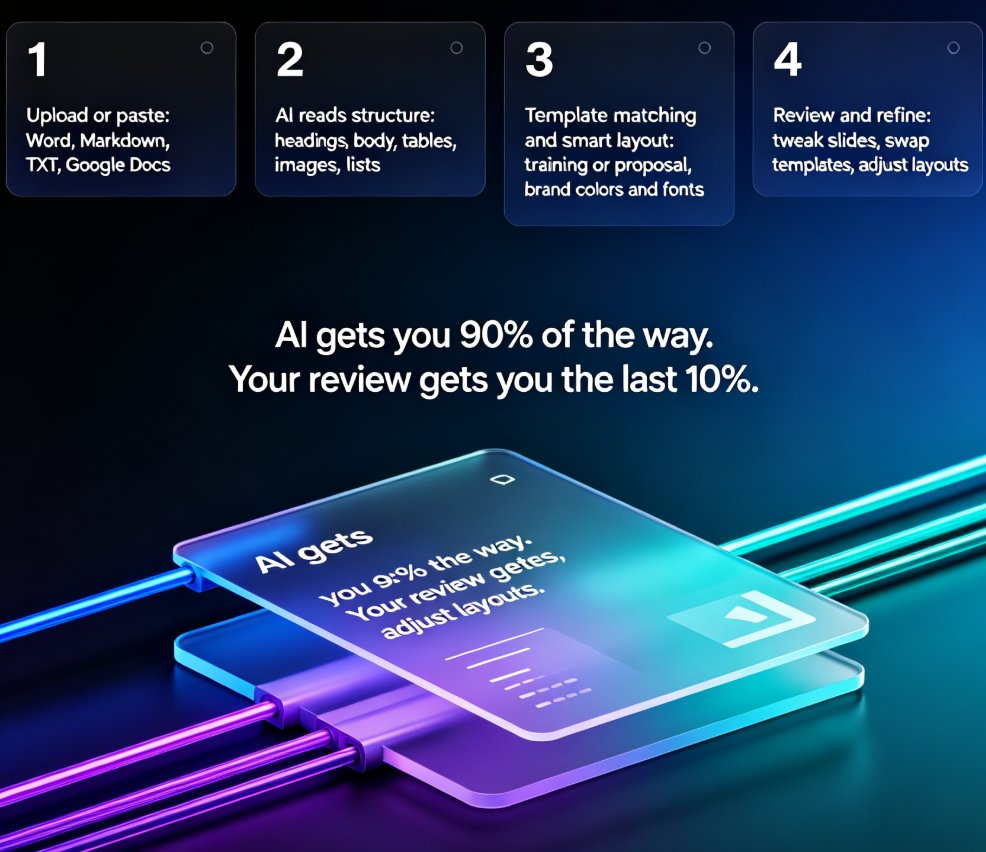
Struggling to convert complex Word documents into clean PPT slides without losing structure? Zendeck AI rebuilds your document's headings, tables, images, and nested styles into professionally designed slides automatically. Unlike traditional import tools that break formatting and create messy layouts, Zendeck reads your document's semantic hierarchy and reconstructs each section as a presentation-ready slide. This guide explains why Word documents break in PowerPoint, how Zendeck's AI-driven rebuild differs from naive import, and what actually gets reconstructed — tables become data slides, nested lists become structured slides, and heading hierarchies become your presentation's narrative flow. Save hours of manual reformatting on every deck, whether you're an educator, trainer, or HR professional.