Curated workplace insights to help you work smarter

Zendeck curates workplace efficiency, industry insights, and software tutorials to help you find useful information faster。

402 articles 8 Categories
Latest Articles

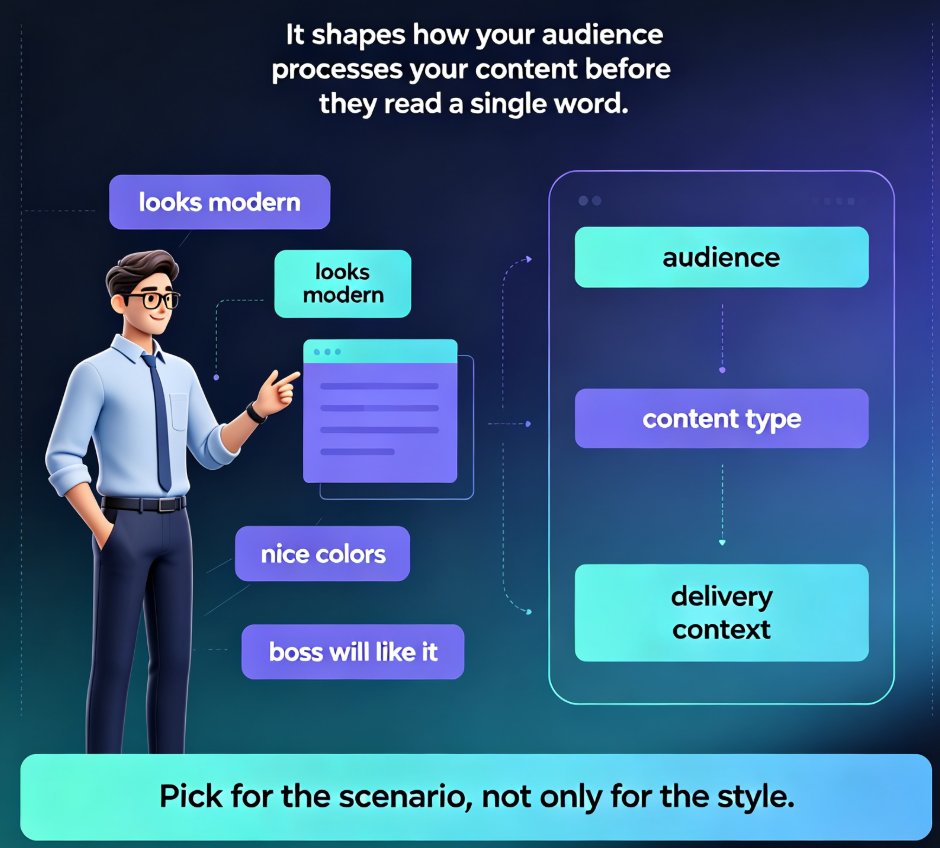
How to Choose a PPT Template Your Audience Will Actually Remember

Courseware Design 2026-08-26 1771

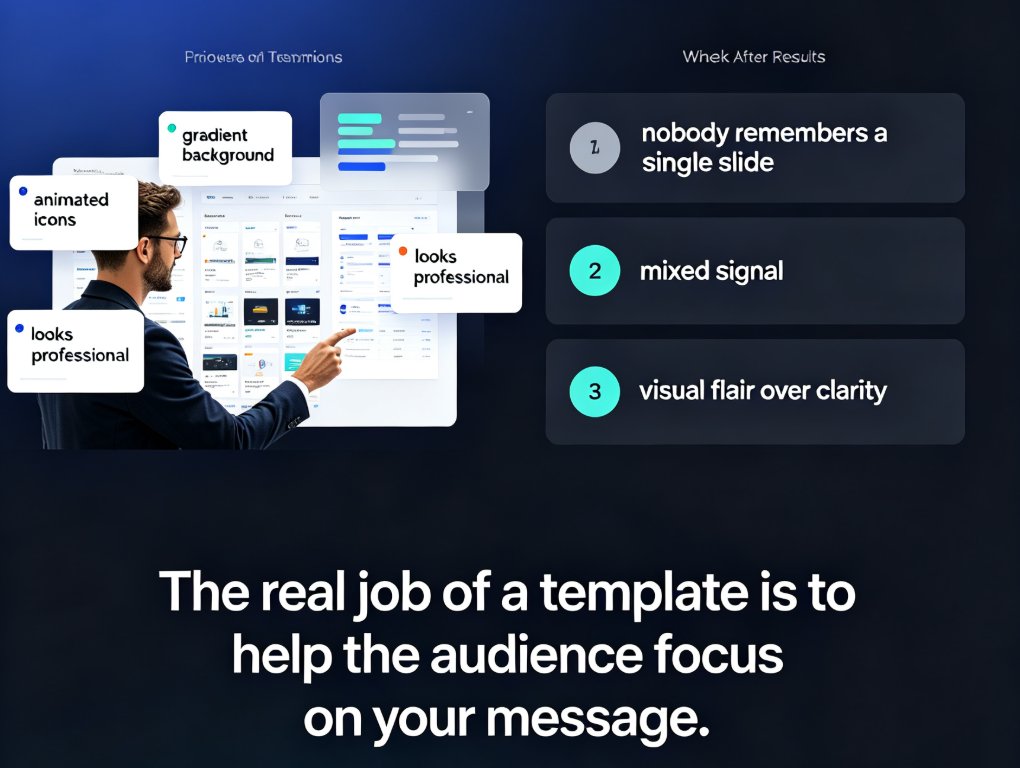
Choosing a PPT template isn't about aesthetics — it's about audience psychology and content fit. This guide gives you a three-question framework for selecting presentation templates that audiences actually remember, whether you're training new hires, updating executives, or pitching clients. Learn how content type drives template structure, why brand consistency matters, and how Zendeck's template library uses context-aware design to suggest the right look for your deck. Includes a practical content-to-template mapping table, habits that make any template work harder, and answers to common template selection questions. If you've ever finished a deck and wondered why it fell flat, this framework will change how you choose templates — and how your audience remembers your message.
How to Choose the Right Template from Zendeck's Library for Your Deck

Courseware Design 2026-08-26 1822

Choosing the right template from Zendeck's library is the difference between a deck that lands and one that gets skimmed. This guide gives you a scenario-based framework for matching templates to lectures, training, and boardroom pitches — so you stop picking by looks and start picking by fit. Learn how Zendeck's library organizes templates by use case, which design factors matter most for each audience, and a five-point checklist to validate any template before you commit. You'll also see how Zendeck's AI shortlists templates based on your content structure, and when it's smart to break the rules. If you've ever wasted an afternoon reworking a template that felt wrong, this is the fix.

How to Co-Edit a Presentation in Real Time with Your Remote Team

Office Efficiency 2026-08-26 844

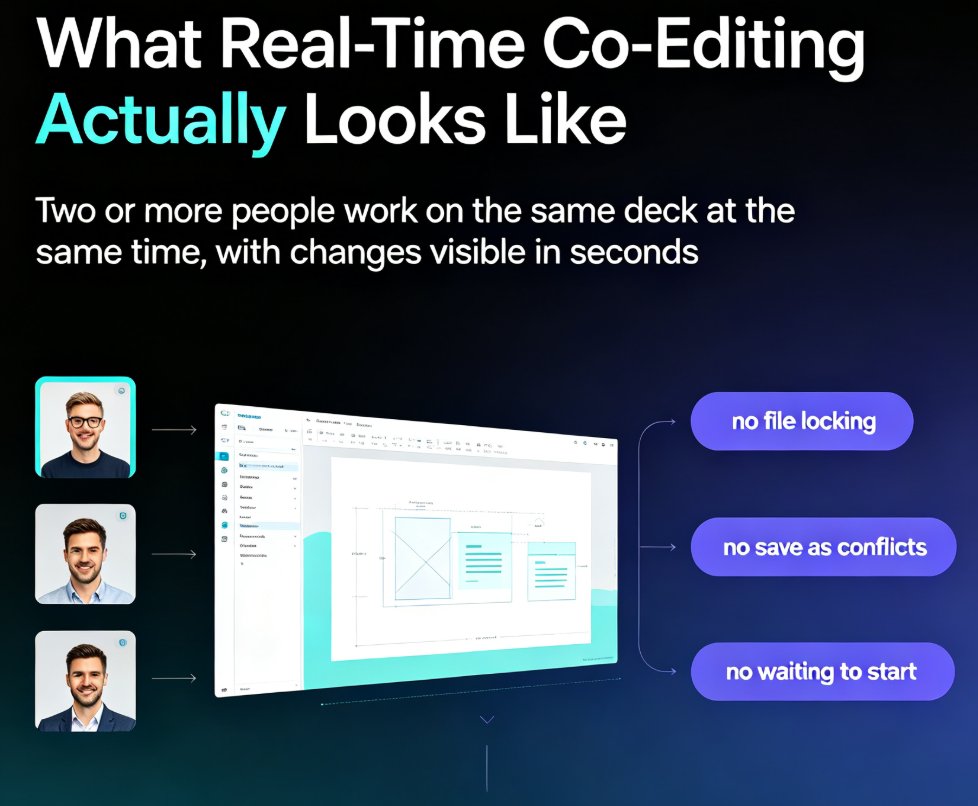
Co-editing a presentation with a remote team shouldn't mean emailing PPT files back and forth. This guide shows how Zendeck's real-time collaboration, link sharing, and version management keep distributed teams aligned from first draft to final deck. Learn the exact workflow — live cursors, shared links, automatic version history — that eliminates the chaos of 'final_v7.pptx' and cuts review cycles from days to hours. Whether you're a trainer, HR lead, or content operator, you'll get practical steps for co-editing slides online, a comparison of traditional file-based workflows versus true real-time editing, and a repeatable review process your team can adopt this week. Stop losing edits, stop chasing the latest version, and start shipping decks your whole team actually owns.

From Static Slides to Interactive Micro-Courses: The 2026 Shift

Micro-Course Production 2026-08-26 1848

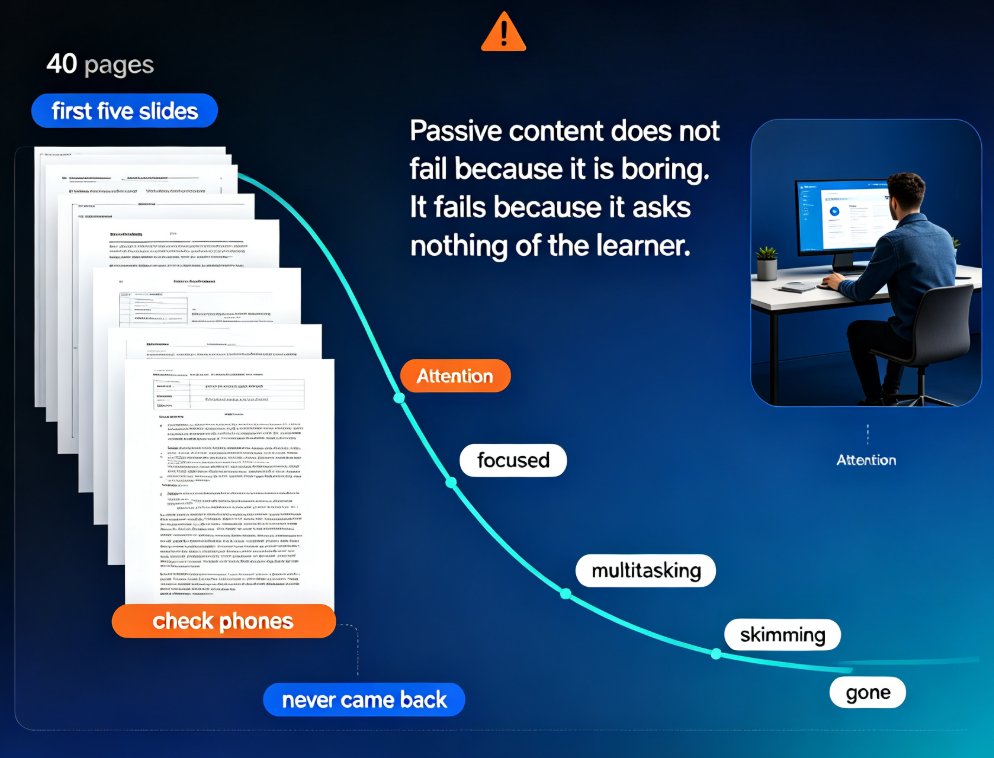
Interactive micro-courses are the 2026 standard for training content, and static slide decks no longer hold learner attention. This guide explains why engagement-first design — quizzes, polls, and branching — is becoming table stakes, and how Zendeck's AI workflow embeds these elements directly into PPT-to-video conversion. You'll learn the four core interaction mechanics, a practical comparison of static versus interactive formats, and why AI tools make interactivity affordable for any trainer. If you build onboarding, compliance, or product training, this shift changes what you can ship in a single afternoon. Zendeck lets you go from outline to published interactive micro-course without juggling separate authoring tools, and gives you answer-level data to keep improving every course.

Keep Your Brand Consistent: One-Click Reskin for Every Presentation

AI Courseware 2026-08-26 2404

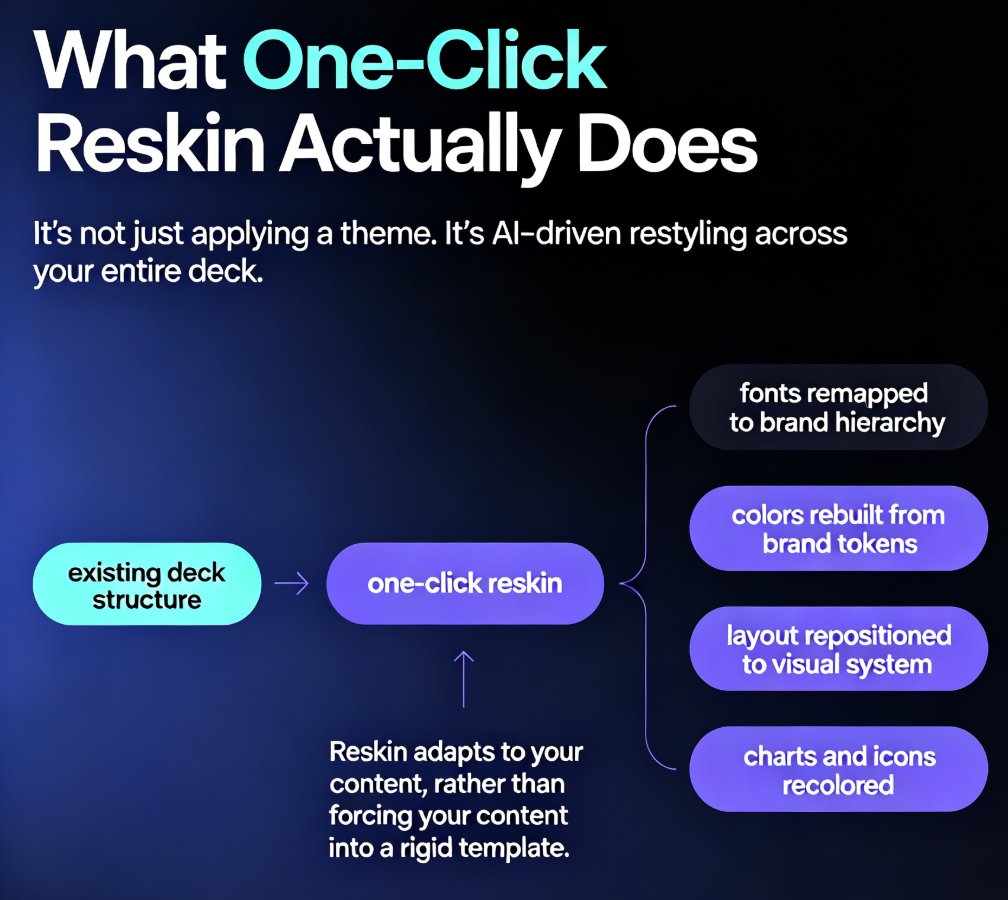
One-click reskin in Zendeck automatically unifies fonts, colors, and layout across every presentation, so your brand stays consistent without manual design work. Learn how AI-powered reskin eliminates the pain of restyling decks by hand — and why marketing, HR, and training teams are adopting it as their default workflow. This guide covers what reskin actually does, how it compares to manual restyling, step-by-step usage, and how to pair it with brand kits and smart templates for zero-effort brand governance. We also break down the hidden costs of inconsistent branding, the time savings you can expect, and the common mistakes to avoid when rolling out reskin across your team. If you've ever shipped a deck with mismatched colors or outdated logos, this is the fix you've been looking for — no design degree required.

From Markdown to Slides: The Fastest Way to Create a Developer Deck

AI Courseware 2026-08-26 1244

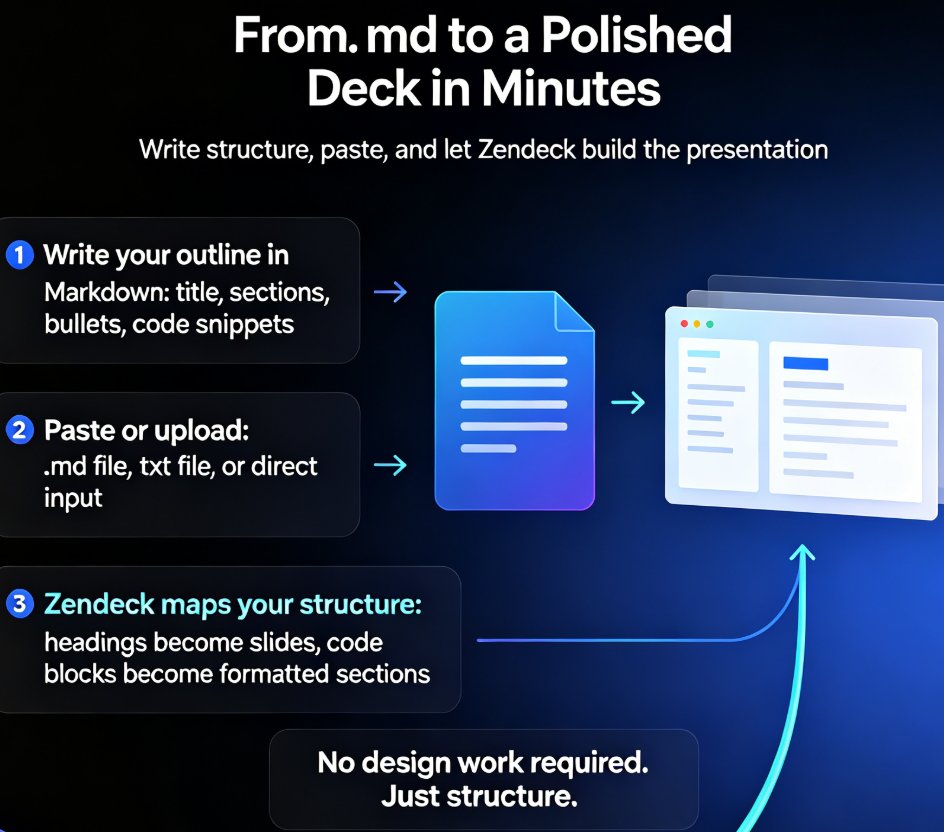
Turn Markdown into polished slides in minutes with Zendeck. This guide shows developers and technical writers how to convert .md and TXT outlines into clean, code-friendly presentations — no design skills needed. Learn the step-by-step workflow from outline to deck, see how Zendeck maps headings to slide titles and code blocks to formatted snippets, and compare the Markdown-to-slides approach against traditional PowerPoint tools. You'll also discover how to structure technical content for skimmable slides, avoid common deck mistakes, and turn your finished presentation into a narrated video for remote teams and onboarding. If you can write a README, you can build a presentation — and Zendeck makes that literally true.