Curated workplace insights to help you work smarter

Zendeck curates workplace efficiency, industry insights, and software tutorials to help you find useful information faster。

402 articles 8 Categories
Latest Articles

Stop Manual Formatting: Zendeck Smart Layout One-Click Reskin

Courseware Design 2026-08-27 940

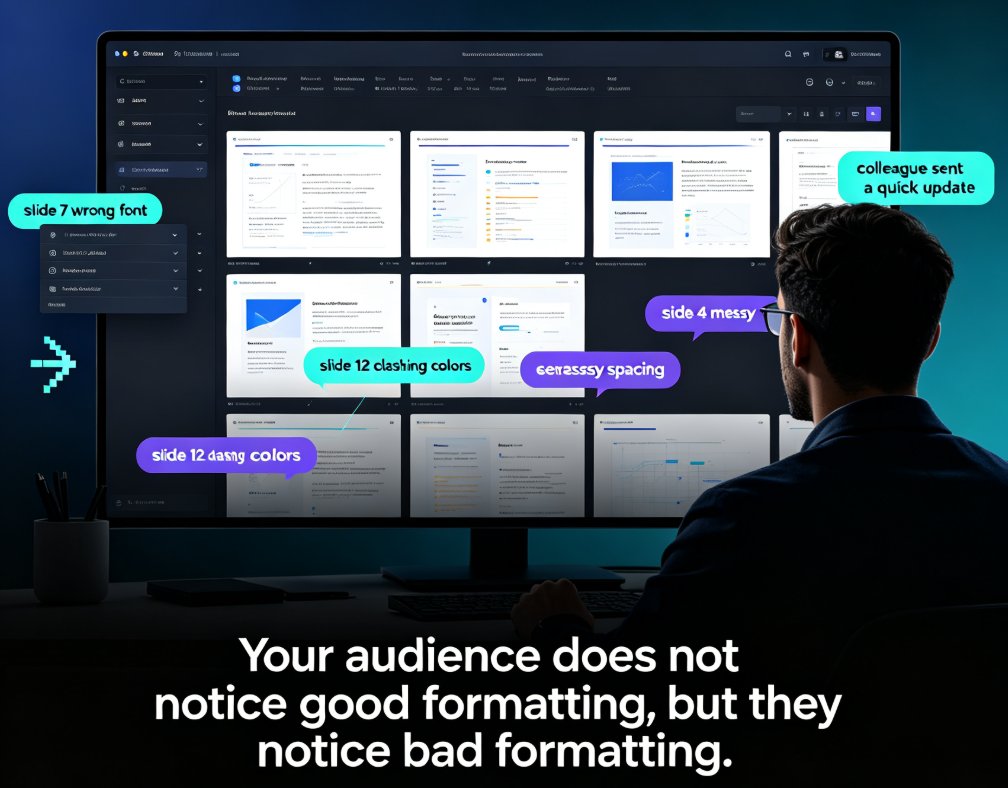
Stop wasting hours on manual formatting. Zendeck's smart layout one-click reskin automatically unifies fonts, colors, and spacing across your entire deck in seconds. Built for teachers, trainers, HR teams, and content operators, this AI-powered feature turns messy, inconsistent slides into professional courseware without any design skills. In this guide, we break down how smart layout works, compare it to manual formatting with real time-cost numbers, and share five habits that make your decks look consistently polished. If you've ever spent a night fixing font sizes and alignment, this is the workflow change you've been waiting for. Whether you're building weekly course updates, merging multi-author decks, or enforcing brand compliance, Zendeck makes professional-looking presentations the default — not the exception. Stop formatting. Start teaching.
How Does Zendeck Support Team Collaboration on Presentations?

Office Efficiency 2026-08-27 1266

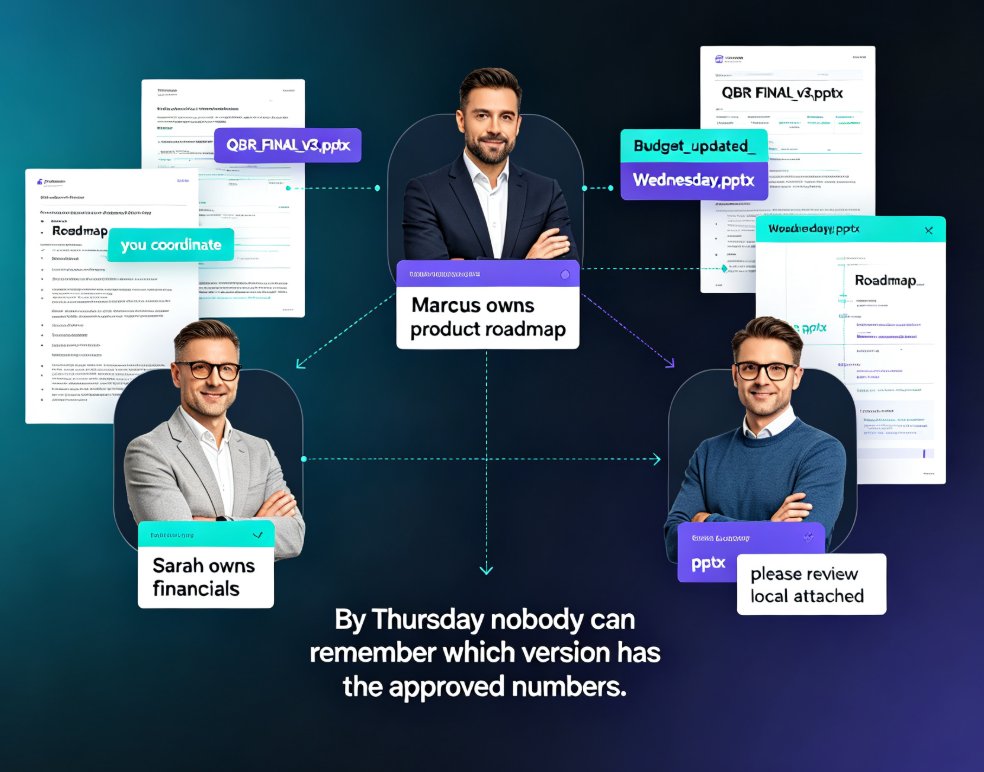
Wondering how Zendeck supports team collaboration on presentations? Zendeck replaces version chaos with real-time online editing, shareable links, and automatic version history — so your team can build decks together without emailing files back and forth. This guide walks through the collaboration features that matter most: live multi-editor workspaces, permission-controlled sharing links, and one-click restore when someone goes off the rails. You'll also see how Zendeck fits into the full team workflow, from importing a Word outline to exporting a narrated video for stakeholder review. If your team has ever lost an hour to "which file is current?" messages, this is the read for you.

Match the Deck to the Moment: Zendeck's Scenario-Based Template Library

AI Courseware 2026-08-27 3146

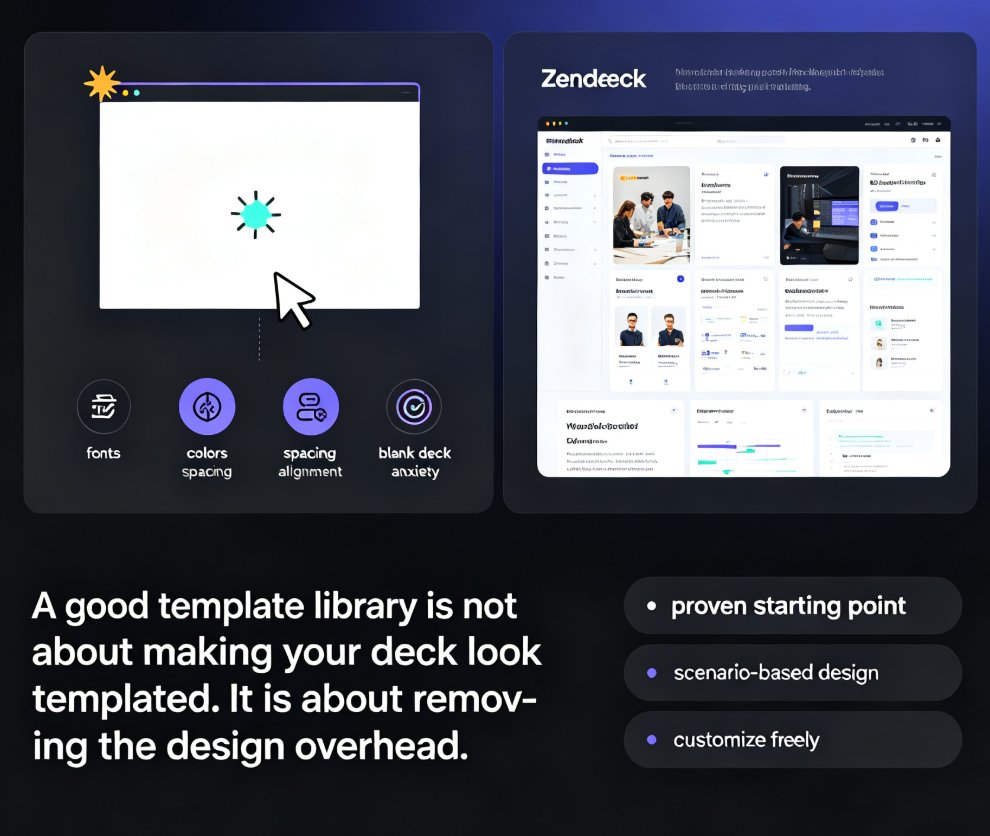
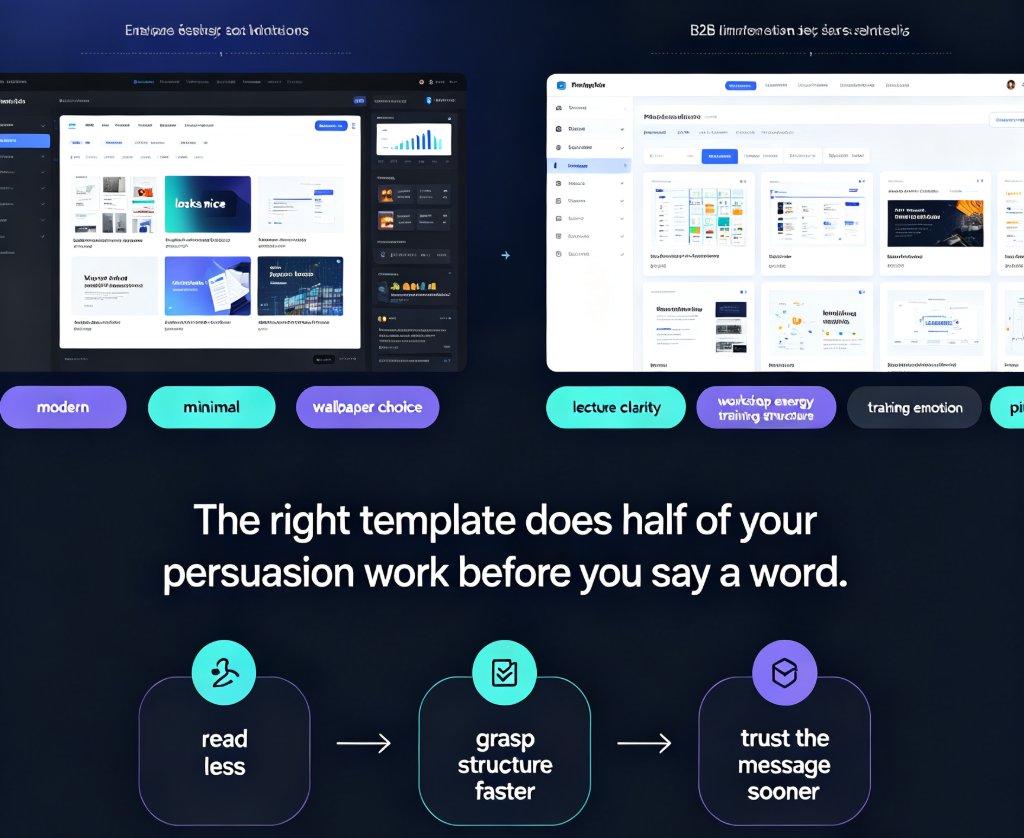
Choosing the right Zendeck template library template is a strategy, not a style decision. This scenario-based guide matches deck styles to classroom lectures, workshops, corporate training, and sales pitches — so your audience gets the visual language they need. Learn the four-question decision tree that filters your presentation goal into the right template style, see how Zendeck's scenario tagging and brand kit integration work behind the scenes, and grab a quick-reference table for every presentation moment. Whether you're an educator, trainer, HR lead, or sales professional, this guide helps you stop guessing and start matching the deck to the moment. The right template does half of your persuasion work before you say a word — this guide shows you how to claim that advantage.

No Design Skills? Zendeck Template Library Has a Deck for Every Need

Courseware Design 2026-08-27 2031

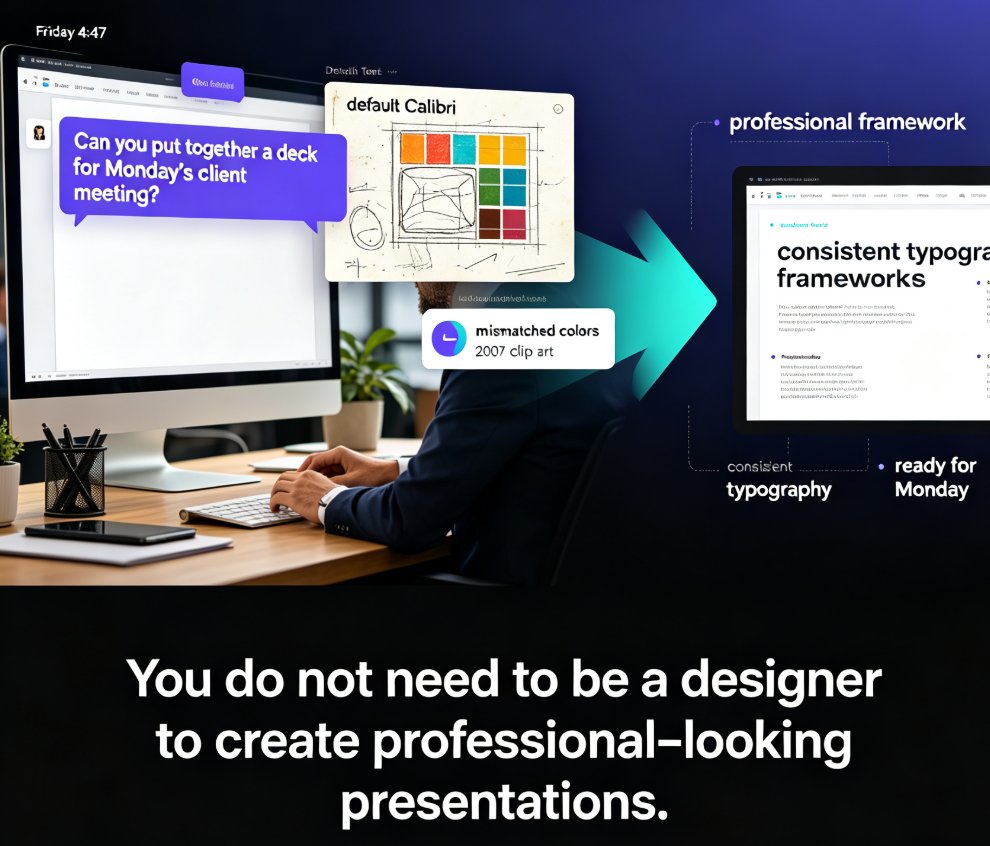
Struggling to create professional presentations without design skills? Zendeck's template library offers scenario-based templates for courseware, business pitches, training, HR, and marketing. Pick a template, paste your content, and let AI handle the layout, typography, and visual hierarchy. This guide walks through the design skill gap, why templates beat blank slides, how Zendeck's library is organized by real scenarios, and the full workflow from outline to finished deck — including one-click reskin, brand kit integration, and PPT-to-video conversion. If you've ever spent hours fighting alignment guides and font choices, this article shows you a better way. Professional presentations are no longer reserved for people with design degrees.

How to Use Zendeck's Template Library for Professional Presentations

Courseware Design 2026-08-27 1492

Looking for a fast way to create professional presentations without design skills? Zendeck's template library offers a wide range of scenario-based templates for business, education, and training decks. This guide walks you through accessing the library, choosing the right template for your context, and customizing it with smart layouts and one-click reskin. Learn how courseware-specific templates cut lesson prep time in half, and how to make any template feel uniquely yours. Whether you're building a sales pitch, a training module, or a quarterly review, Zendeck's template library gives you a polished starting point in minutes — not hours. Start with a strong visual foundation, customize with ease, and let your content take center stage. The result: professional-looking presentations that save you hours of design work, every single time.

Can Zendeck Unify Fonts, Colors, and Layout Across Slides?

Courseware Design 2026-08-27 1282

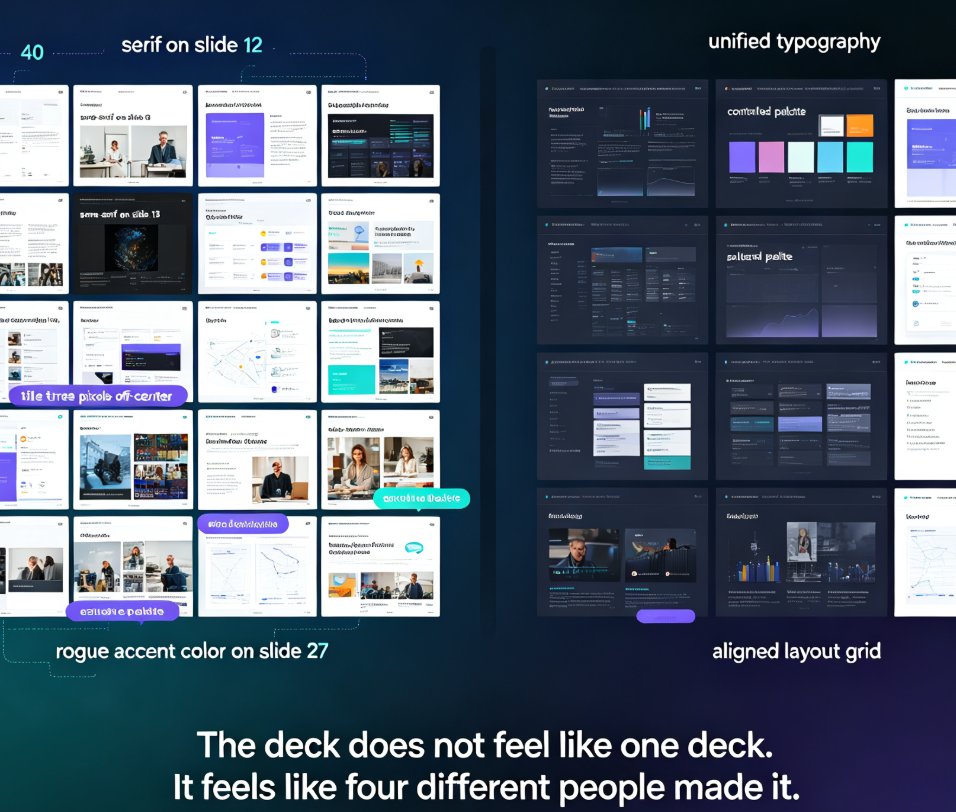
Zendeck's smart layout unifies fonts, colors, and layout across every slide in one click. Yes — Zendeck can unify fonts, colors, and layout across slides automatically. Its one-click reskin feature applies a consistent design system to your entire deck, so non-designers get brand-consistent courseware without manual tweaks. This guide breaks down how smart layout works, what it actually unifies, and where it saves you the most time. You'll see a before-and-after comparison, a step-by-step workflow, and honest notes on limitations. If you've ever spent an afternoon fixing misaligned titles and rogue fonts, this is the article for you. Learn how Zendeck turns a messy 40-slide deck into a polished, on-brand presentation in minutes — and why that matters for educators, trainers, and teams.